

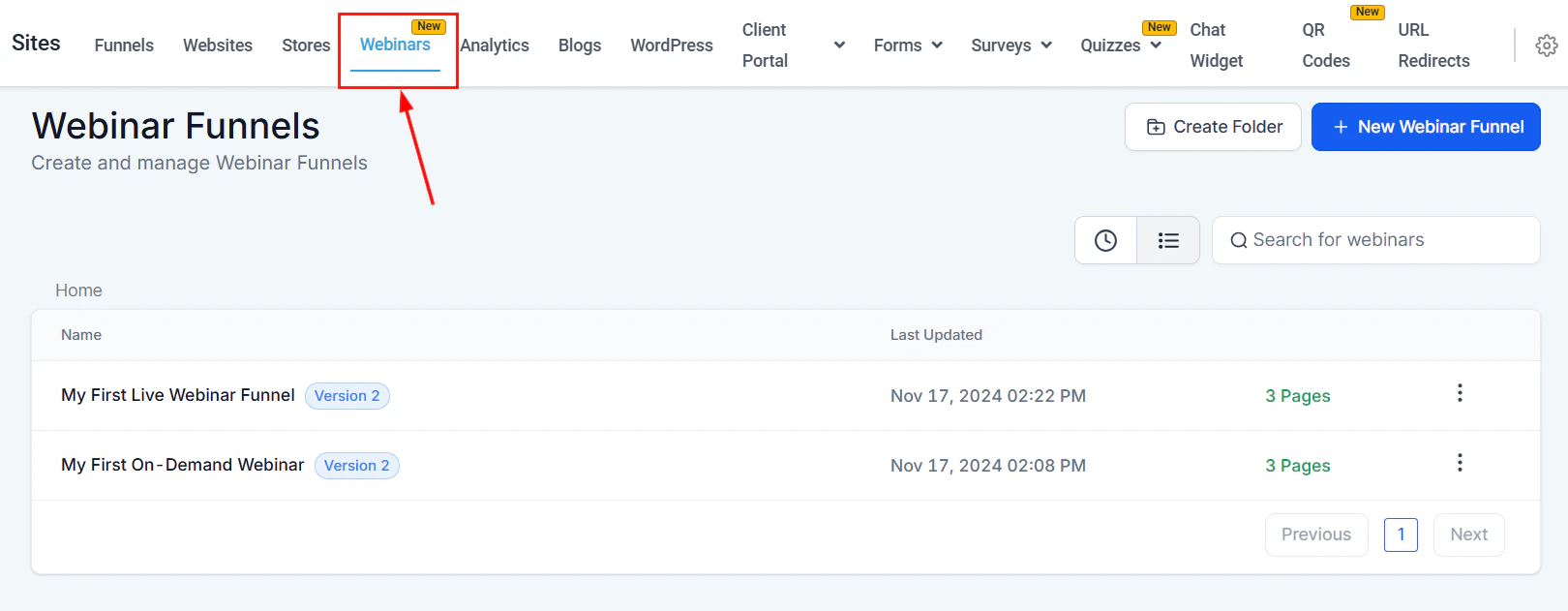
Webinars section in Sites
Webinar funnel types
Live webinar funnel
Live webinar funnel
A live webinar funnel hosts a scheduled, real-time broadcast session. Participants register in advance and join at the set date and time. Includes a registration page, live room, and thank-you / replay page.
On-demand webinar funnel
On-demand webinar funnel
An on-demand webinar plays a pre-recorded video as if it were live. Visitors register and are immediately directed to the webinar room. Ideal for evergreen lead generation.
Creating a webinar funnel
1
Navigate to Sites > Webinars
Click Sites in the left sidebar, then select Webinars. Click New Webinar Funnel.
2
Choose live or on-demand
Select whether to create a Live or On-Demand webinar funnel.
3
Name the funnel and configure steps
Give the funnel a name. The builder creates the standard webinar pages (registration, webinar room, replay) as funnel steps.
4
Design the registration page
Customize the registration page in the drag-and-drop builder. Add a form element to capture attendee email addresses.
5
Set up workflows and automations
Inside the webinar funnel’s Actions menu, click Edit to access the funnel settings. From here you can manage:
- Webinar Recipes — pre-built automation workflows for registration confirmation, reminders, and follow-up
- Registered guests — view who has signed up
6
Publish and share
Connect a domain, publish the funnel, and share the registration page URL to start accepting sign-ups.
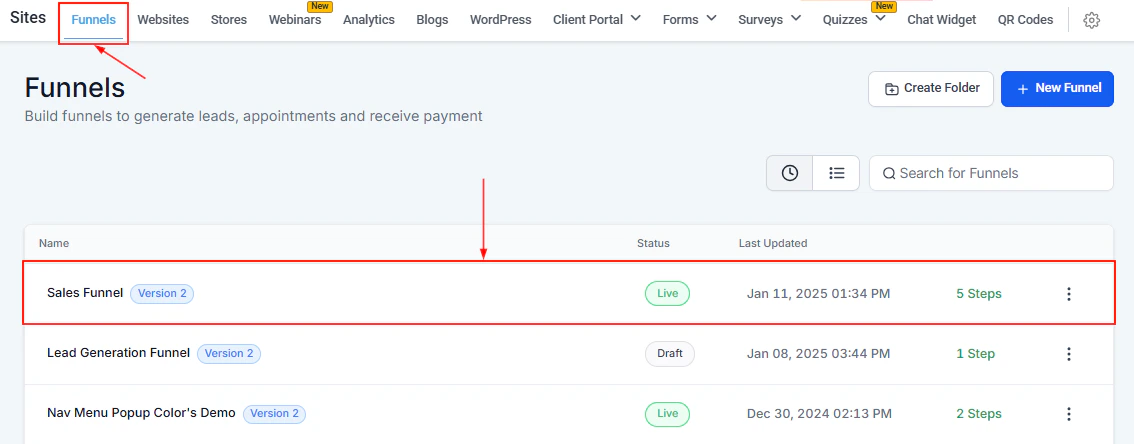
Webinar registration page — drag-and-drop builder with form element for capturing attendee emails
Managing webinar funnels
The Webinars list displays each funnel’s name, last-updated date, and page count. Use the Actions menu (three-dot icon) to:- Edit — modify the funnel name, pages, workflows, or registered guest list
- Duplicate — clone the funnel to reuse for a future webinar
- Move to Folder — organize funnels into named folders
- Delete — permanently remove the funnel
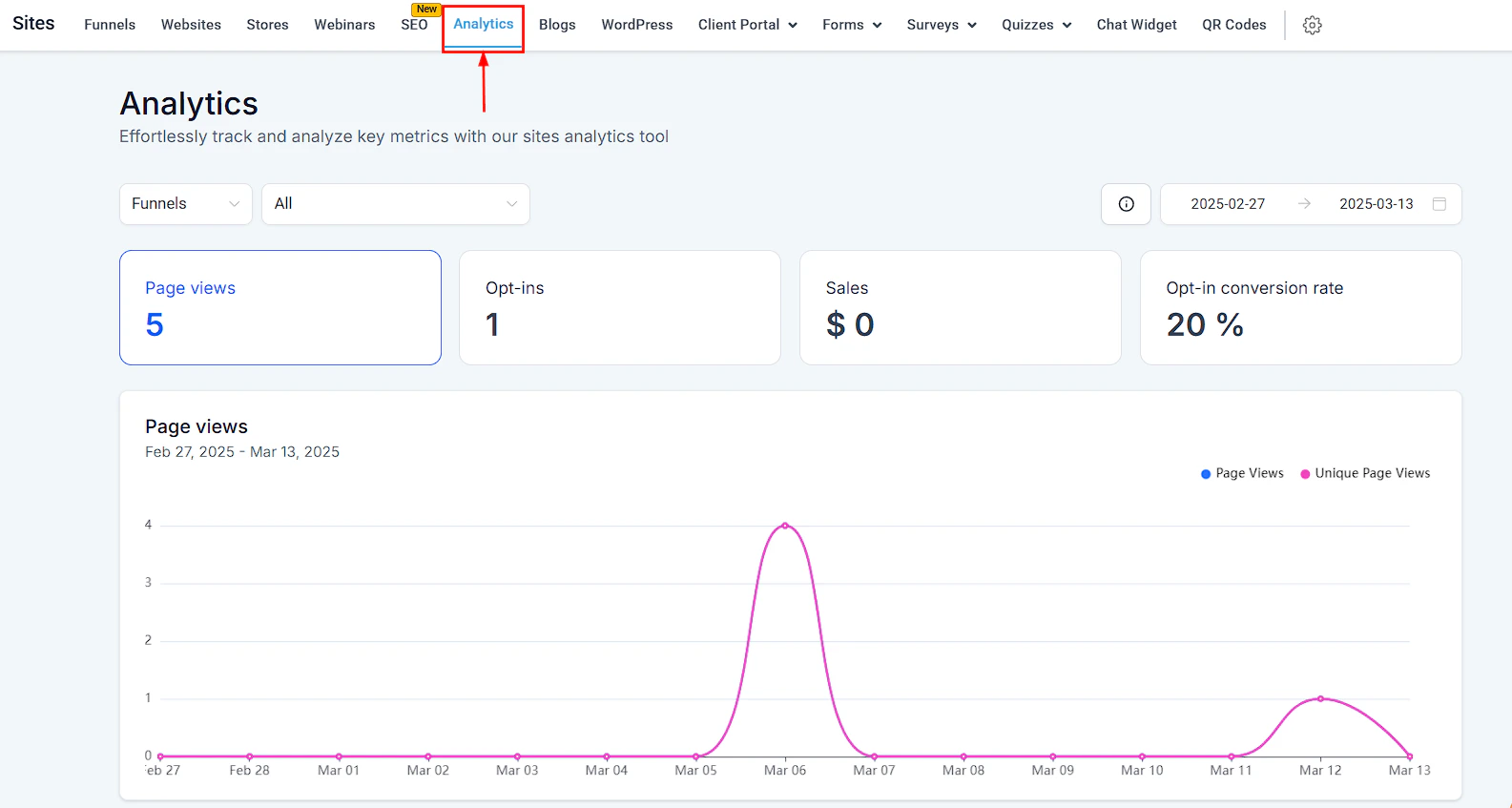
Webinar analytics — page views, registrations, and recurring session counts in the Sites Analytics Dashboard
Webinar analytics
Webinar funnels track the following metrics in the Sites Analytics Dashboard:- Page Views — total and unique visits to each funnel page
- Registrations — number of people who completed registration
- Recurring — total registrations across all sessions for recurring webinars