

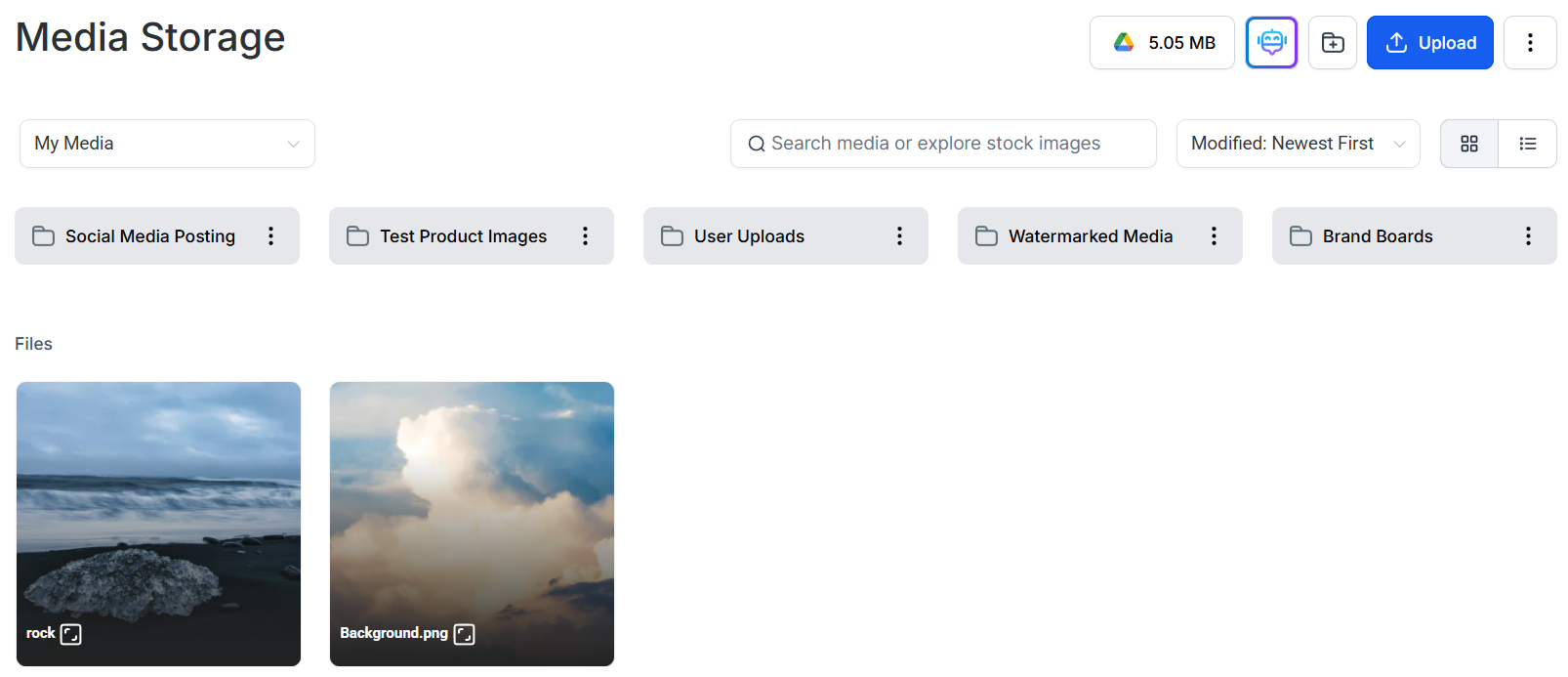
Media library with file type icons and list view toggle
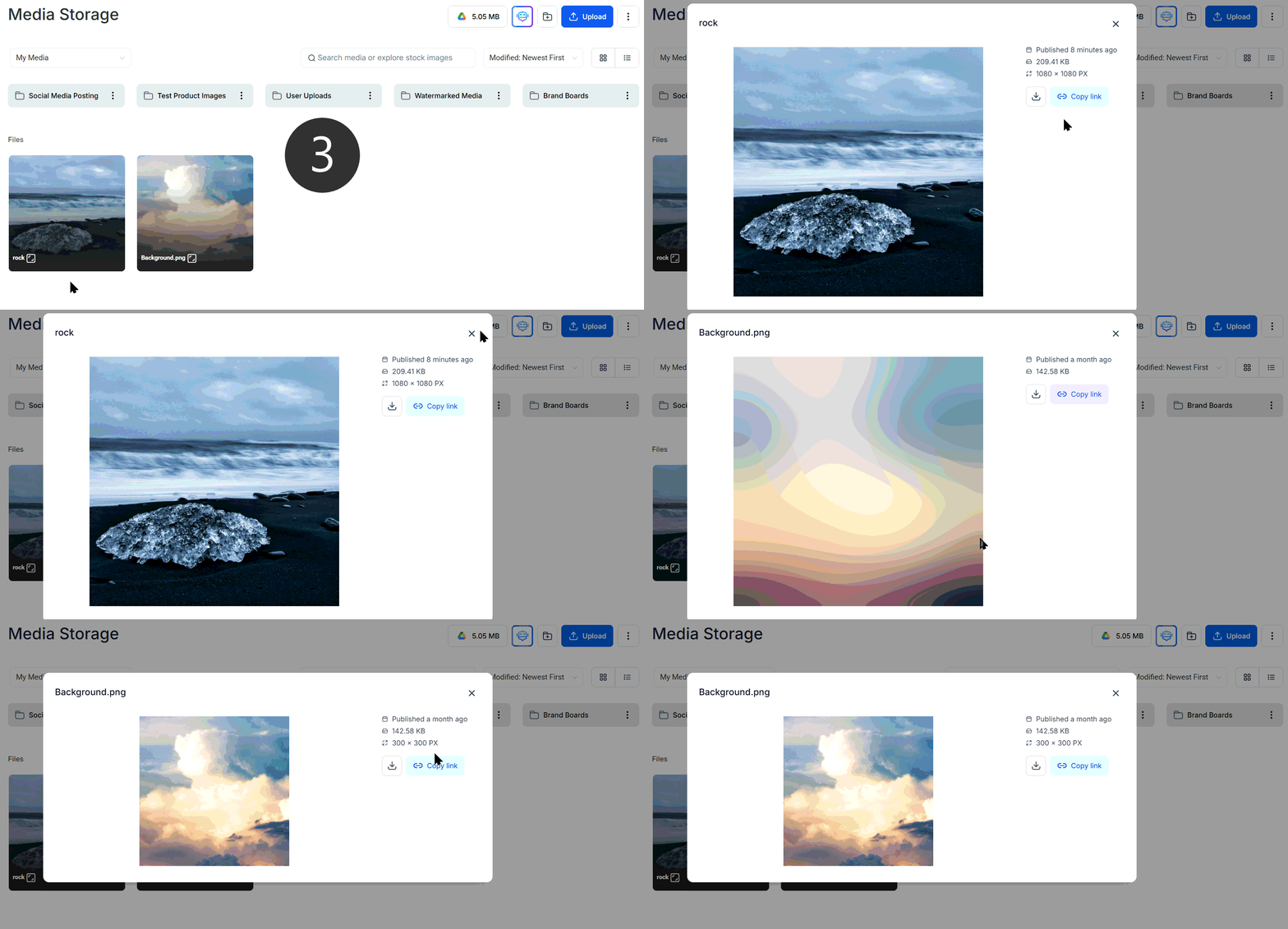
Hover to reveal the download icon on any file
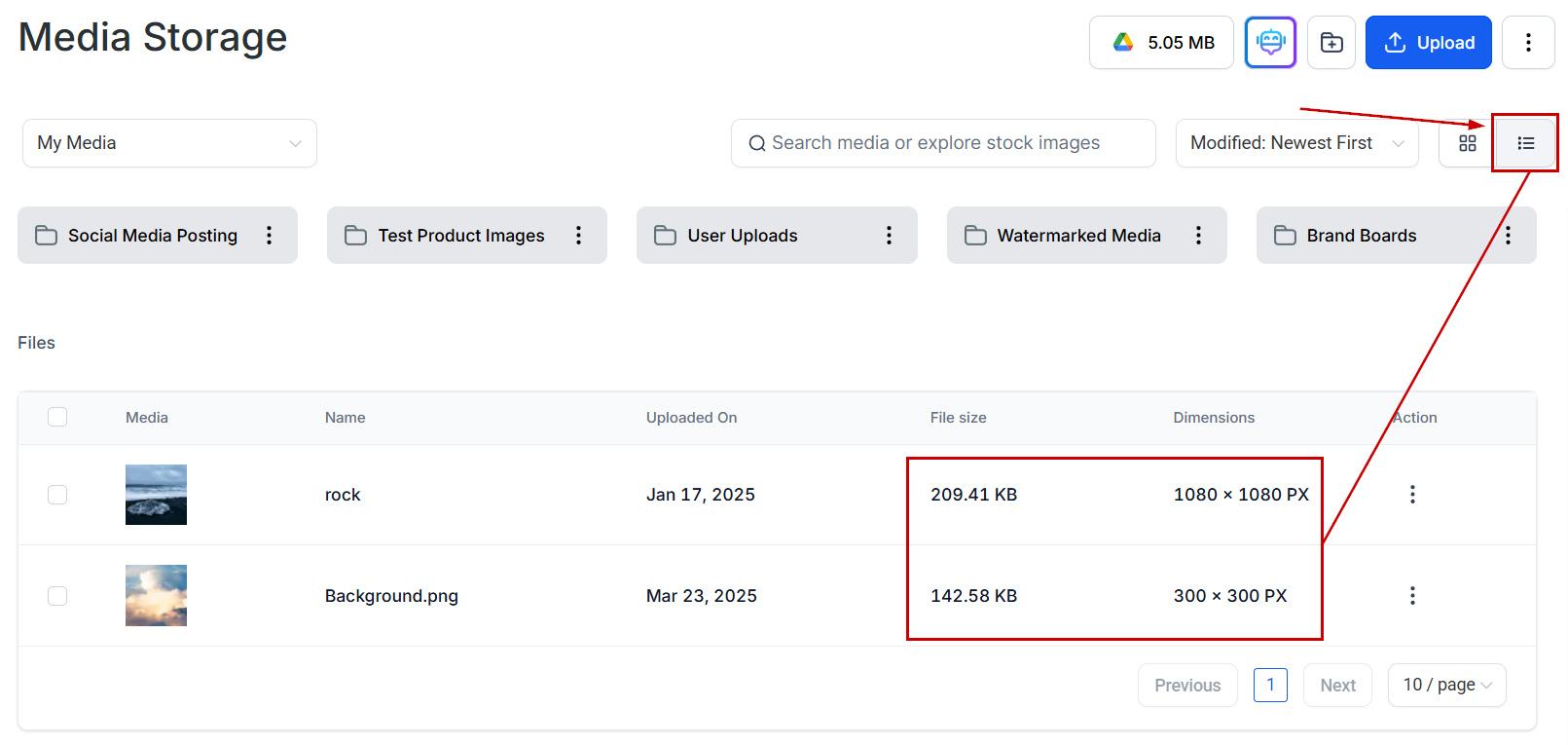
List view showing detailed file metadata
Supported formats
Image formats
Document formats
Video formats
Audio formats
Font formats
Feature-specific file size limits
Different Hoop features have specific file size limits:To allow contacts to share files through forms, add a File Upload custom field to your form or survey.
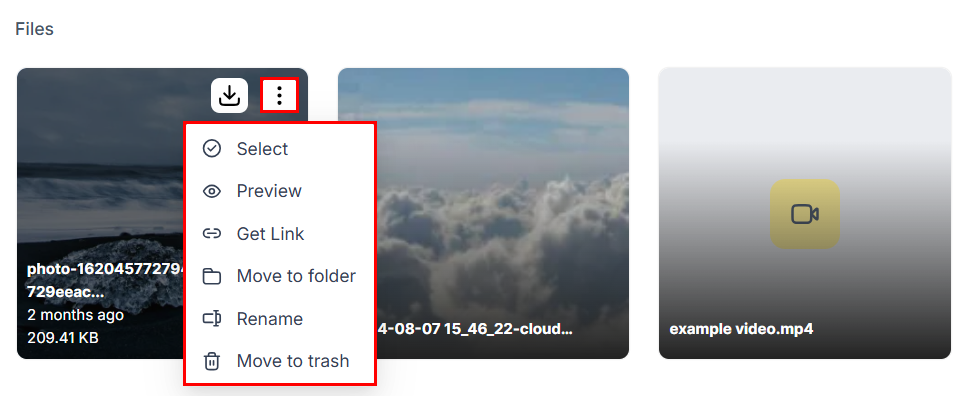
Media file actions — copy link, download, move to folder, or delete from Media Storage
Practical applications
Funnels and websites
Funnels and websites
Use high-quality images and videos to create engaging landing pages. Recommended hero image size: 1920 × 1080 px minimum.
Memberships and courses
Memberships and courses
Enhance your membership site with downloadable resources such as PDF guides or instructional videos. The 50 MB limit applies to individual file uploads.
Forms and surveys
Forms and surveys
Collect valuable information and feedback by allowing file uploads in surveys. Add a File Upload custom field to enable this functionality.
FAQs
What if my file exceeds the size limit?
What if my file exceeds the size limit?
Use a compression tool to reduce file size without significantly impacting quality. For videos, consider hosting on YouTube or Vimeo and embedding the URL instead of uploading directly.
Can I convert files to a supported format?
Can I convert files to a supported format?
Yes, numerous online tools and software can convert files to compatible formats. For images, tools like Squoosh, TinyPNG, or Adobe Express work well.