


GoKollab Marketplace overview — browsing communities and courses
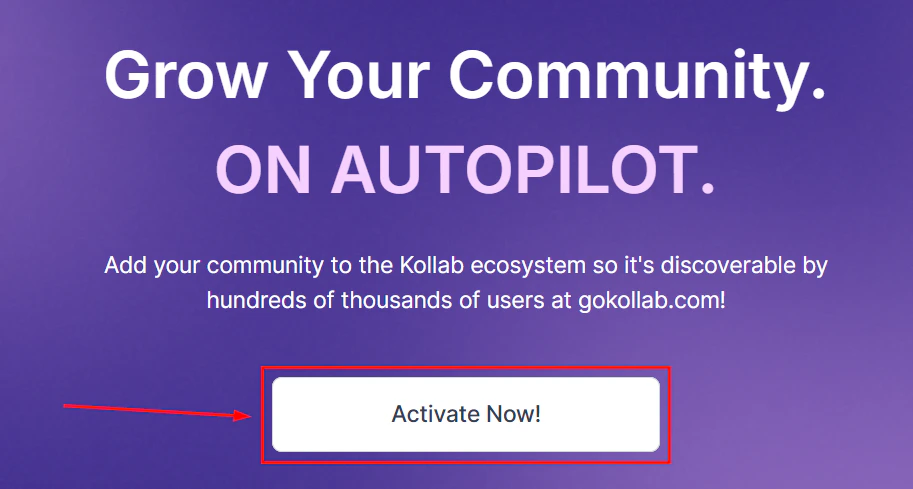
GoKollab Marketplace browse page showing available communities
What is GoKollab?
GoKollab is an online marketplace where people search for communities and courses to join. When you list your community or course on GoKollab, it appears in search results for relevant topics, giving you exposure to people who are actively looking for what you offer.Integrating Stripe with GoKollab
Before listing paid content on GoKollab, connect your Stripe account:Navigate to GoKollab Marketplace
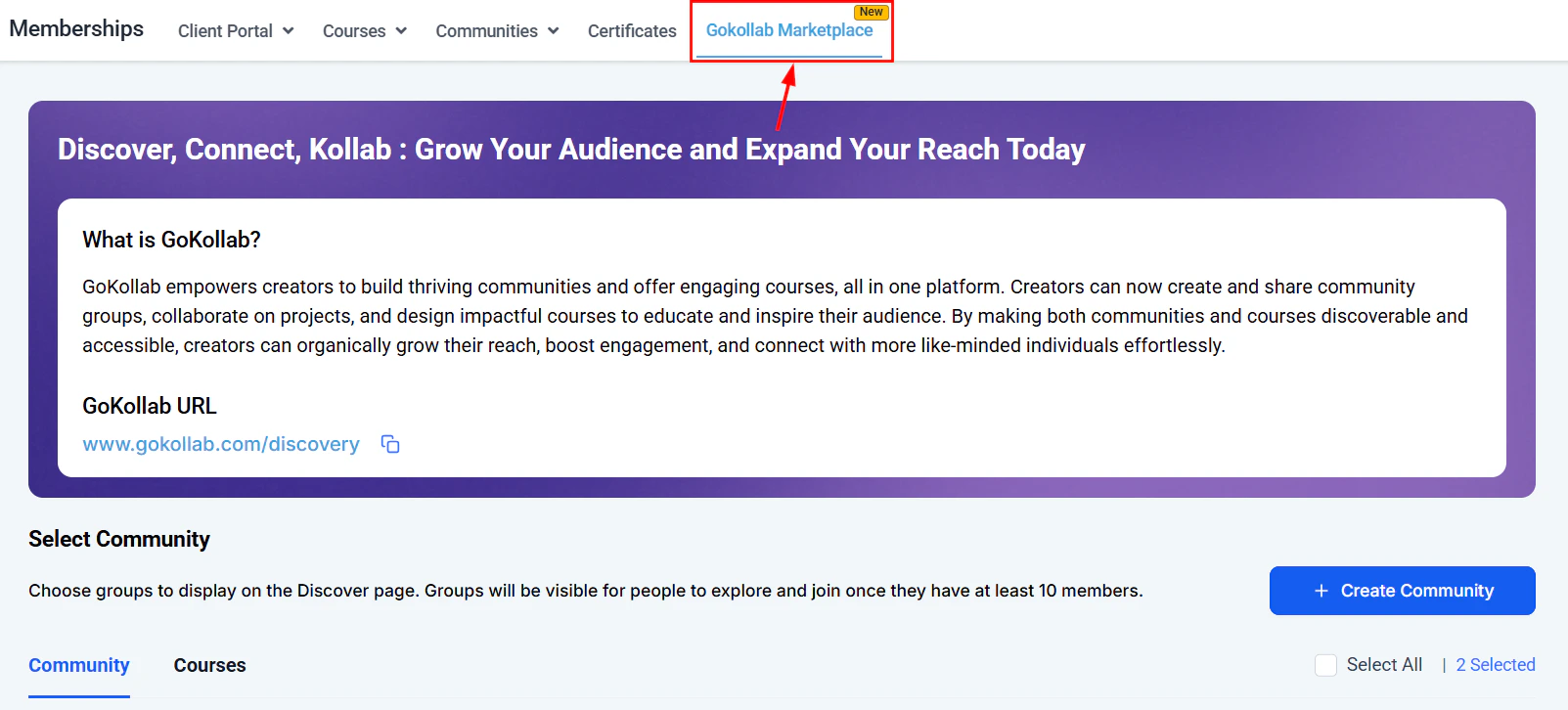
GoKollab Marketplace navigation in the Memberships sidebar
Connect Stripe
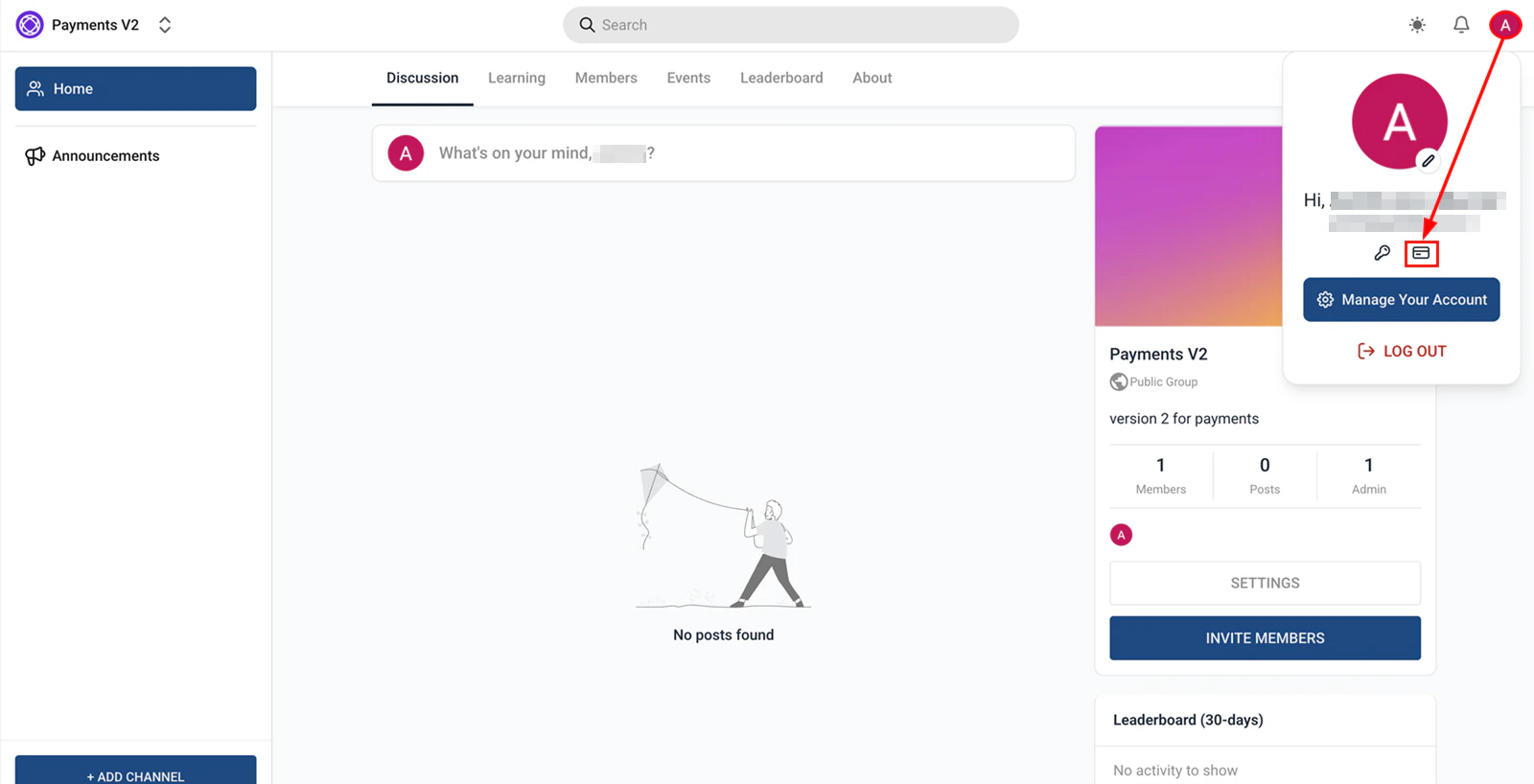
Payments section where you initiate the Stripe connection for GoKollab
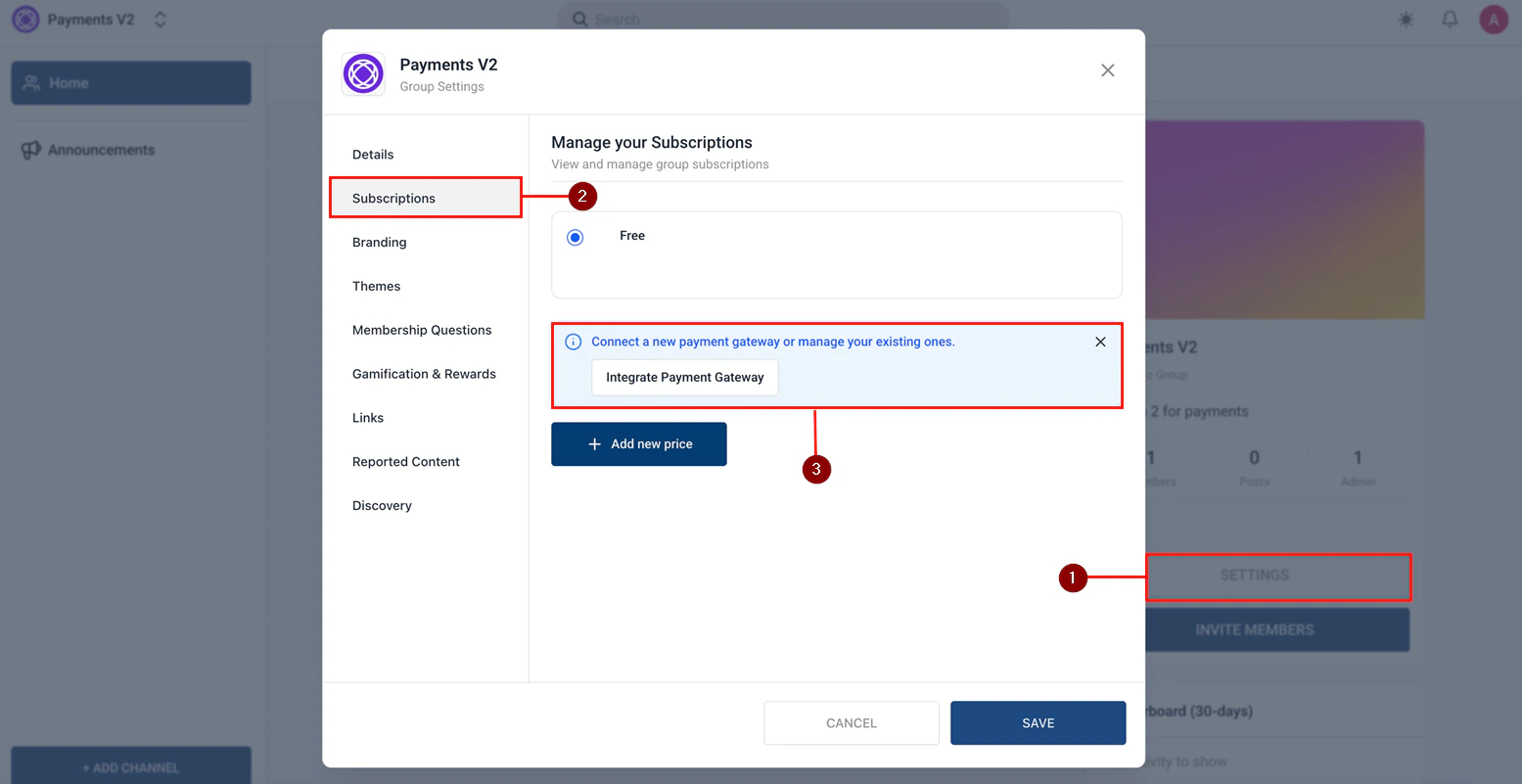
Stripe settings page for completing the GoKollab integration
Confirm the connection
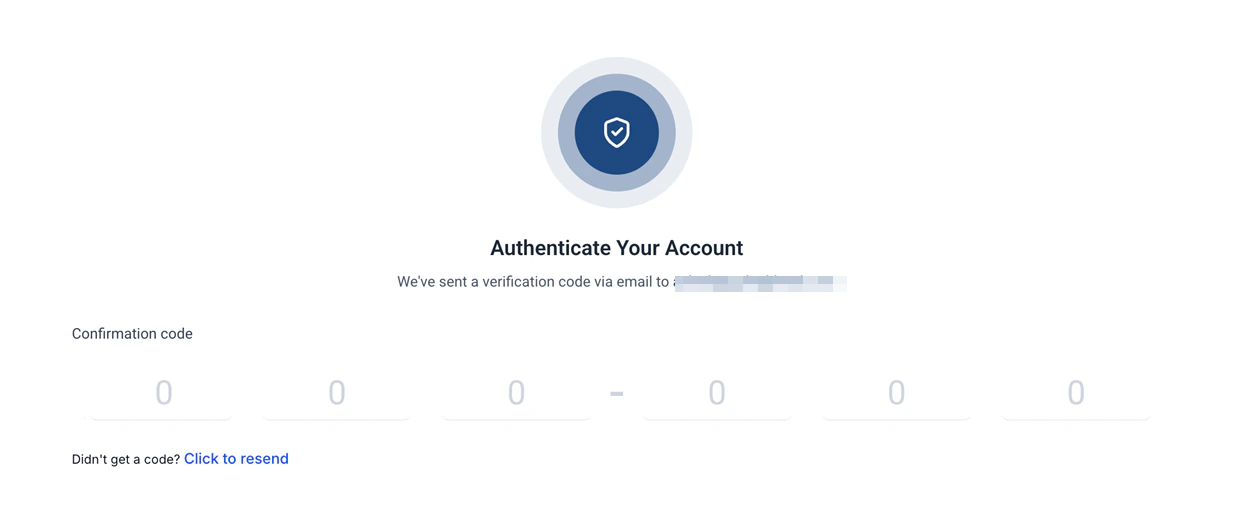
Confirming the Stripe connection for GoKollab payments
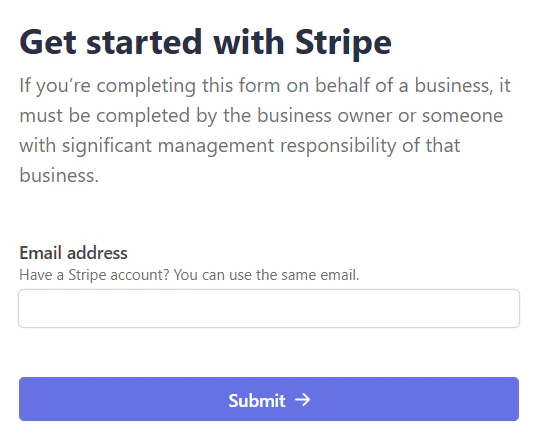
Stripe successfully connected to GoKollab — ready to accept payments
Listing a course on GoKollab
Navigate to GoKollab Marketplace
Connect your GoKollab account
Add a course to list
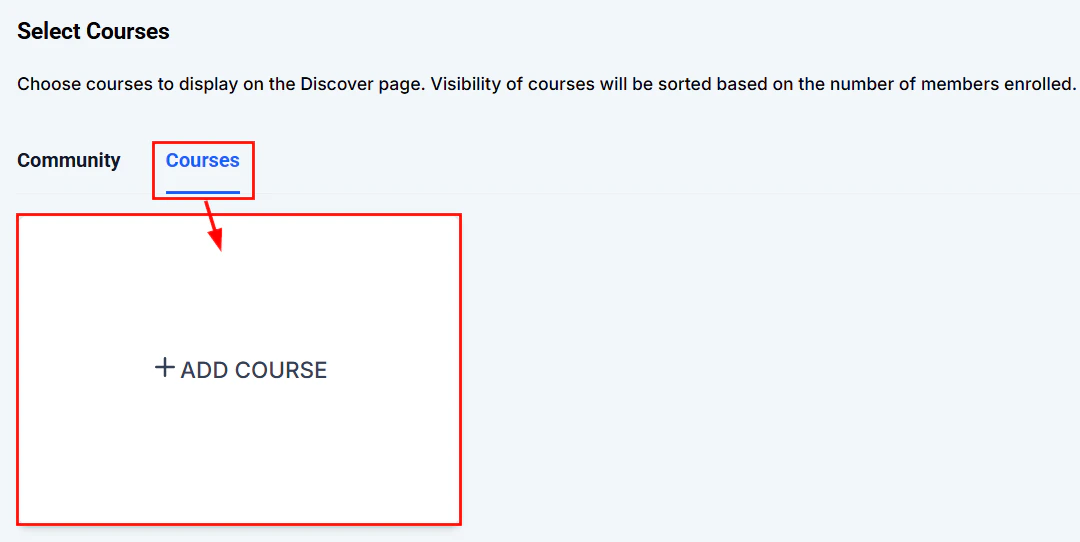
Adding a course to list on the GoKollab Marketplace
Select a course to list
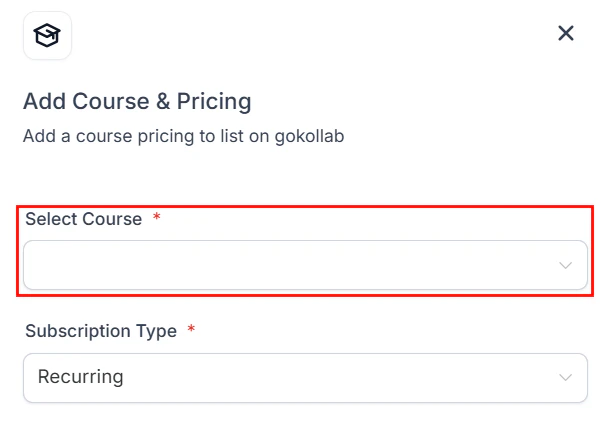
Selecting which course to list on the GoKollab Marketplace
Fill in the marketplace listing
- Title — the public name for your course on GoKollab
- Description — a compelling description of who the course is for and what value students get
- Category and tags — help potential students discover your listing via search filters
- Cover image — a high-quality image representing your course
- Pricing — free, paid, or trial access based on your offer settings
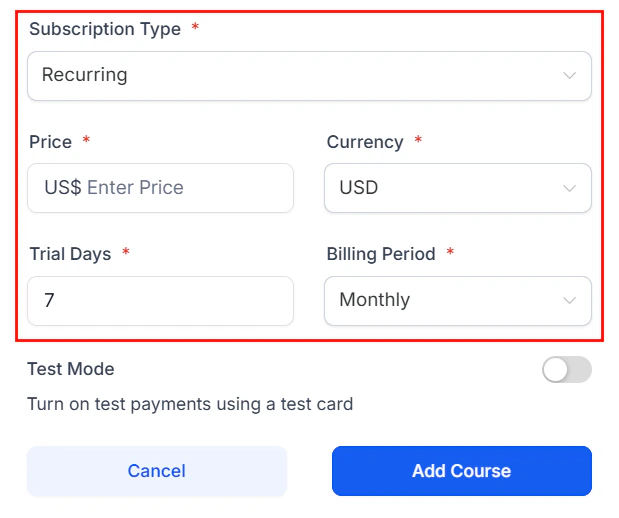
Setting the pricing for a GoKollab course listing
Submit for review
Manage your listing
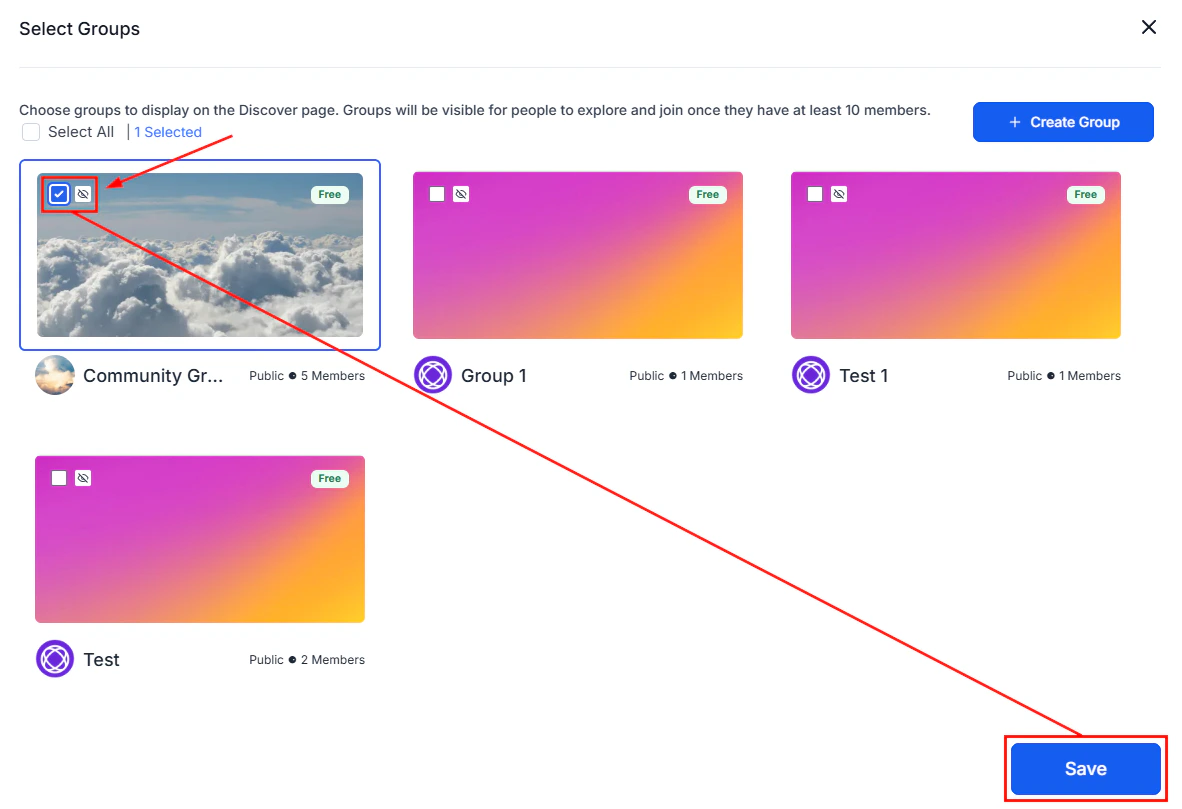
GoKollab Marketplace listing page for a published community or course
Listing a community on GoKollab
The process for listing a community is the same as for a course. Choose Community as the listing type and select the community group from your Hoop account.How discovery works on GoKollab
GoKollab visitors browse and search by:- Category — e.g. Business, Health & Wellness, Marketing, Technology
- Price — free, paid, or trial available
- Rating — community and course ratings from GoKollab members
- Keywords — full-text search of your listing title and description
Tracking GoKollab traffic
When a GoKollab visitor clicks through to your community or course and joins, they appear as a new contact in your Hoop account. Use the Lead Source field on the contact record to identify GoKollab traffic and track the ROI of your marketplace listing.Frequently asked questions
Do I need a Stripe account to list on GoKollab?
Do I need a Stripe account to list on GoKollab?
Does GoKollab charge a fee on sales?
Does GoKollab charge a fee on sales?
How long does listing approval take?
How long does listing approval take?
Can I list both a course and a community on GoKollab?
Can I list both a course and a community on GoKollab?
How do GoKollab visitors appear in my Hoop account?
How do GoKollab visitors appear in my Hoop account?
Can I update my listing after it is published?
Can I update my listing after it is published?