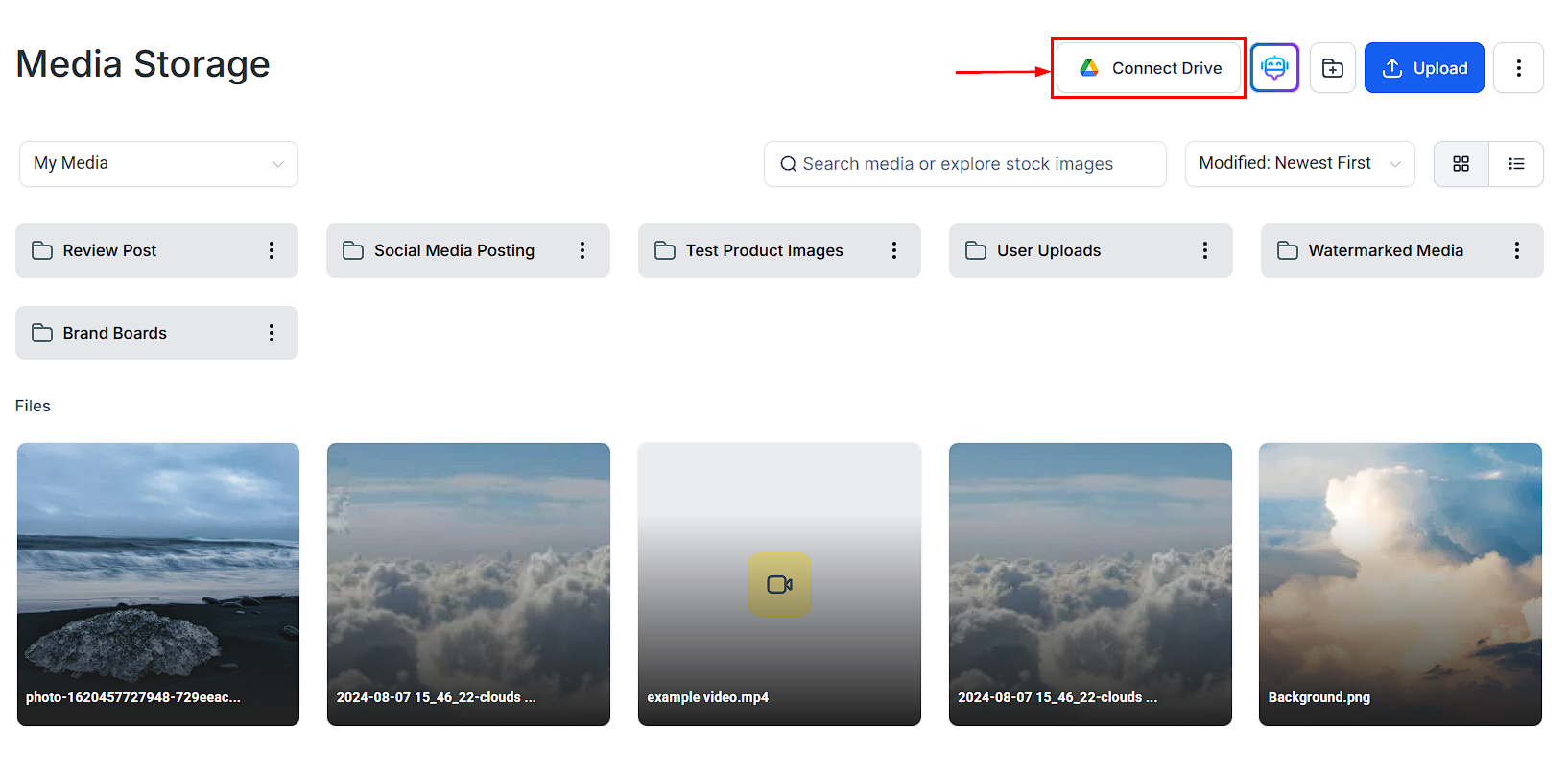
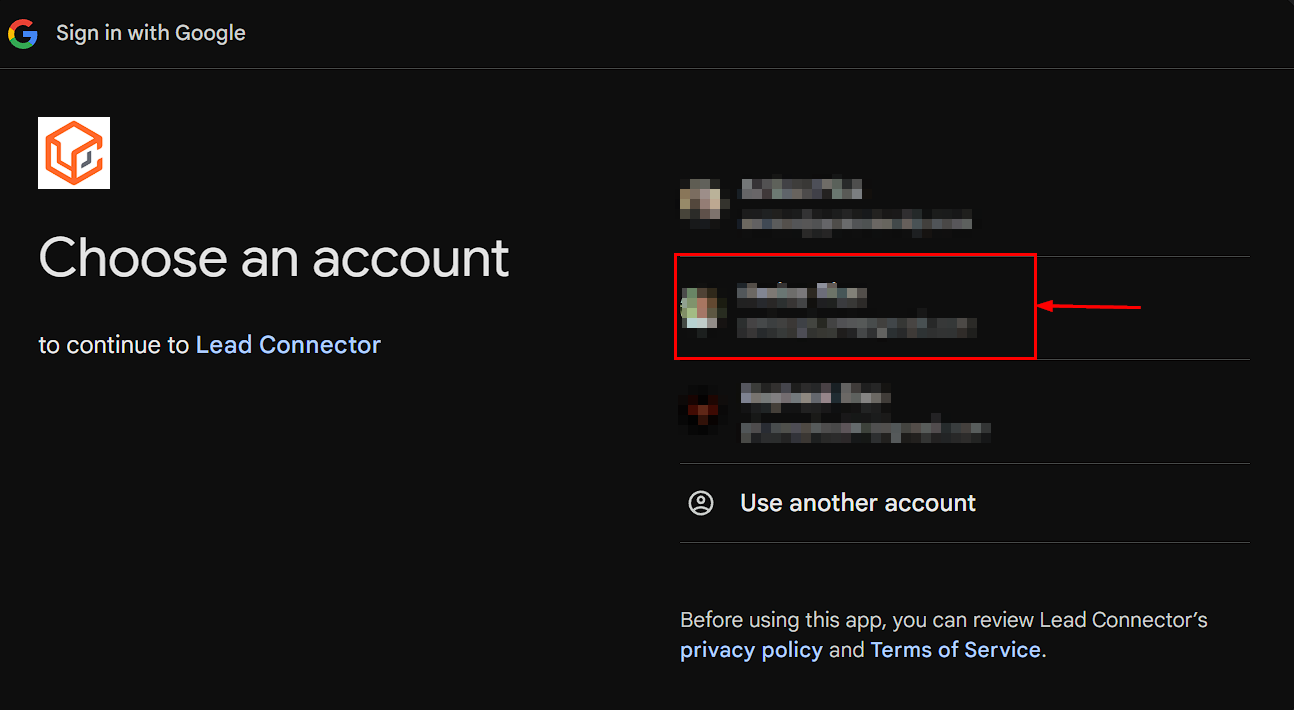
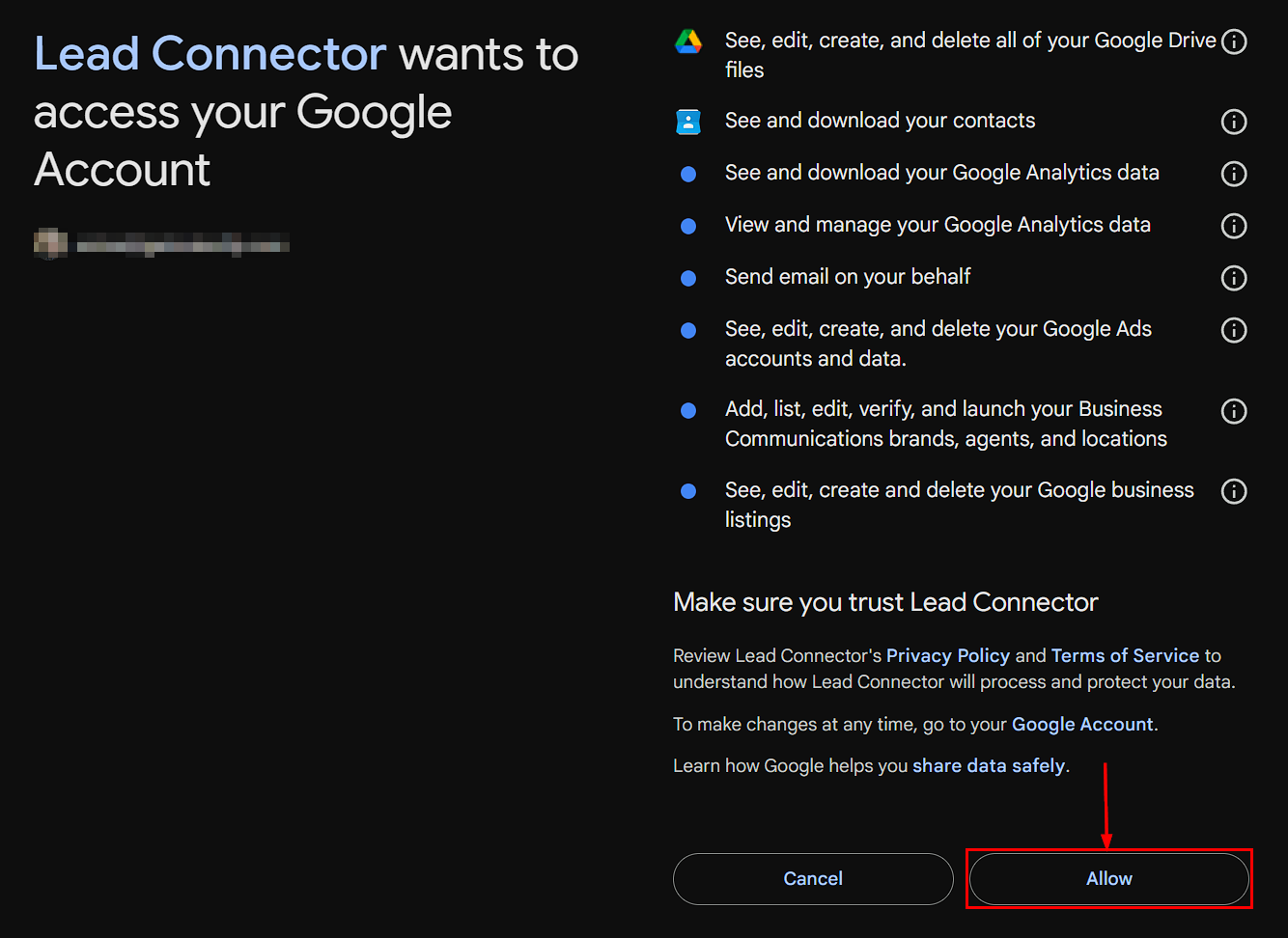
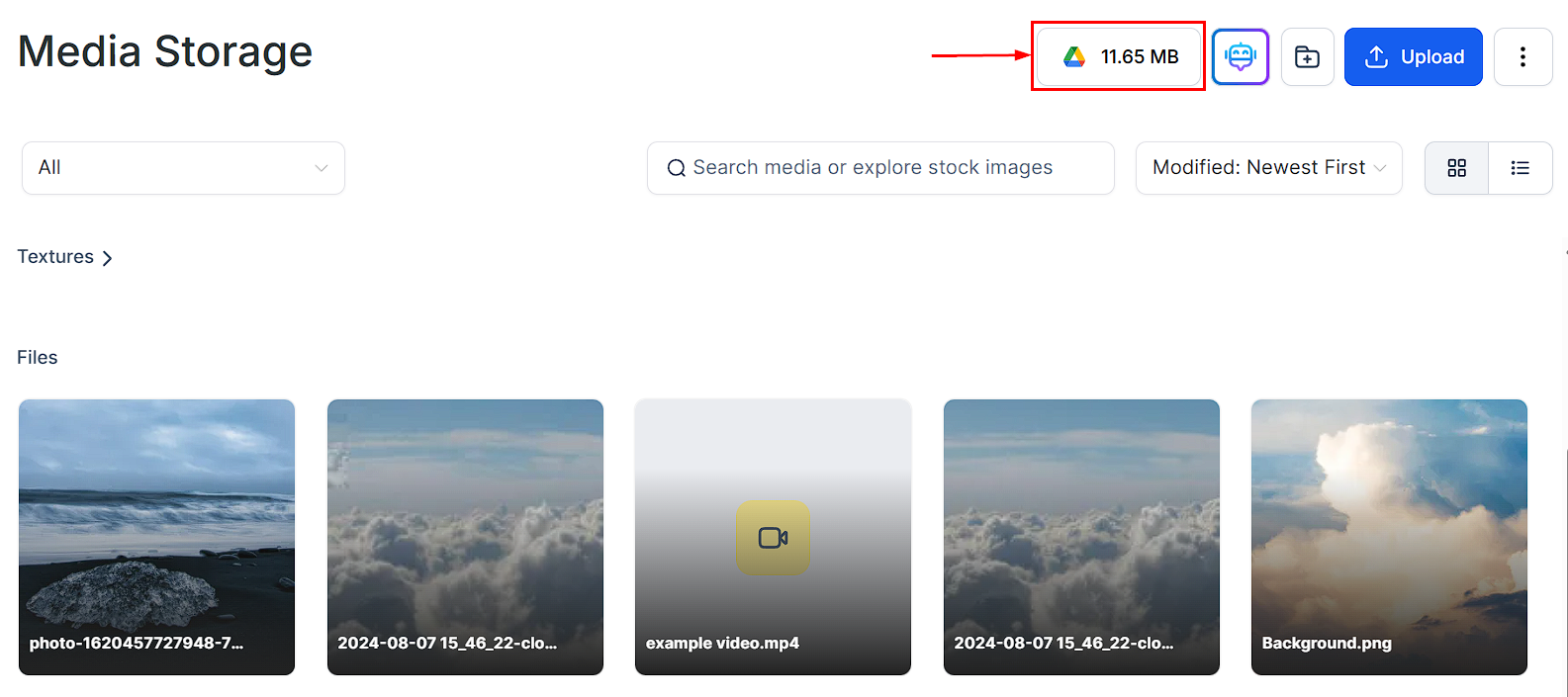
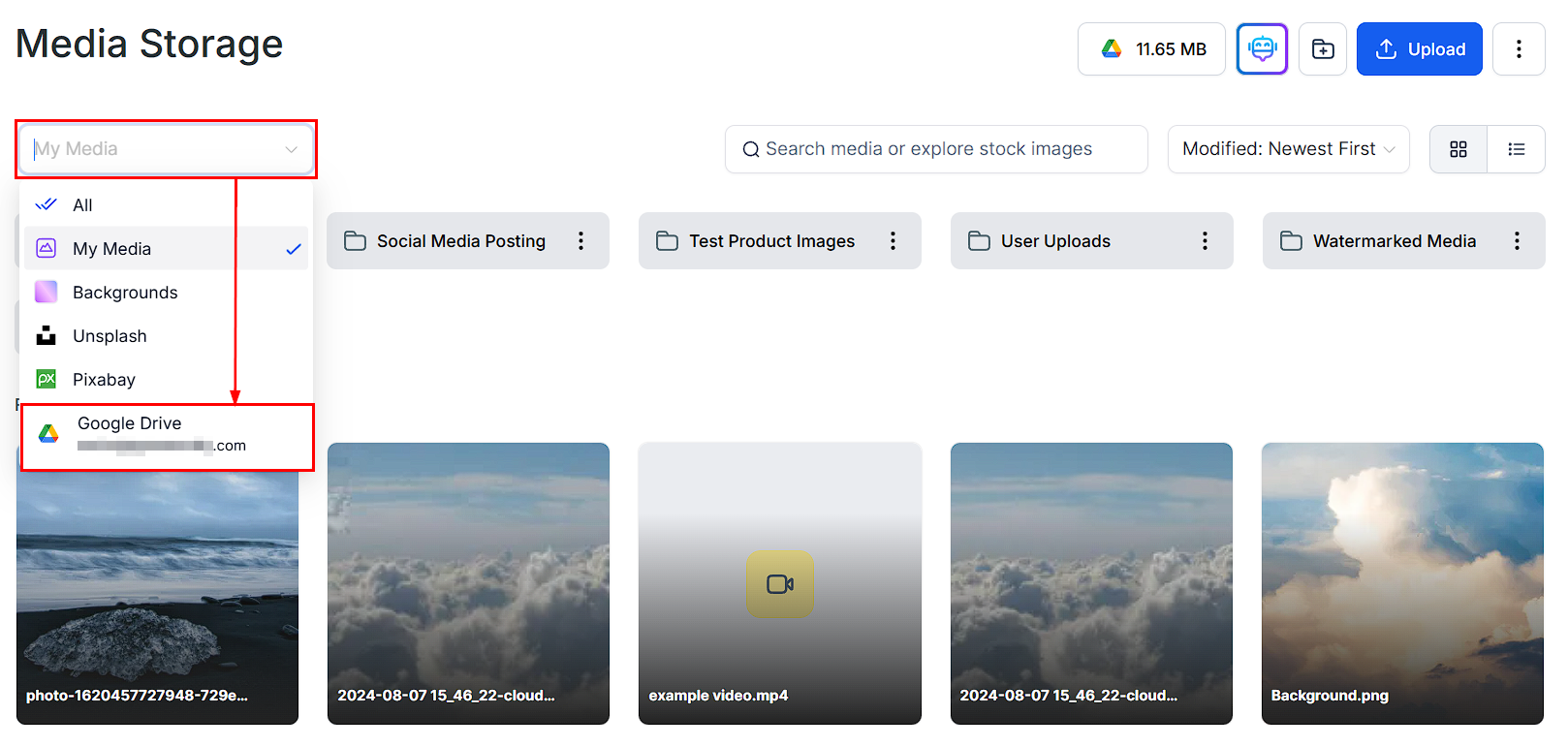
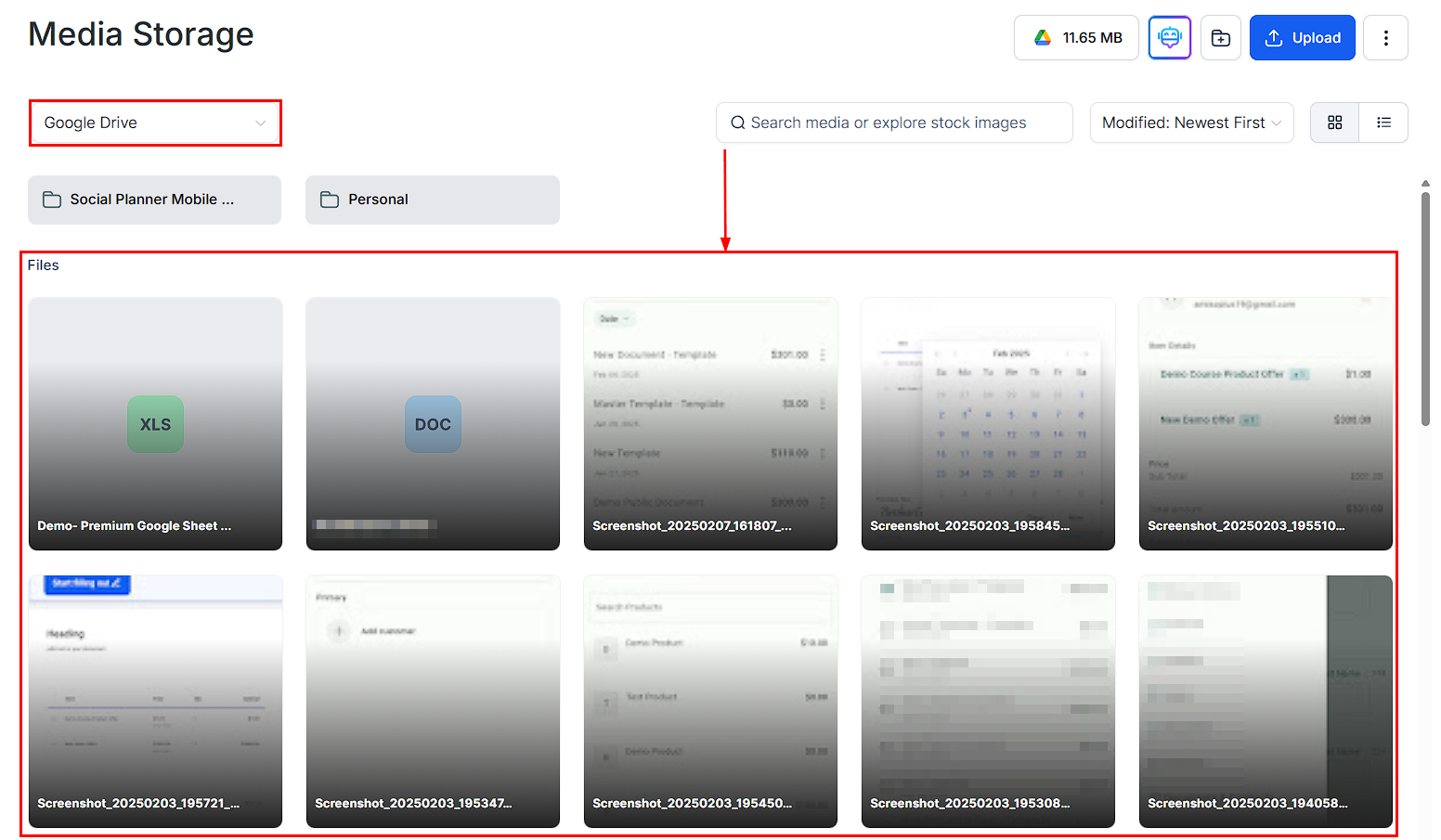
Connect Google Drive to Hoop to sync and access your files directly from Media Storage.
Keeping track of media files can be time-consuming, but with Google Drive integration you can easily access and organize files without switching between platforms. This seamless connection ensures that your documents, images, and other media stay synced and easily accessible within Hoop.
Can I rename or delete Google Drive files from Hoop?
No. Renaming or deleting Google Drive files directly from Hoop is disabled to protect file integrity. Make those changes directly in Google Drive.
How often does the sync occur?
The sync happens in real time. Any changes made in Google Drive instantly reflect in Hoop’s Media Storage.
Can I organize Google Drive files within Hoop?
Yes. You can drag and drop files, create folders, and organize your Google Drive files within Media Storage.
Are files stored in Hoop or Google Drive?
Files remain stored in Google Drive. Hoop provides an interface to access and manage them seamlessly without duplicating your storage.
By integrating Google Drive, you can centralize file management, improve efficiency, and reduce the hassle of switching between platforms. Keep your workflow organized and ensure that your files are always up to date with seamless synchronization.
Use Google Drive as the single source of truth for shared brand assets — logos, style guides, and templates. Keep them updated in Drive and they will automatically reflect in Hoop without re-uploading.