

How CDN delivery works
When you upload a file to the HoopAI platform:- The file is stored on the platform’s origin storage infrastructure
- The CDN pulls the file to edge servers across its global network the first time it is requested from a given region
- Subsequent requests from the same region are served from the edge cache, not from the origin — dramatically reducing latency
- The edge cache is automatically refreshed when you update or replace a file
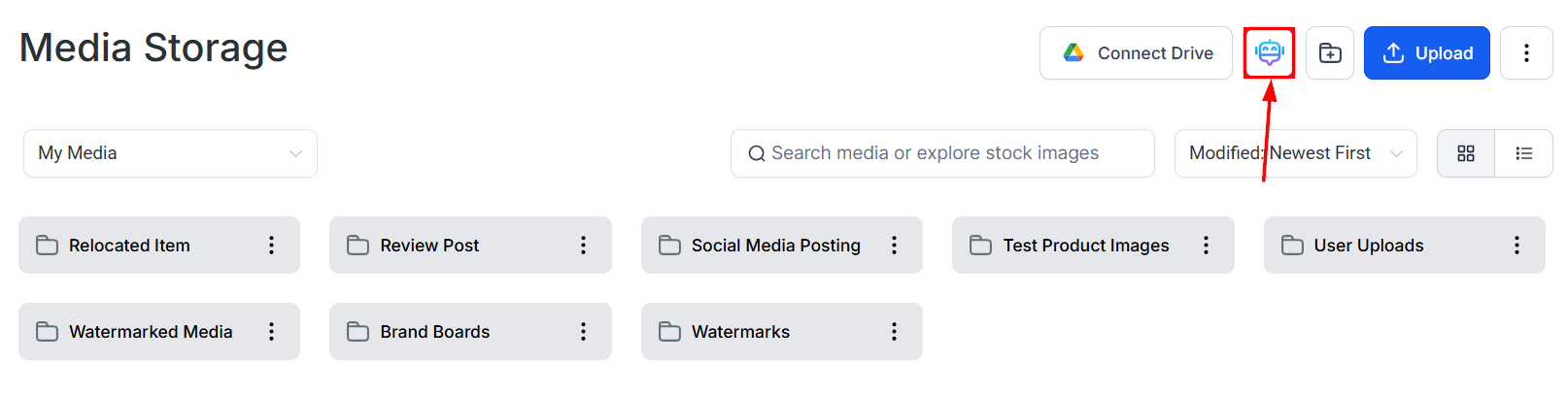
Media Storage serves all uploaded files through a global CDN for fast delivery
Automatic image optimization
The HoopAI platform automatically converts images to WebP format when delivering them to browsers that support it. WebP produces smaller files than JPEG or PNG at equivalent visual quality — typically 25–35% smaller. This conversion happens transparently:- You upload a PNG or JPEG file
- The CDN serves a WebP version to compatible browsers
- Browsers that do not support WebP (a small and shrinking minority) receive the original format
Global edge network
Files are delivered from edge locations across North America, Europe, Asia-Pacific, South America, and other regions. The CDN routing automatically selects the lowest-latency edge server for each visitor based on their IP geolocation. You do not choose regions or configure routing — this happens automatically for every request. For most audiences, edge-served media files load in under 100 milliseconds, compared to several hundred milliseconds or more for files served from a single origin server.Cache headers and browser caching
Files delivered by the CDN include HTTP cache headers that instruct browsers to cache media locally. When a visitor loads a page that includes a media file they have accessed before, their browser serves the cached version without making a new network request. This makes repeat page loads nearly instant for media-heavy pages. The CDN sets long cache durations (typically days to weeks) for static media files because file content is stable — an uploaded image does not change once uploaded. When you replace or update a file, the cache is invalidated and edge nodes fetch the fresh version on the next request.File URLs and CDN delivery
Each file in Media Storage has a direct URL that routes through the CDN. The URL format uses the platform’s default CDN domain. For example, a file URL looks like:Video streaming and CDN
For hosted videos, CDN delivery is combined with adaptive bitrate streaming. The platform stores multiple transcoded versions of each video (480p, 720p, 1080p) on the CDN. The video player selects the appropriate version on the fly based on the viewer’s network conditions, and the CDN delivers each video segment from the nearest edge server. This combination of adaptive streaming and CDN delivery means:- Viewers with fast connections receive high-resolution video with minimal buffering
- Viewers on slower connections receive lower-resolution video that plays smoothly rather than stalling
- All viewers benefit from reduced segment delivery latency via edge caching
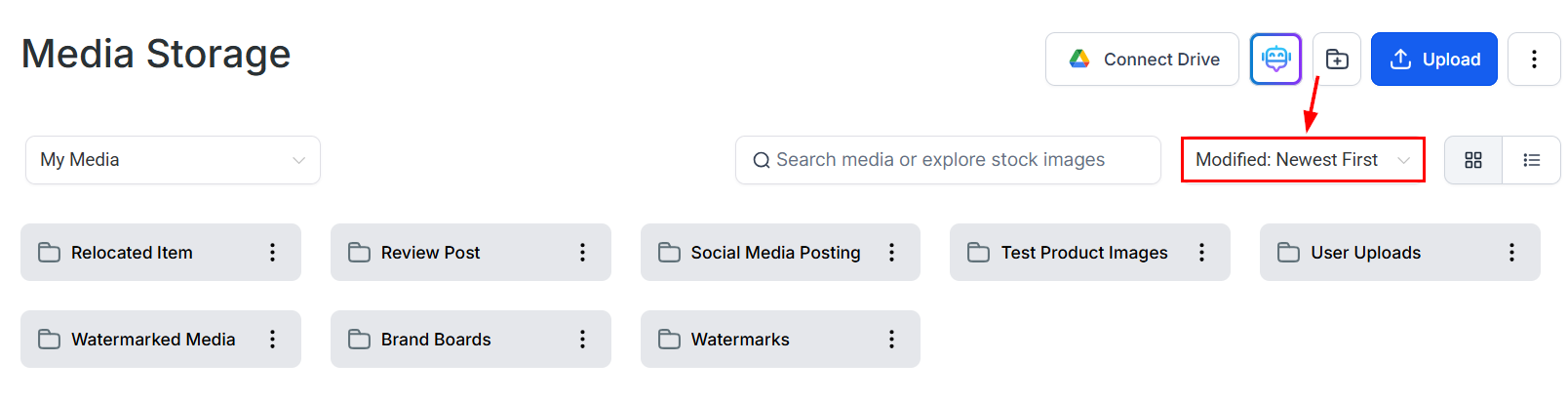
Files in Media Storage showing the search and sort tools for organizing content
Performance impact on your pages
Pages that use Media Storage-hosted files benefit from the CDN in several measurable ways:- Faster initial page load — images and other assets load from edge servers close to the visitor
- Improved Core Web Vitals scores — Largest Contentful Paint (LCP) improves when hero images are served quickly
- Reduced server load — the CDN handles file delivery, reducing load on the HoopAI platform’s application servers
- Consistent performance globally — audience members in Europe, Asia, or South America experience similar load times as those in North America
What the CDN does not handle
The CDN delivers static file assets. It does not serve dynamically generated HTML pages or API responses — those are handled by the application layer. The CDN is specifically responsible for files stored in Media Storage: images, videos, audio, documents, and fonts. Additionally, the CDN does not provide access control or authentication for individual files. All CDN-served media files are publicly accessible by URL. See Sharing files for more detail on file visibility.FAQs
Do I need to do anything to enable CDN delivery?
Do I need to do anything to enable CDN delivery?
No. CDN delivery is enabled automatically for all files uploaded to Media Storage. There is no toggle, configuration, or additional cost associated with CDN delivery.
Can I use the CDN for files hosted outside HoopAI?
Can I use the CDN for files hosted outside HoopAI?
No. The CDN serves files stored in Media Storage. Files hosted on external services (your own server, AWS S3, Dropbox, etc.) are not routed through the HoopAI CDN.
Will CDN caching cause visitors to see an old version of an updated file?
Will CDN caching cause visitors to see an old version of an updated file?
When you replace or update a file, the CDN cache is invalidated and edge nodes fetch the fresh version. There may be a brief delay (typically a few minutes) during which some edge nodes still serve the cached version. For time-sensitive updates, use a new filename rather than overwriting an existing file to guarantee immediate delivery of the new version.
Does CDN delivery cost extra?
Does CDN delivery cost extra?
No. CDN delivery is included in all paid HoopAI plans at no additional charge. Bandwidth consumed by CDN-served media does not incur overage fees.