

Analytics overview
Course analytics are spread across three areas:
Navigate to Memberships and Communities > Courses to access all of these views.
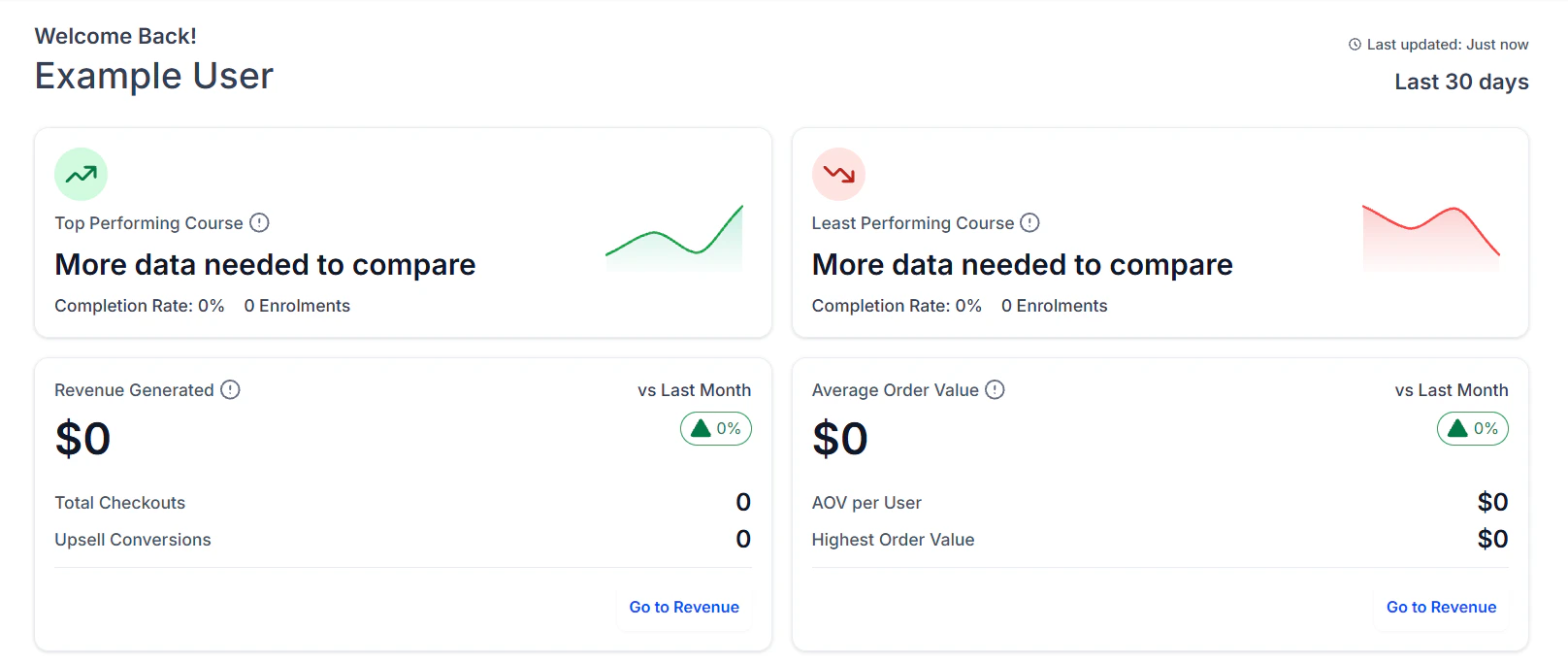
Course analytics dashboard showing enrollment, revenue, and performance metrics
Courses dashboard
The Dashboard tab is the first screen you see when you open the Courses section. It provides an at-a-glance view of your most important metrics:- Best and worst performing courses — ranked by completion rate or enrollment count
- Revenue (last 30 days) — total revenue from course and membership offer purchases
- Average order value — mean revenue per transaction across all offers
- Enrollment trend — a chart showing new enrollments over the selected time period
- Active members — members who have logged in and completed at least one lesson in the last 30 days
Progress analytics
The Progress tab inside Analytics shows completion data across all courses:- Course-level completion rate — the percentage of enrolled members who have completed all lessons in each course
- Module-level completion — how far members progress through each module before stopping
- Average lessons completed per member — a measure of typical engagement depth
- Drop-off points — the specific lessons or modules where the largest percentage of members stop progressing
Identifying drop-off points
Sort the lesson completion data by completion rate ascending to find the lessons with the lowest completion rates. These are your drop-off points. Common causes:- The lesson is too long
- The content is confusing or poorly explained
- The quiz is too difficult and blocks members from continuing
- The drip schedule is too slow and members lose momentum
Video watch time
For video lessons hosted directly on the HoopAI platform, the analytics panel reports:- Average watch percentage — how much of each video members typically watch before stopping or skipping
- Total minutes watched — cumulative watch time across all members for each video lesson
- Watch completion rate — the percentage of members who watch past the completion threshold (e.g. 80%)
Video watch time analytics are available for videos uploaded directly to the HoopAI platform. Videos embedded from YouTube, Vimeo, or Wistia report watch data through those platforms’ own analytics dashboards rather than through the HoopAI interface.
Assessment analytics
The Assessments tab shows quiz performance data across all courses:- Pass rate per quiz — the percentage of members who achieve the passing score on the first attempt
- Average score — the mean score across all member attempts
- Score distribution — a histogram showing how scores cluster (e.g. most members scoring 70–80%)
- Retake rate — how many members required more than one attempt to pass
- Common wrong answers — for multiple-choice questions, the answer options members choose most when they get a question wrong
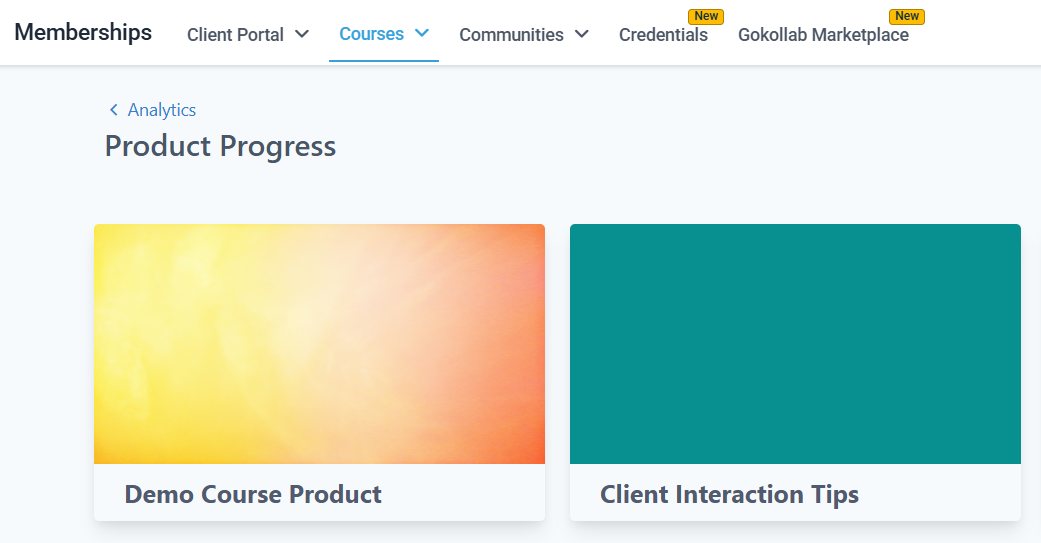
Assessment results showing quiz pass rates and score distribution
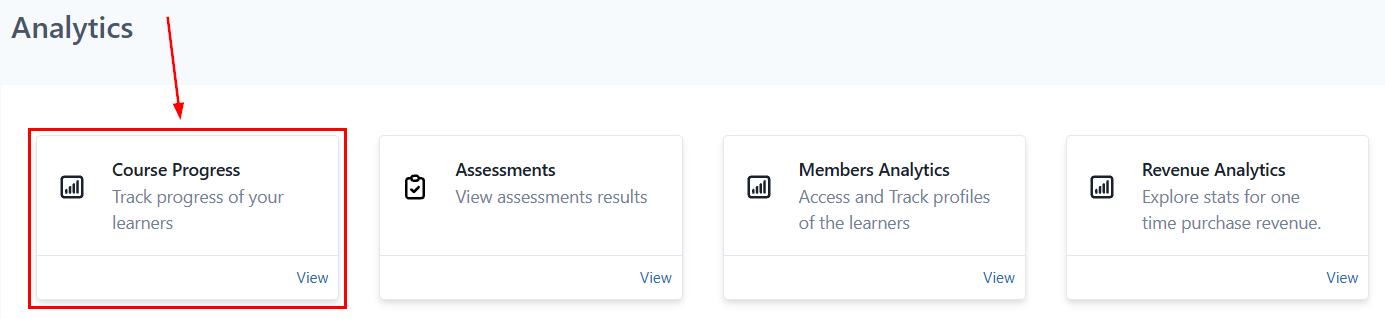
Member progress tracking showing completion rates across courses
Revenue analytics
The Revenue tab tracks financial performance of your courses and membership offers:- Total revenue — gross revenue from all offer purchases in the selected time period
- Revenue by offer — a breakdown showing which offers generate the most income
- Revenue by course — when courses are sold individually, shows which content drives the most sales
- New vs recurring revenue — separates first-time purchases from recurring subscription charges
- Refunds — tracks refund transactions and the net revenue impact
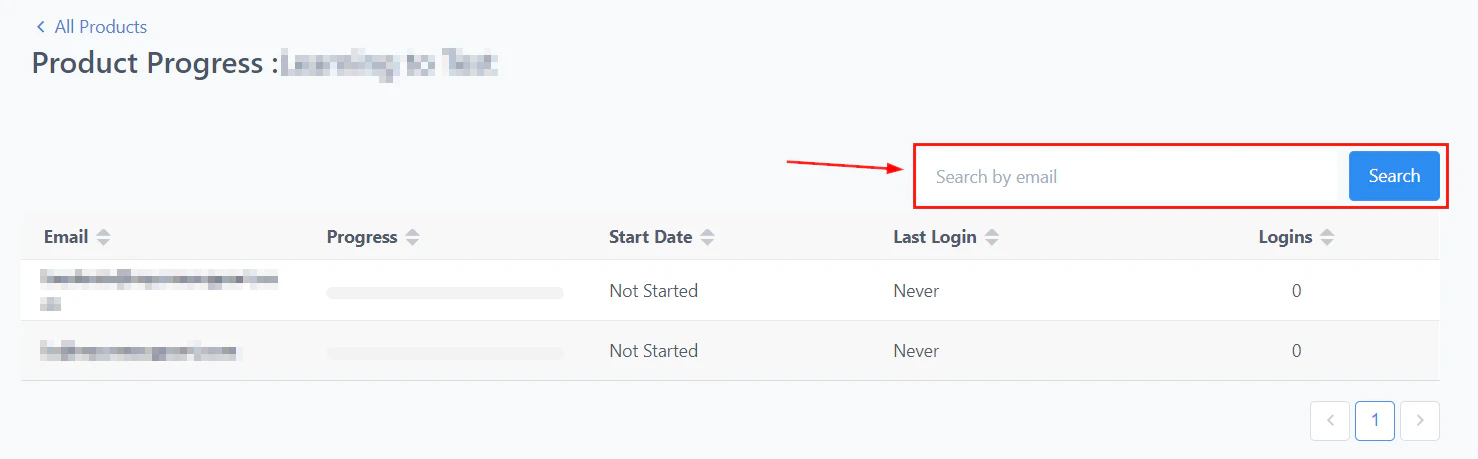
Revenue analytics chart showing income from course and membership offer purchases
Member data analytics
The Member Data tab provides a record of every enrolled member across all courses: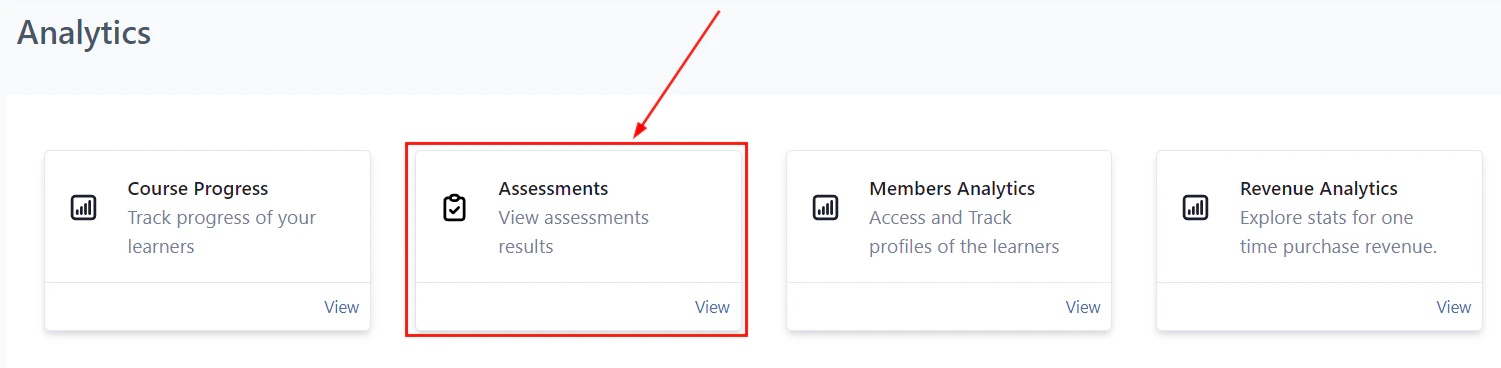
Subscription statistics and member data overview
Filtering member data
Use filters to segment the member data view:- By course — show members enrolled in a specific course only
- By completion status — filter for members at 0%, 1–99%, or 100% completion
- By date range — focus on members who enrolled or were last active in a specific window
- By offer — filter by the offer used to access the content
Exporting member data
Click Export in the Member Data tab to download a CSV of the filtered dataset. The export includes all columns visible in the tab. Use this data to:- Identify members who have stalled and trigger a re-engagement automation
- Report on cohort outcomes to sponsors or stakeholders
- Reconcile enrollment records with payment data
Using analytics to trigger automations
Connect your analytics insights to automated actions:
Build these workflows in Automation using the course progress triggers: Lesson Completed, Assessment Passed, Assessment Failed, and Course Completed.
Frequently asked questions
How often does the analytics data refresh?
How often does the analytics data refresh?
Analytics data in the HoopAI platform updates in near real time. Progress events (lesson completions, quiz submissions) appear in the analytics within a few minutes. Revenue data may have a short delay depending on payment gateway processing.
Can I see which specific lesson a member is currently on?
Can I see which specific lesson a member is currently on?
Yes. Click the member’s name in the Members tab to open their detail view. It shows a lesson-by-lesson breakdown: which lessons are completed (with the date completed), which the member has started but not yet completed, and which they have not yet accessed.
Can I track completion rates across a specific cohort (members who enrolled in a specific month)?
Can I track completion rates across a specific cohort (members who enrolled in a specific month)?
Yes. In the Member Data tab, filter by enrollment date to show only members who enrolled in a specific month or date range. The completion rate visible for that filtered set reflects the cohort’s performance.
Is analytics data available for community activity as well as courses?
Is analytics data available for community activity as well as courses?
Community engagement data (post counts, reaction totals, active members, leaderboard positions) is available in the community analytics panel within the Communities section. Course progress analytics and community engagement analytics are currently in separate sections of the platform.
Can my team members access analytics, or is it admin-only?
Can my team members access analytics, or is it admin-only?
Analytics access is tied to the user role within your HoopAI account. Account admins and users with the appropriate permissions can access the Courses analytics dashboard. Review your team’s user roles under Settings > My Staff to ensure the right people have access.