


QR Codes section in Sites
Creating a QR code
1
Navigate to Sites > QR Codes
Click Sites in the left sidebar, then select QR Codes. Click Create QR Code in the top-right corner.
2
Name the QR code
Give the QR code a recognizable name for easy identification later.
3
Select a type
Choose the type of action the QR code triggers when scanned. Available types include:
- Website URL — link to any web page
- Call — dial a phone number
- SMS — open a pre-filled text message
- WhatsApp — open a WhatsApp chat
- Email — compose a pre-filled email
- Form or Survey — open a form or survey from your account
- vCard / Contact info — share contact details
- Wi-Fi credentials — connect to a network
- Plain text — display a text message Click Next to proceed.
4
Enter the required details
Each type requires specific input. For example:
- A Call QR code needs a phone number
- An Email QR code needs an email address, subject line, and message
- A Form or Survey QR code requires selecting an existing form or survey Click Next to proceed.
5
Customize the design
Personalize the QR code appearance:
- Color — choose a color that fits your brand
- Shape and form — adjust the pattern shape
- Logo — add your logo to the center of the QR code
- Page background — set a background color or pattern
6
Download and save
Select a download format — PNG, SVG, or PDF — to save the file immediately. Click the link icon to copy a smart link to share digitally without sending the image file. Click Save to store the QR code in your account.
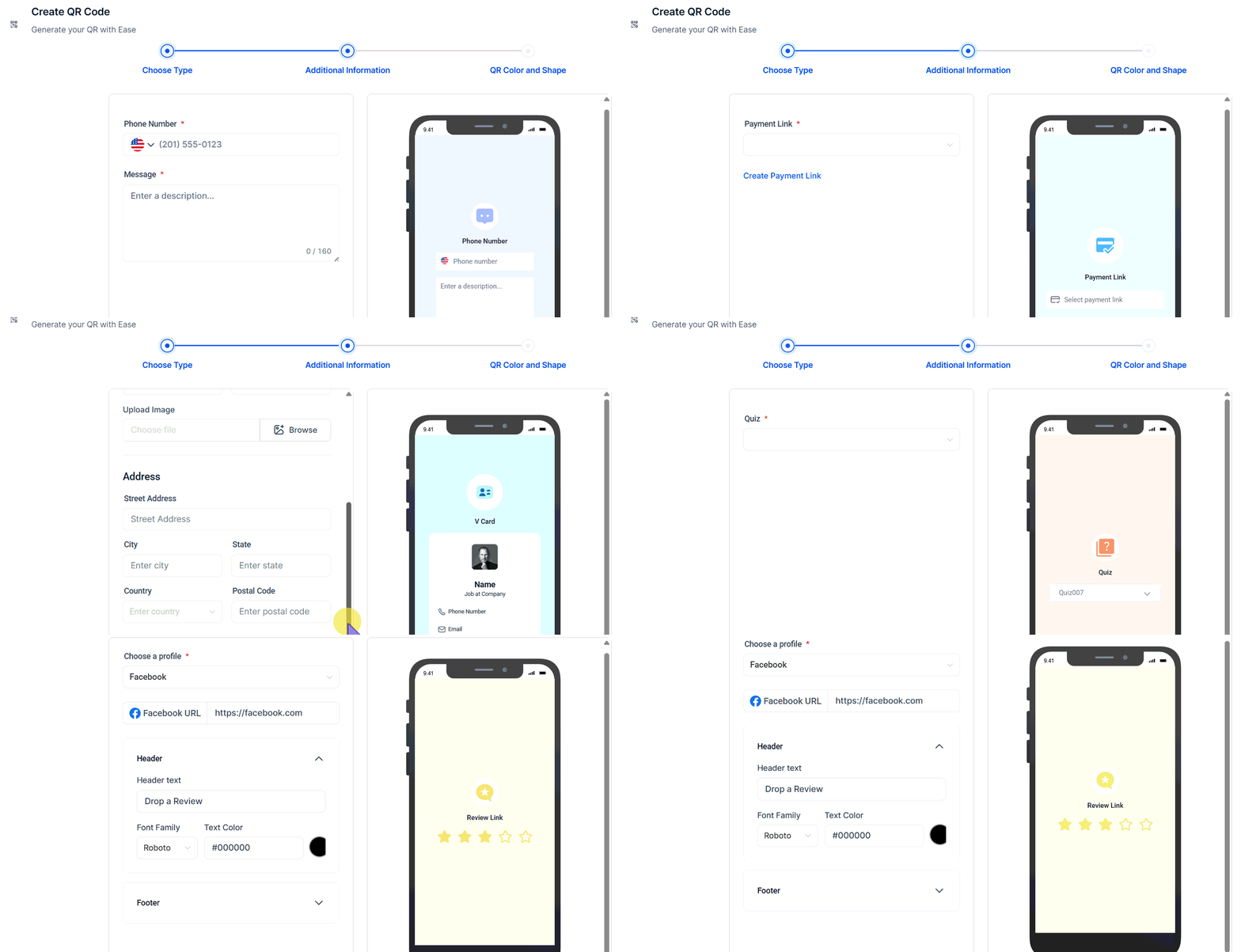
Creating and customizing a QR code — name, type, design, and download in one flow
Download formats
QR code analytics
Click the Analytics button in the QR Codes section to view:- Total number of scans
- Unique scans (first-time scanners)
- Scans over a selected time frame
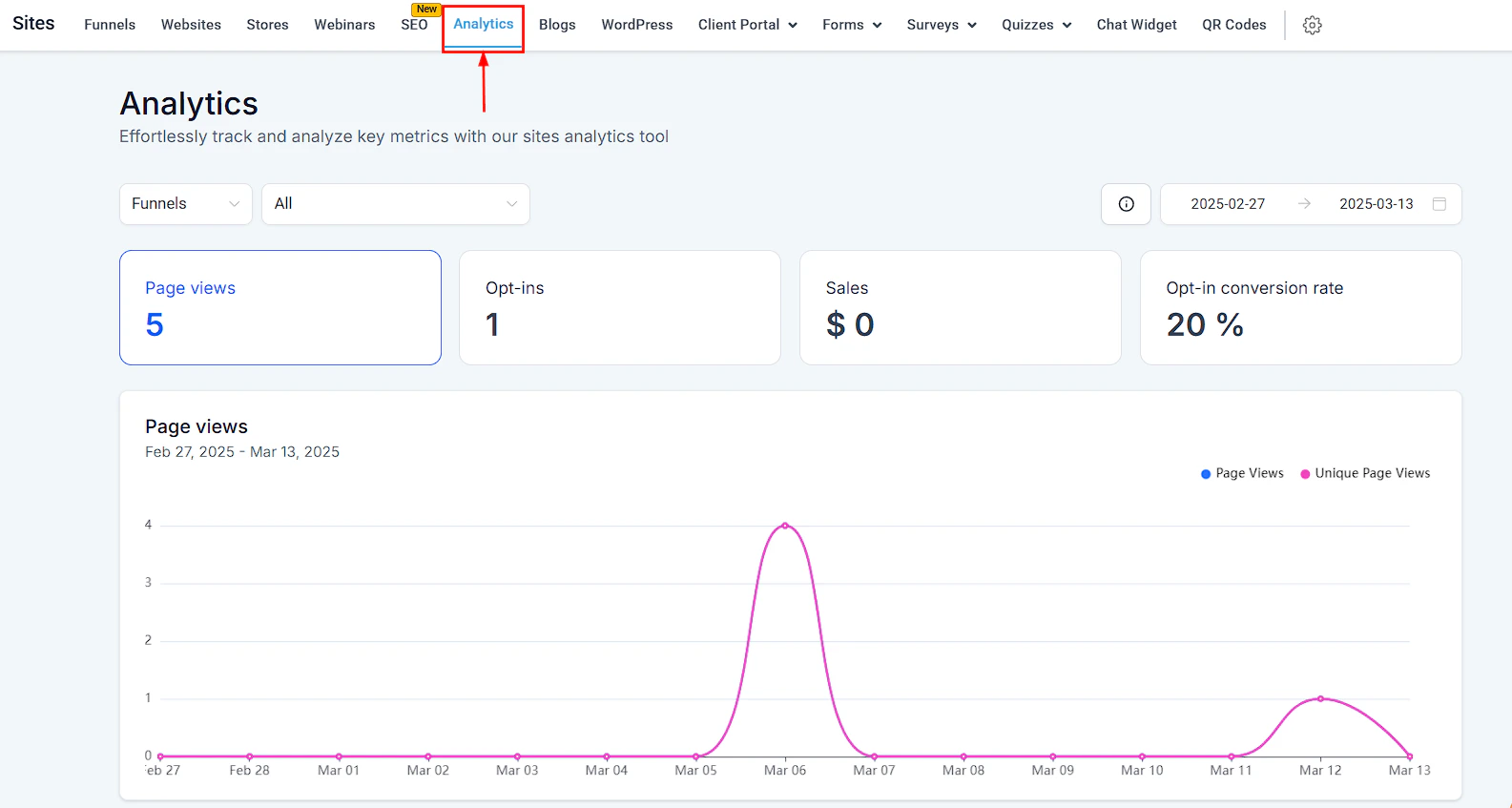
QR code analytics — total and unique scan counts over time by code and campaign
Bulk creation
Use Bulk Creation to generate multiple QR codes at once in the background while you continue working. Make changes to individual codes after the batch is created.Organizing QR codes
Create Folders to group QR codes by campaign, event, or use case. Double-click a folder to open it. Folders can have sub-folders for deeper organization.Business card QR code
Business card QR code
Use the vCard type to encode your contact details — name, phone, email, and website — so people can add you to their contacts with a single scan.
Review collection
Review collection
Create a Website URL QR code pointing to your Google Business or review page. Print it on receipts, menus, or table tents to make it effortless for customers to leave a review.
Form or survey on printed materials
Form or survey on printed materials
Create a Form or Survey QR code and link it to a feedback form or intake form. Print the QR code on packaging, event materials, or in-store signage to capture leads and responses offline.