

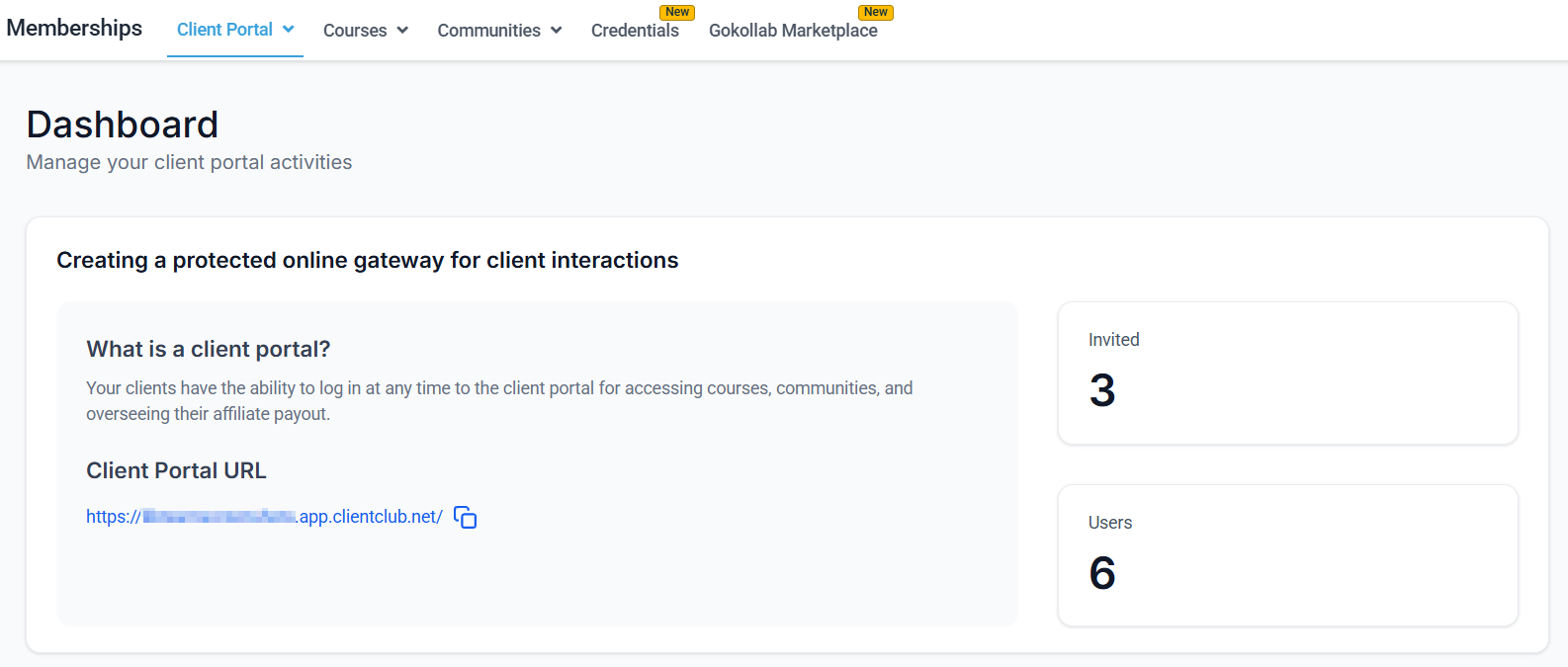
Memberships and Communities section in the Hoop platform
Memberships
Sell and deliver gated content with recurring or one-time access
Communities
Build an interactive community space for your members
Courses
Deliver structured learning with modules, lessons, and progress tracking
Drip content
Schedule when course modules and lessons unlock for members over time
Student progress
Monitor member completion rates, quiz scores, and course activity
Certificates
Issue branded completion certificates to course graduates
GoKollab Marketplace
List and discover communities and courses on the GoKollab platform
Membership access
Control which offers grant access to which courses and communities
Course builder
Build structured lessons with video, text, quizzes, and assignments
Course pricing
Set up one-time, subscription, and payment plan offers for your courses
Student notifications
Send automated emails and messages when students enroll or complete milestones
Community groups
Create and manage community pages and groups for your members
Community posts
Manage member posts, reactions, and moderation inside community groups
Gamification
Reward member activity with points, levels, and leaderboards
Live events
Host live sessions inside your community or course portal
Mobile app access
Members access courses and communities via the branded mobile app
Course analytics
Review revenue, enrollment trends, and learner engagement metrics
Importing courses
Migrate existing courses from Kajabi, Teachable, Thinkific, and other platforms
Getting started
1
Create a course or membership
Go to Memberships > Courses and click New Product. Build your lessons with the course builder — add video, text, quizzes, and file attachments to each lesson.
2
Set pricing and access
Open Memberships > Course Pricing to create an offer. Choose one-time, subscription, or payment plan pricing and assign the course to that offer. Use Membership Access to control which offers unlock which content.
3
Set up drip content
Go to Memberships > Drip Content and configure when each module or lesson unlocks after enrollment. This paces delivery and prevents members from consuming all content immediately.
4
Build your community
Open Memberships > Communities and create a community group. Set up channels (Feed, Chat, Events, Learning), configure permissions, and invite your first members.
5
Track progress and reward completion
Monitor student activity in Course Analytics and Student Progress. Set up certificates to issue automatically when members complete a course, and enable gamification to boost ongoing engagement.
Frequently asked questions
What is the difference between a membership and a course?
What is the difference between a membership and a course?
A course is a structured piece of content with modules and lessons. A membership is the access layer — it controls who can see what content and under what pricing terms. You can bundle one or more courses and communities into a single membership offer, then sell that offer with a one-time payment, subscription, or payment plan.
Can a member access multiple courses under one login?
Can a member access multiple courses under one login?
Yes. A member’s single login grants access to every course and community included in the membership offer they purchased. You do not need to create separate accounts for each product.
How do members access the portal?
How do members access the portal?
Members visit your membership portal URL (your sub-domain or custom domain) and log in with the credentials they set when they first signed up. You can also enable a Progressive Web App (PWA) so members can add the portal to their phone’s home screen for easy access.
Can I restrict which members see which content?
Can I restrict which members see which content?
Yes. Content access is controlled at the offer level. You assign specific courses or communities to specific offers, so members who purchased a particular offer can only access the content included in that offer. Drip scheduling lets you further control when individual modules or lessons become visible.
How do I automatically grant access after a purchase?
How do I automatically grant access after a purchase?
Use the Grant Membership Access action inside an Automation workflow. Set the trigger to Payment Received, then add the Grant Membership Access action and select the offer. Access is granted instantly once the trigger fires.
Can I import courses from another platform?
Can I import courses from another platform?
Yes. Go to Memberships > Importing Courses for step-by-step instructions on migrating content from Kajabi, Teachable, Thinkific, and other course platforms. Video content, lessons, and module structure are preserved during import.