

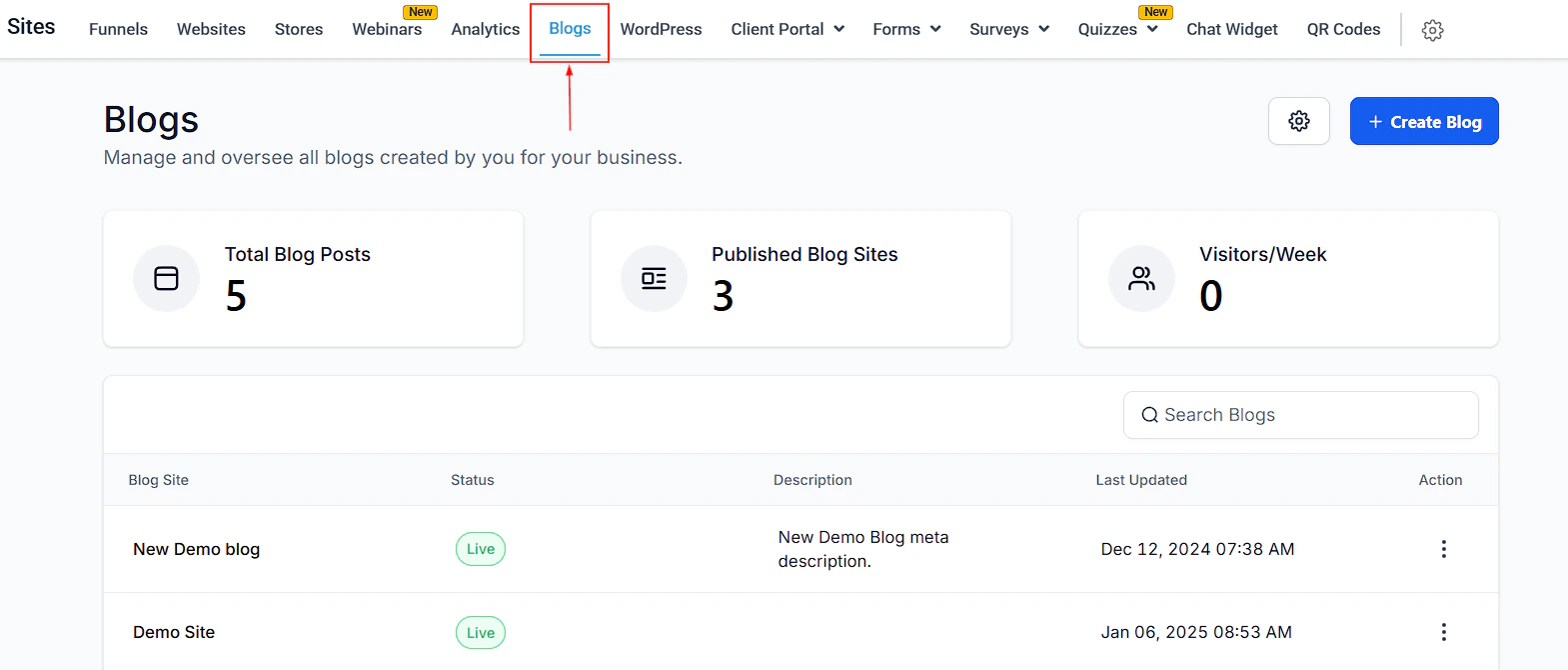
Blogs dashboard in Sites
Blogs dashboard
Navigate to Sites > Blogs to access the Blogs dashboard. From here you can see:- Total Blog Posts — count of all published and draft posts across all blog sites
- Published Blog Sites — number of active live blogs
- Visitors / Week — traffic to your blog posts in the last 7 days
Creating a blog site
Click + Create Blog to create a new blog site. A blog site is the container that holds all your posts and is published to a domain or subdomain.Creating a blog post
1
Open a blog site
From the Blogs dashboard, click the name of the blog site you want to add a post to.
2
Click New Post
Click New Post to open the blog editor.
3
Write content
Type your content in the editor. Use the toolbar to format text, add images, insert videos, embed audio, add quotes and dividers, and format with headings. The editor supports:
- Bold, italic, underline, strikethrough
- Ordered and unordered lists
- Text and background color
- Media from your Media Library or YouTube
- Custom code blocks
4
Use Content AI (optional)
Click Content AI in the toolbar to let AI generate an outline, introduction, or full section based on your topic.
5
Preview the post
Click the eye icon to auto-save and preview the post in a new tab with full rendering.
6
Configure and publish
Click Continue to set the post details before publishing:
- URL Slug — the path for the post (e.g.
/email-marketing-tips) - Category — organize posts by topic
- Author — select the post author
- Title and Description — shown in search results and social shares
- Cover image and alt text
- Canonical link and keywords (SEO) Then click Draft / Save, Schedule, or Publish to set the post status.
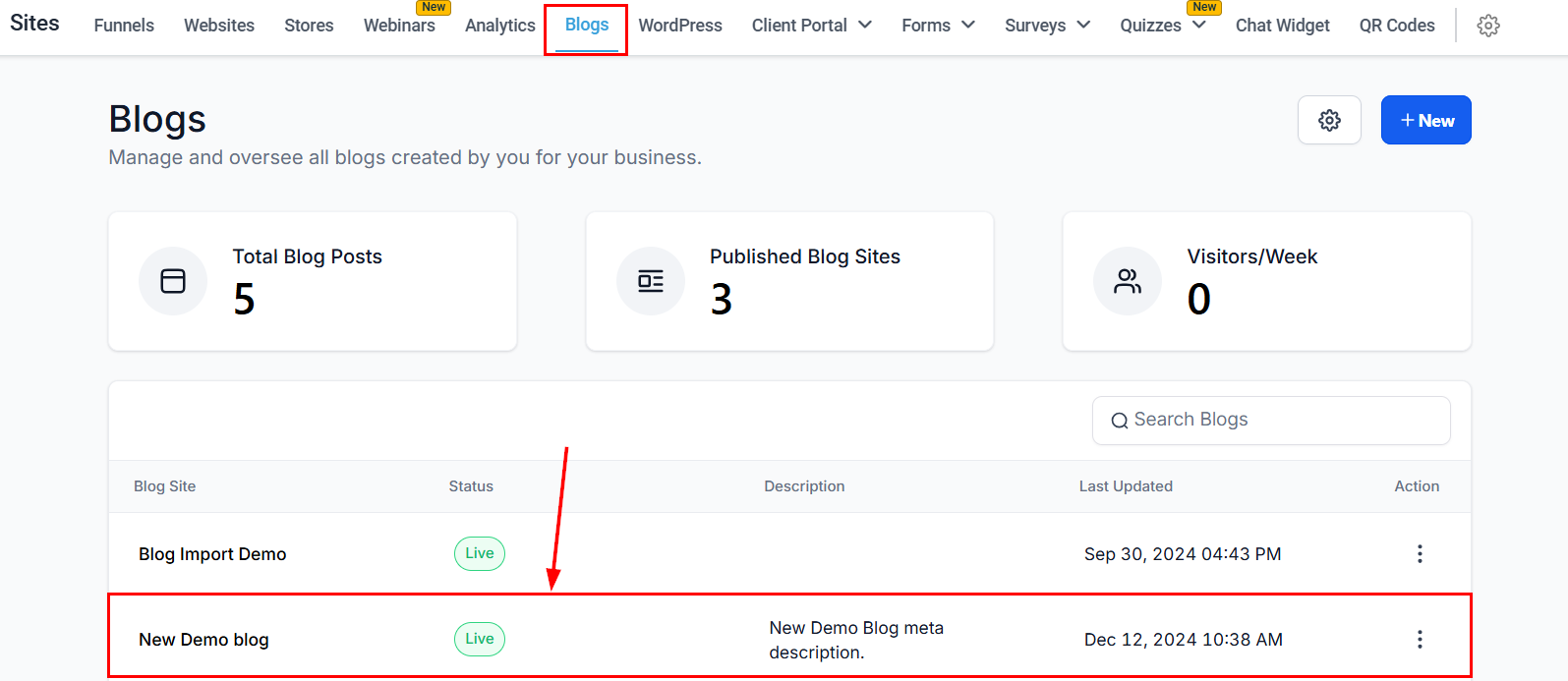
Creating a new blog post
Blog builder overview
Inside a blog site, the Blog Builder lists all posts with their status, author, category, and type. From the Actions menu on each post you can:- Edit Post — modify content, format, or details
- Duplicate Post — copy the post as a template
- Change Blog Post SEO Details — update meta title, description, and slug
- Preview Post — see how it looks to readers
- Archive Post — hide the post without deleting it
- Delete Blog Post — permanently remove the post
Blog settings
Click the gear icon (settings) from within a blog site to configure:- Authors — add or manage author names shown on posts
- Categories — define the topics used when publishing posts
- RSS settings — configure an RSS feed for the blog
Blog settings — manage authors, categories, and RSS feed configuration for your blog site
SEO tips for blog posts
Use keywords in the title and URL slug
Use keywords in the title and URL slug
Include the primary search term in the post title and URL slug. This is the single highest-impact SEO change you can make for any post.
Write a compelling meta description
Write a compelling meta description
The description field is shown in search results below the title. Write 1-2 sentences that summarize the post and include the primary keyword.
Add alt text to all images
Add alt text to all images
Alt text improves accessibility and gives search engines additional context about the images on the page.
Use canonical links
Use canonical links
If you publish the same content in multiple places, add a canonical link pointing to the primary URL to avoid duplicate content penalties.