

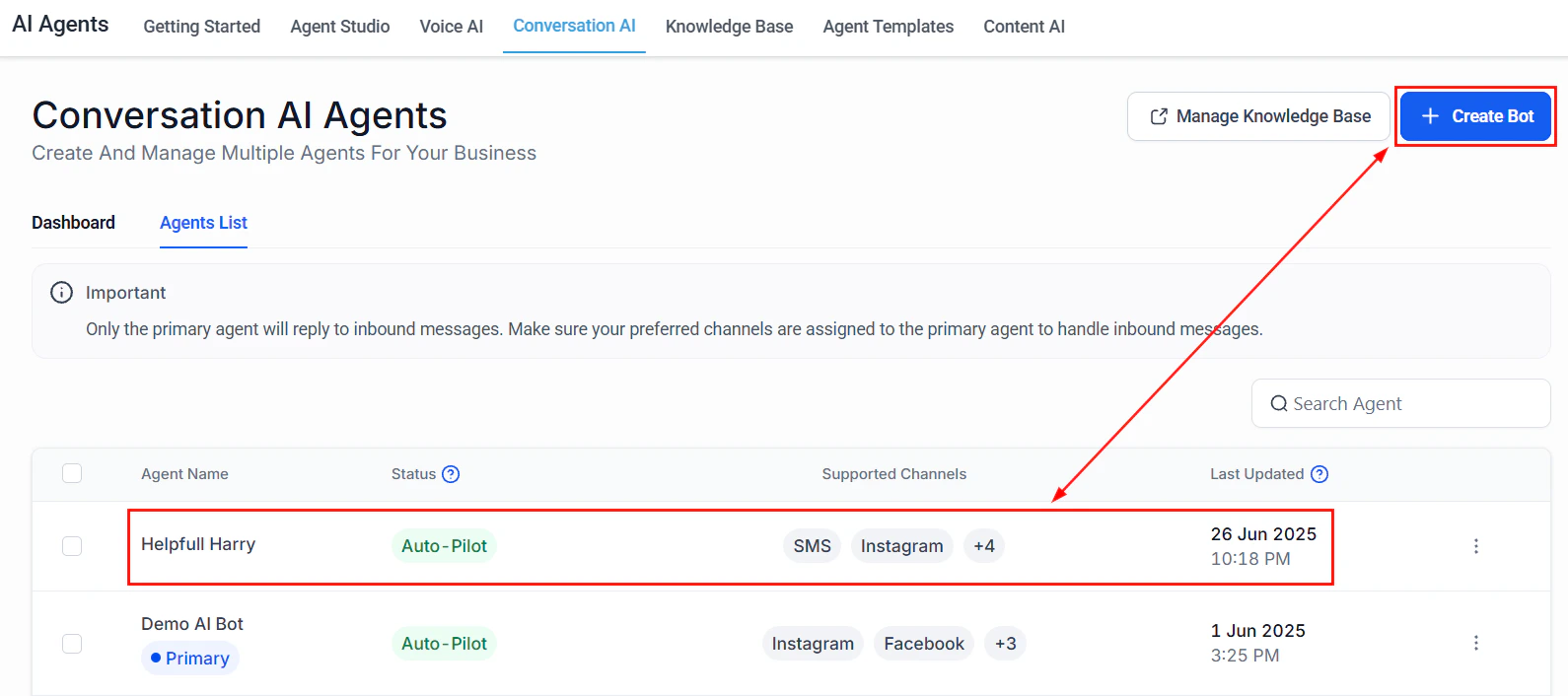
The AI Agents interface showing Conversation AI, Voice AI, and Content AI tabs
Who these guides are for
- Business owners who want to deploy AI without hiring a developer
- Operations managers looking to automate repetitive customer interactions
- Sales teams who need AI to qualify leads and book meetings while they focus on closing
How to use these guides
Every guide follows the same structure so you can move quickly:- Overview box — Goal, time to build, prerequisites, AI features used, and difficulty level
- Architecture overview — How the pieces fit together
- Step-by-step build — Every click, setting, and prompt you need
- Full prompt — Copy-paste-ready prompt in a code block
- Testing section — How to verify everything works
- Optimization tips — Tune performance after launch
- KPIs — What to measure so you know it is working
Available guides
AI receptionist
Build a Voice AI receptionist that answers calls 24/7, handles FAQs, and books appointments automatically.
Lead qualification bot
Create a Conversation AI bot that qualifies inbound leads, scores them, and routes hot prospects to your sales team.
Appointment scheduler
Deploy a multi-channel AI agent that handles booking, confirmation, rescheduling, and no-show follow-up.
After-hours support
Set up an AI bot that handles customer inquiries outside business hours and queues urgent issues for morning follow-up.
Real estate assistant
Create an AI assistant that handles property inquiries, schedules showings, and qualifies buyers and sellers.
E-commerce support
Deploy an AI bot for order status lookups, returns processing, product recommendations, and cart recovery.
Multi-location bot
Manage AI agents across multiple business locations with location-based routing and separate knowledge bases.
Review automation
Set up Reviews AI to automatically respond to Google reviews with the right tone and trigger follow-up actions.
Prerequisites for all guides
Before starting any guide, make sure you have completed the following:- Account setup and first login
- Business profile configured
- At least one phone number provisioned (for Voice AI guides)
- Familiarity with AI agents overview
Choosing the right guide
Next steps
Prompt engineering
Learn how to write effective prompts for any AI agent.
Conversation AI setup
Set up your first Conversation AI bot before starting a use case guide.
Voice AI setup
Configure Voice AI before building your receptionist or appointment scheduler.
Knowledge base
Train your AI with business-specific information.