How to test your Voice AI agents, diagnose issues, and iterate on your configuration.
Testing is essential before deploying a Voice AI agent to live callers. This guide covers how to test your agent, interpret test results, and debug common issues.
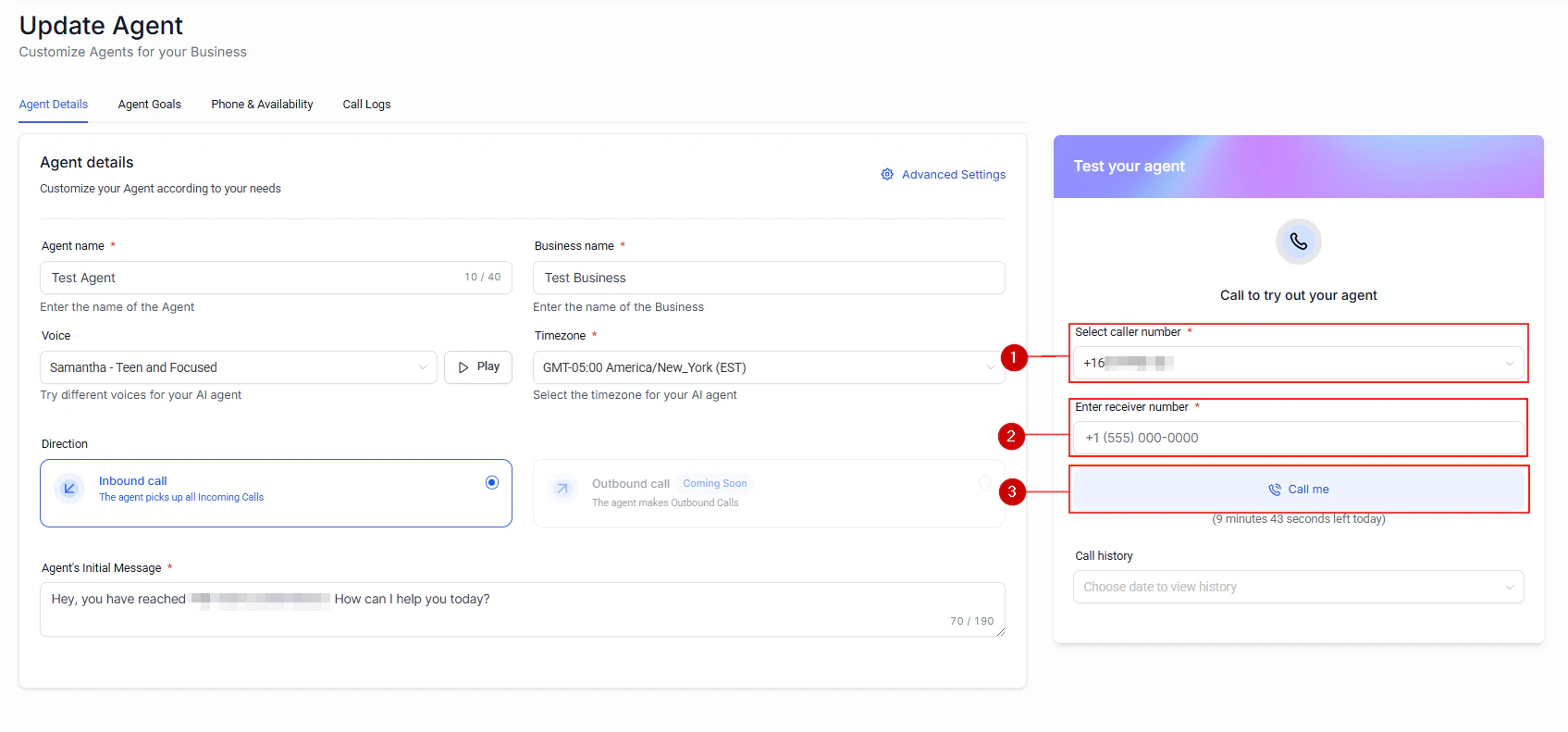
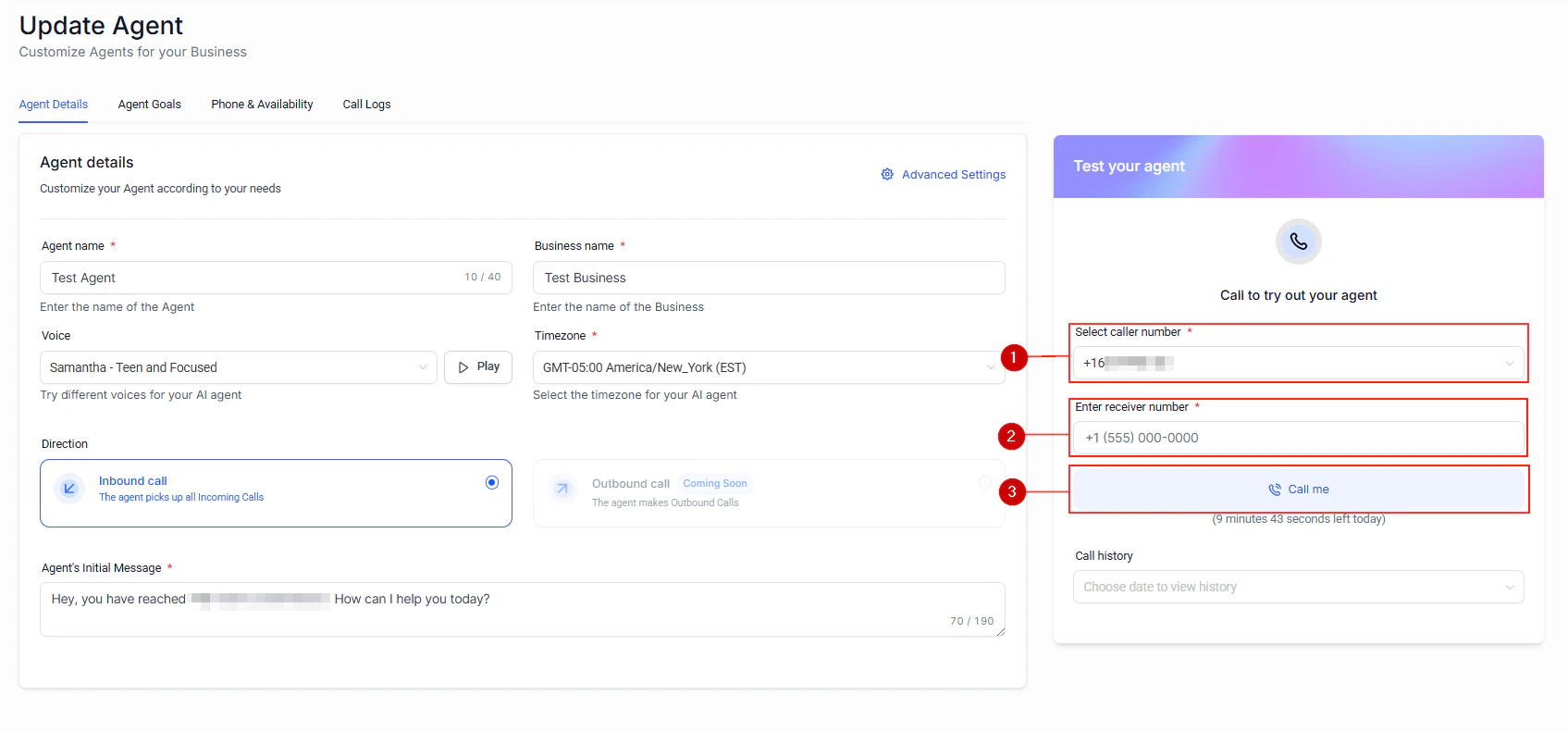
In your Voice AI agent settings, click Test Call to initiate a test conversation. This lets you interact with your agent as a caller would, without using a live phone number.
The built-in test call interface for Voice AI agents
Click the Call Me button to start a test call with your Voice AI agent
2
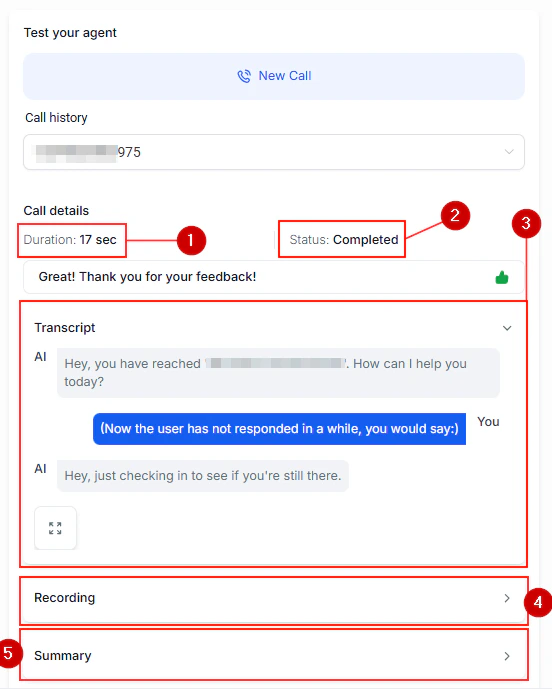
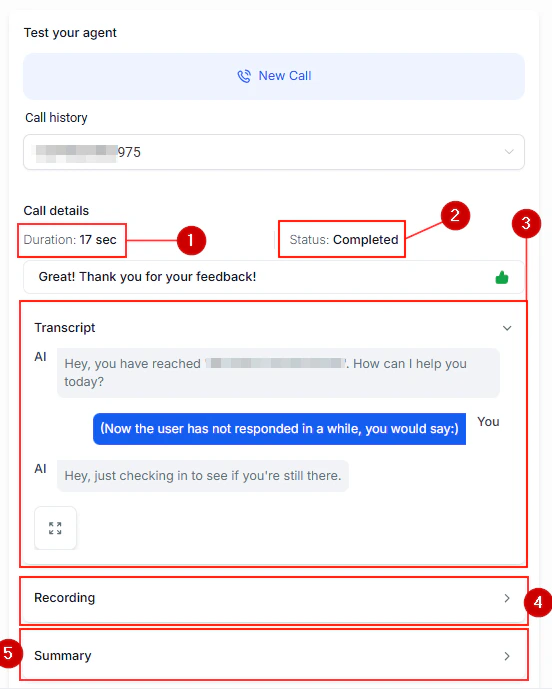
Review the conversation transcript
After each test call, review the full transcript in the agent dashboard. Look for:
Correct understanding of caller intent
Appropriate responses and tone
Successful action execution (appointment booking, data collection)
Proper escalation behavior
Review the conversation transcript after a test call
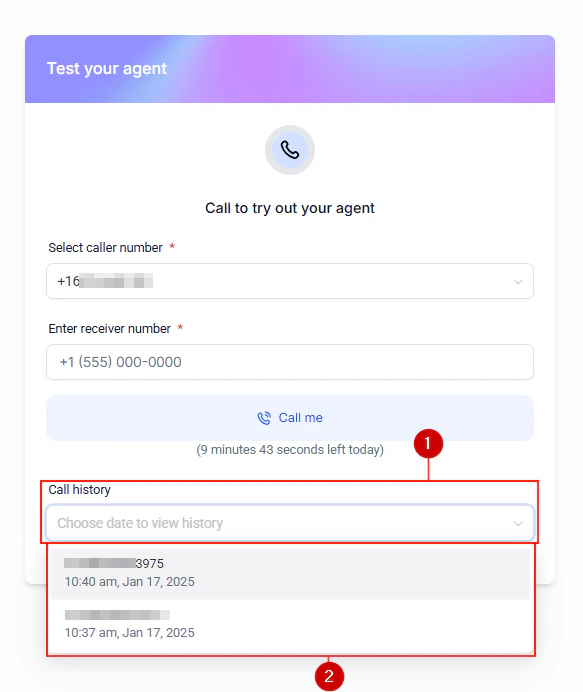
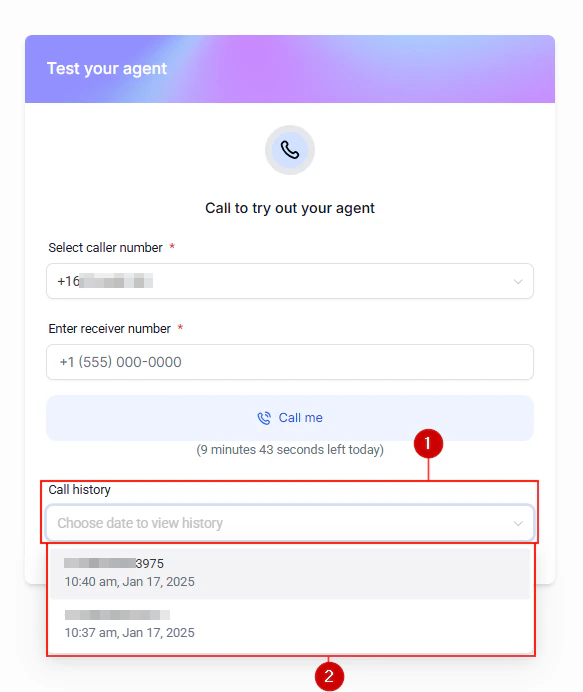
Call history log showing all test and live calls with status and duration
3
Iterate on your prompt
Adjust your system prompt based on test results. Common improvements include:
Adding specific handling for edge cases
Clarifying the agent role and boundaries
Improving fallback responses
Refining appointment booking instructions
4
Review test call results and metrics
After multiple test calls, review the aggregated results to identify patterns. Check the success rate for each action (appointment bookings, transfers, data collection) and look for recurring failure points.
Test call results showing conversation metrics and action success rates
Detailed call results showing conversation outcome and action completions
Review your system prompt for clarity. Make sure the agent role and supported topics are explicitly defined. Add example scenarios for common caller requests.
Agent provides incorrect information
Check your knowledge base and system prompt for outdated or conflicting information. Ensure business hours, pricing, and service details are current.
Call quality issues
Verify your phone number is properly configured. Check that the speech-to-text and text-to-speech settings match your expected language and accent.
Appointments not booking correctly
Confirm your calendar is connected and the agent has the correct calendar ID. Test that free slots are available for the time ranges your agent offers.