

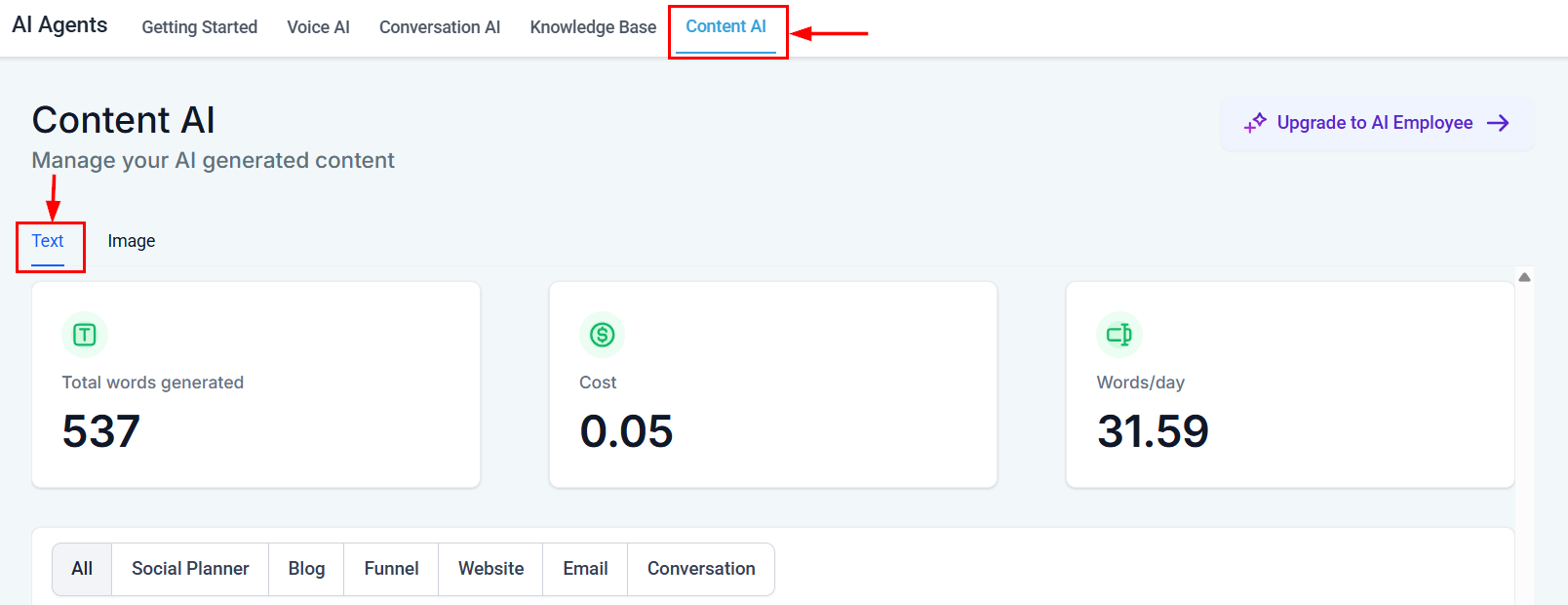
Content AI dashboard overview showing total words generated, cost, and words per day metrics
Writing effective prompts
- Be specific about what you want: tone, length, audience, and purpose
- Provide context about your business, product, or campaign goal
- Include examples of the style or format you prefer
- Specify constraints like word count, call-to-action, or keywords to include
Refining AI output
- Always review and edit generated content before publishing
- Add your brand voice by adjusting word choices and phrasing
- Fact-check any claims, statistics, or specific details
- Test variations by generating multiple options and comparing results
Channel-specific tips
Email content
Email content
- Generate multiple subject lines and A/B test them
- Use AI for first drafts, then personalize with merge fields
- Keep AI-generated emails concise and focused on a single CTA
Web page content
Web page content
- Provide your target keywords for SEO-optimized copy
- Generate section-by-section rather than entire pages at once
- Use AI for headline and CTA variations
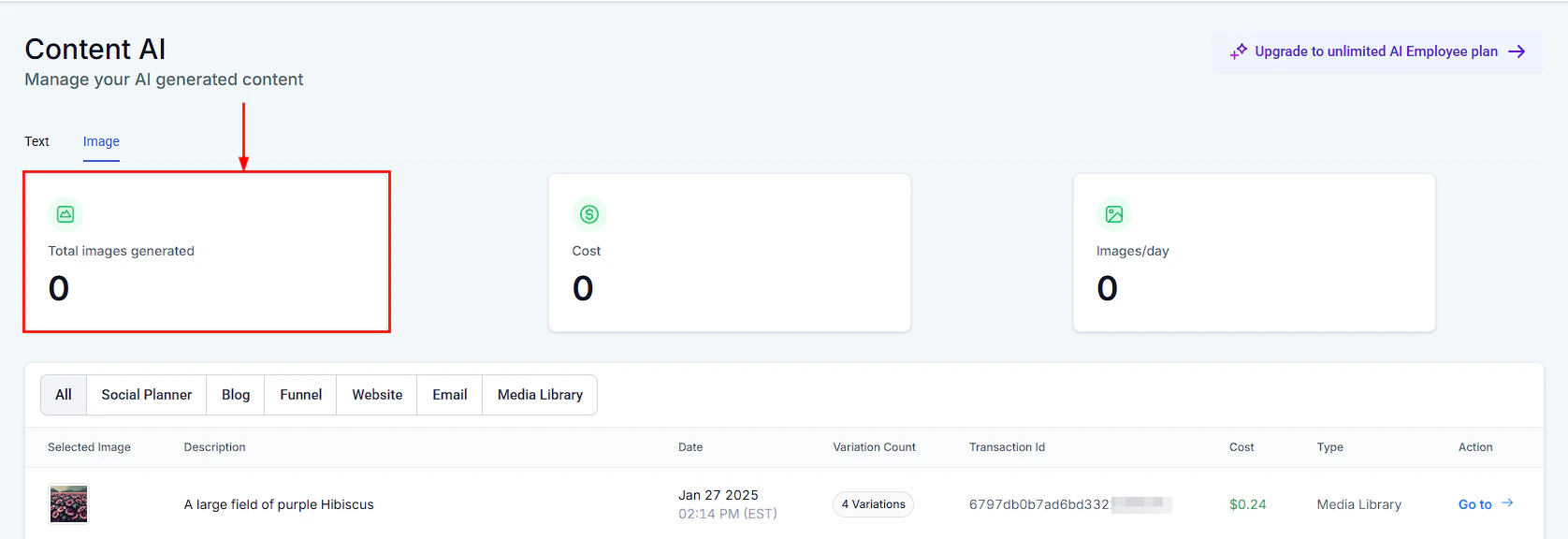
Content AI image generation interface for creating visual assets alongside text content
Managing AI credits
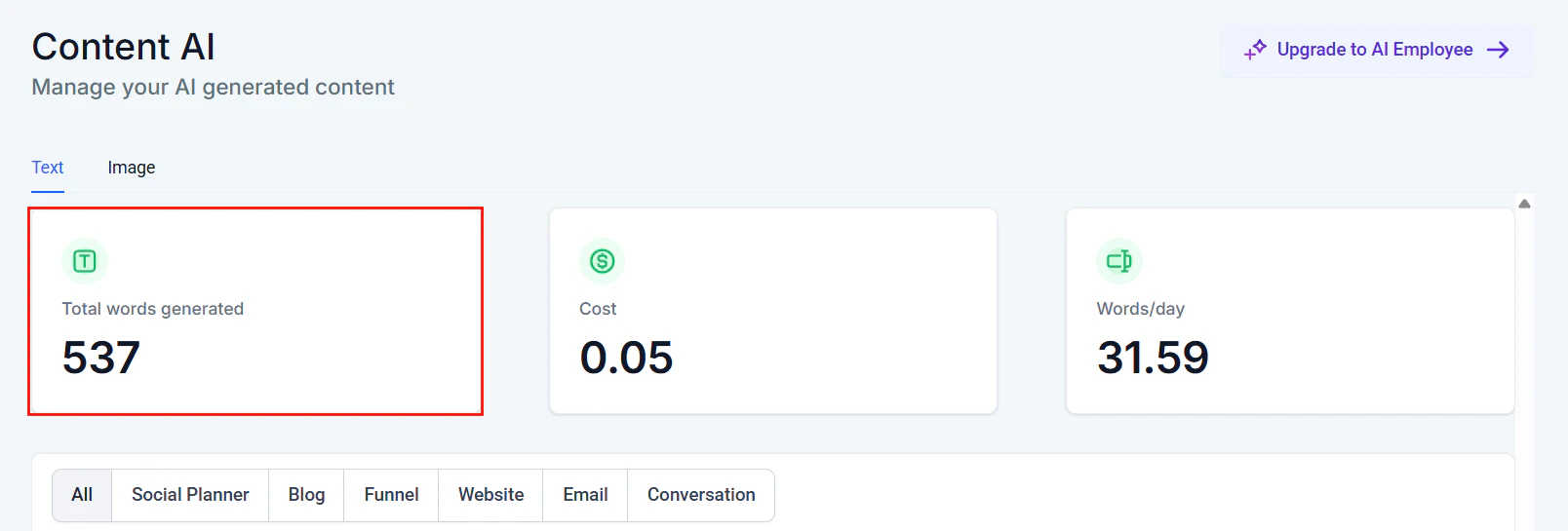
Total words generated view for monitoring AI content output
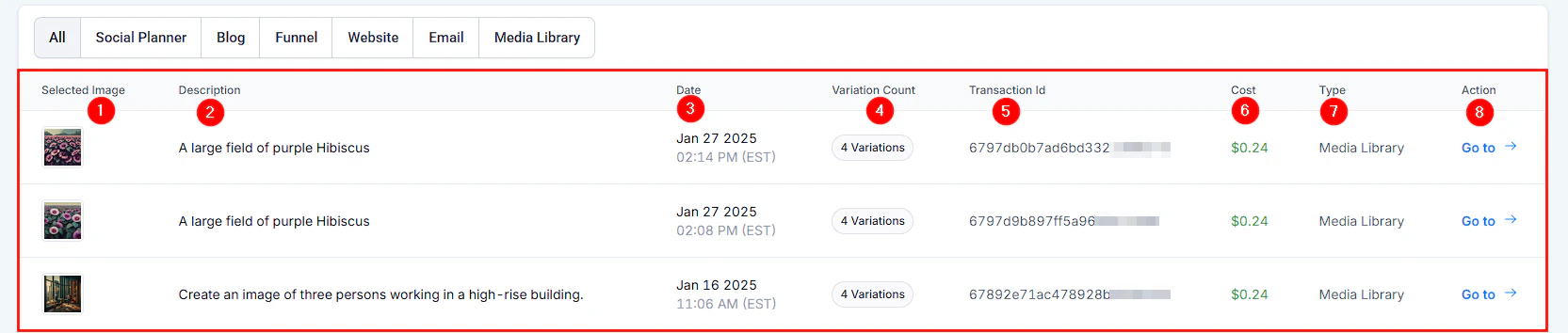
AI-generated image output showing quality visual content created by Content AI
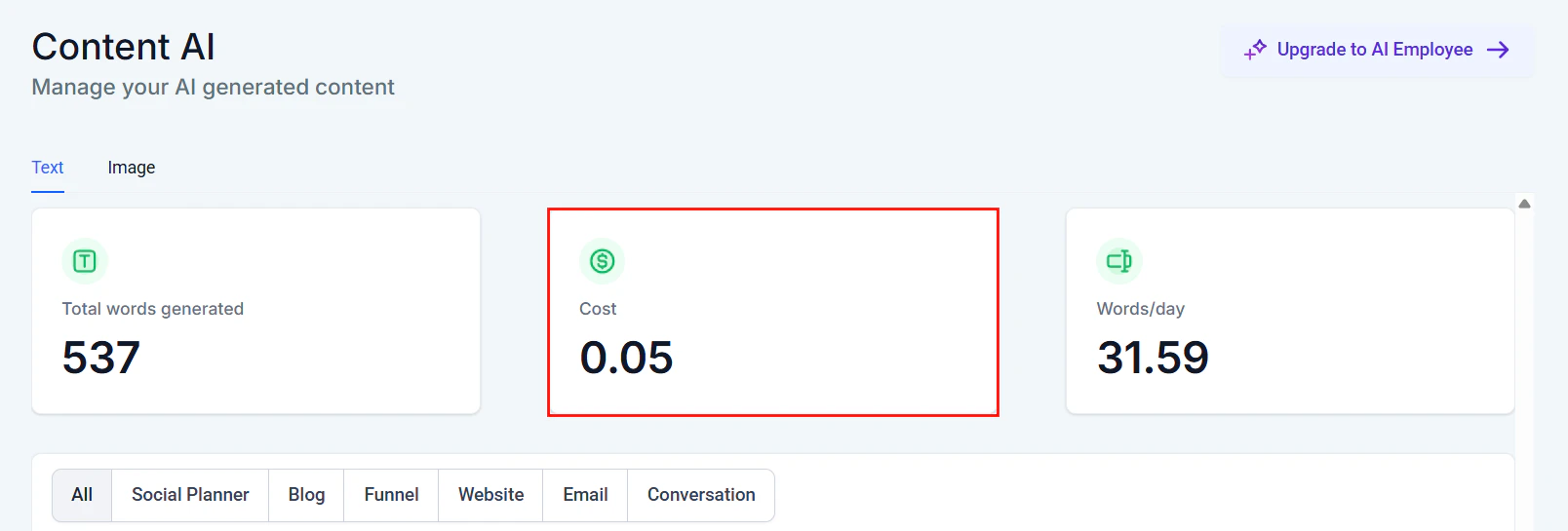
Content AI text generation cost breakdown showing spend over time
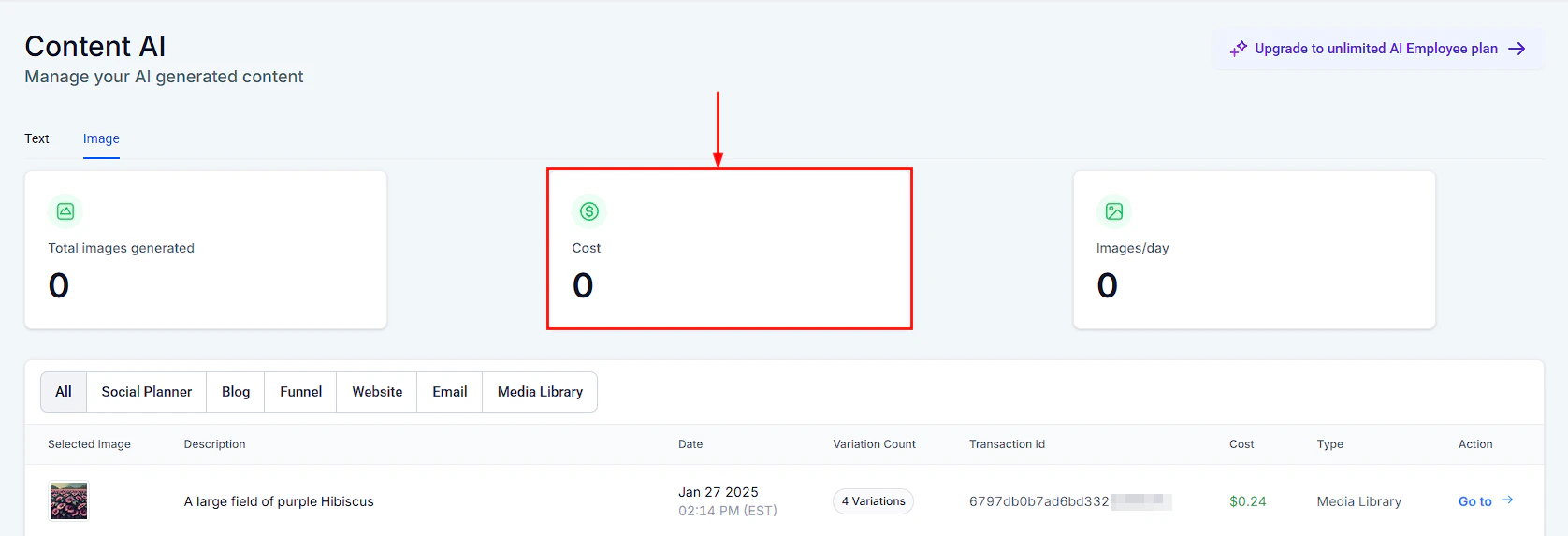
Content AI image generation cost tracking showing image credit consumption
- Monitor your usage in Settings > AI credits
- Longer outputs consume more credits
- Refine your prompts to reduce regeneration and save credits
Next steps
Email builder
Generate email content with AI
Social planner
Create social media content with AI