

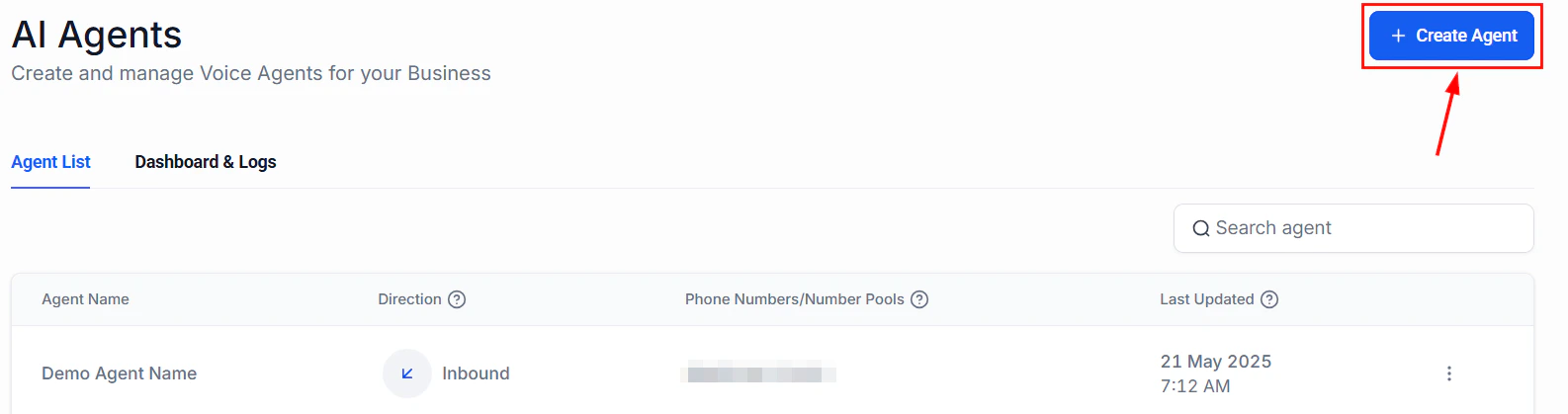
Voice AI agent settings where you diagnose connectivity and configuration issues
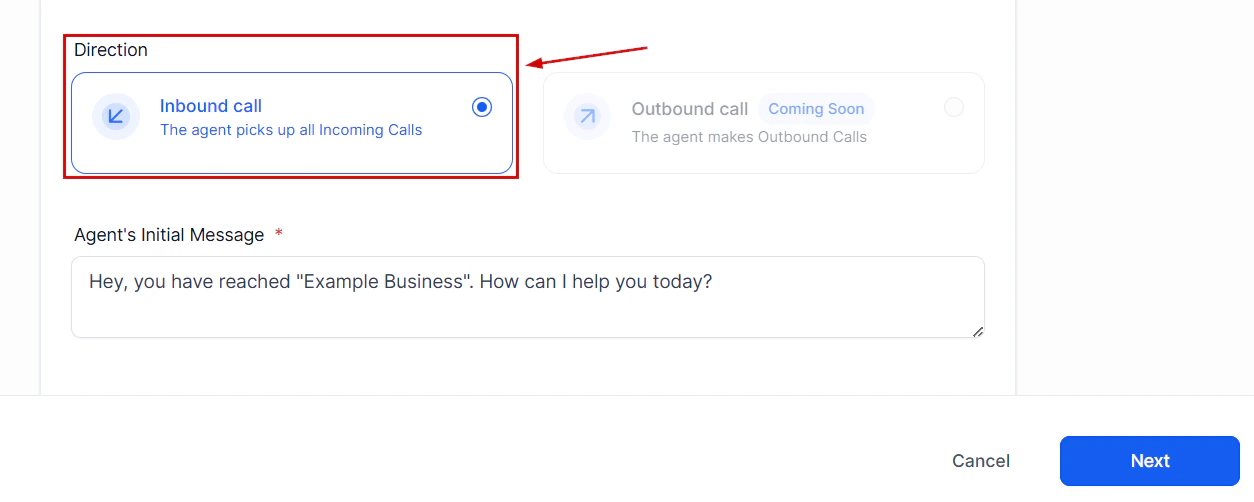
Verify the call direction setting matches your intended use case
Call connectivity issues
Calls go straight to voicemail
Calls go straight to voicemail
- Verify your Voice AI agent is active (not paused or in test mode)
- Check that the phone number is correctly assigned to the agent
- Confirm your agent availability schedule includes the current time and timezone
- Check that failover settings are not routing calls away from the agent
Agent does not answer during business hours
Agent does not answer during business hours
The most common cause is a timezone mismatch. Double-check that your agent timezone setting matches your actual business timezone. Go to your agent settings and verify the timezone under the Availability section.
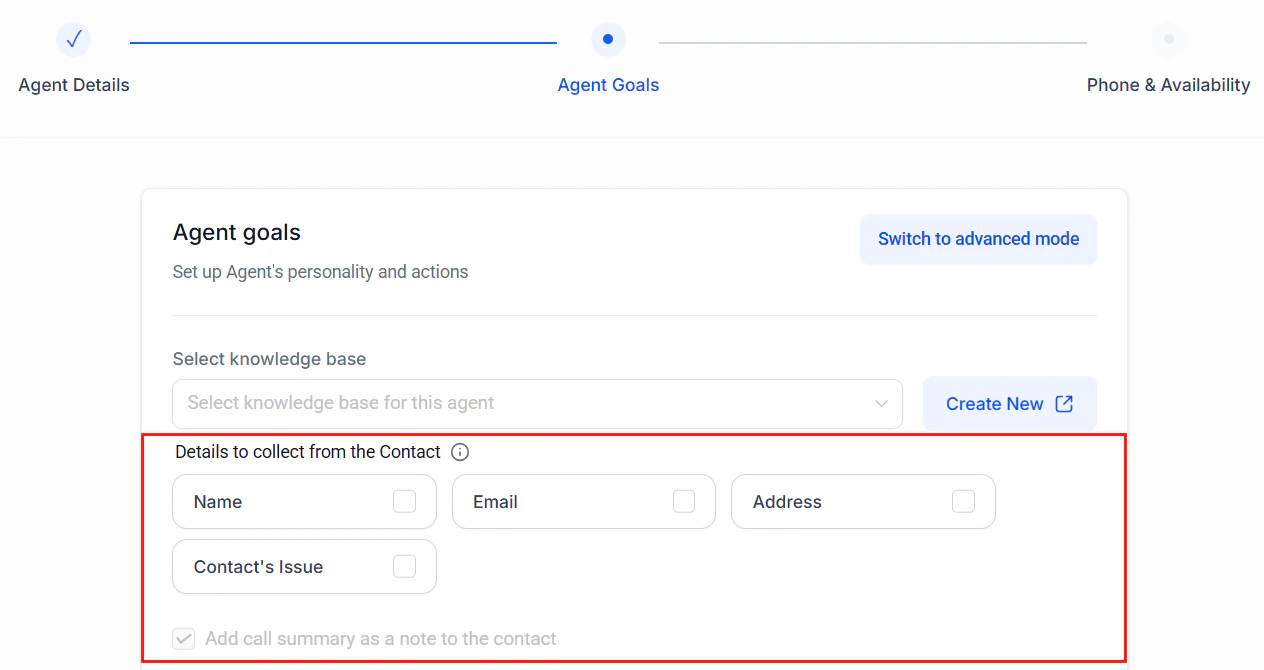
Check the agent timezone and availability settings to resolve scheduling issues
Failover triggers too frequently
Failover triggers too frequently
If calls are frequently routing to your failover number instead of the AI agent:
- Check your internet connection stability
- Verify the agent is not hitting concurrent call limits
- Review the agent response time
- Contact support if the issue persists
Audio quality issues
Caller reports robotic or unclear audio
Caller reports robotic or unclear audio
- Check your text-to-speech voice selection
- Reduce the complexity of your system prompt to speed up response generation
- Verify the caller phone connection quality
Agent does not understand the caller
Agent does not understand the caller
- Review speech-to-text language settings to ensure they match the caller language
- Check for background noise guidance in your system prompt
- Add common misheard phrases or names to your prompt for clarification handling
Appointment booking issues
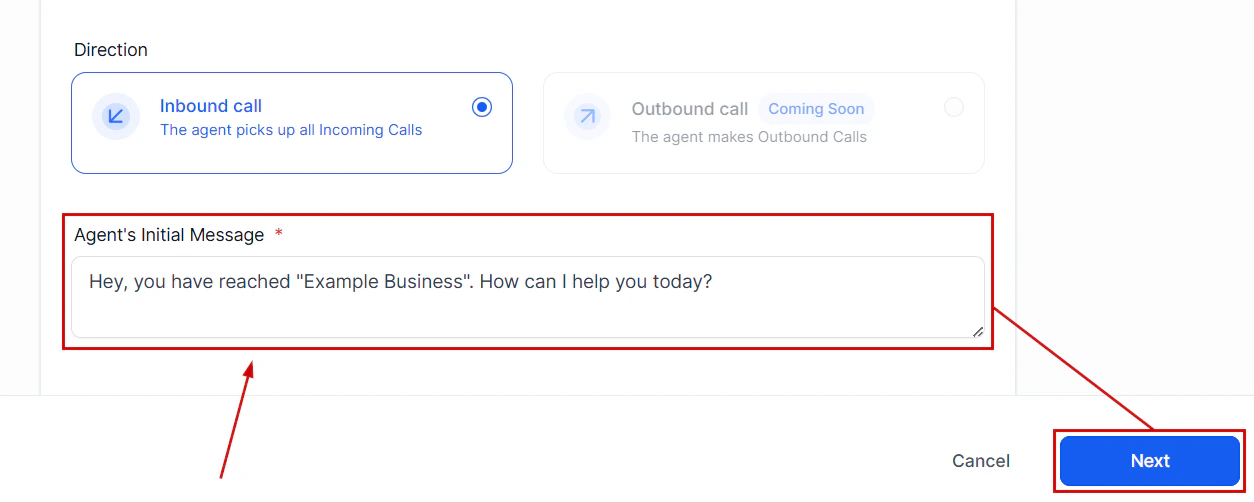
Voice and language settings that affect audio quality and speech recognition
Agent cannot find available slots
Agent cannot find available slots
- Verify the calendar is connected and active
- Check that the calendar has availability configured for the relevant time periods
- Confirm the agent is referencing the correct calendar ID
Appointments booked at wrong times
Appointments booked at wrong times
- Check timezone settings on both the agent and the calendar
- Verify the agent prompt includes clear instructions for timezone handling
Getting more help
If you have tried the steps above and the issue persists, contact HoopAI support at hi@hoopai.com with: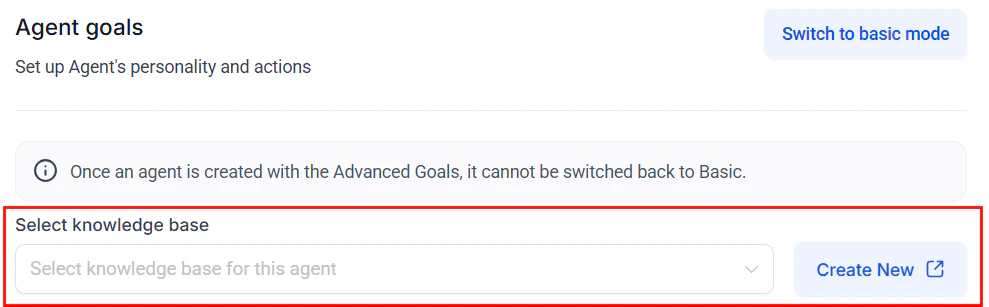
Verify your knowledge base is properly attached to resolve incorrect information issues
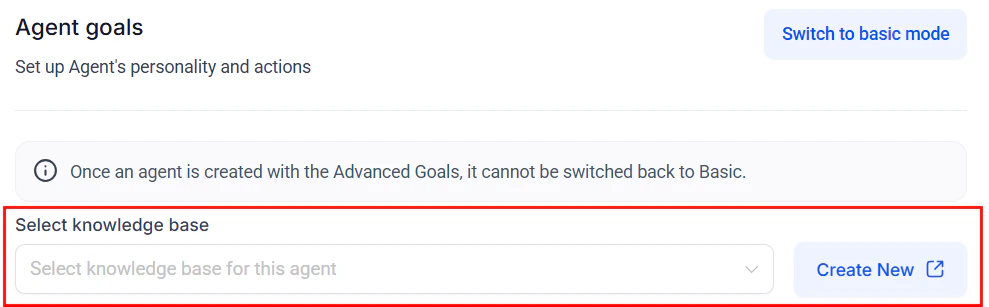
Select a knowledge base in advanced mode to resolve incorrect answer issues
- Your agent ID
- A description of the issue
- Relevant call logs or timestamps
Related guides
Phone setup
Review phone number configuration
Testing and debugging
Test your agent before going live