

Content AI text
Creating and managing content efficiently is vital for any business looking to stay ahead. The Content AI Text Management section in your CRM is designed to simplify this process. It offers a centralized space to track, review, and reuse all AI-generated text, helping you maintain consistency in your brand’s voice. Whether it’s creating blog posts, social media content, or email campaigns, this tool ensures your messaging stays sharp and cohesive without adding to your workload. To get started navigate to the AI Agents > Content AI > Image section of your account.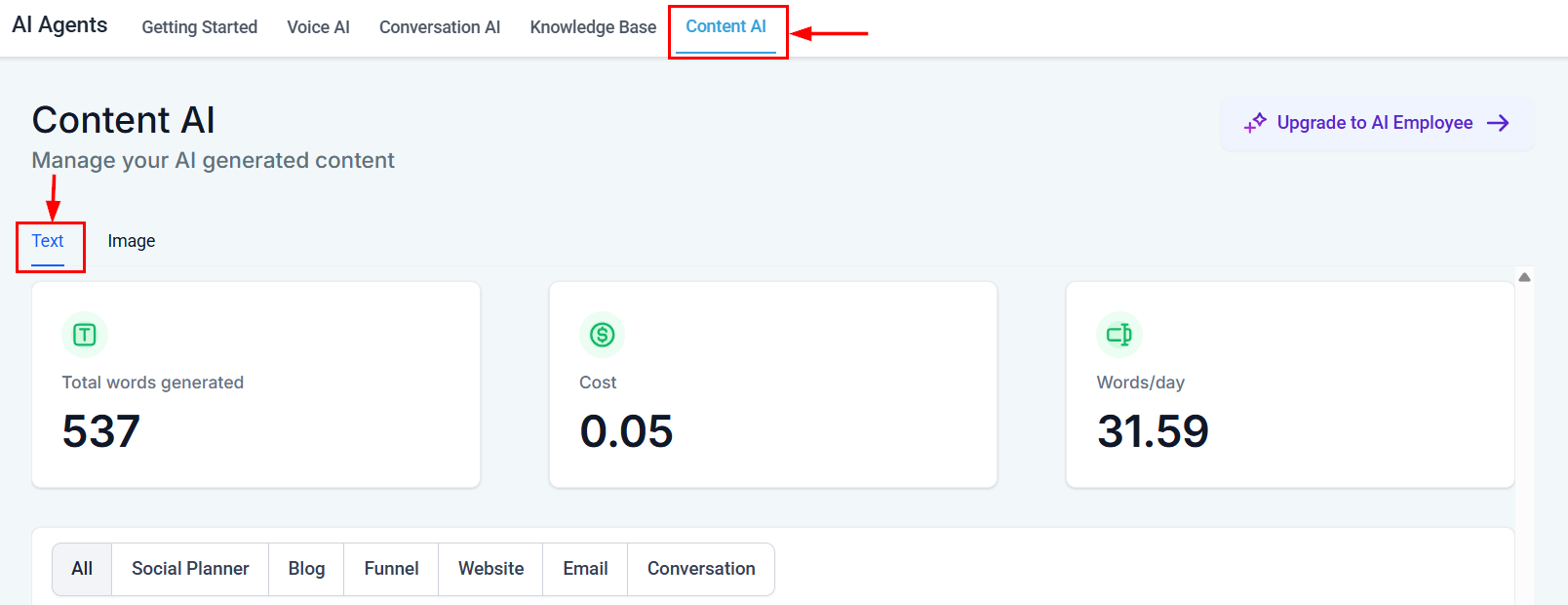
Screenshot
Content AI Text Dashboard
Total Words Generated
You can see the total number of words generated by Content AI across all the tools in your account in the Total Words Generated tile.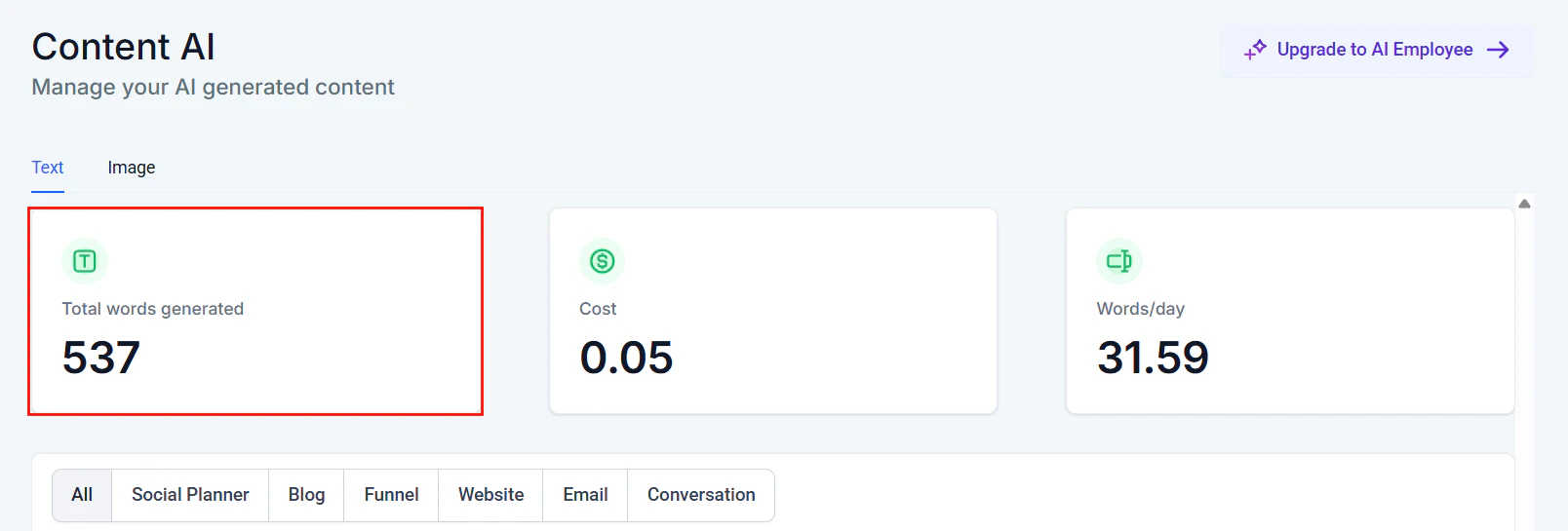
Screenshot
Cost
The Cost tile displays the total cost associated with AI-generated text across your CRM, helping you track expenses and optimize content creation.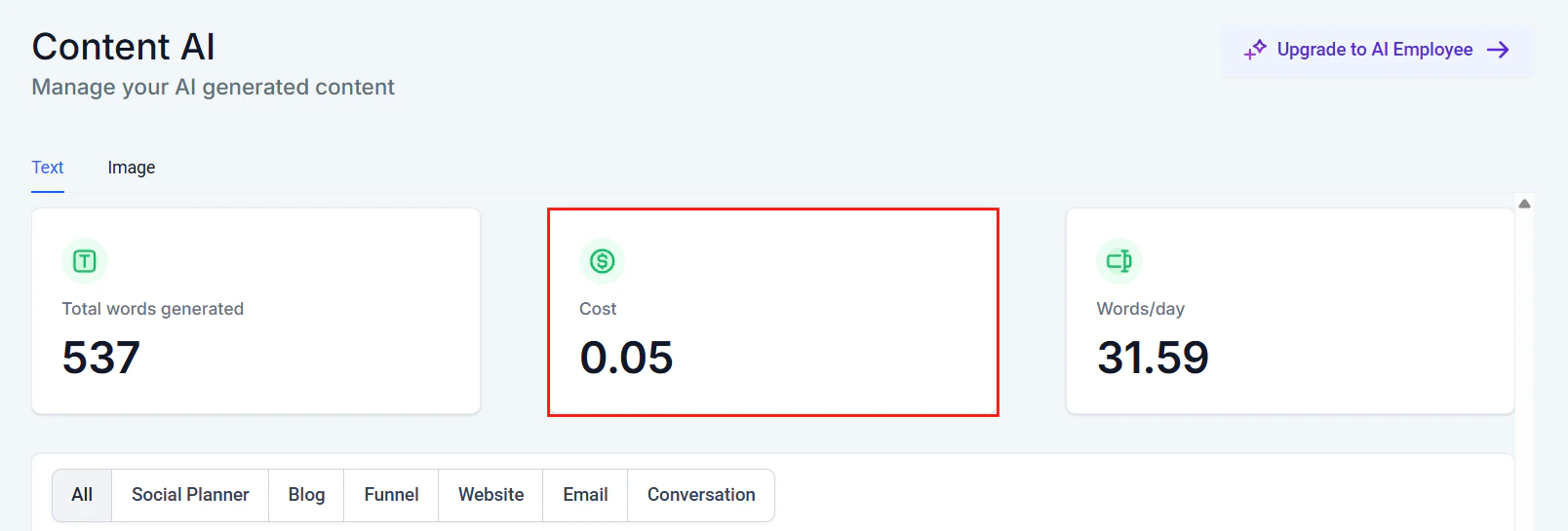
Screenshot
Words/Day
The Words/day tile shows the average number of words generated in Content AI per day.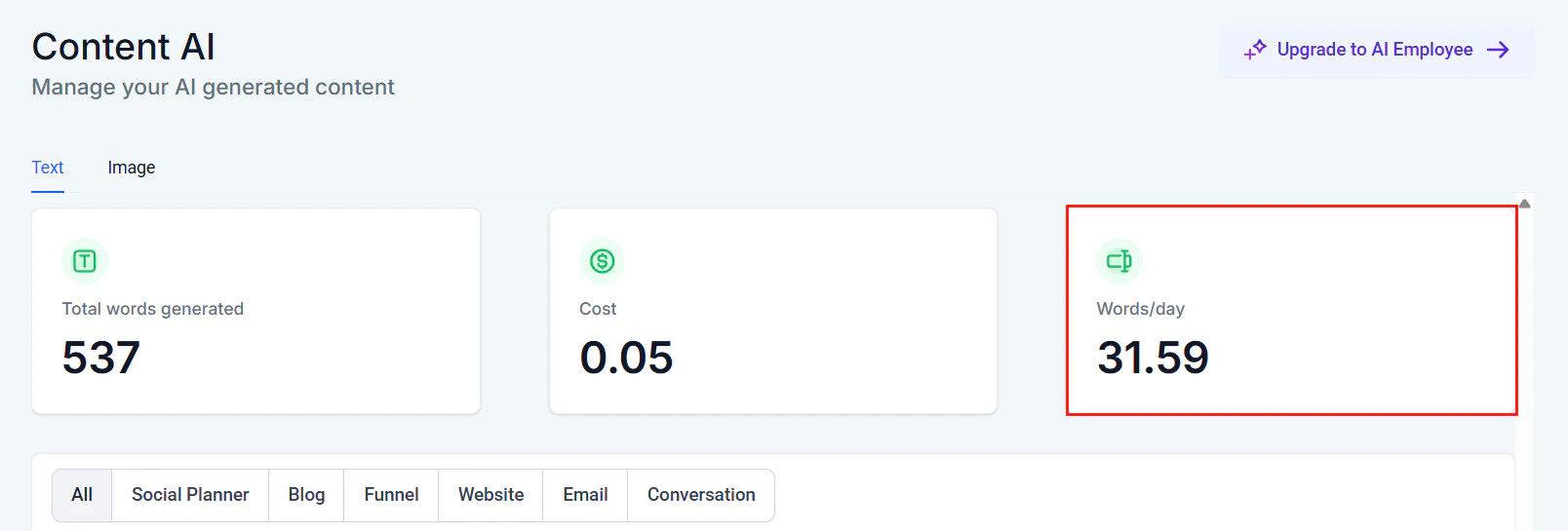
Screenshot
Content AI Text Table
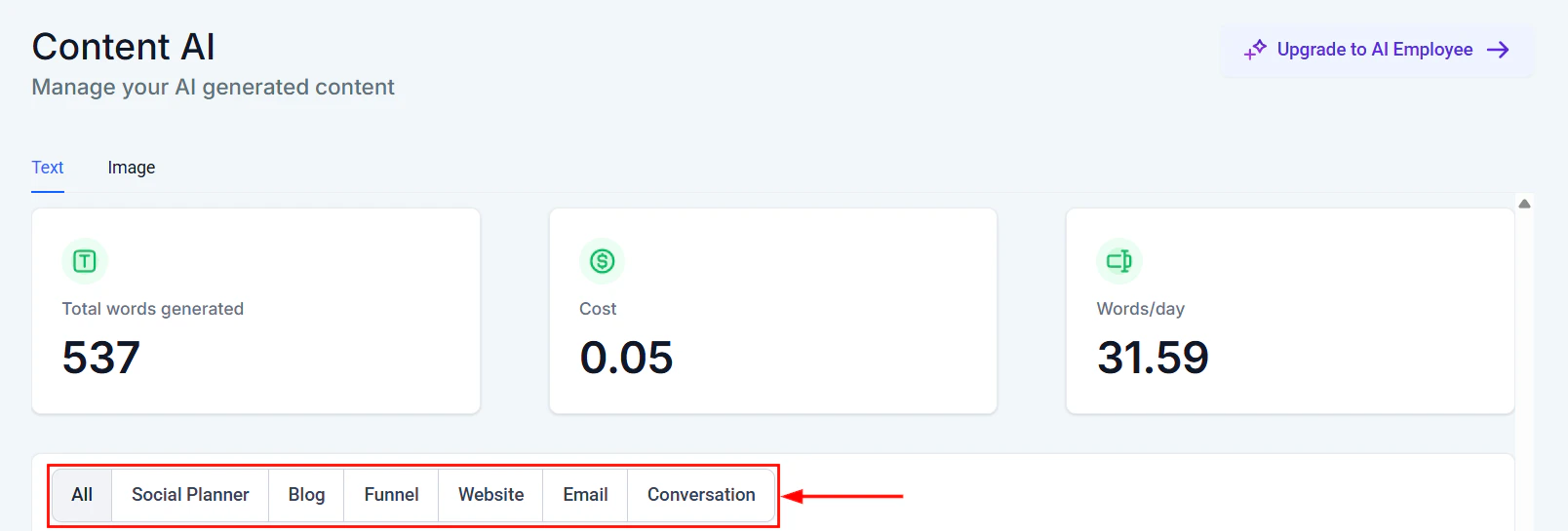
Once the content is generated on any platform, it will be registered on the content AI details table. These are sections of your CRM that you can generate Content AI:- All
- Social Planner
- Blog
- Funnel
- Website
- Conversation
Screenshot
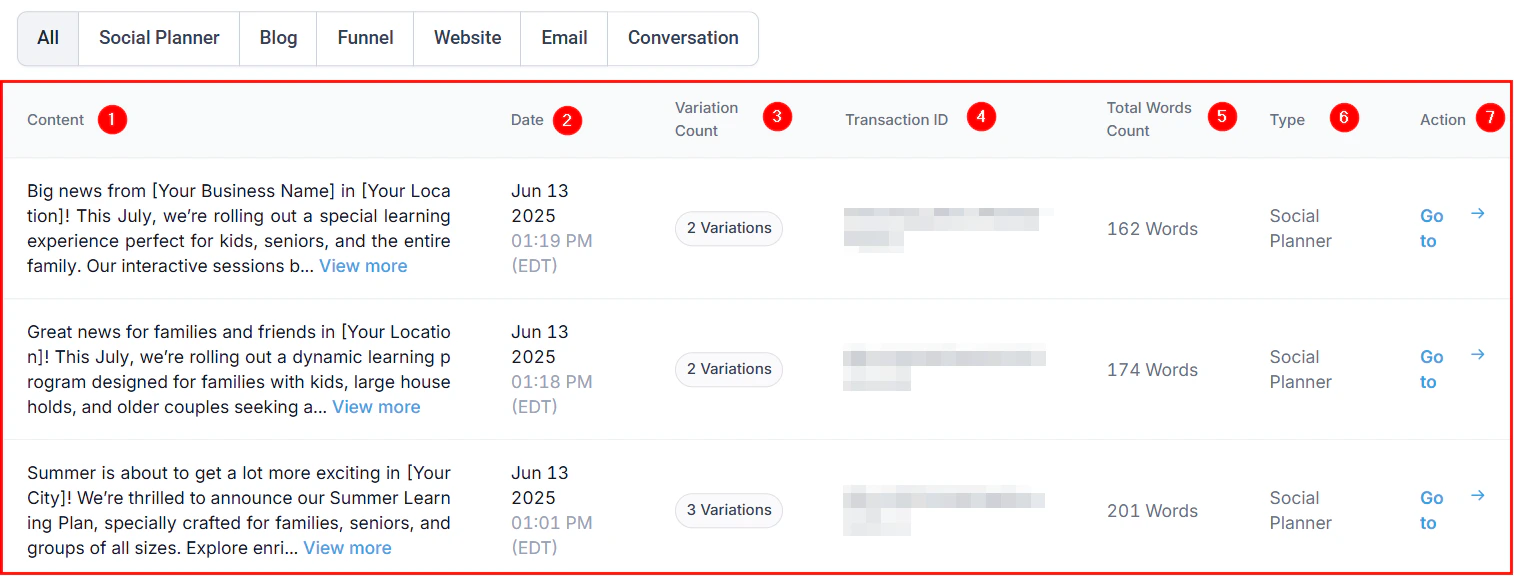
- ****Content: ****This column shows the content created in the platform.
- Date: This shows the date and time this content was created.
- Variation Count: This shows the number of variations in each text created
- Transaction ID: This shows the transaction ID of each content AI that has been generated.
- Total Words Count: This column shows the total word count of each content.
- ****Type: ****This column specifies the feature under which the content was created.
- ****Action: ****You can copy any variations you generate by clicking on the “Go To” option, which directs you to the content page. You will see the “Copy” button in front of each content variation; click on it to copy.
Screenshot
Content AI image
Managing your brand’s visual identity just got easier! The Content AI Image feature empowers businesses to oversee their AI-generated images with precision. From reviewing generated content to tracking costs and variations, this tool is a one-stop solution for maintaining brand consistency and maximizing efficiency. Whether you’re creating visuals for social media, blogs, or websites, this section simplifies the entire process, ensuring that your visual content aligns with your business goals. To get started, navigate to the AI Agents > Content AI > Image section of your account.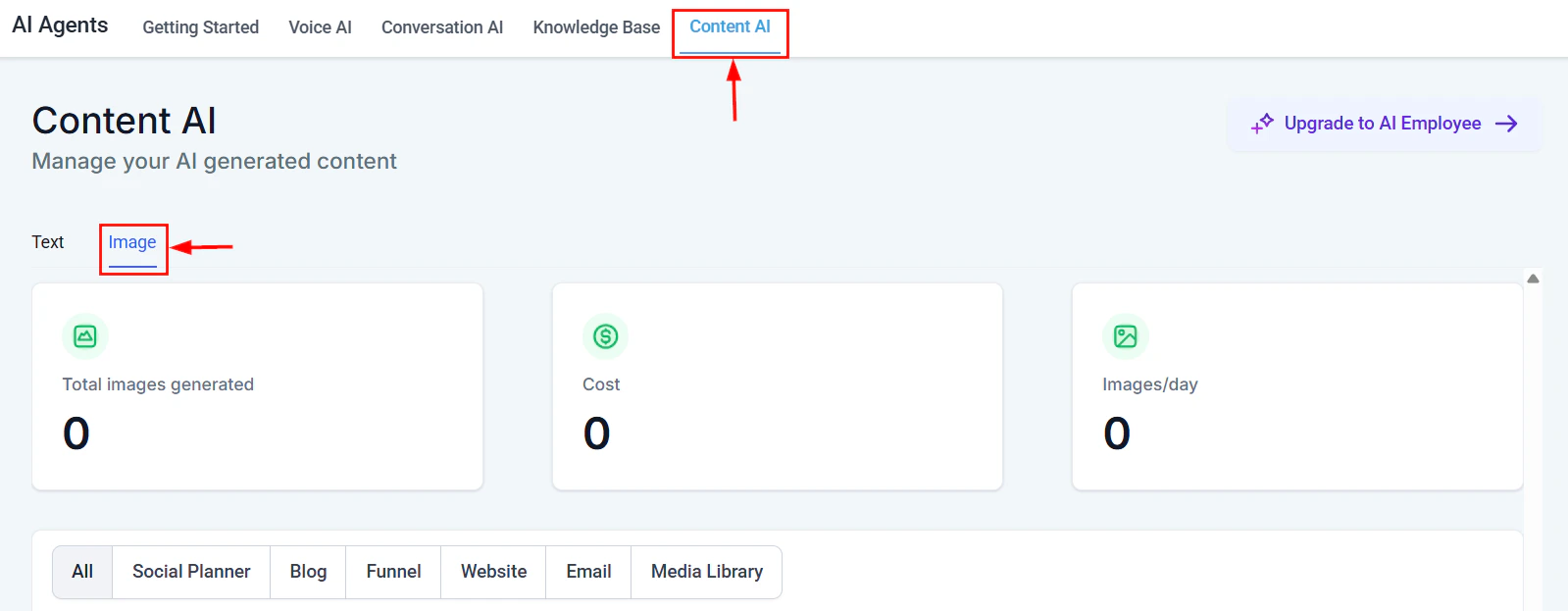
Screenshot
Content AI Image Dashboard
Total Images Generated
Here you will be able to see the total number of images generated by Content AI within your CRM system across all sections.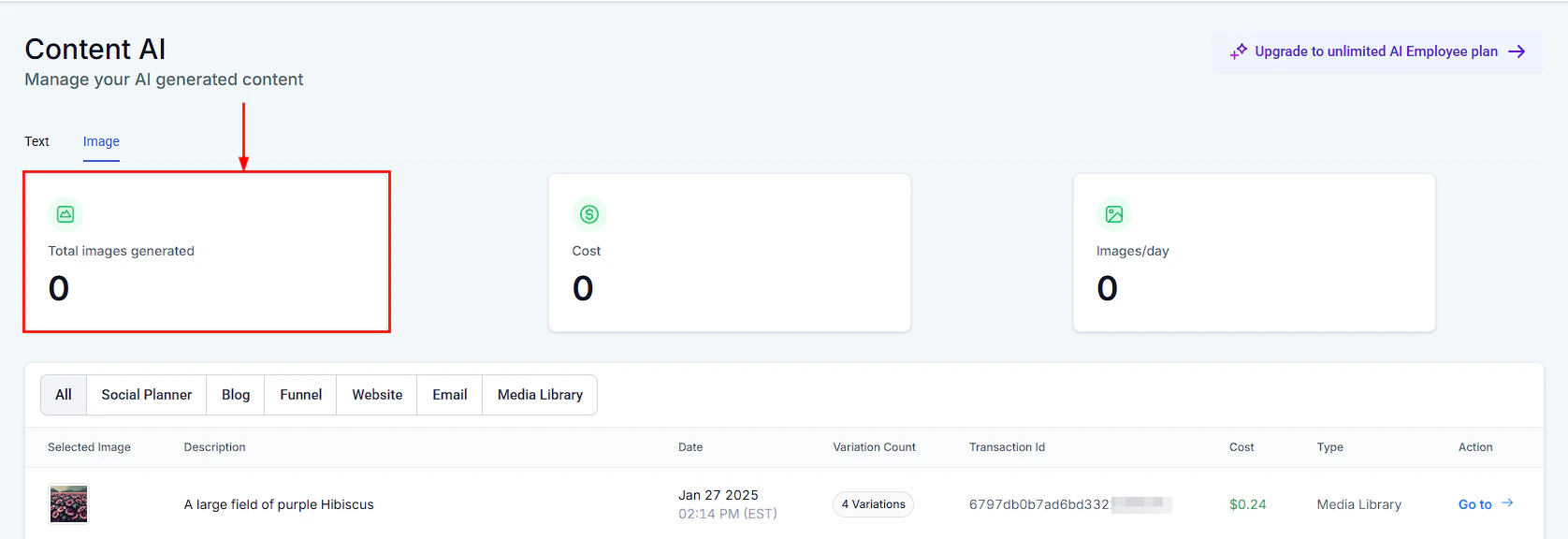
Screenshot
Cost
This dashboard shows you the total cost for all Content AI-generated images throughout your CRM.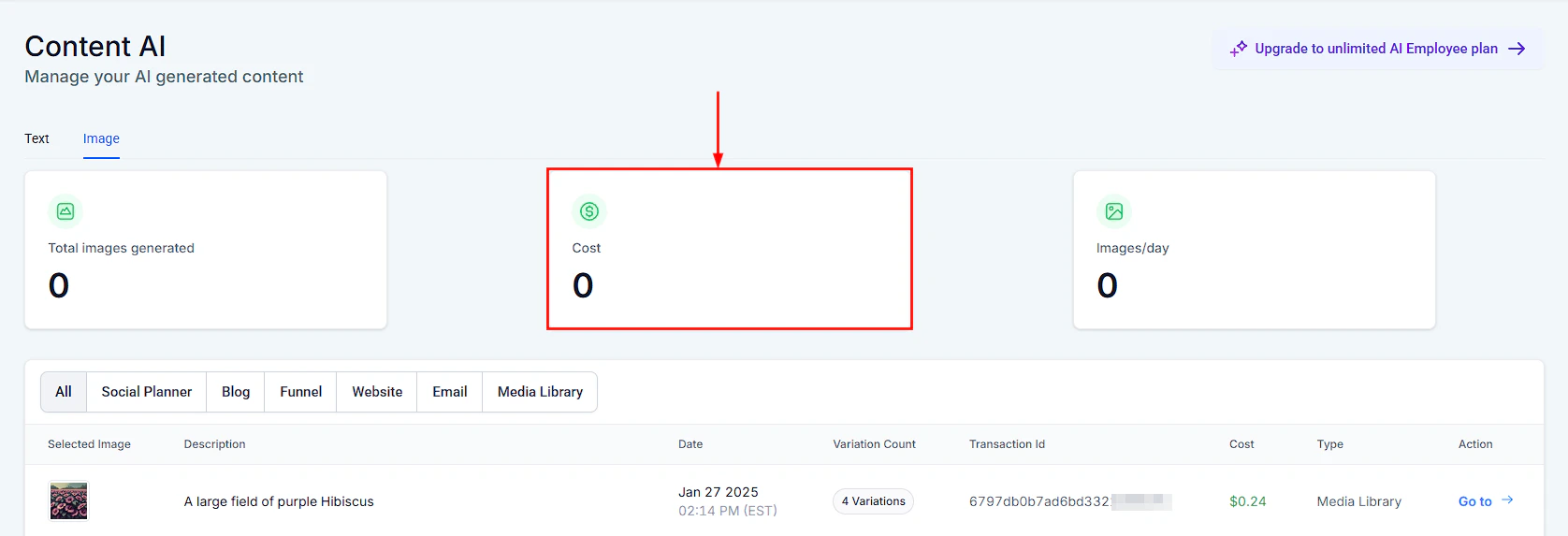
Screenshot
Images/Day
This shows you the average number of images created per day using Content AI in your CRM.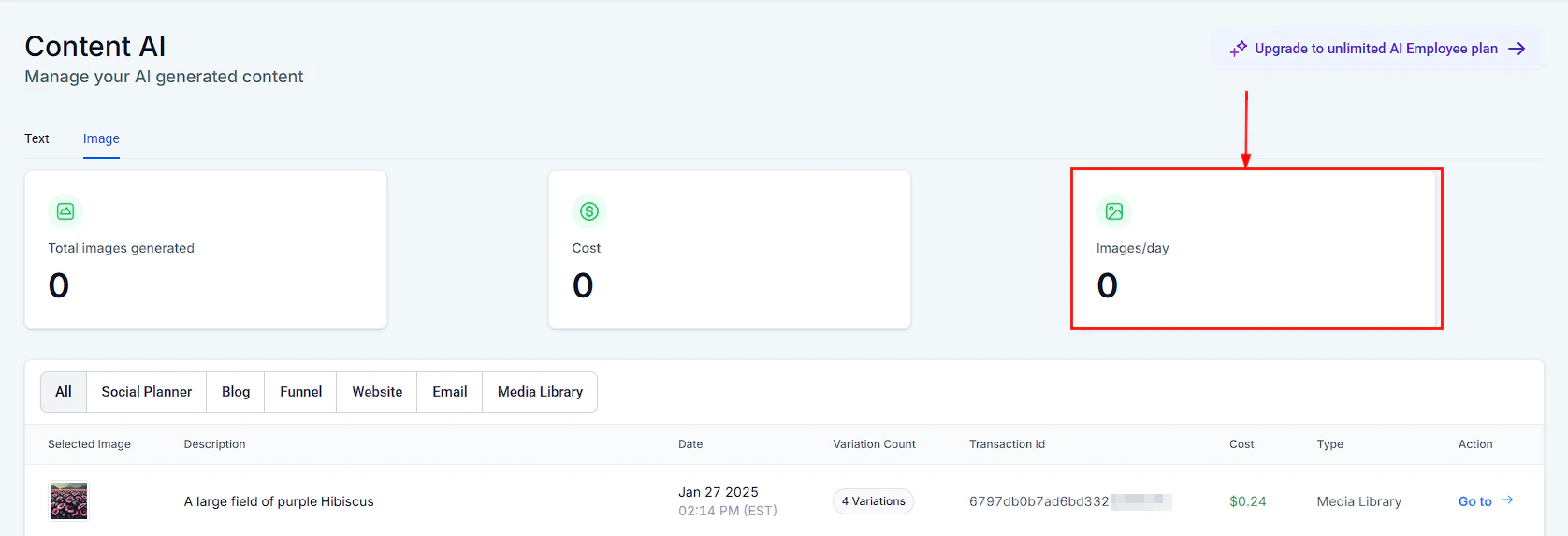
Screenshot
Content AI Image Table
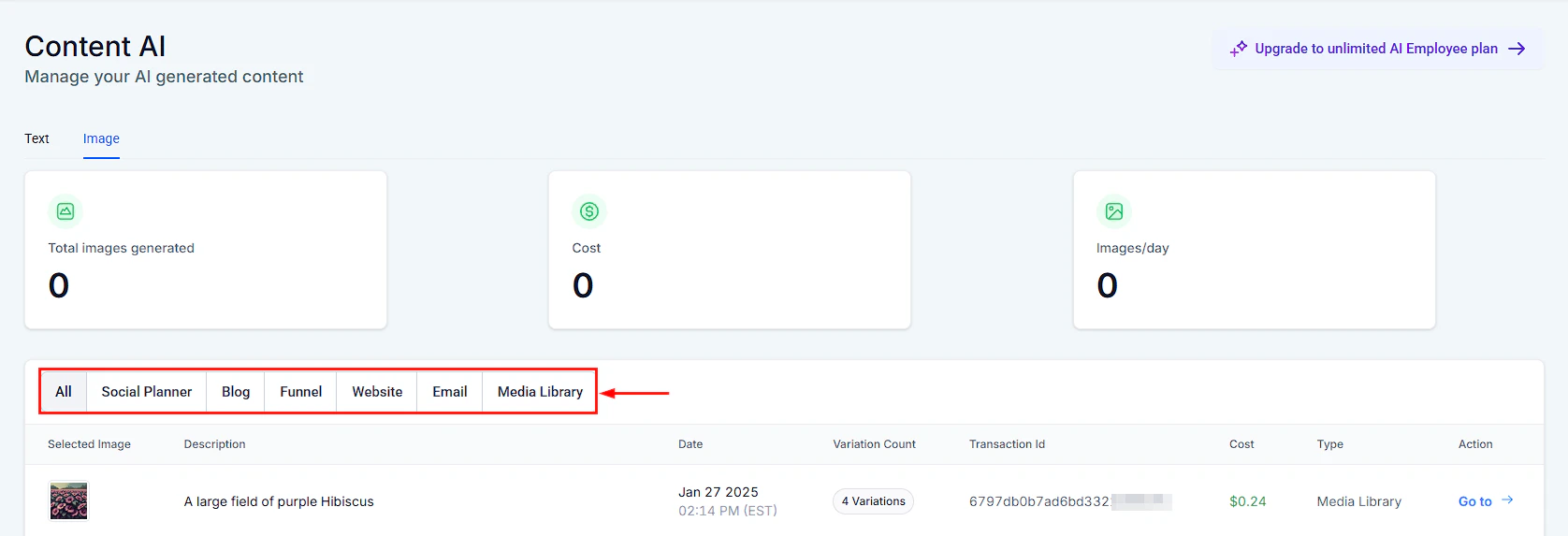
Once an image is generated in your CRM, it will be registered on the Image details table. These are sections in which you can generate AI Images;- All
- Social Planner
- Blog
- Funnel
- Website
- Media Library
Screenshot
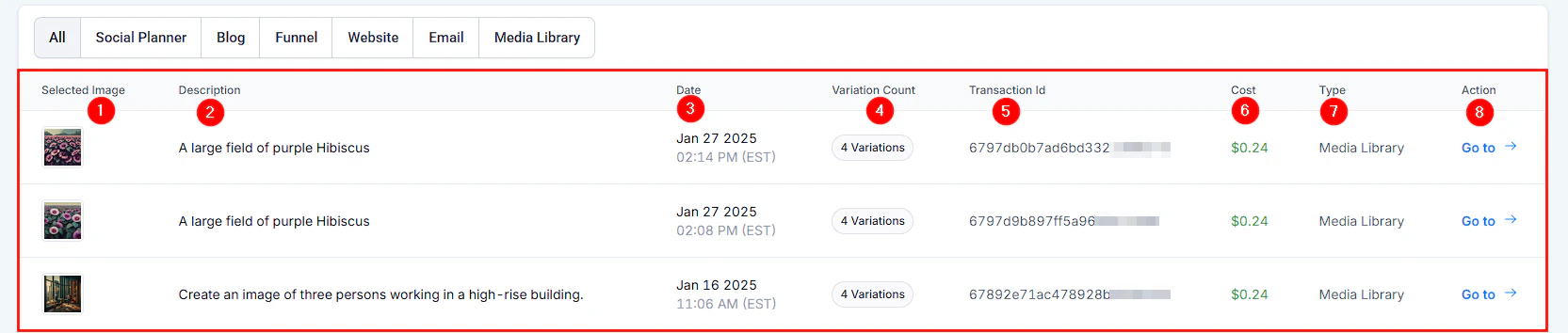
- Selected Image: This column shows the selected image created by Content AI.
- Description: You can see the description of the image generated here.
- Date: This shows the date and time this Image was created.
- Variation Count: This shows the number of variations created in Content AI.
- Transaction ID: This shows the transaction ID of each image generated by Content AI.
- ****Cost: ****This column shows the cost for each Content AI image generated.
- ****Type: ****This column specifies the category under which the image was created.
- Action: You can save any variations you generate to your media library if you would like to reuse them in the future by clicking on the “Go To” option, which directs you to the image page. You will see the “Save to Library” button in front of each image variation; click on it to Save it!
Screenshot