HoopAI includes a comprehensive suite of AI-powered features designed to automate conversations, generate content, manage your online reputation, handle phone calls, and streamline workflows. This page gives you a single reference point to compare every AI feature, understand where to find it, and decide which ones to set up first.

Master feature table

The table below lists every AI feature available in HoopAI, what it does, where to access it in the platform, which plans include it, and a direct link to the setup documentation.
FeatureWhat it doesWhere to find itPlan availabilitySetup link
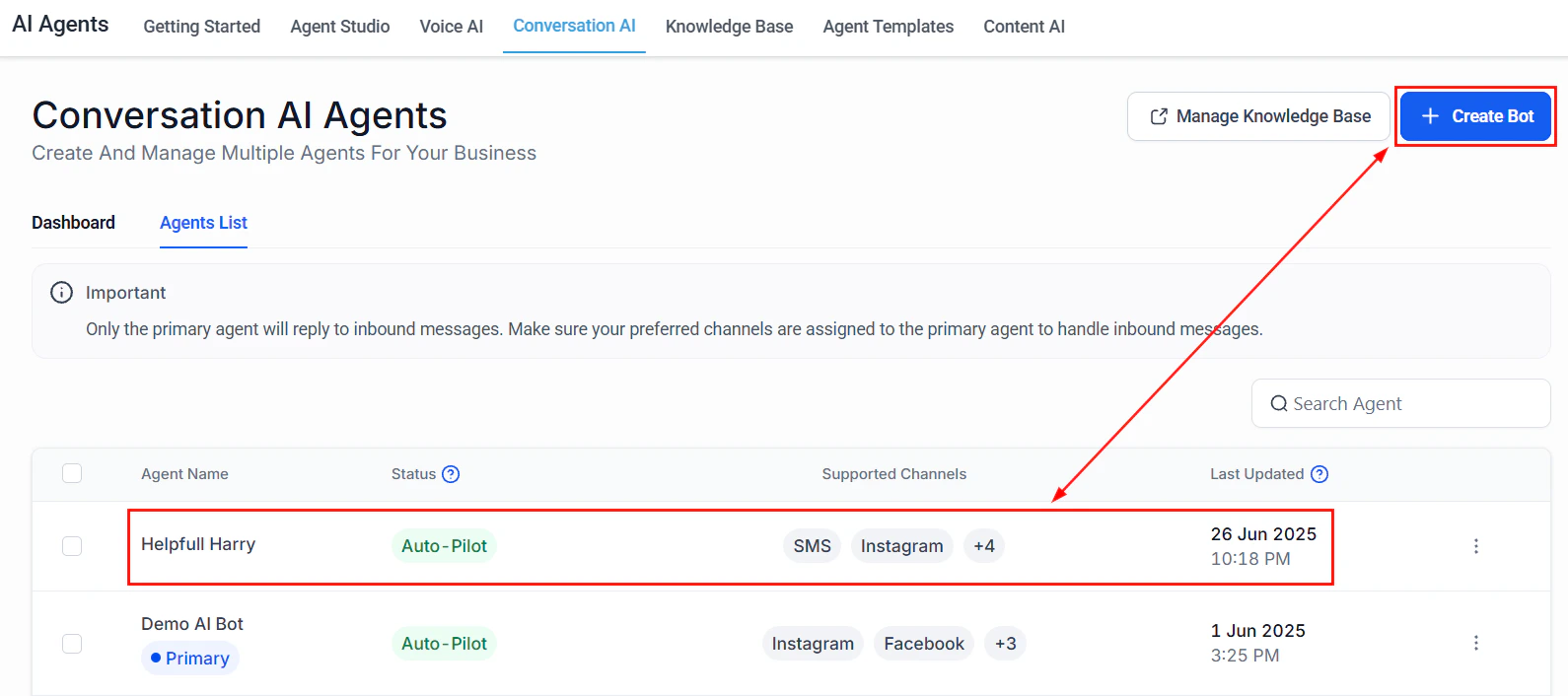
Conversation AIAutomated text-based chat agent that answers questions, books appointments, and qualifies leadsAI Agents > Conversation AIAll plansSet up Conversation AI
Conversation AI actionsCustom actions your chat agent can trigger, such as updating contacts or creating tasksAI Agents > Conversation AI > ActionsAll plansConfigure actions
Conversation AI dashboardAnalytics and performance metrics for your chat agentsAI Agents > DashboardAll plansView dashboard
Flow-based builderVisual drag-and-drop builder for designing multi-step chat flowsAI Agents > Flow BuilderAll plansBuild flows
Bot trainingUpload documents, FAQs, and website content to train your AI agentAI Agents > TrainingAll plansTrain your bot
Bot settingsConfigure behavior, personality, escalation rules, and operating hoursAI Agents > SettingsAll plansBot settings
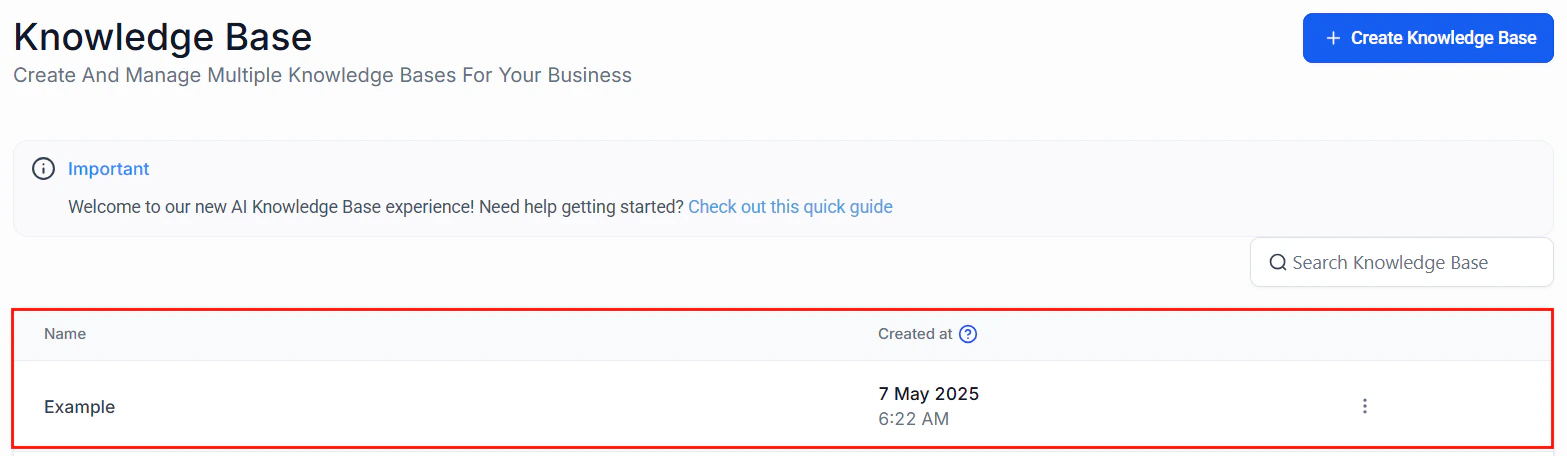
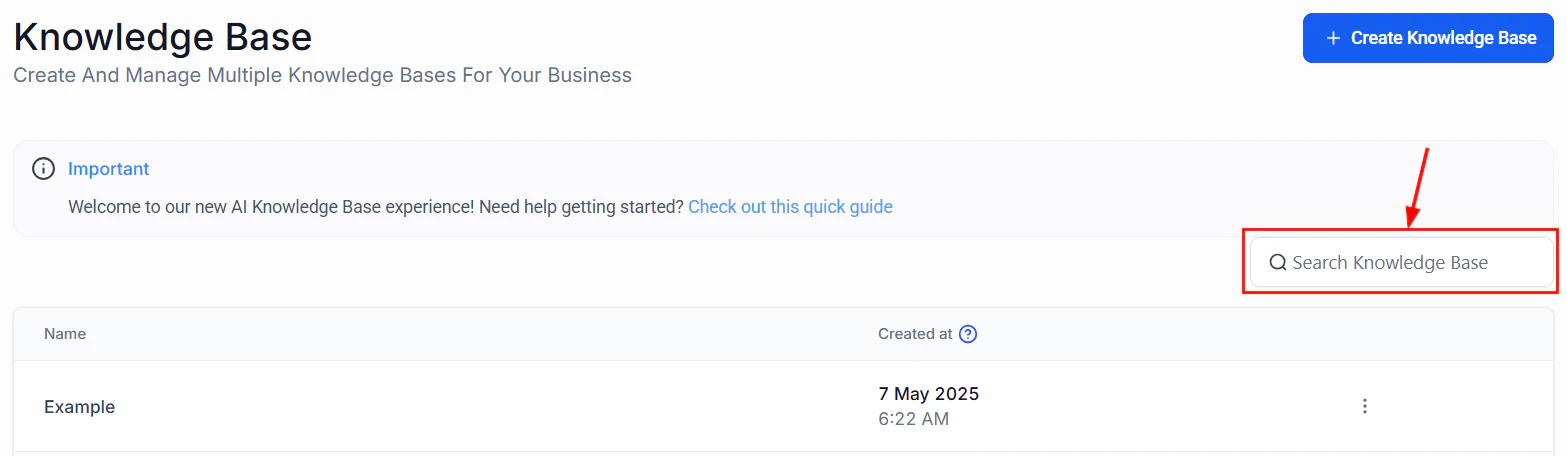
Knowledge baseCentralized repository of business information that AI agents referenceAI Agents > Knowledge BaseAll plansManage knowledge base
Voice AIAI-powered phone agent that handles inbound and outbound callsAI Agents > Voice AIPro and aboveSet up Voice AI
Voice AI agent creationStep-by-step wizard for building and configuring voice agentsAI Agents > Voice AI > Create AgentPro and aboveCreate an agent
Voice AI phone setupAssign and configure phone numbers for voice agentsAI Agents > Voice AI > Phone NumbersPro and abovePhone setup
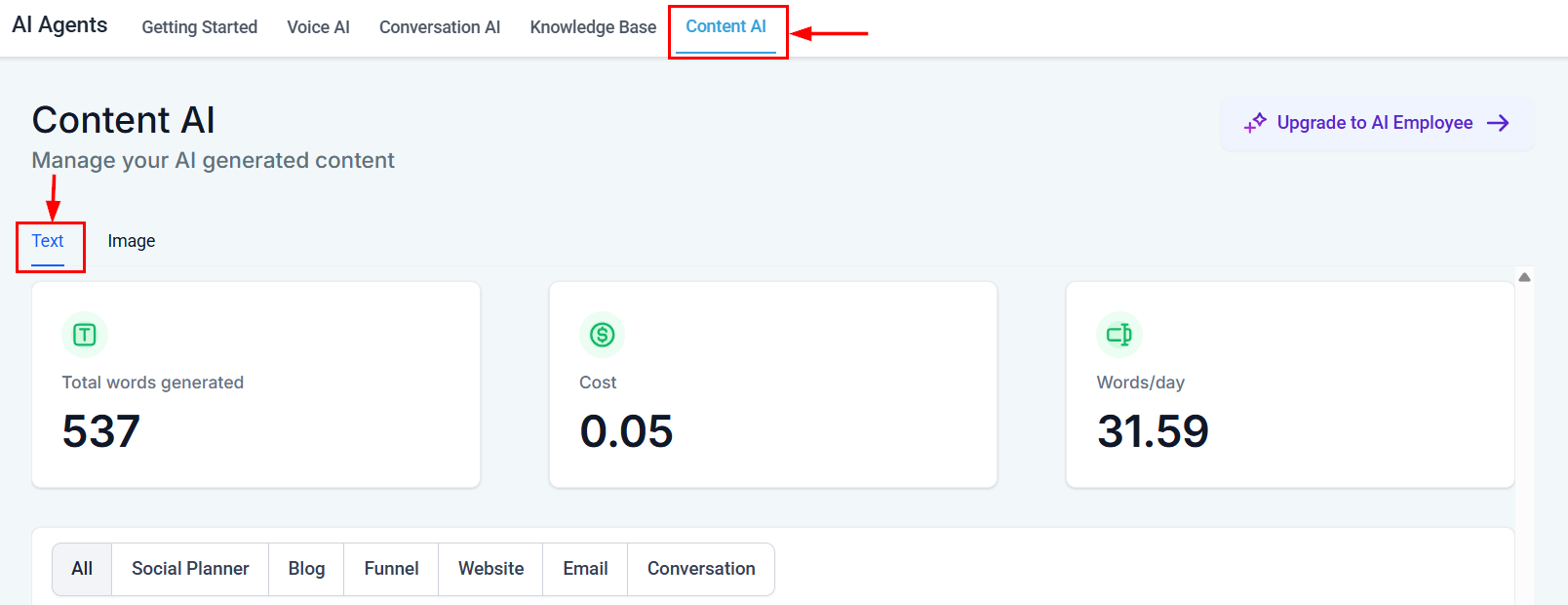
Content AIGenerate blog posts, social media captions, emails, and images with AIMarketing > Content AIAll plansUse Content AI
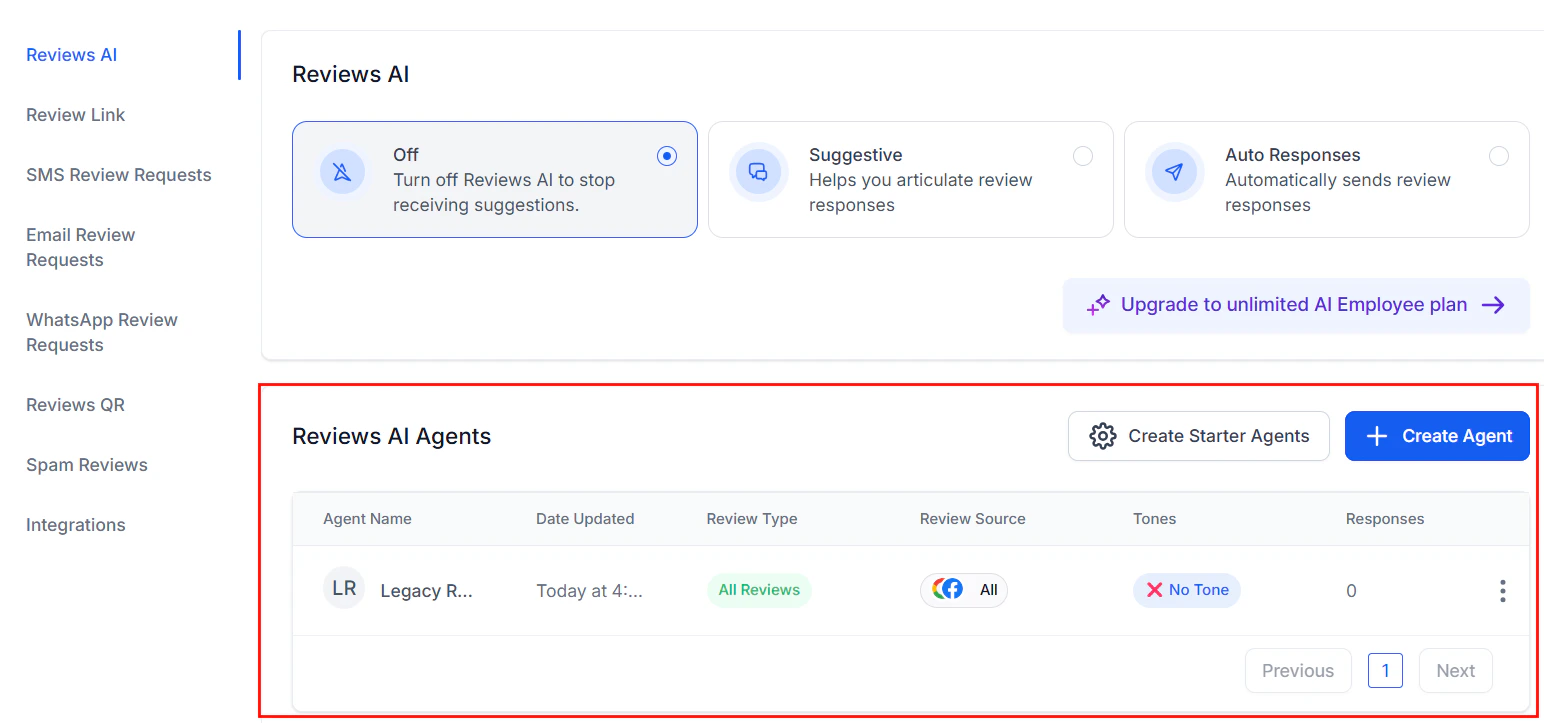
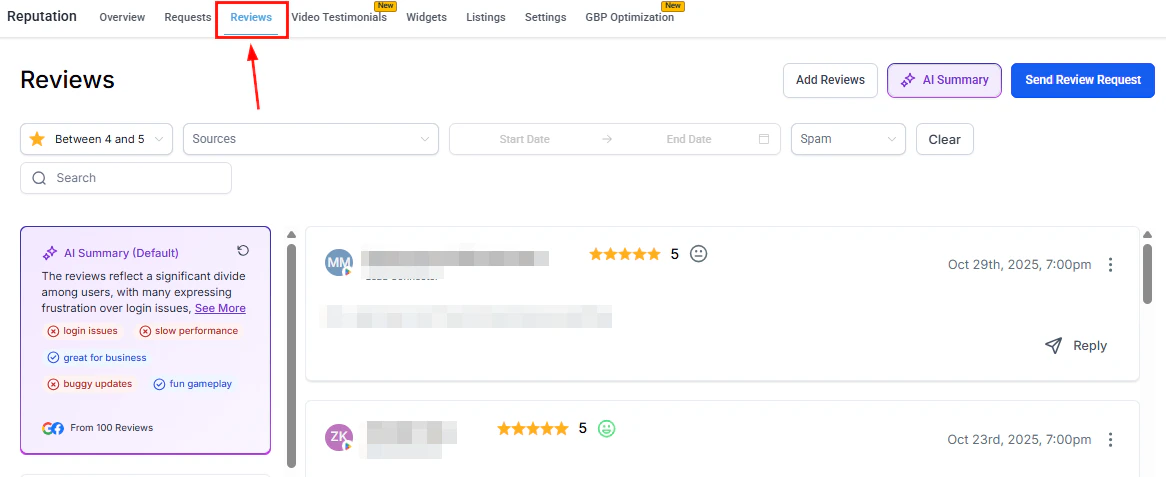
Reviews AIAutomatically generate and send review responses based on sentimentReputation > Reviews AIAll plansSet up Reviews AI
Workflow AI (GPT actions)Add AI-powered steps inside automations for data processing, summarization, and decision-makingAutomations > Workflow Builder > GPT ActionAll plansConfigure GPT actions
Multi-channel AIDeploy Conversation AI across SMS, web chat, Facebook Messenger, Instagram, and moreConversations > ChannelsAll plansMulti-channel setup

Feature comparison

Each of HoopAI’s five core AI capabilities serves a distinct purpose. The comparison below helps you understand how they differ and where they overlap.
Conversation AI vs Voice AI

DimensionConversation AIVoice AI
Communication channelText-based (SMS, web chat, social DMs, email)Phone calls (inbound and outbound)
Response formatWritten messagesSpoken audio with natural-sounding voices
Real-time requirementNear real-time (1 — 4 second response)Real-time streaming (sub-second latency)
Best forLead qualification, appointment booking, FAQ handling via chatReception, phone support, appointment reminders, surveys
Setup complexityLow — configure prompt, train knowledge base, deploy widgetMedium — configure prompt, select voice, assign phone number
Customer experienceAsynchronous; customers can respond at their own paceSynchronous; live phone conversation

Content AI vs Reviews AI

DimensionContent AIReviews AI
Primary purposeGenerate marketing content (posts, emails, images)Respond to customer reviews
InputTopic, keywords, tone preferencesCustomer review text and star rating
OutputBlog articles, social captions, email copy, imagesPersonalized review responses
Automation levelOn-demand generation with manual reviewSemi-automated or fully automated responses
Where usedMarketing workflows, social media scheduler, email builderReputation management dashboard

Workflow AI vs other features

DimensionWorkflow AIConversation AI / Voice AI
TriggerAutomation workflow stepCustomer-initiated conversation or scheduled call
InteractionBehind the scenes — no direct customer interactionCustomer-facing
Use casesData enrichment, lead scoring, content summarization, conditional routingConversations, calls, appointment booking
OutputStructured data, text summaries, workflow variablesNatural language messages or spoken responses

When to use which feature

Use the decision matrix below to pick the right AI feature for your use case.
Use Conversation AI when you want to:
  • Answer customer questions automatically via SMS, web chat, or social media
  • Qualify leads and collect contact information before handing off to a human
  • Book appointments directly from a chat conversation
  • Provide 24/7 support without staffing a live agent
Get started: Conversation AI setup

Feature availability by plan

Not every AI feature is available on every plan. The table below summarizes availability across HoopAI’s plan tiers.
FeatureStarterProPremium
Conversation AIIncludedIncludedIncluded
Flow-based builderIncludedIncludedIncluded
Knowledge baseIncludedIncludedIncluded
Content AIIncludedIncludedIncluded
Reviews AIIncludedIncludedIncluded
Workflow AI (GPT actions)IncludedIncludedIncluded
Voice AIIncludedIncluded
Multi-channel AIIncludedIncludedIncluded
Conversation AI dashboardIncludedIncludedIncluded
Advanced analyticsIncluded
AI features that are marked as “Included” may still consume usage credits depending on volume. See AI pricing and usage for detailed cost information.

Next steps

Last modified on March 5, 2026