

Logging in
Navigate to your HoopAI subdomain — typicallyplatform.hoopai.com or a custom URL your administrator has set up. Enter your email address and password, then click Sign In.
The HoopAI login screen
If you are a team member who was invited by an admin, check your email for an invitation from HoopAI. The email contains a link to set your password and activate your account. The link expires after 24 hours — ask your admin to resend if it has expired.
Setting your password for the first time
When you receive your invitation email:1
Click the activation link
Open the invitation email and click Activate Account or Set Password. This opens a secure password-creation page.
2
Create a strong password
Choose a password that is at least 8 characters and includes a mix of letters, numbers, and symbols. Avoid reusing passwords from other services.
3
Sign in
After setting your password, you are redirected to the login page. Sign in with your email and new password.
Forgot your password?
Click Forgot password? on the login screen. Enter your email address and you will receive a reset link within a few minutes. Check your spam folder if it does not arrive.Enabling two-factor authentication (2FA)
Two-factor authentication adds an extra layer of security to your account. After logging in, navigate to Settings > My Profile and scroll to the Two-Factor Authentication section.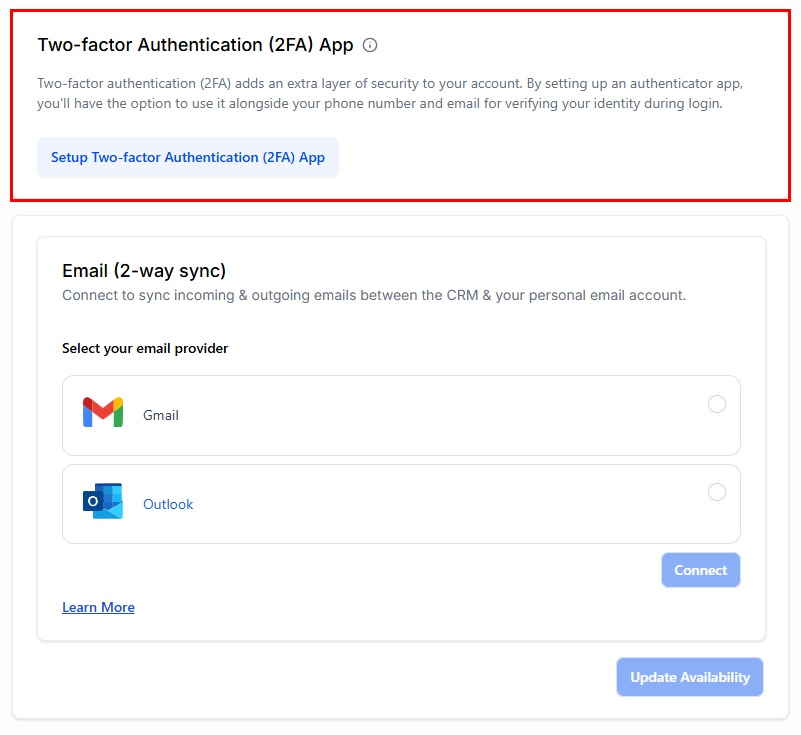
Two-factor authentication settings in My Profile
1
Open My Profile
Click your name or avatar in the bottom-left corner of the sidebar, then select Profile Settings, or go to Settings > My Profile.
2
Enable 2FA
Toggle on Two-Factor Authentication. You can choose to receive a code via SMS or use an authenticator app such as Google Authenticator or Authy.
3
Verify and save
Enter the code sent to your phone or shown in your authenticator app to confirm the setup. 2FA is now active on your account.
Your profile settings
After your first login, visit Settings > My Profile to personalise your account: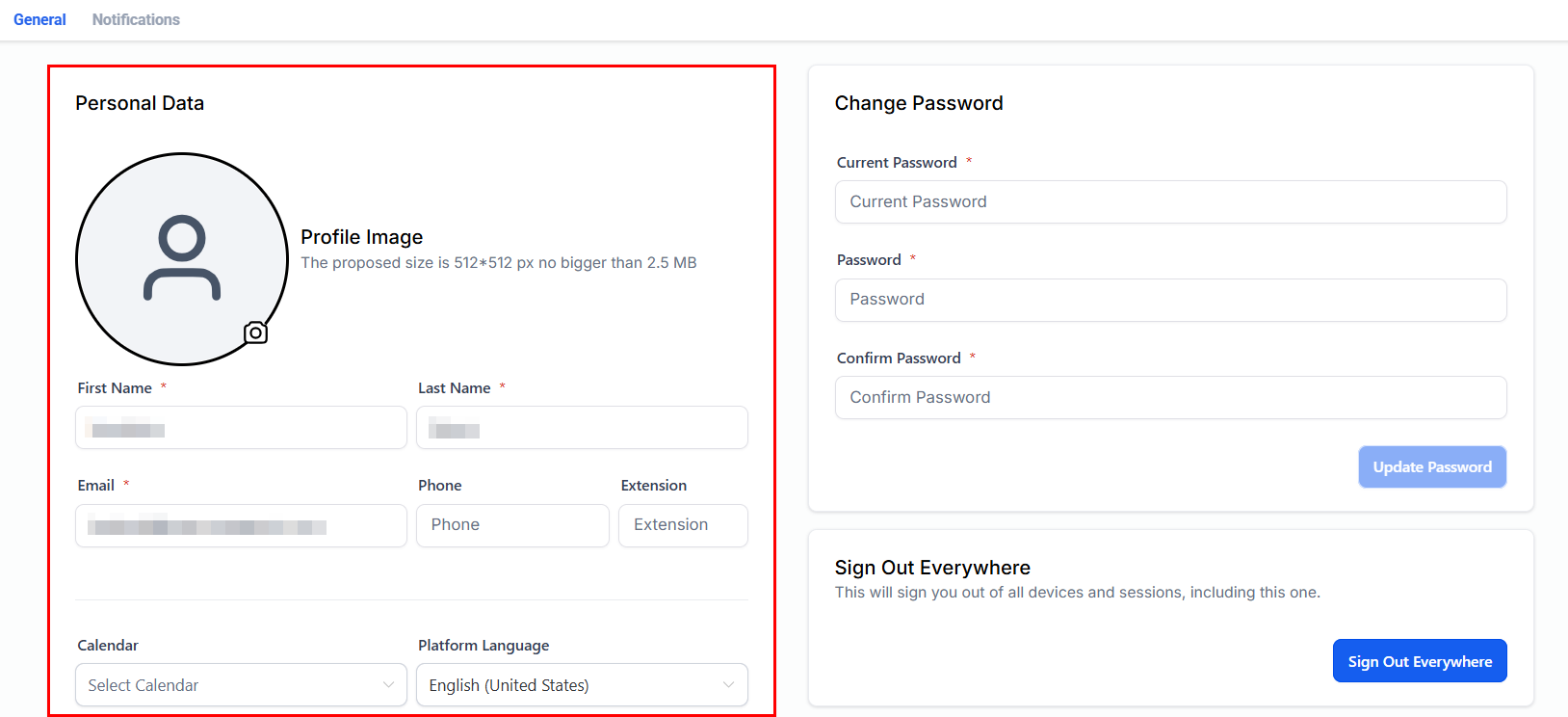
Personal information settings in My Profile
- Name and photo — shown in conversations and assigned records
- Email signature — appended automatically to outbound emails
- Notification preferences — control which alerts you receive and how
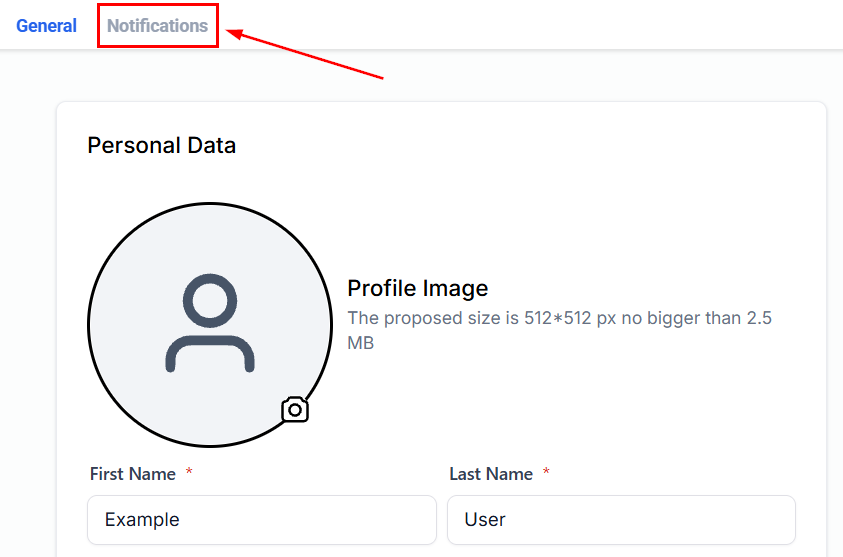
Notification preferences in My Profile
Frequently asked questions
My invitation link has expired. What do I do?
My invitation link has expired. What do I do?
Contact your account administrator and ask them to go to Settings > My Staff, find your user record, and click Resend Invite. A new activation email will be sent immediately.
I can't log in — the platform says my account is inactive.
I can't log in — the platform says my account is inactive.
Your admin may have deactivated your user. Ask them to check Settings > My Staff and reactivate your account.
Can I use Google or Microsoft to log in?
Can I use Google or Microsoft to log in?
Single sign-on (SSO) availability depends on your plan. Check with your admin or contact HoopAI support for SSO setup instructions.
Where can I change my time zone?
Where can I change my time zone?
Your personal time zone is set under Settings > My Profile > Personal Information. This controls how appointment times and scheduled messages appear to you. The account-wide time zone (used for automation and booking pages) is set separately under Settings > Business Profile.