

Inbound calling
Inbound Voice AI agents answer calls that come into your business phone numbers. The caller initiates the conversation, and the agent responds.Common inbound use cases
Inbound configuration
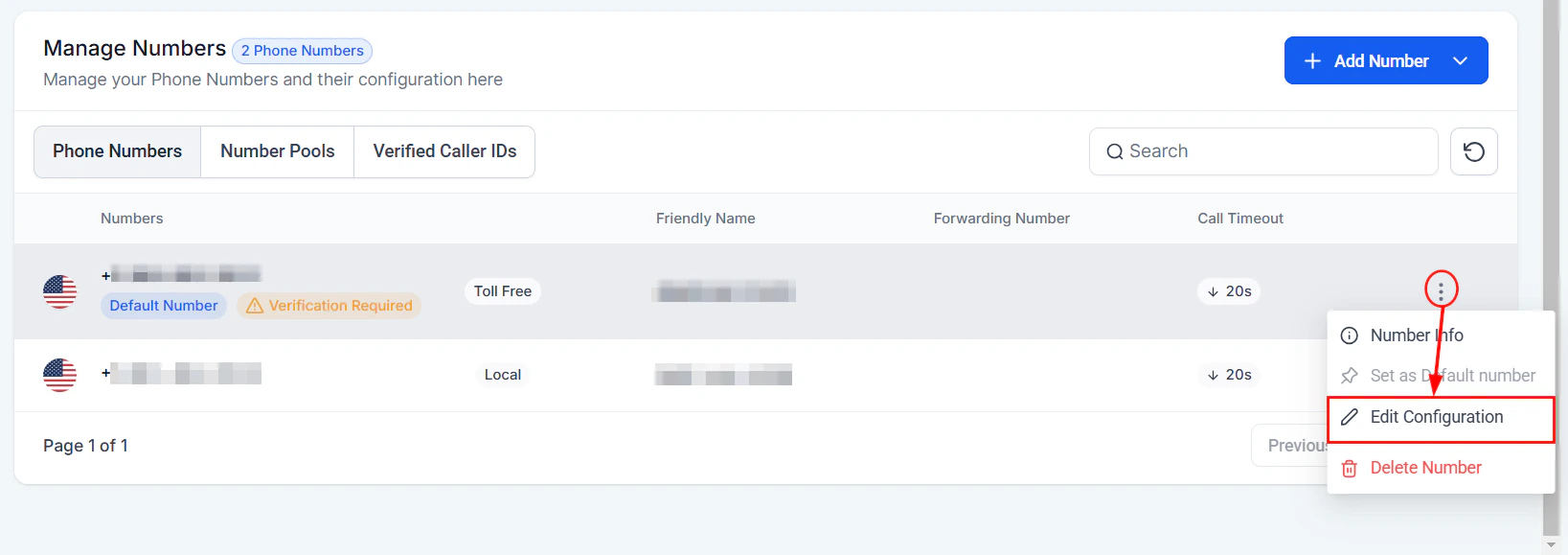
When setting up an inbound agent, you configure:- Assigned phone number(s) — Which numbers the agent answers. See Phone number setup.
- Greeting — The first thing the agent says when it picks up (e.g., “Thank you for calling Sunrise Dental, this is Sarah. How can I help you today?”).
- Working hours — When the agent is active and what happens outside those hours.
- Actions — What the agent can do during the call (book appointments, transfer, send SMS, etc.).
- Escalation rules — Conditions under which the agent transfers to a human. See Call escalation and transfer.
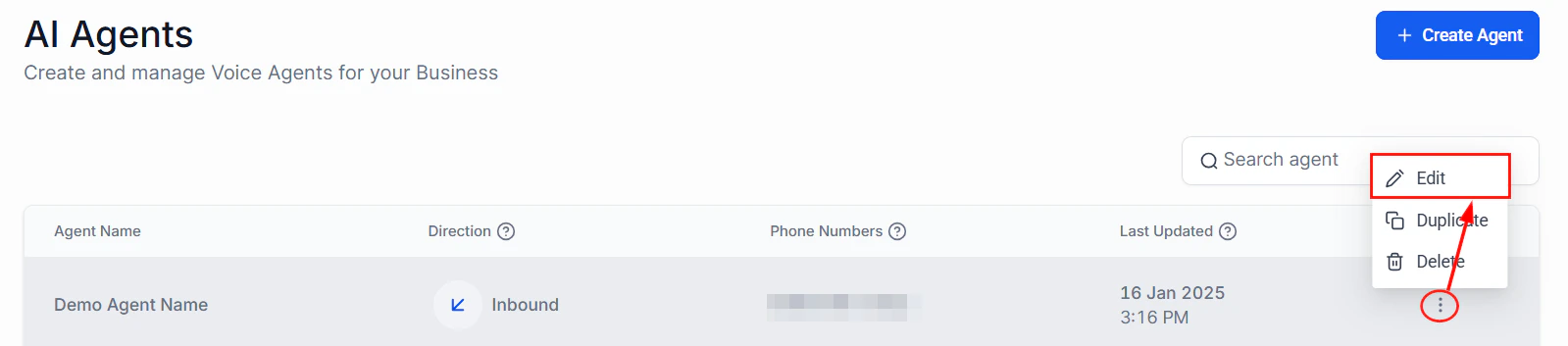
Inbound call flow configuration for a Voice AI agent
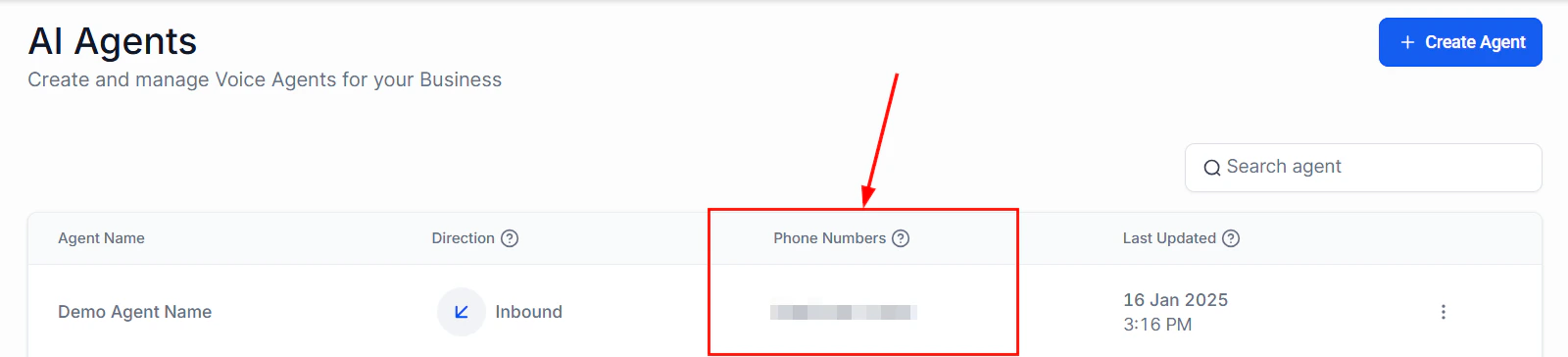
Phone number column in the Voice AI agents list showing assigned numbers
Inbound best practices
Answer with context
Answer with context
Set expectations early
Set expectations early
Always provide a human option
Always provide a human option
Keep greetings short
Keep greetings short
Outbound calling
Outbound Voice AI agents place calls to your contacts. The agent initiates the conversation, and the contact answers.Common outbound use cases
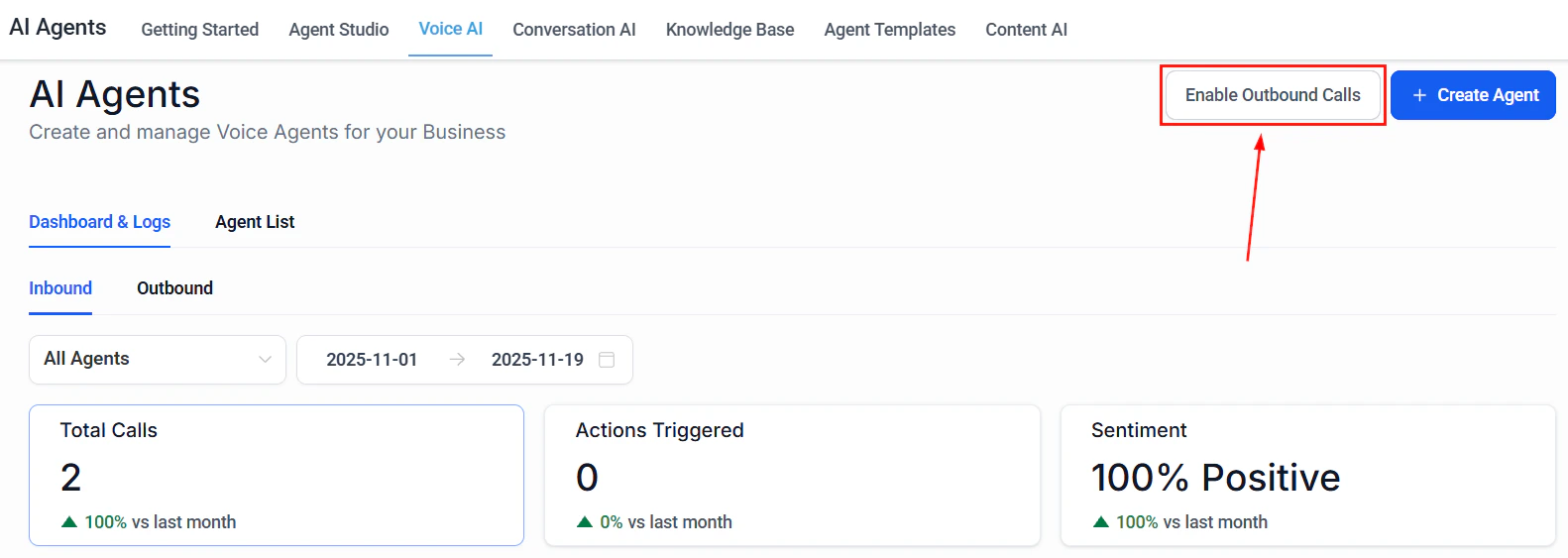
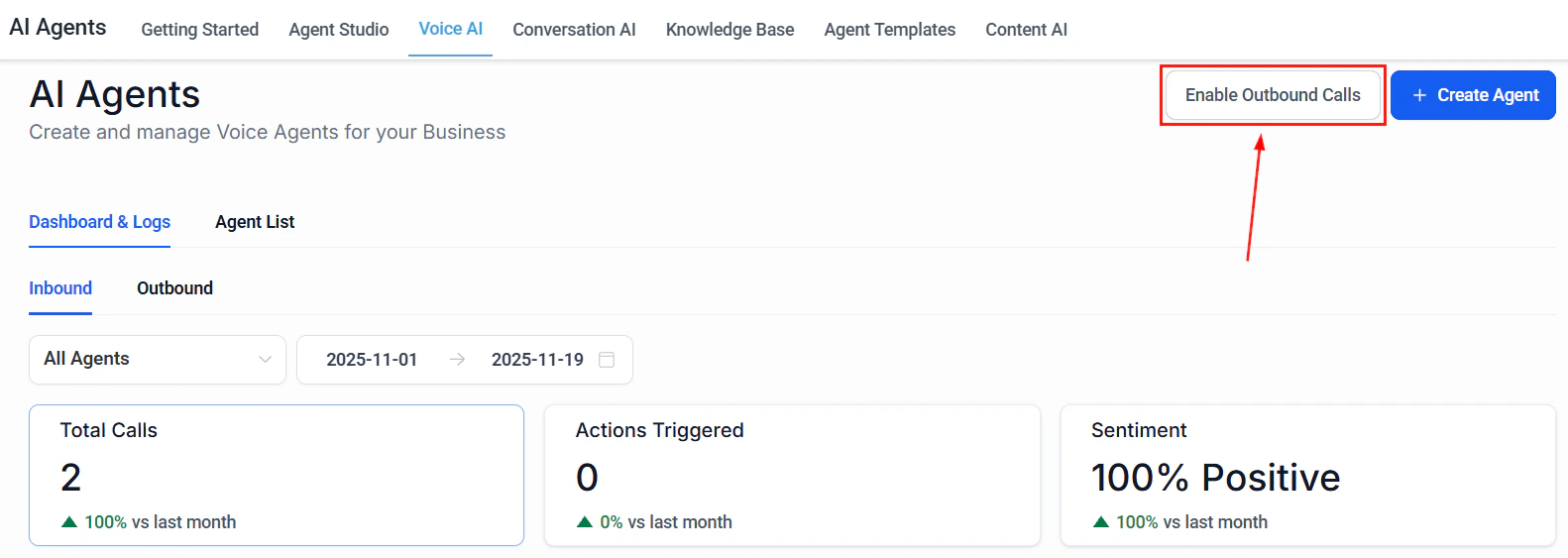
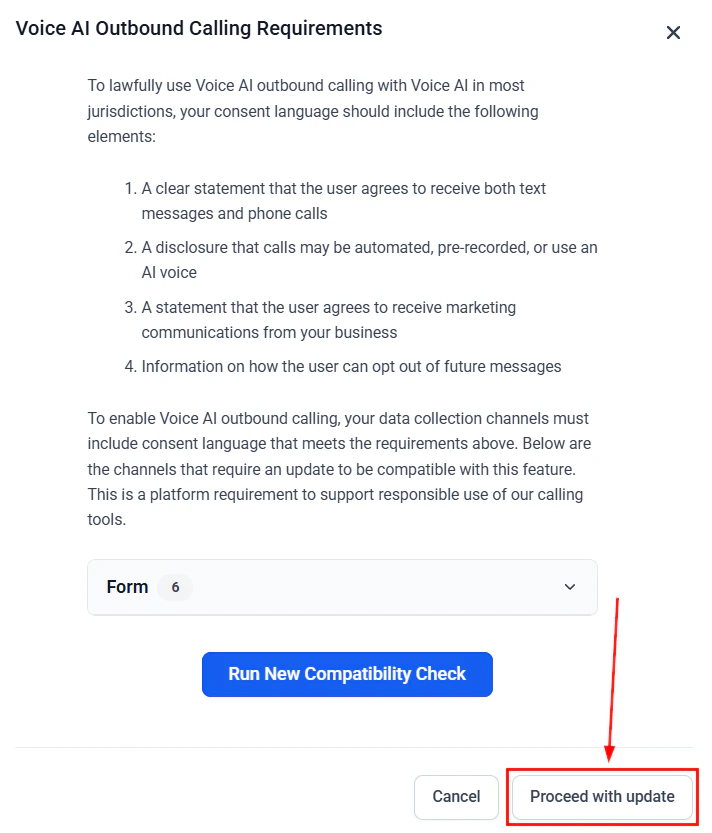
Enable outbound calling for your Voice AI agent
Outbound configuration
Outbound agents require additional configuration beyond inbound:- Caller ID number — The number that appears on the recipient’s phone. Use a local number matching the contact’s area code when possible.
-
Trigger mechanism — How the call is initiated:
- Workflow action — Automatically triggered when a contact enters a workflow step
- Bulk action — Manually select contacts and trigger calls in bulk
- Manual trigger — Place a single outbound call from a contact’s record
- API call — Trigger outbound calls programmatically via the HoopAI API
- Opening statement — What the agent says when the contact answers. This is critical for outbound calls because the contact did not initiate the conversation and needs immediate context.
-
Voicemail handling — What happens when the call goes to voicemail:
- Leave a pre-recorded voicemail message
- Leave an AI-generated voicemail
- Hang up and retry later
- Mark the contact for SMS follow-up instead
-
Retry logic — Number of retry attempts and time between retries when the contact does not answer.
Outbound call trigger options including workflow, bulk action, and manual
Outbound Voice AI calling configuration
- Calling window — Hours during which outbound calls are permitted (essential for compliance).
Outbound opening statement tips
The opening statement is the most important part of an outbound call. You have roughly 5 seconds to communicate who you are and why you are calling before the contact decides to hang up. Effective opening statements follow this formula:- Identify yourself and the business — “Hi, this is Sarah calling from Sunrise Dental.”
- State the reason — “I’m calling about your appointment tomorrow at 2 PM.”
- Ask a question — “I wanted to confirm you’re still able to make it?”
Outbound call trigger and voicemail settings
Configure inbound call routing and forwarding rules
Outbound calling window and retry configuration
Side-by-side comparison
TCPA compliance for outbound calls
The Telephone Consumer Protection Act (TCPA) and related regulations govern outbound calling in the United States. Key requirements include: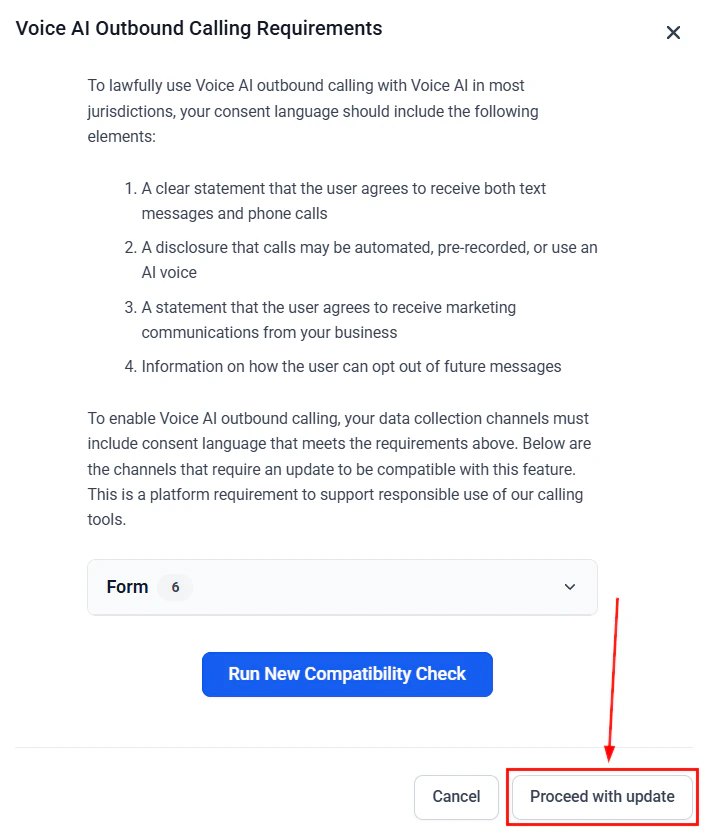
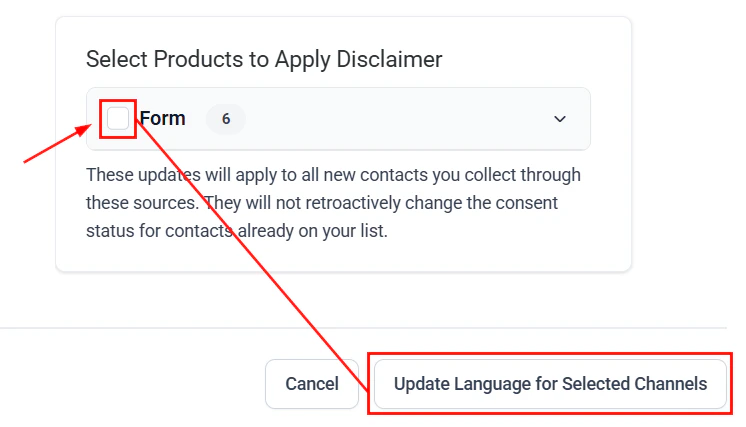
Compliance check status for outbound Voice AI calling
Prior express consent
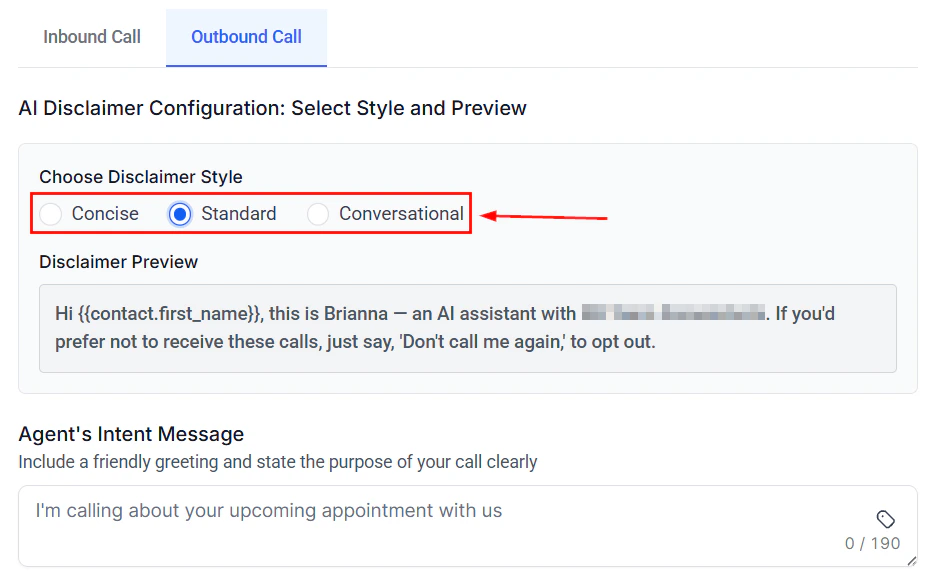
Outbound Voice AI call flow showing the complete calling sequence
- Informational calls (appointment reminders, order updates) — Prior express consent is required. This can be obtained when the contact provides their phone number during a transaction.
- Marketing calls (promotions, sales outreach) — Prior express written consent is required. This is a higher bar and typically requires a signed form, checked checkbox, or electronic signature.
Do Not Call (DNC) compliance
- Maintain an internal DNC list and honor all opt-out requests immediately.
- Scrub your call lists against the National DNC Registry.
- When a contact asks to stop receiving calls, add them to your DNC list and confirm the request.
Calling time restrictions
- Federal law restricts telemarketing calls to between 8 AM and 9 PM in the contact’s local timezone.
- Some states have narrower windows. Configure your outbound calling window to respect the strictest applicable rule.
AI disclosure
- The FCC requires disclosure that the caller is an AI or automated system. Include this in your agent’s opening statement.
- Example: “Hi, this is an automated call from Sunrise Dental regarding your appointment tomorrow.”
Best practices for compliance
Collect and document consent
Configure calling windows
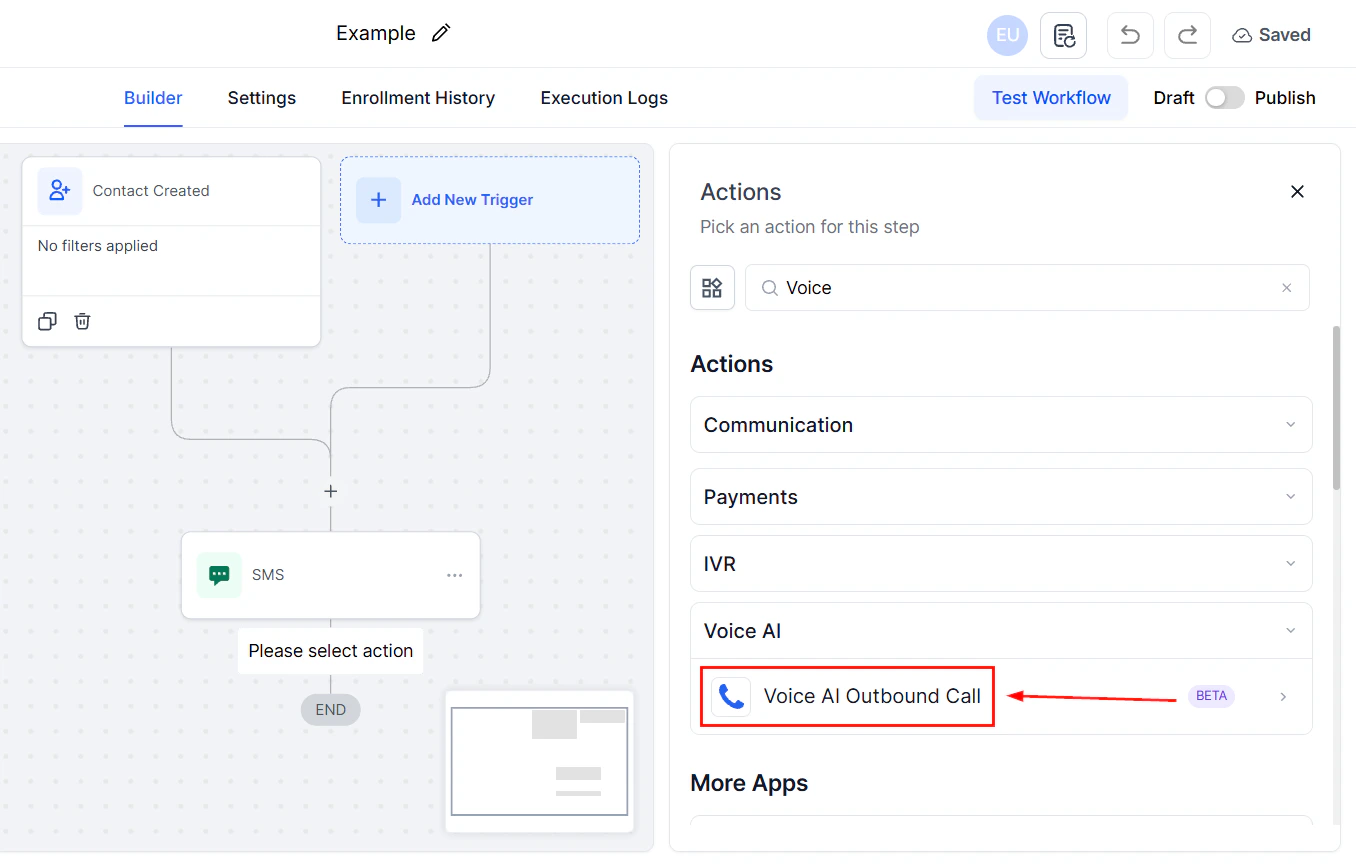
Workflow action to trigger an outbound Voice AI call
Honor opt-outs immediately
Include AI disclosure
Keep records
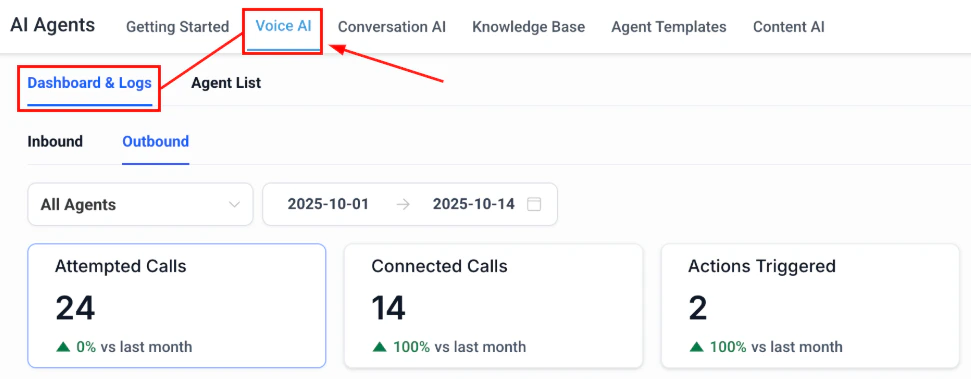
Outbound call dashboard showing call logs and performance metrics
Using both directions
Many businesses benefit from configuring an agent for both inbound and outbound. For example:- Dental office — Inbound: answers calls, books appointments, handles questions. Outbound: calls patients 24 hours before appointments to confirm.
- Real estate agency — Inbound: qualifies incoming leads from ads. Outbound: follows up with leads who submitted a form but did not book a showing.
- Auto repair shop — Inbound: schedules service appointments. Outbound: calls customers when their vehicle is ready for pickup.
- Write direction-specific prompts. The agent needs different instructions for answering a call versus placing one.
- Use separate phone numbers for inbound and outbound if possible, so you can track performance independently.
- Monitor inbound and outbound call metrics separately — answer rates, completion rates, and conversion rates behave very differently between the two directions.
Next steps
Create your agent
Outbound call settings showing caller ID and opening statement configuration