

Overview
Creating consistent, engaging social media content across multiple platforms is one of the most time-consuming marketing tasks. Content AI in HoopAI’s social planner generates platform-optimized posts, captions, hashtags, and even images — all from a simple description of what you want to communicate. Instead of crafting separate posts for Facebook, Instagram, LinkedIn, and X (formerly Twitter), you describe your message once and Content AI adapts it for each platform’s unique format, audience expectations, and best practices.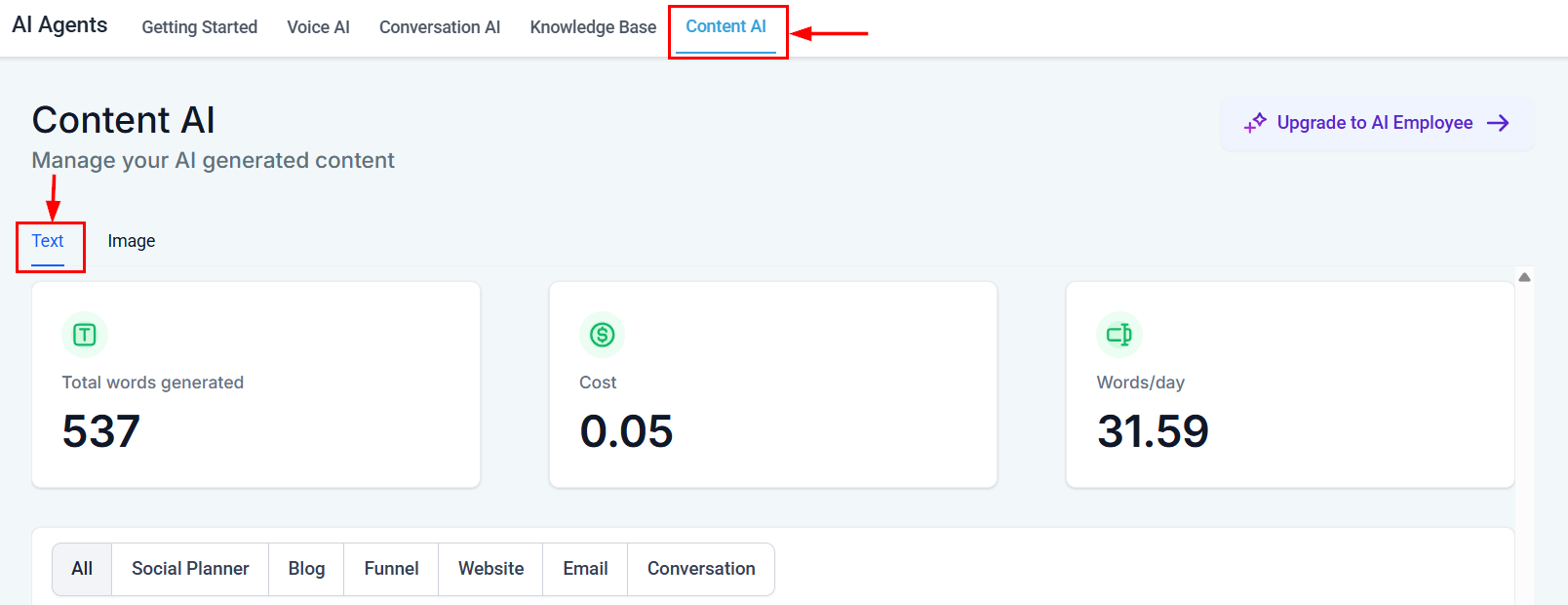
Content AI text dashboard filtered to Social Planner showing generation stats and word tracking
Accessing Content AI in the social planner
1
Open the social planner
Navigate to Marketing > Social Planner from the main menu.
2
Create a new post
Click New Post or click on a date in the calendar view to start creating content.
3
Select your platforms
Choose which social media accounts you want to post to. You can select multiple platforms and Content AI will tailor the content for each one.
4
Open Content AI
Click the AI icon in the post composer to open the Content AI panel.
Generating posts by platform
Each social platform has different norms, character limits, and audience expectations. Content AI understands these differences and generates appropriately formatted content for each.- Conversational and engaging — written to encourage comments and shares
- Medium length — typically 40-80 words, the sweet spot for Facebook engagement
- Question-oriented — often ends with a question to drive interaction
- Emoji-appropriate — uses emojis sparingly to add personality without overdoing it
- Story-driven — leads with a hook or narrative
- Hashtag-rich — includes a mix of popular and niche hashtags
- Structured with line breaks — easy to scan on mobile
- CTA-focused — directs to link in bio or encourages saves/shares
- Professional and value-driven — focused on insights, lessons, and expertise
- Formatted for readability — short paragraphs, line breaks between thoughts
- Authority-building — positions you or your business as a thought leader
- Engagement-optimized — ends with a question or call for opinions
X (formerly Twitter)
Content AI generates posts for X that are:- Concise — respects character limits (280 characters for standard posts)
- Punchy — every word earns its place
- Thread-ready — can generate multi-tweet threads for complex topics
- Hashtag-minimal — 1-2 relevant hashtags maximum, as X best practices suggest
Guided content questions
When you open Content AI in the social planner, it guides you through a series of questions to understand what you need:- What is the topic or message? — Describe what you want to communicate
- What is the goal? — Engagement, awareness, traffic, sales, education?
- Who is the audience? — Existing customers, prospects, general public?
- What tone do you want? — Professional, casual, humorous, inspirational?
- Any specific details to include? — Dates, links, offers, mentions?
Hashtag and caption generation
Hashtag generation
Content AI generates hashtags based on:- Your content — relevant to the specific post topic
- Your industry — common hashtags in your business category
- Trending tags — currently popular hashtags that relate to your message
- Mix strategy — combines high-volume hashtags (for reach) with niche hashtags (for targeted visibility)
Caption generation
Beyond the main post text, Content AI can generate:- Alt text for images (important for accessibility)
- First comment content (useful for Instagram hashtag strategies)
- Location tags suggestions based on content context
- Mention suggestions when the content relates to partners or collaborators
Image AI for social posts
Content AI includes image generation capabilities for social media posts.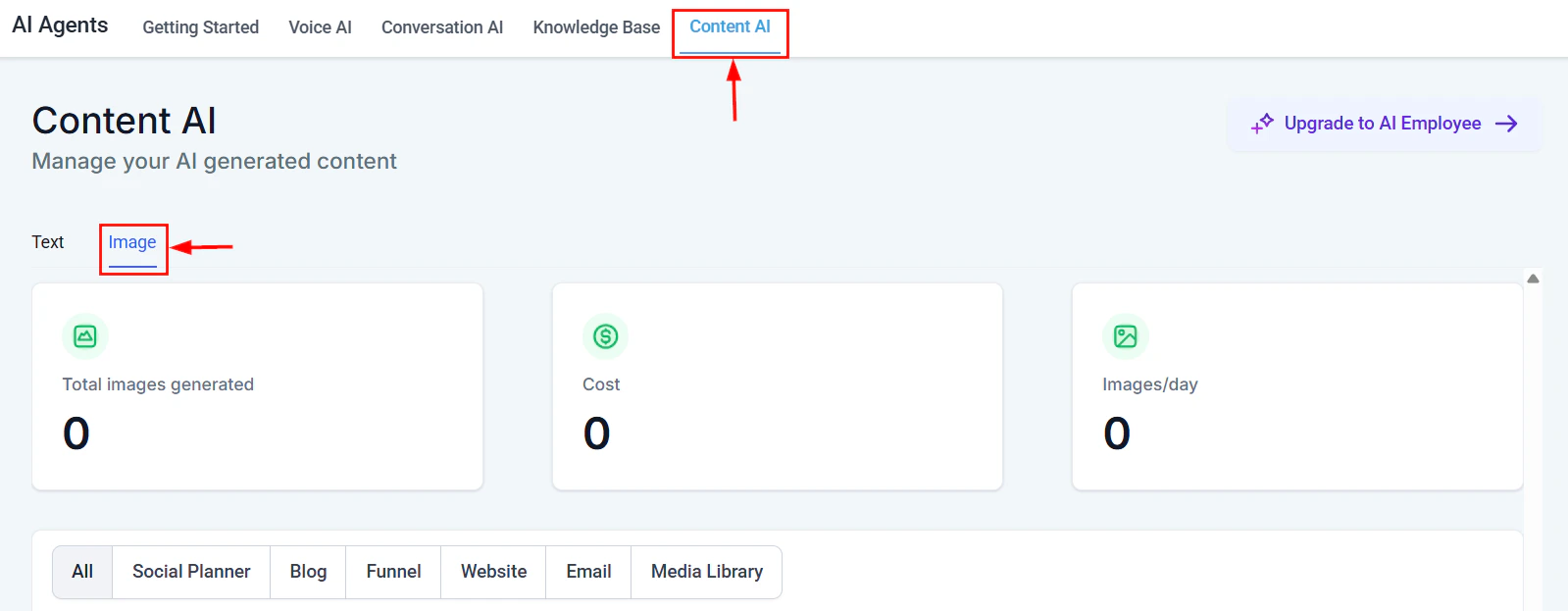
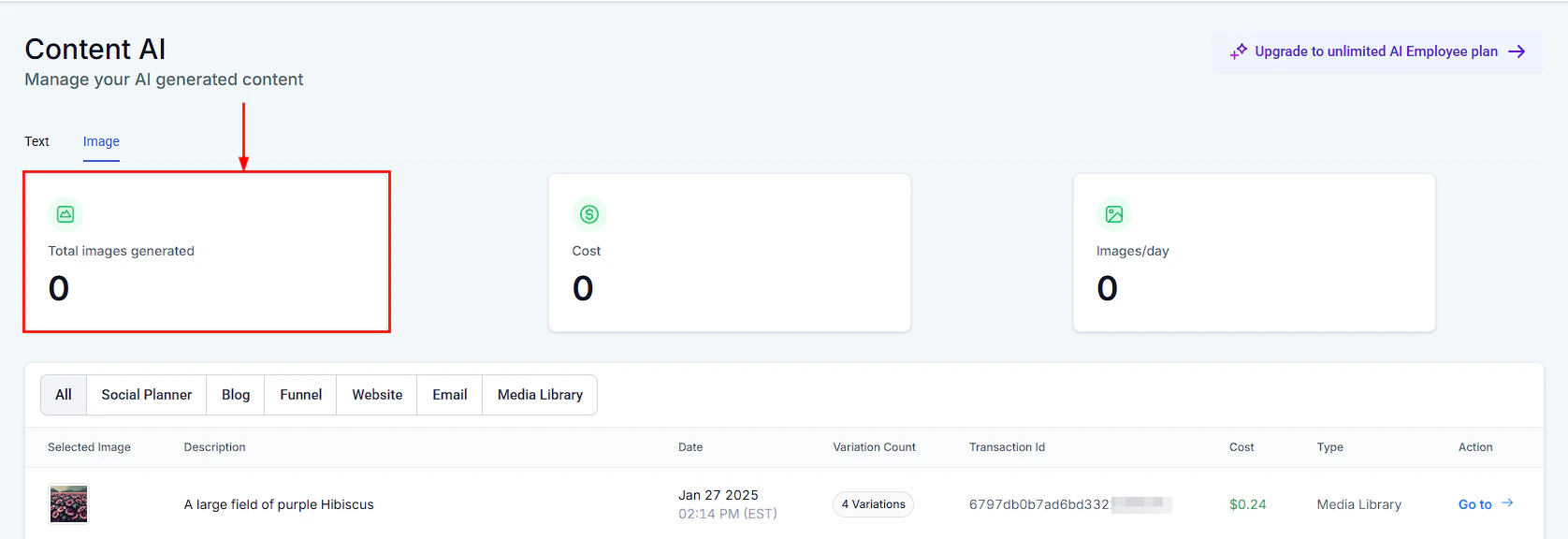
Content AI Image tab showing the image generation interface
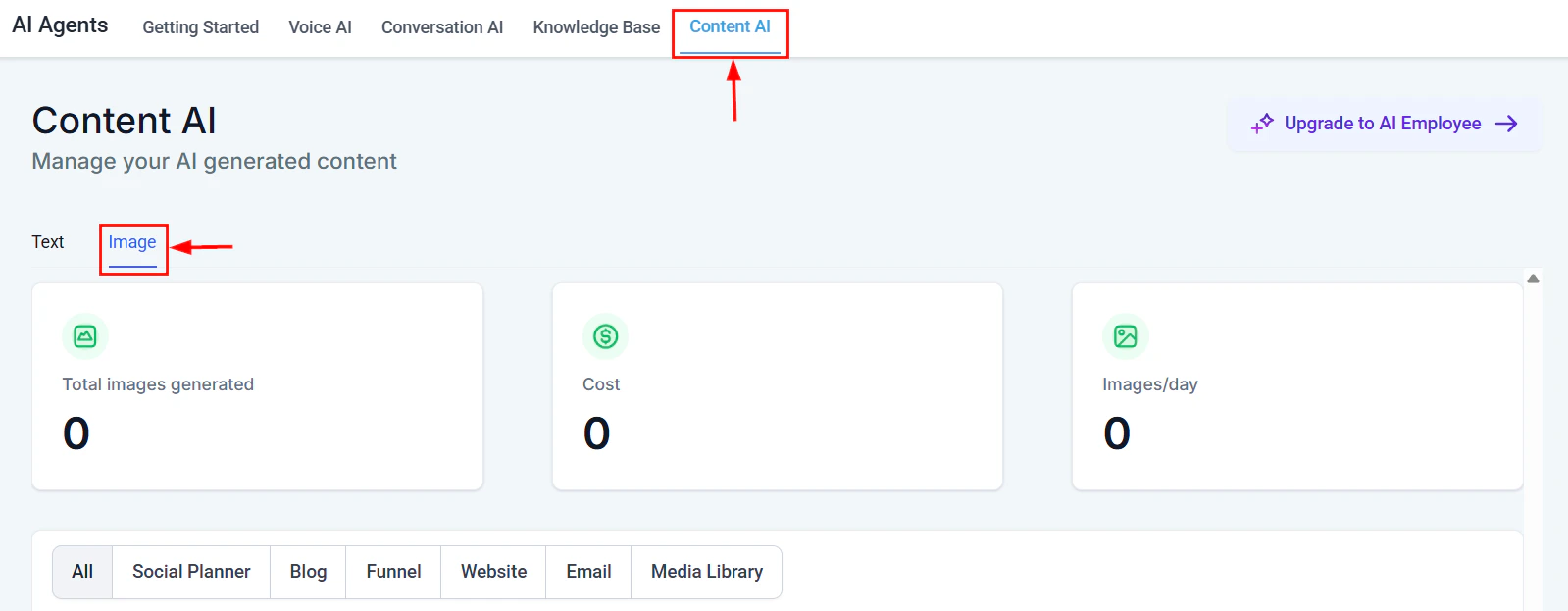
Content AI image generation dashboard showing total images generated and cost tracking
Generating social media images
1
Describe the image
In the Content AI panel, switch to the Image tab. Describe what you want the image to show. Be specific about style, colors, subjects, and mood.
2
Select dimensions
Choose the platform-appropriate dimensions:
- Square (1080x1080) — Instagram feed, Facebook
- Portrait (1080x1350) — Instagram feed (preferred), Pinterest
- Landscape (1200x628) — Facebook, LinkedIn, X
- Story (1080x1920) — Instagram/Facebook Stories
3
Generate and select
The AI generates image options. Select the one that best fits your post. You can regenerate with modified instructions if needed.
4
Pair with your post
The selected image attaches to your post. Continue editing the caption or schedule the post.
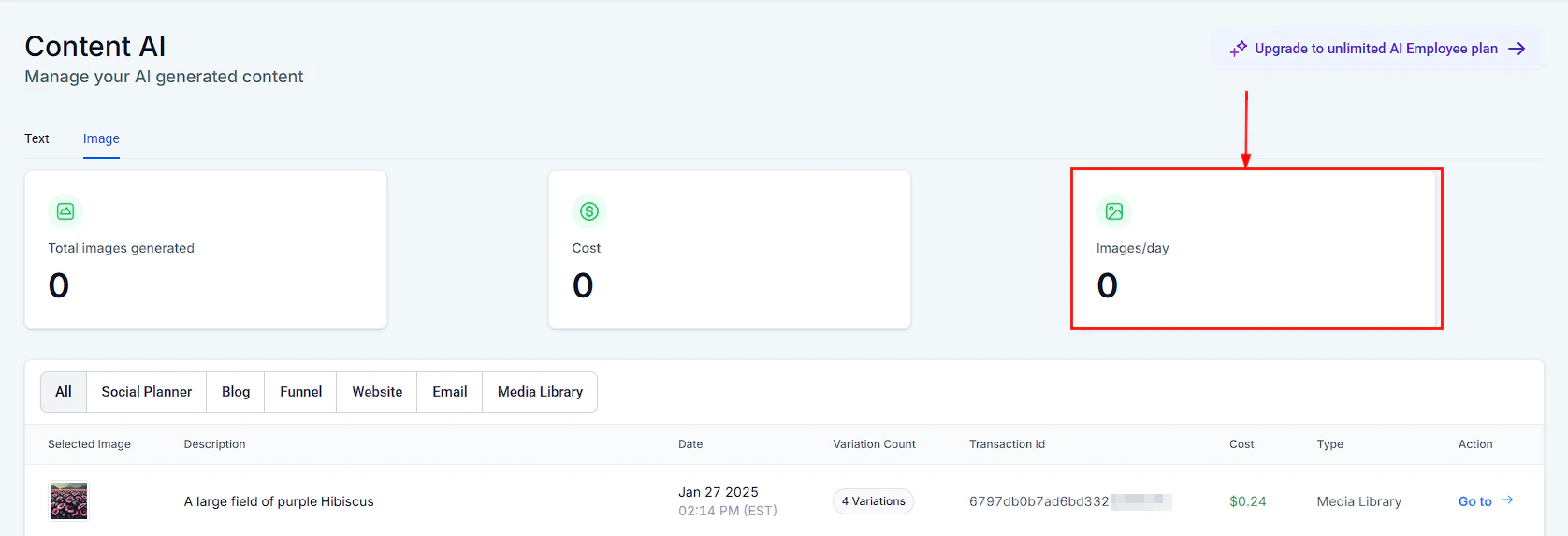
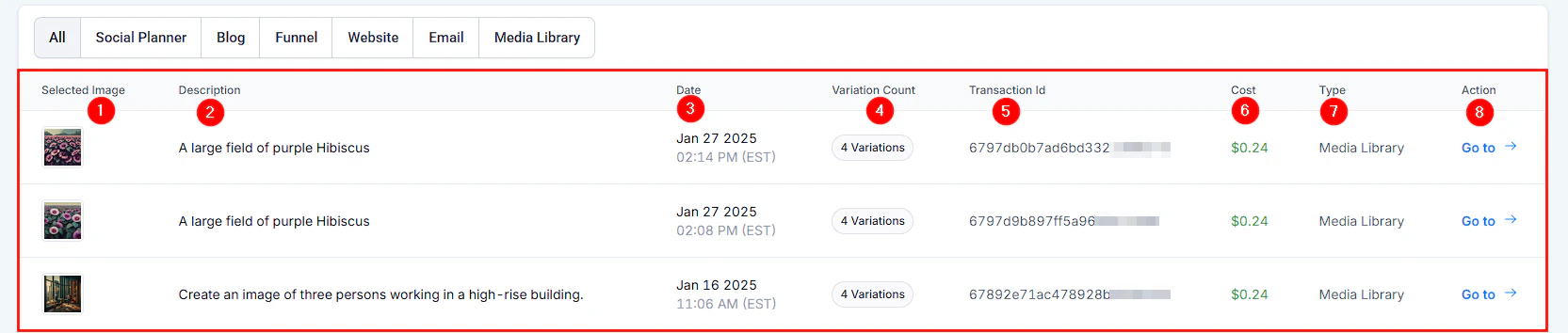
AI-generated image outputs ready for use in social media posts
Image generation consumes image credits, which are separate from word credits. Check your image credit balance in Settings > AI credits before generating in bulk. For more details on image AI capabilities, see Content and image AI.
Image prompting tips for social media
- Be specific about style: “flat illustration,” “photorealistic,” “minimalist graphic”
- Include brand colors: “Use blue (#1E3A5F) and white as primary colors”
- Describe the composition: “Product centered, clean background, overhead angle”
- Avoid text in images: AI-generated text in images is often unreliable; add text overlays in an editor instead
AI-generated image showcasing creative visual content for social media posts
Scheduling AI-generated content
Once Content AI generates your posts, you can schedule them directly from the social planner.Scheduling workflow
- Review and edit each platform-specific post
- Attach media (AI-generated images or your own uploads)
- Set the date and time for each post
- Preview how the post will appear on each platform
- Schedule or publish immediately
Batch content creation
Content AI excels at batch content creation. Use it to generate a week or month of content in one session:- List your content themes or topics for the period
- Generate posts for each topic across all platforms
- Review and refine in bulk
- Schedule everything at once using the calendar view
AI-generated image detail showing output quality and creative options
Brand voice in social content
Consistency across your social presence builds brand recognition and trust. Content AI maintains your brand voice when properly configured.Setting up brand voice for social
- Navigate to Settings > AI > Brand Voice
- Define your social media voice separately from other channels if needed
- Include examples of posts that represent your ideal tone
- List phrases, slang, or expressions your brand uses or avoids
- Specify any platform-specific voice adjustments
Per-platform voice adjustments
Your brand voice may shift slightly between platforms:
Content AI applies these adjustments automatically when generating platform-specific content.
Measuring AI content performance
After publishing AI-generated content, track its performance to improve future generations: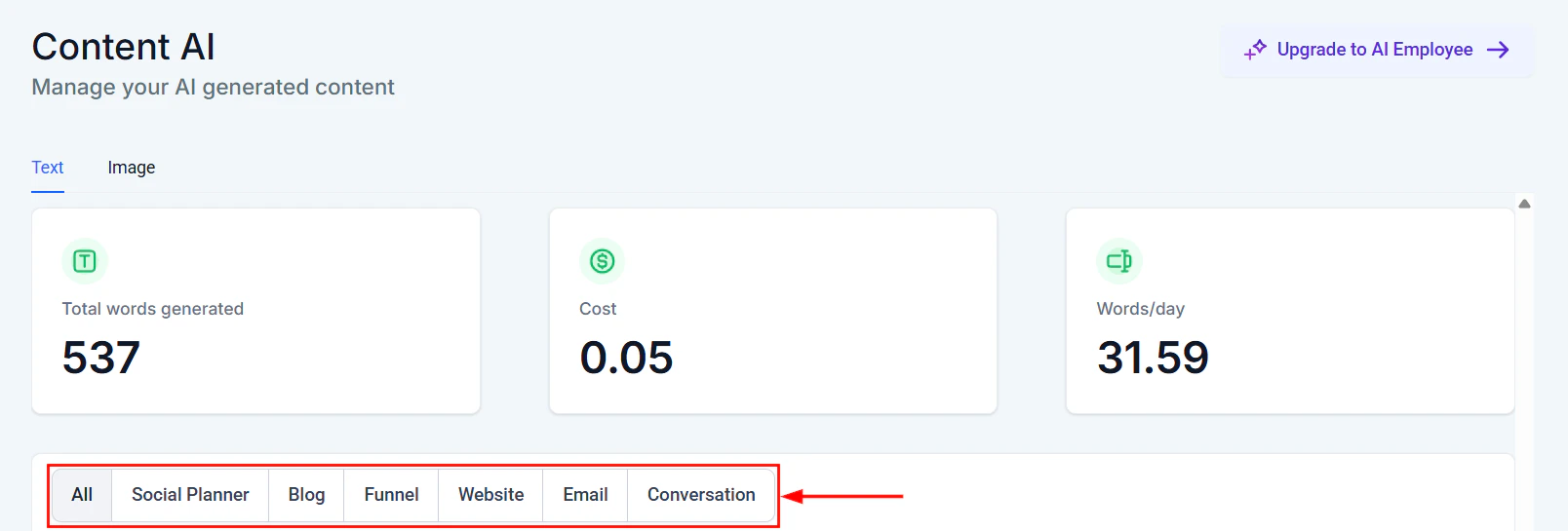
Content AI text generation table showing all generated content with dates and channels
Key metrics to monitor
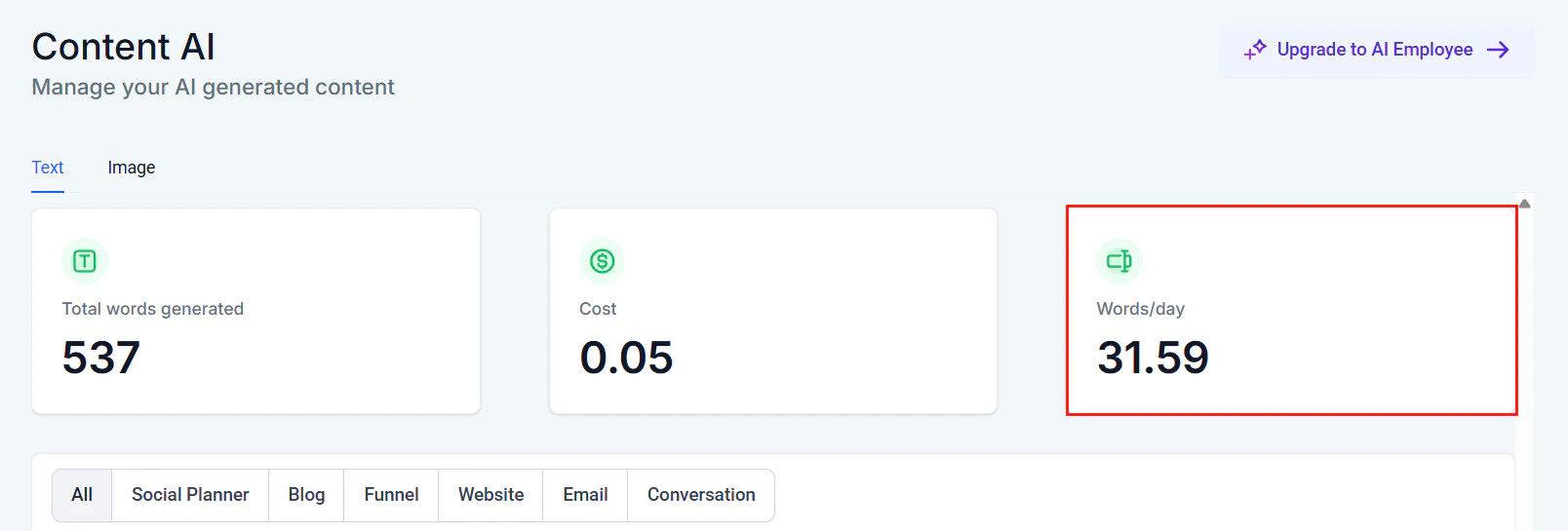
Words per day view showing daily content generation trends
- Engagement rate — likes, comments, shares relative to reach
- Click-through rate — for posts with links
- Follower growth — during periods of AI-generated content
- Best-performing formats — which AI-generated styles resonate most
- Platform comparison — which platforms show the strongest AI content performance
Feedback loop
Use performance data to refine your AI prompts:- Posts with high engagement? Note the tone and format in your brand voice settings
- Posts with low engagement? Adjust the prompt style for similar future content
- Platform-specific trends? Update platform voice adjustments accordingly
Next steps
Content AI overview
Explore all Content AI capabilities across HoopAI.
Email builder AI
Generate compelling email content with Content AI.
Content and image AI
Deep dive into AI image generation for marketing.
Content AI best practices
Maximize your results with proven AI content strategies.