

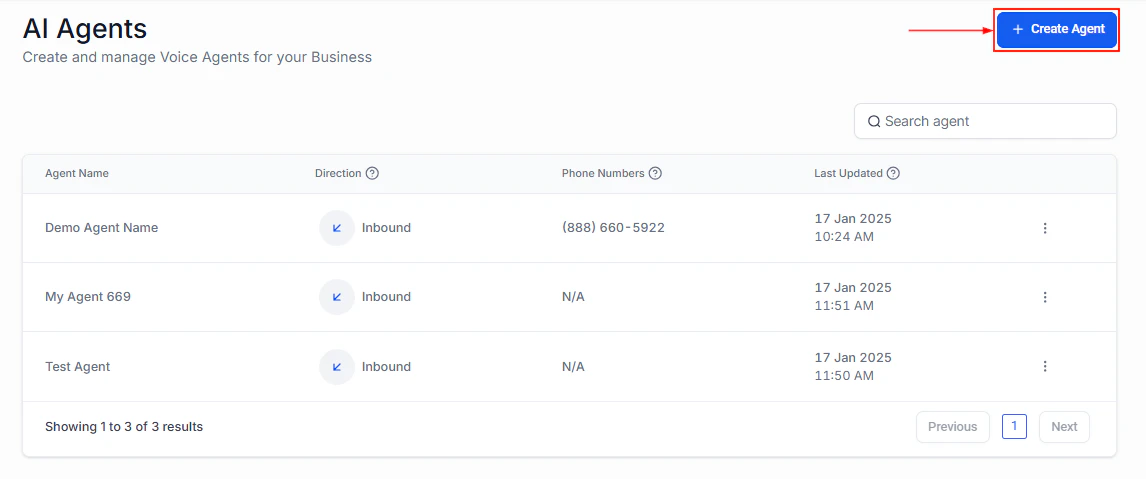
Voice AI agents dashboard showing your configured agents
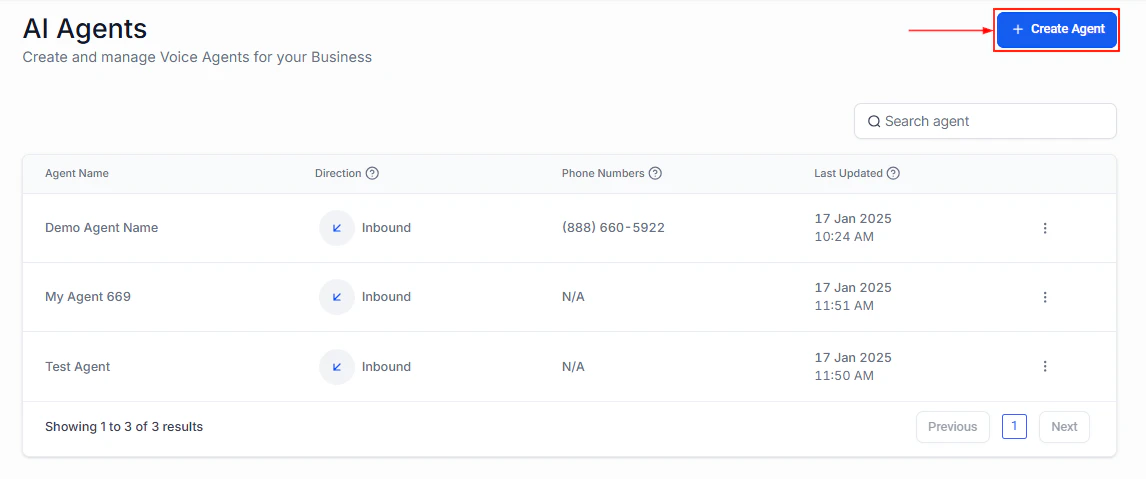
Create Agent button in the Voice AI dashboard
Key capabilities
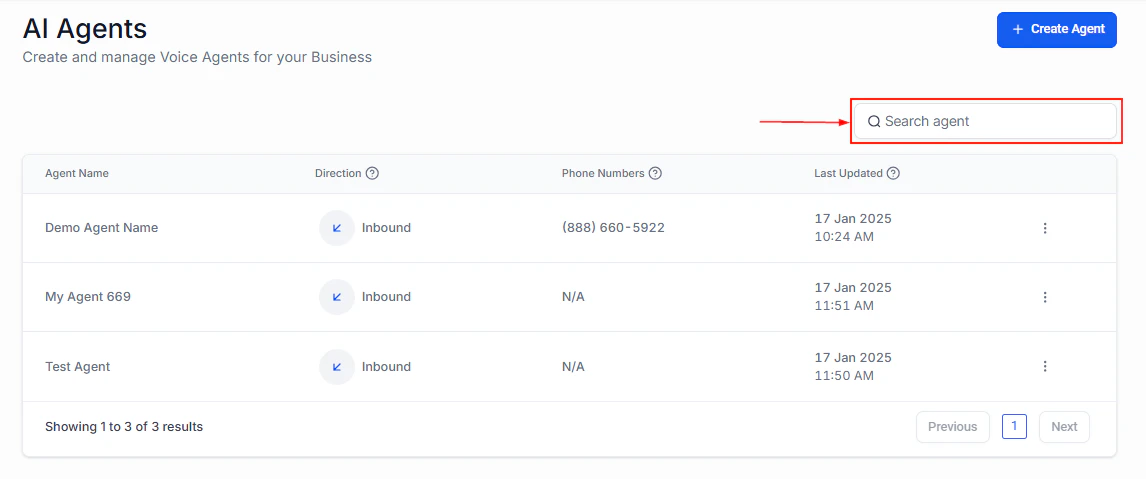
Voice AI agent detail view showing configuration options and call history
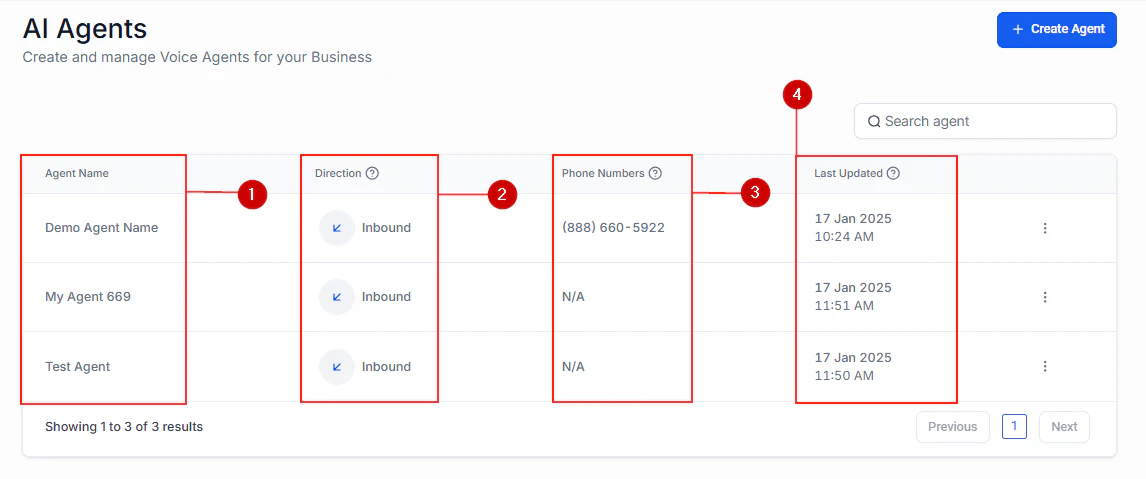
Voice AI agent cards showing status, phone number, and quick actions
How it works
Voice AI agents use large language models to understand caller intent and respond naturally. Each agent is configured with a system prompt that defines its personality, knowledge, and behavior rules. When a call comes in (or goes out), the agent:- Listens to the caller and converts speech to text
- Processes the text through the AI model with your system prompt
- Generates a response and converts it back to speech
- Takes actions (booking appointments, updating contacts) as configured
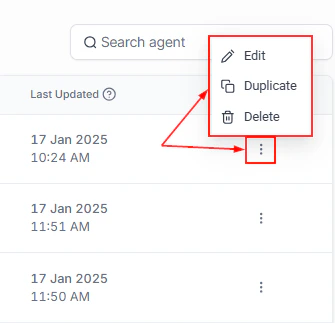
Voice AI agent overview showing key metrics and performance data
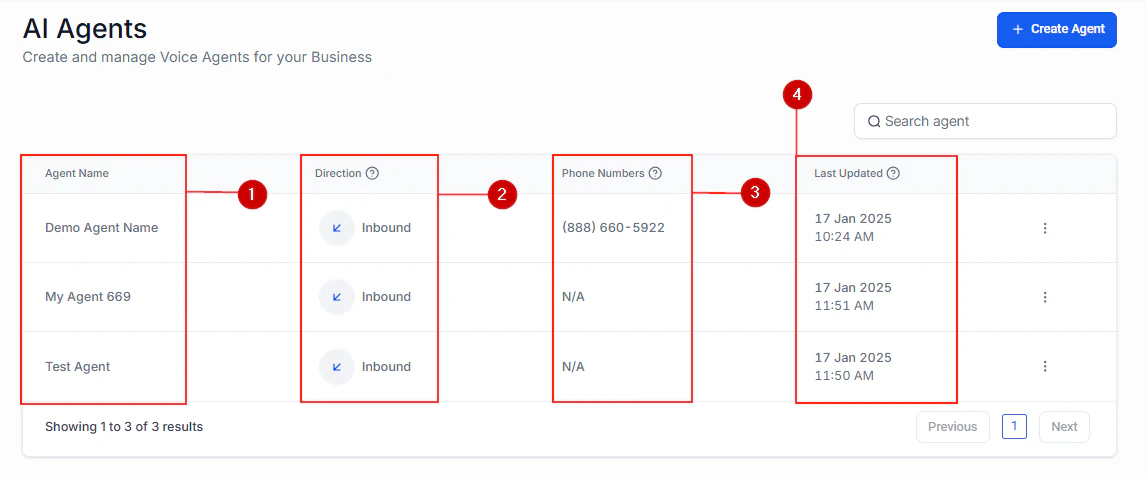
Voice AI agent configuration and details view
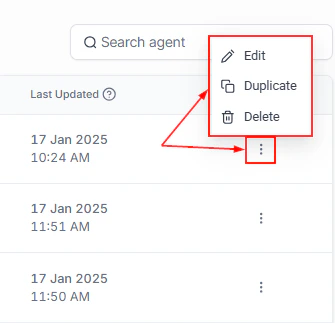
Agent action menu with options to edit, duplicate, and delete
Getting started
Create your first agent
Step-by-step guide to building a Voice AI agent
Phone number setup
Configure phone numbers for your Voice AI agents
Inbound vs outbound
Choose the right call direction for your use case
Appointment booking
Set up real-time appointment booking during calls