

Reputation Settings — review AI agents, review links, templates, and platform integrations
Reviews AI
Control AI behavior for automated review responses:- Create custom AI agents with unique personalities and response styles
- Set a delay before the AI automatically responds after a review is received
- Assign different agents to different review sources or rating ranges
Review link management
Configure how your review links are distributed:- Set a balance ratio across multiple review platforms
- Choose from Google, Facebook, or custom links
- Add links for multiple locations or platforms simultaneously
SMS review requests
Enable SMS requests
Enable SMS requests
Toggle SMS review requests on or off. When enabled, an SMS is sent to contacts after a configurable delay.
Customize the message
Customize the message
Edit the SMS template with your review link. A real-time preview updates as you type.
Include an image
Include an image
Optionally attach an image to your SMS review request for higher engagement.
Request behavior
Request behavior
Choose between Instant (send immediately) or Scheduled (send after a set delay).
Email review requests
Enable and configure
Enable and configure
Ensure Email Review Requests is enabled. Set the timing for when the first email is sent after a contact’s check-in.
Recurring emails
Recurring emails
Set a Maximum retries value greater than 1 to enable multiple follow-up attempts until the contact leaves a review or opts out.
Templates
Templates
Select from existing templates or create new ones in the email builder. See Email templates for review requests for details.
WhatsApp review requests
- Connect your WhatsApp Business account to send review requests via WhatsApp
- Build templates using the template builder
- Configure send timing and retry parameters similar to SMS and email
Review requests — SMS, email, and WhatsApp templates with timing and retry configuration
Reviews QR codes
Create personalized QR codes that link directly to your review page:- Add your logo, custom colors, text, and images
- Edit, delete, or download the QR code as a PDF
- Track scan metrics after distribution
Spam detection
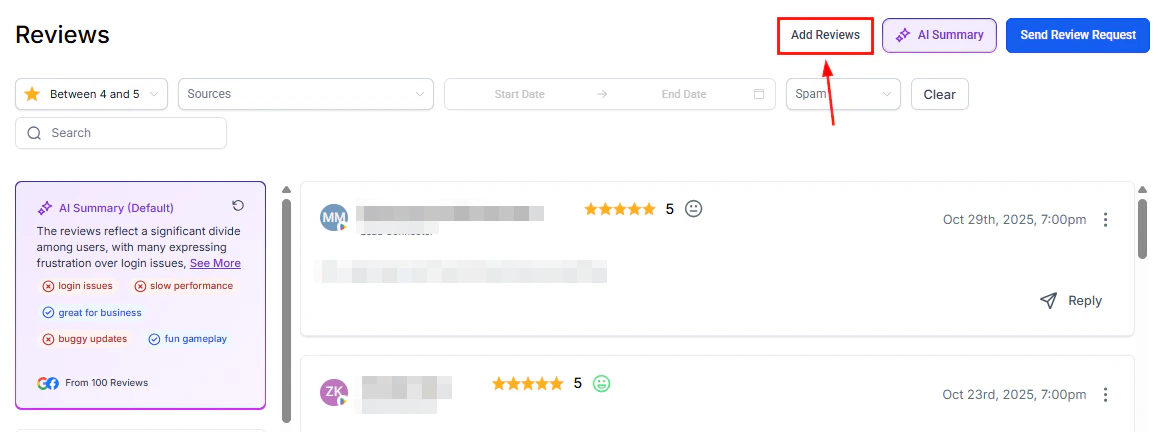
Smart spam detection automatically identifies and flags potential spam reviews. AI-generated replies are withheld for flagged reviews until you review them manually.- Toggle spam detection on or off
- Manually review flagged items and unmark false positives

Platform integrations — connect Google, Facebook, Yelp, TrustPilot, TripAdvisor, and more to aggregate reviews
Platform integrations
The HoopAI Platform supports review aggregation from the following platforms:Platform integrations are managed in Reputation > Settings > Integrations. Connect each platform to start pulling reviews automatically.
Review reporting
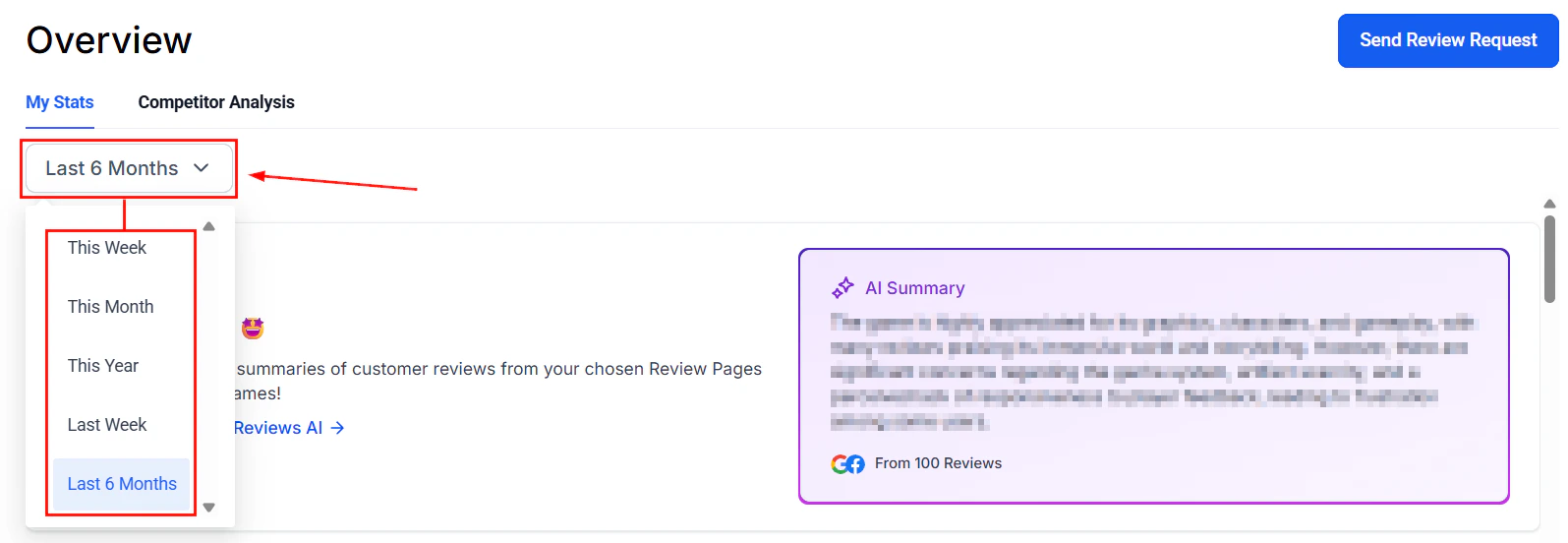
Track the performance of your reputation management efforts using the built-in reporting views available in the Reputation section:
For deeper analytics across all channels, see the Reporting section.
Branded review pages
Review request links sent to contacts can point to a custom branded review landing page rather than a generic platform URL. Configure your custom review link under Review link management — you can add a custom URL as one of the review destinations alongside Google and Facebook.Branded review pages require a custom domain configured in your account settings. Contact your platform administrator to enable this feature.
FAQs
How do I connect my Google Business Profile?
How do I connect my Google Business Profile?
Go to Reputation > Settings > Integrations and click the Google integration tile. Sign in with the Google account that owns your Business Profile and grant the required permissions.
Can I connect multiple Google or Facebook locations?
Can I connect multiple Google or Facebook locations?
Yes. Under Review link management, you can add review links for multiple locations or pages simultaneously and configure a balance ratio to distribute requests across them.
What is the balance ratio for review links?
What is the balance ratio for review links?
The balance ratio determines how review request traffic is distributed across your configured platforms. For example, a 50/50 ratio between Google and Facebook sends half of all requests to each platform, helping you grow reviews evenly.
Can I turn off spam detection?
Can I turn off spam detection?
Yes. Toggle spam detection on or off in Reputation > Settings. When disabled, all reviews will appear without automatic flagging, and the spam filter queue will not be populated.