

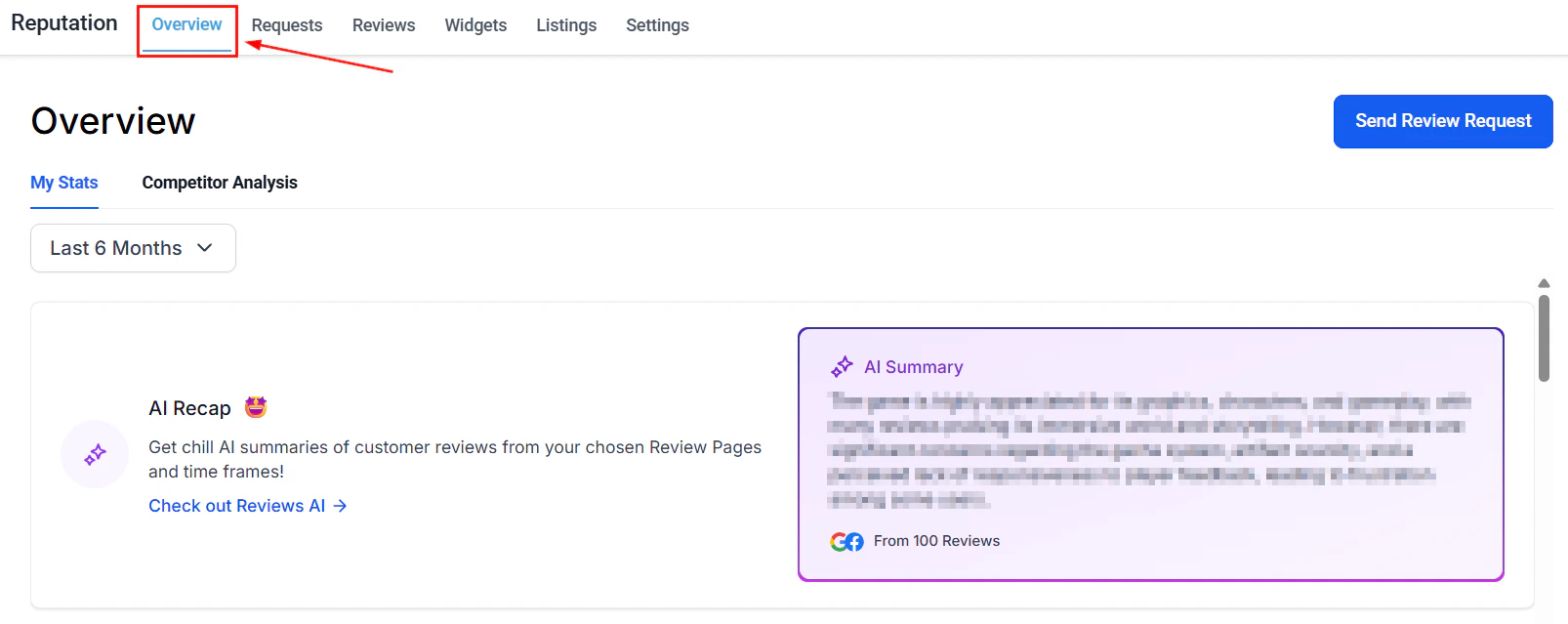
Reputation overview — review stats, invite trends, and sentiment analysis
My stats
This section contains the review information for your business.Date range
To modify the displayed timeframe for each data tile, choose the desired date range from the dropdown menu. This keeps your invite and review trend data current.Send manual review requests
You can send review requests to individual contacts manually by selecting the Send Review Request button.AI summary
This provides a combined AI-generated summary of reviews from all connected locations and a quick way to redirect to the Reviews tab for in-depth insights.Invite goals
Invite goals are designed to encourage the sending of more review requests. As you continue to issue invitations, your goals will adjust and increase incrementally, providing you with ongoing targets. This progressive approach motivates you to engage more effectively with your clients and enhance your services based on their feedback.Reviews received
The Reviews Received section provides a detailed summary of the total reviews received within a specified timeframe, including percentage changes compared to the previous period. This section also highlights the sources of the reviews, helping you assess which platforms are most active and identify areas needing attention.Review sentiment
Reviews with ratings of 4 stars or higher are considered positive, while those with 3 stars or lower reflect negative sentiment. You can track the percentage change in both positive and negative sentiments over time, offering valuable insights into customer satisfaction.Average review rating
The Average Review Rating section visually represents your review ratings over a specified period. This graphical breakdown helps identify trends and the distribution of ratings, and includes a percentage indicating changes in the overall rating during that timeframe.Invite trends
Monitoring Invite Trends allows you to assess the frequency of review invitations sent to your customers. Tracking these trends helps determine whether to adjust the number of invites or maintain the current rate.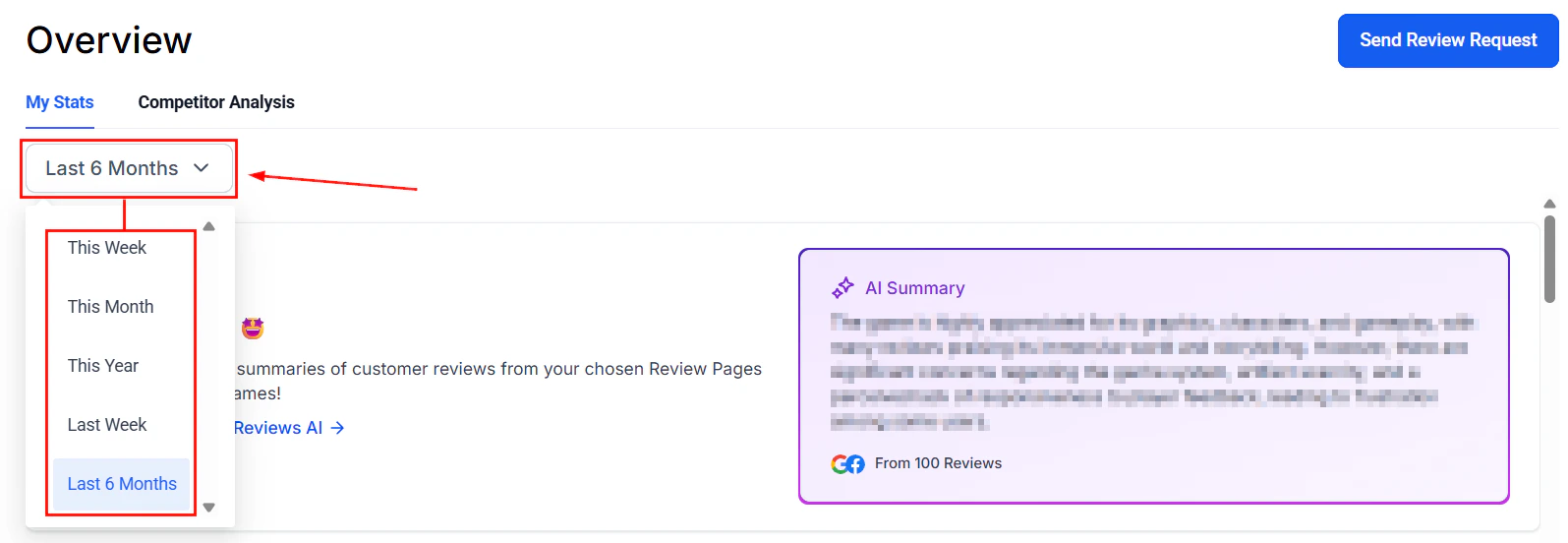
Invite and review trend graphs showing request volume over time
Review trends
The Review Trends section features a trend pattern graph displaying the number of reviews received over a specific period. This visual representation helps track and analyze fluctuations in review volume.Latest review requests
Access a detailed list of recent review requests, including recipient names, contact methods, and request dates. This record is useful for addressing customer inquiries or concerns regarding review requests.Latest reviews
The Latest Reviews section provides a comprehensive list of recent customer reviews, including submission dates, star ratings, and review platforms.Competitor analysis
This section allows you to compare your review information to that of your selected competitors.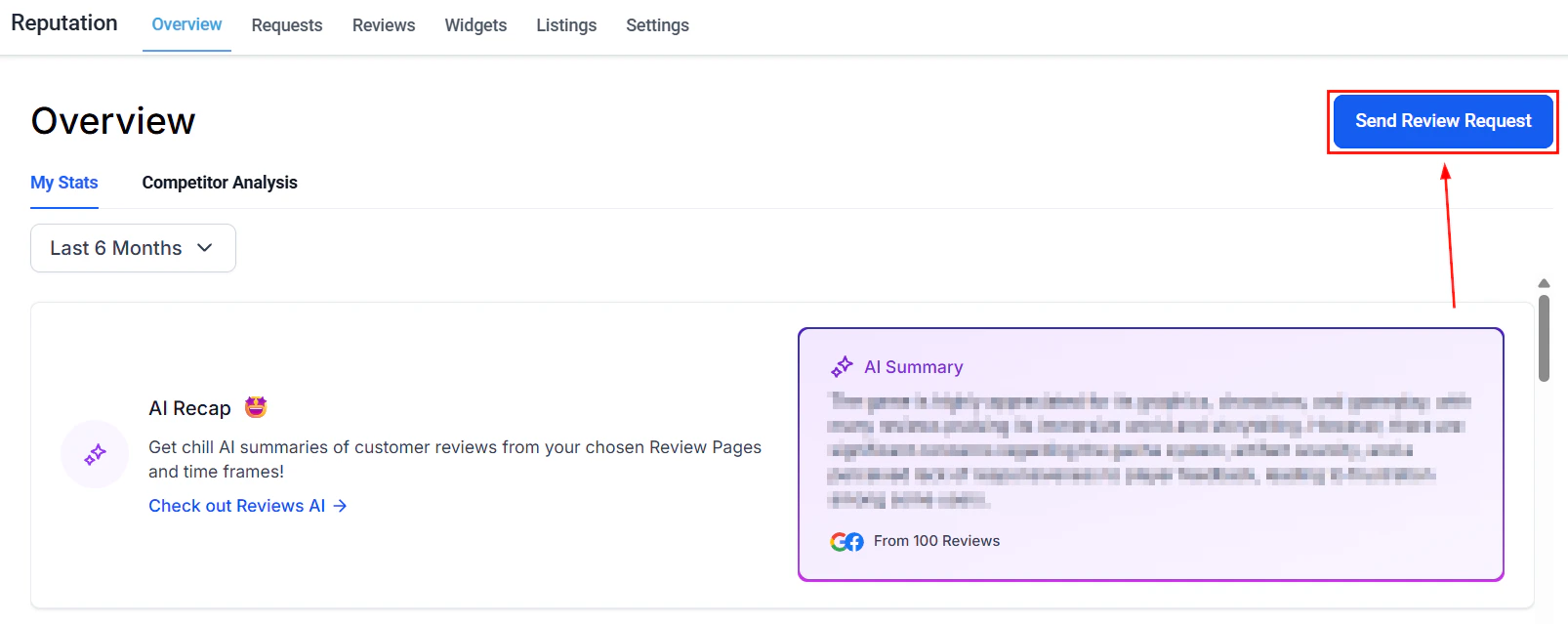
Competitor analysis — compare your reviews and sentiment against local competitors
Competitor list
Add and manage the accounts you are comparing to.Competitive landscape grid
Compares the most commonly used words and sentiments that appear in your business and competitor reviews.Sentiment heatmap
Helps you visualize the emotional landscape of user reviews, revealing the highs and lows.Rating by source
Compares reviews separated by the platform customers are submitting them on.By leveraging these features, you can effectively manage your review requests, track feedback, and enhance your online reputation.
FAQs
What does the review sentiment percentage represent?
What does the review sentiment percentage represent?
Reviews rated 4 stars or higher are counted as positive sentiment, while reviews rated 3 stars or lower are counted as negative. The percentage shown reflects the change in each category compared to the previous equivalent period.
How are invite goals set?
How are invite goals set?
Invite goals are set automatically by the system and increase incrementally as you continue sending review requests. They are designed to motivate consistent outreach rather than being a fixed quota you configure manually.
How do I add a competitor for analysis?
How do I add a competitor for analysis?
In the Competitor Analysis section, click the Competitor List area and enter the name or search for the business you want to compare against. Once added, their review data will appear in the competitive landscape grid, sentiment heatmap, and rating-by-source comparisons.
Can I change the date range for statistics?
Can I change the date range for statistics?
Yes. Use the date range dropdown in the My Stats section to filter all data tiles — including invite trends, review trends, and sentiment — to a specific timeframe.