Platform-specific guides for connecting and managing social accounts in the HoopAI Platform Social Planner.
The HoopAI Platform Social Planner connects to all major social media platforms. This page covers platform-specific setup and features. For the full Social Planner overview, see Social planner.
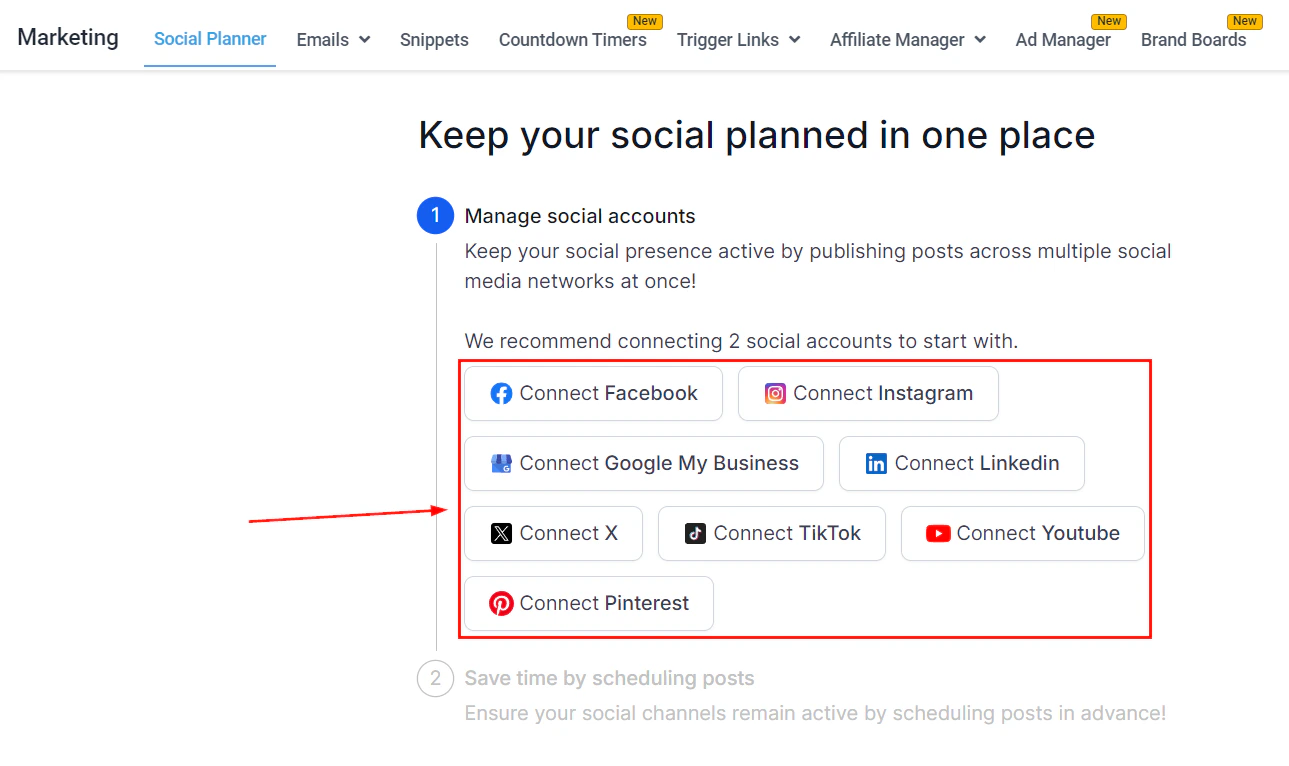
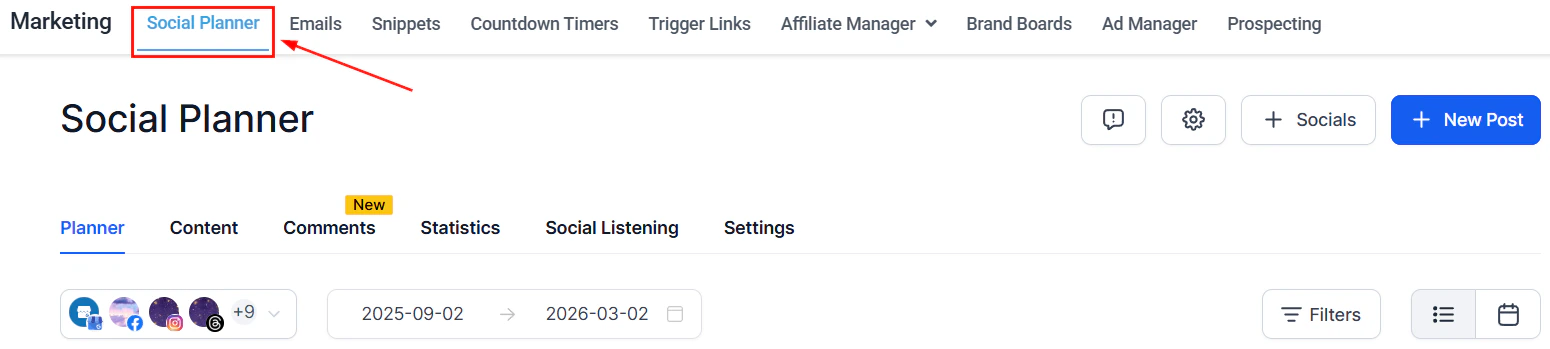
Social Planner — connected accounts across Facebook, Instagram, LinkedIn, TikTok, YouTube, and more
Instagram requires your account to be a Business or Creator account connected to a Facebook Page.
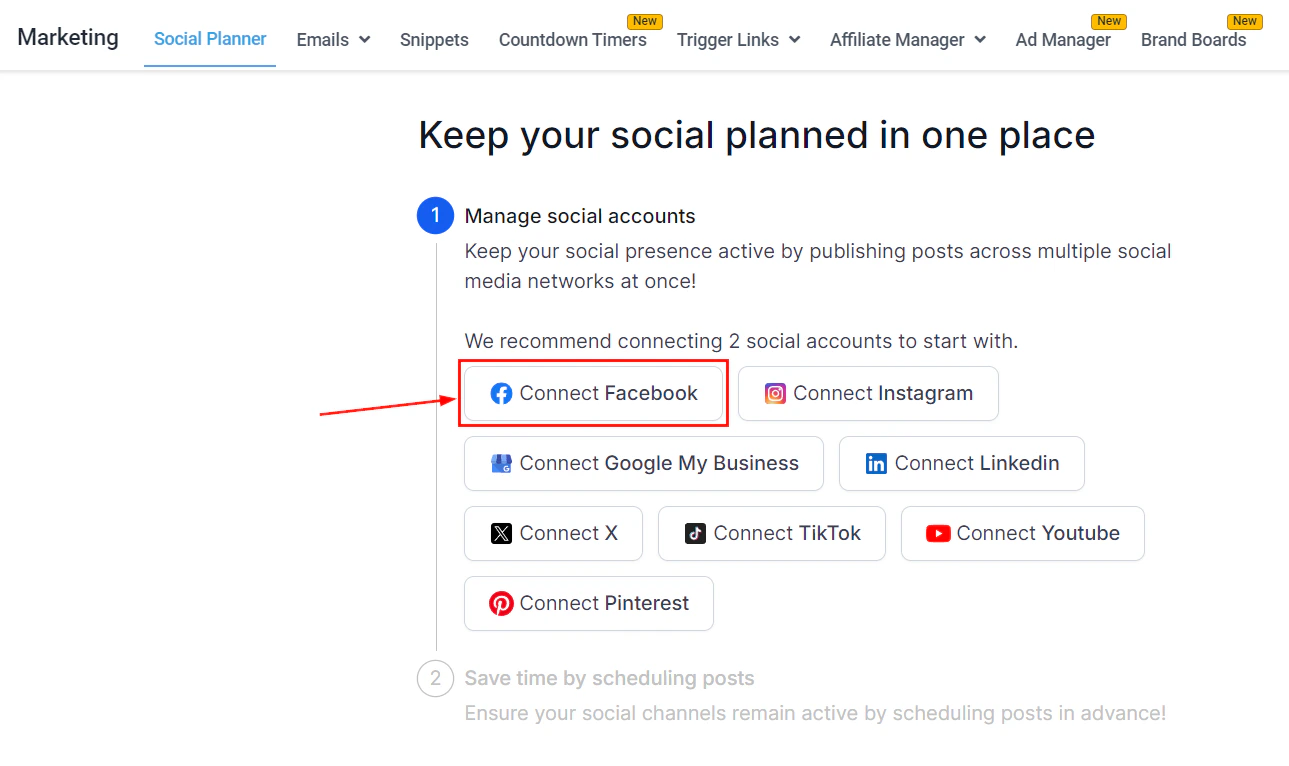
Connecting a Facebook Business Page — select the pages you want to add to the Social Planner
1
Upgrade your Instagram account
In the Instagram app, go to Settings > Account > Switch to Professional Account and choose Business or Creator.
2
Link to a Facebook Page
In Instagram settings, connect your account to a Facebook Page you manage.
3
Connect in the HoopAI Platform
In the Social Planner, choose Facebook-linked Instagram for the most reliable connection, or Direct Instagram if you prefer not to use the Facebook flow.
Common causes: expired access token (reconnect the account), unsupported media format, or a policy violation. Check the error message in the Social Planner for details.
Domain not verified
Some Facebook features (including certain ad capabilities) require domain verification. Go to Facebook Business Manager > Brand Safety > Domains and follow the verification steps.
Link preview not updating
Facebook caches link previews. Use the Facebook Sharing Debugger to clear the cache and refresh the preview.
Use Social Listening in the Social Planner to monitor brand mentions, competitor names, and keywords across social platforms. Set up listening topics and receive alerts when your keywords are mentioned.
Social listening availability and supported platforms may vary. Check the Social Planner for the latest supported sources.
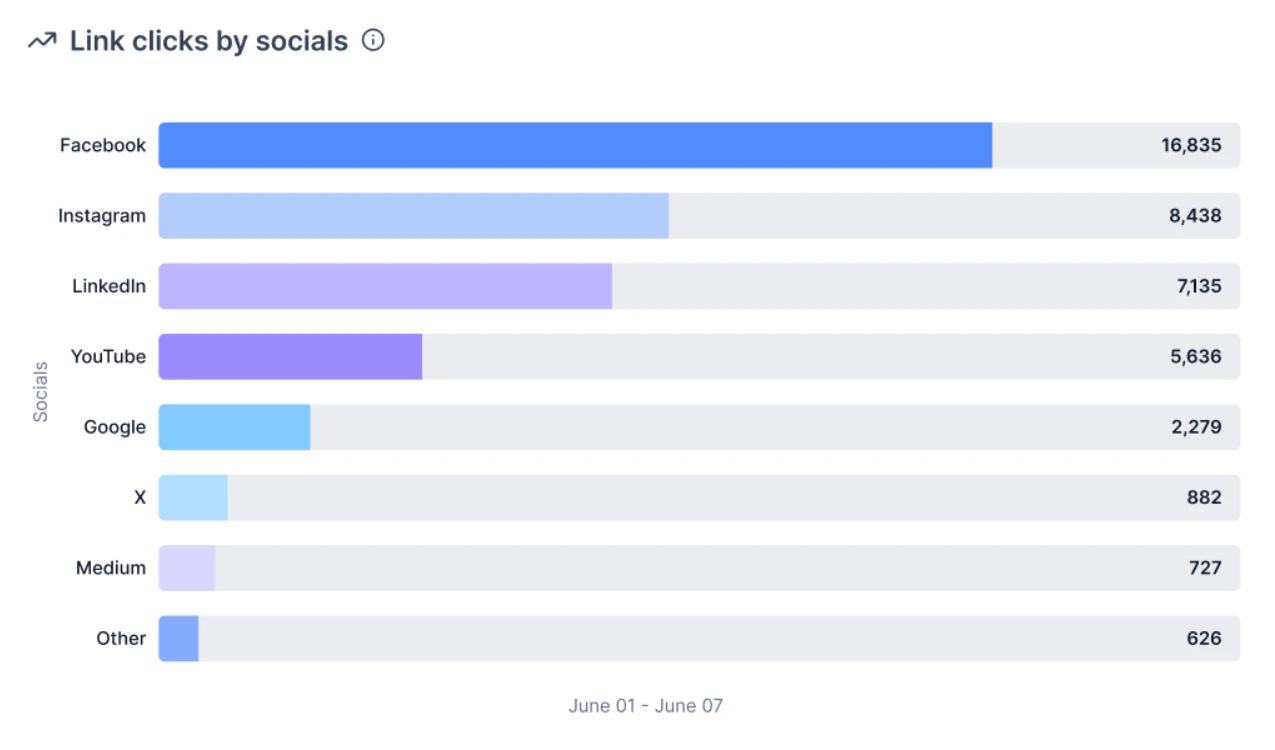
Social media insights — follower growth, reach, impressions, and best-performing content
Create groups of social media accounts to quickly select multiple accounts when creating a post. For example, group all accounts for a specific brand or campaign type.
Can I connect multiple accounts for the same platform?
Yes. You can connect multiple Facebook Pages, Instagram accounts, LinkedIn profiles, and other platforms. This is especially useful for businesses managing multiple brands or locations from one dashboard.
Why is my Instagram account not connecting?
Instagram requires your account to be a Business or Creator account linked to a Facebook Page. Personal Instagram accounts cannot be connected. Make sure you have switched to a Professional account in Instagram settings and linked it to a Facebook Page before connecting in the Social Planner.
What types of Instagram content can I schedule?
You can schedule feed posts (images and videos up to 60 seconds), Reels (up to 15 minutes at 9:16 aspect ratio), and Stories. Stories are delivered via push notification on your mobile device rather than published directly.
Why did my Facebook post fail to publish?
Common causes include an expired access token (reconnect the account in Social Planner settings), an unsupported media format, or a Facebook policy violation. Check the error message displayed in the Social Planner for specific details.
What are the LinkedIn character limits?
LinkedIn personal profiles allow up to 3,000 characters per post. LinkedIn Company Pages are limited to 700 characters. The Social Planner will warn you if your post exceeds the limit for the selected account type.
How do I monitor mentions and comments across platforms?
Use the Social Listening feature in the Social Planner to track brand mentions, competitor names, and keywords. Reply to Instagram comments directly from the comment management section without switching to the Instagram app.
Can I view analytics for all my social accounts in one place?
Yes. Navigate to Marketing > Social Planner > Insights to view follower growth, post reach, impressions, and engagement rates across all connected accounts in a unified dashboard.