

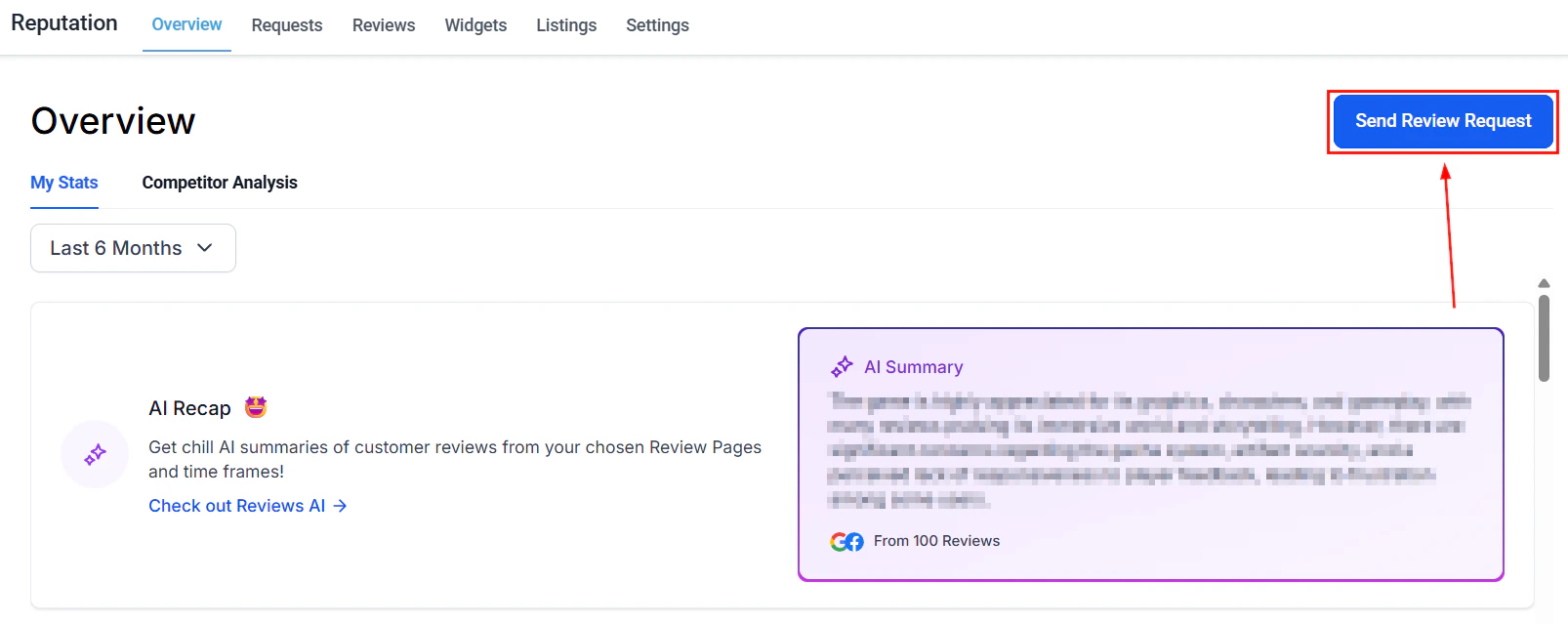
Competitor analysis section on the Reputation overview dashboard
What competitor tracking shows you
The competitor analysis section of the Reputation dashboard provides several views that compare your review performance to the businesses you compete with:
These views update automatically as new reviews are collected for both your business and your tracked competitors.
Adding competitors to track
1
Navigate to Competitor Analysis
Go to Reputation > Overview and scroll to the Competitor Analysis section.
2
Open the Competitor List
Click the Competitor List area to open the competitor management panel.
3
Search for a competitor
Type the competitor’s business name in the search field. The platform searches for matching businesses using publicly available review data.
4
Select and add
Select the correct business from the search results and add it to your competitor list. Once added, their review data begins populating in the competitive analysis views.
5
Repeat for additional competitors
Add as many competitors as needed by repeating the search and selection process.
Competitive landscape grid
The competitive landscape grid compares the most frequently used words and phrases in your reviews against those appearing in your competitors’ reviews. This reveals:- Your strengths — words your customers use more often than competitor customers (e.g., “fast,” “friendly,” “reliable”)
- Competitor strengths — words that appear disproportionately in their reviews, signaling a perceived advantage you may want to address
- Shared themes — words that appear equally in both, representing table-stakes expectations in your market
- Sharpen your marketing messaging to emphasize proven strengths
- Identify service gaps — if a competitor consistently earns reviews mentioning “communication” and yours don’t, that’s a signal
- Build response templates that acknowledge and reinforce your key strengths
Sentiment heatmap
The sentiment heatmap visualizes the emotional tone of reviews for your business and your tracked competitors.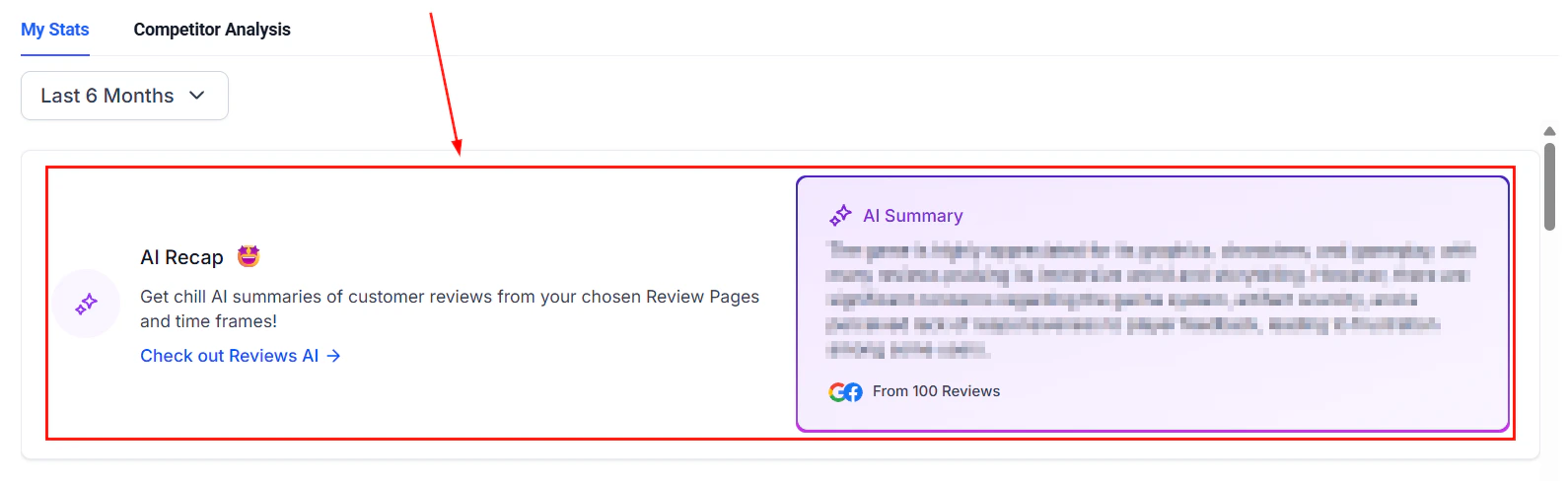
Sentiment heatmap comparing your review sentiment to competitors
- See at a glance whether a competitor is trending positively or negatively
- Identify periods when competitor sentiment dropped (and assess whether any external event caused it — a change in staff, service quality, or pricing)
- Spot when your own sentiment improves after an operational change and compare the timeline to competitors
Rating by source
The rating by source view shows average star ratings for your business and each tracked competitor, broken down by platform (Google and Facebook).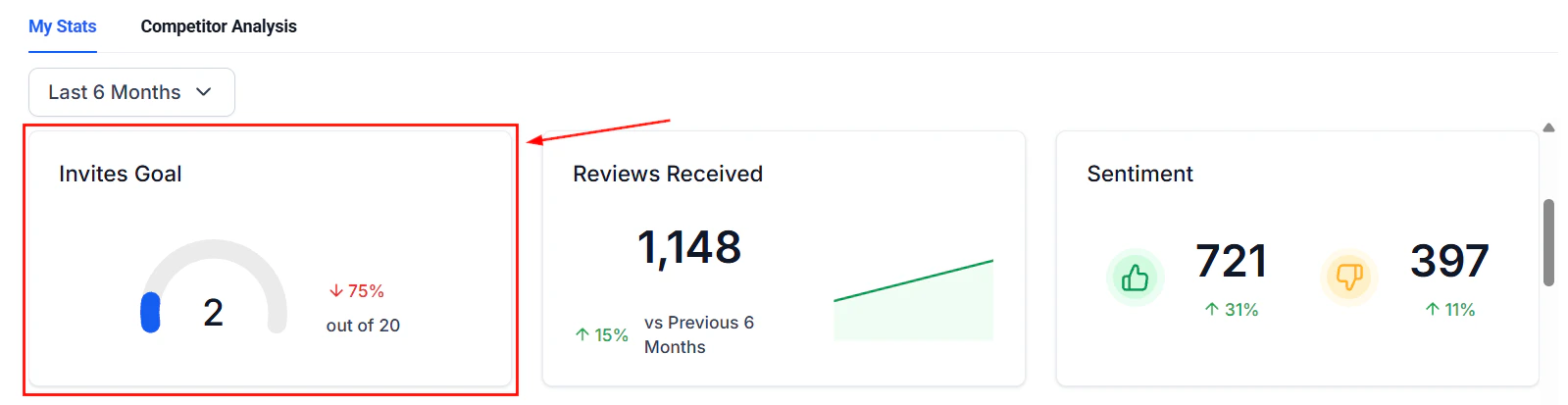
Rating by source breakdown comparing your ratings to competitors
- Identify if a competitor significantly outperforms you on a specific platform
- Understand whether your rating gap is platform-specific (suggesting you should drive more requests to that platform) or consistent across all platforms (suggesting a service quality issue)
- Set specific improvement targets — for example, closing the gap between your 4.3 average and a competitor’s 4.7 average on Google
Using competitor insights to improve your reputation strategy
Competitor tracking is most valuable when it drives specific actions: If a competitor has significantly more reviews than you — increase your review request volume. Set up or optimize automated review request workflows in Automation > Workflows to generate a consistent stream of requests after every customer interaction. If a competitor’s sentiment is improving while yours is flat — investigate what has changed in their customer experience. Read a sample of their recent reviews to identify recurring positive themes and assess whether you can match or exceed those service elements. If your average rating is lower on one platform — use the balance ratio in Reputation > Settings > Review link management to direct more of your review requests to that platform temporarily, building up your rating base there. If competitor reviews frequently mention a service you also offer — consider creating specific review request messages or templates that prompt customers to mention that service specifically, reinforcing your own review content with relevant keywords.Competitor tracking limitations
The competitor analysis tool pulls publicly available review data. There are a few limitations to be aware of:- Only businesses with publicly accessible Google or Facebook review data can be tracked
- Very new businesses or businesses with very few reviews may not have enough data for meaningful comparison
- The platform does not have access to competitor review request strategies, response rates, or internal data — only the publicly visible review outcomes
- Data is updated regularly but there may be a short lag between a competitor receiving a new review and that review appearing in the comparison views
FAQs
How many competitors can I track at once?
How many competitors can I track at once?
You can add multiple competitors to your comparison list. There is no strict limit, though tracking 3–5 direct local competitors provides the most actionable insights. Tracking too many businesses at once can dilute the focus of the analysis.
Can competitors see that I am tracking them?
Can competitors see that I am tracking them?
No. Competitor tracking uses publicly available review data from Google and Facebook. The businesses you track have no visibility into who is monitoring their public review information.
How often is competitor data updated?
How often is competitor data updated?
Competitor review data refreshes regularly alongside your own review sync. There may be a short lag between a competitor receiving a new review and that review appearing in the competitive analysis views.
What if I cannot find a competitor in the search?
What if I cannot find a competitor in the search?
If a competitor does not appear in the search results, it may be because they have very few reviews, their business profile is not publicly accessible, or the business name search did not match their registered profile name. Try searching by a slightly different variation of the business name.
Can I remove a competitor from my tracking list?
Can I remove a competitor from my tracking list?
Yes. Open the Competitor List in the Competitor Analysis section and use the remove or delete option next to any competitor you no longer want to track.
Does competitor tracking work for businesses in any industry?
Does competitor tracking work for businesses in any industry?
Yes. Competitor tracking is based on publicly available review data and is not limited to specific industries. It works for any type of business that has a Google Business Profile or Facebook Page with publicly visible reviews.