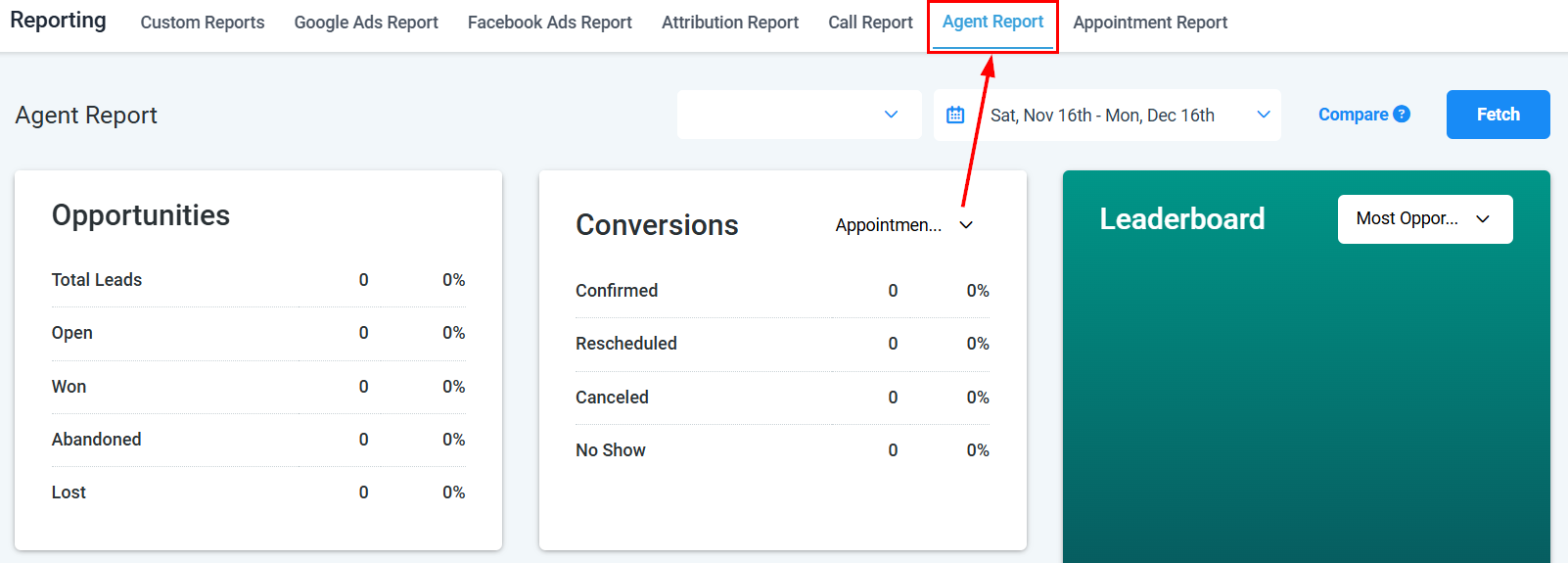
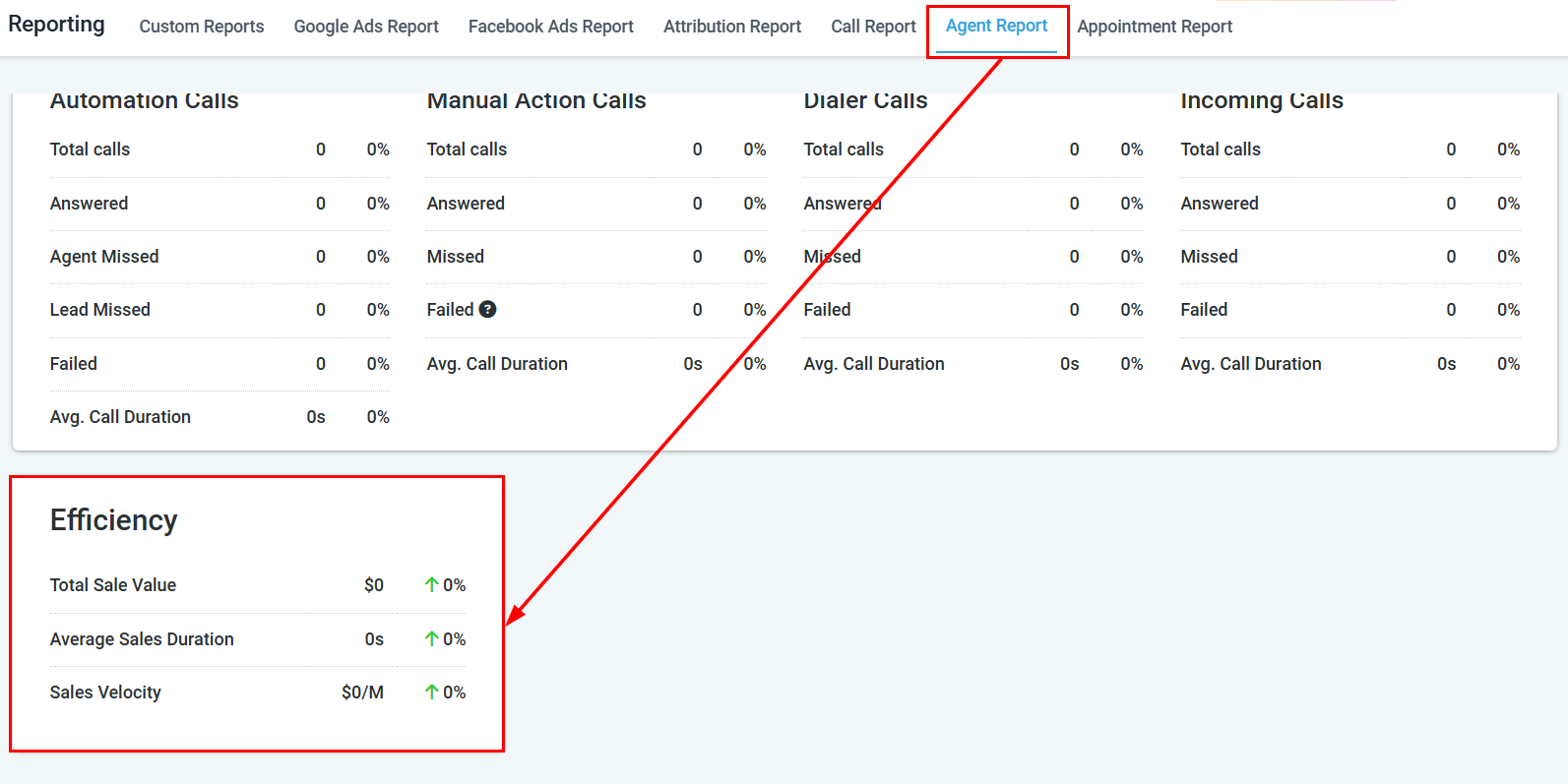
Measure individual agent and team member performance across calls, conversations, SMS, email, and opportunities in the HoopAI Platform.
The Agent Report provides a centralized platform to monitor and evaluate the actions performed by users within your organization. This section offers a detailed view of key performance indicators including opportunities, conversions, SMS and email campaigns, leaderboard rankings, call metrics, and efficiency analysis.
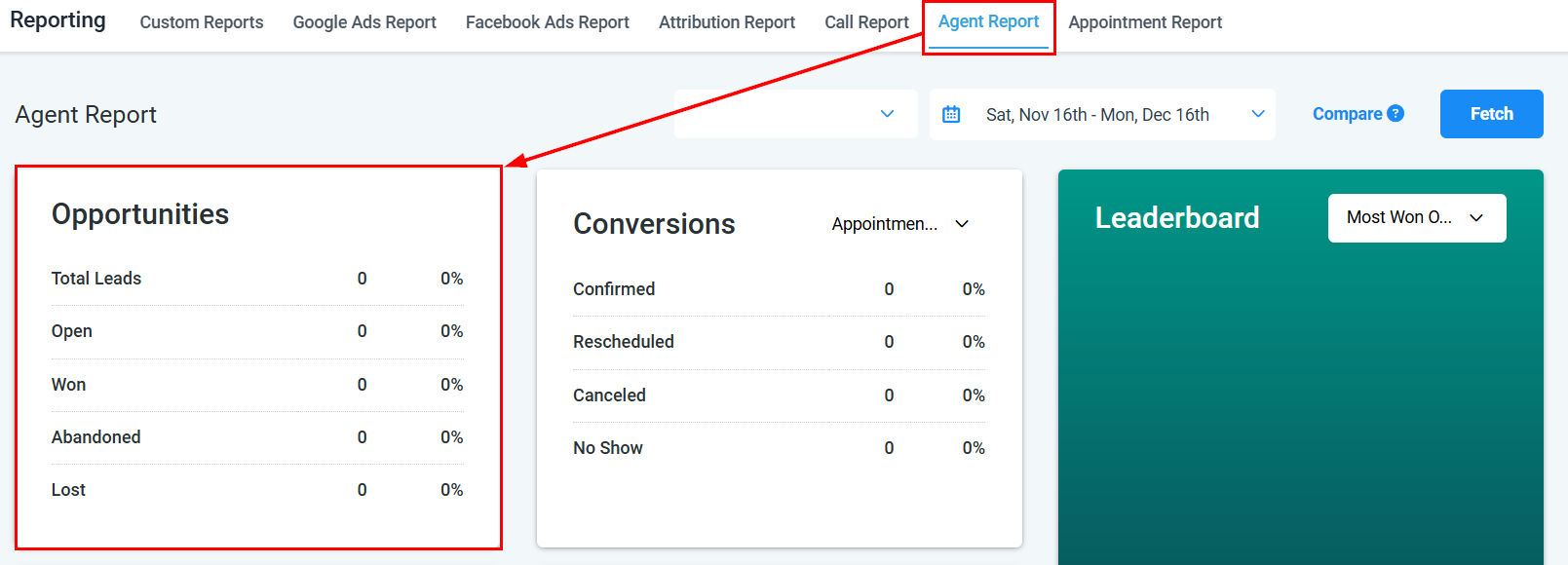
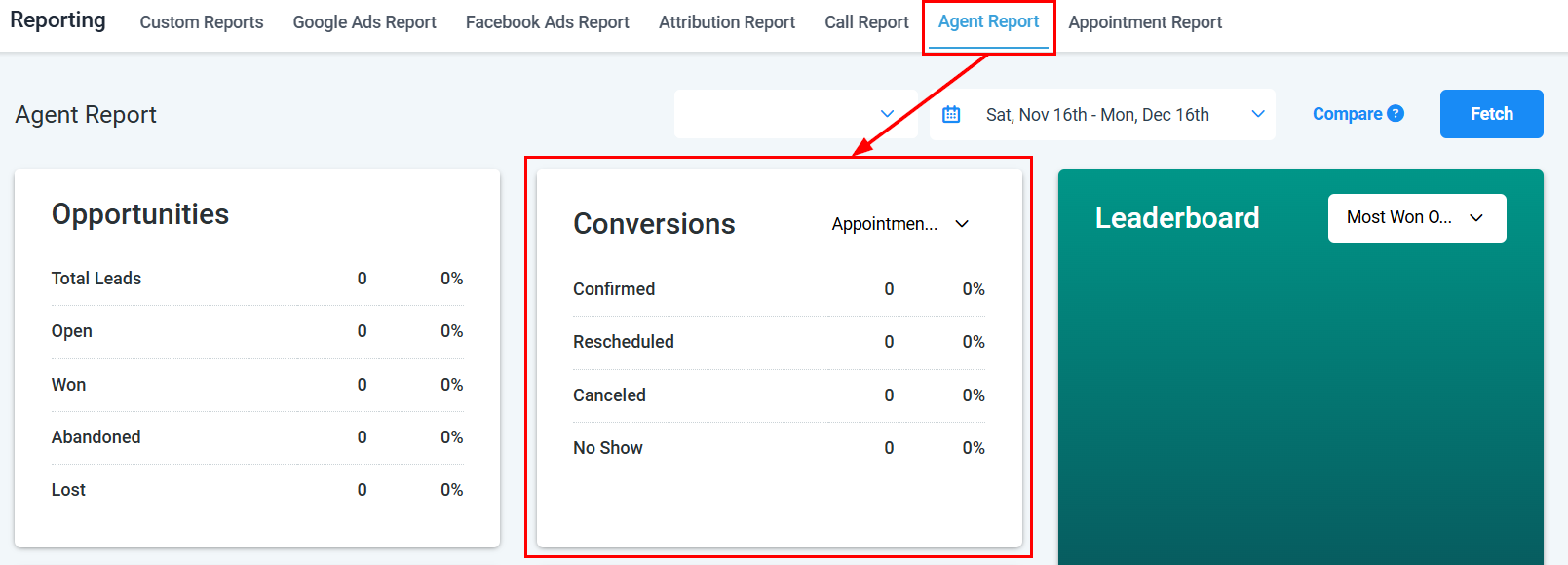
The Opportunities section shows pipeline performance for the selected user, including total leads, open opportunities, won deals, lost deals, and abandoned opportunities.
Opportunities metrics
Conversions
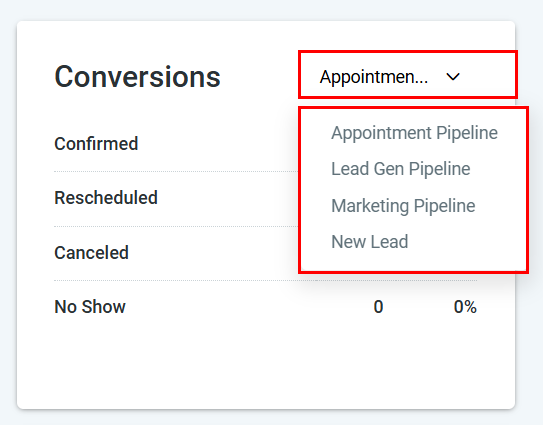
The Conversions segment offers a detailed view of your pipelines, providing insights into potential opportunities and their stages of progress. Navigate to the Reporting section, click the Agent Reporting tab, then scroll to the Conversions section.Filters available:
Pipeline — select which pipeline to analyze
Stages — view conversion rates by pipeline stage
Conversions view
Pipeline breakdown
SMS reporting
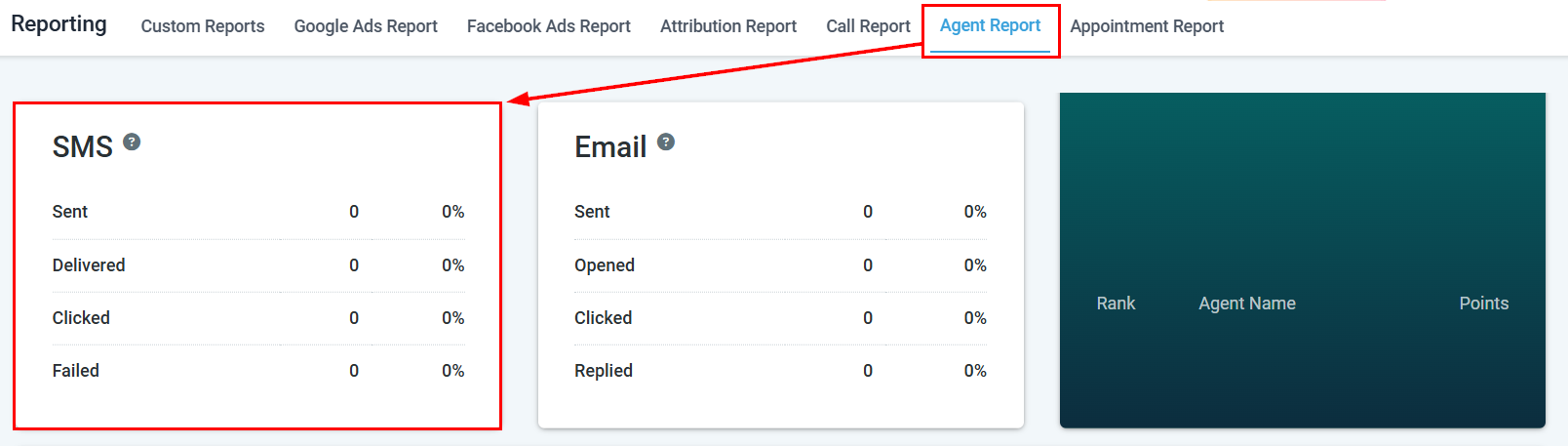
The SMS section provides a comprehensive analysis of text message activities performed by an agent, including:
Sent — total SMS messages sent
Delivered — delivery success rate
Clicked — link click rate
Failed — messages that failed to deliver
SMS reporting metrics
Email reporting
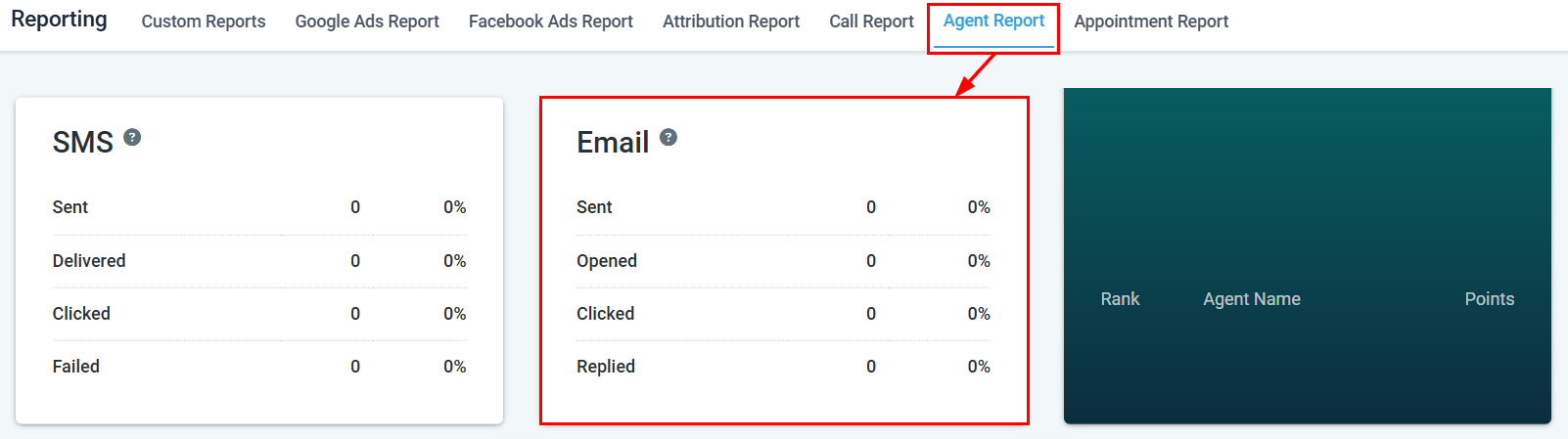
The Email section provides a detailed analysis of email campaign performance for individual agents, including:
Sent — total emails sent
Opened — open rate percentage
Clicked — link click rate
Replied — reply rate
Email reporting metrics
Agent leaderboard
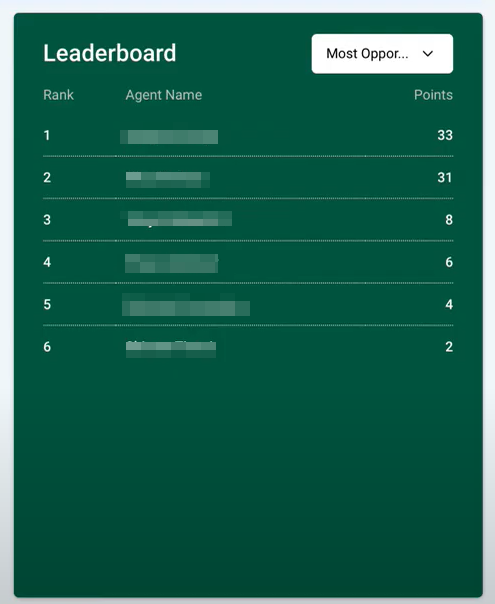
The Leaderboard offers a detailed view of your team’s performance in managing opportunities and securing deals. It ranks agents by name and total accumulated points.The leaderboard includes:
Rank — agent position
Name — agent name
Points — total performance points
Navigate to Reporting > Agent Reporting, then scroll to the Leaderboard section.
Agent Leaderboard
Agent call metrics
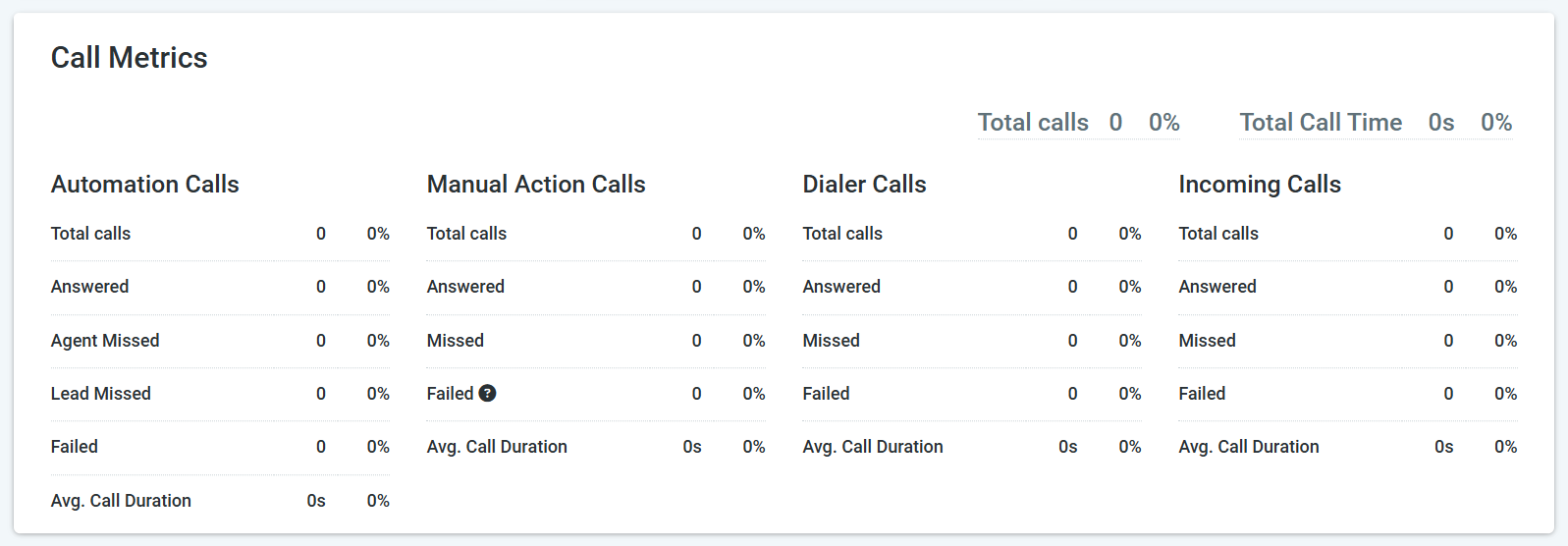
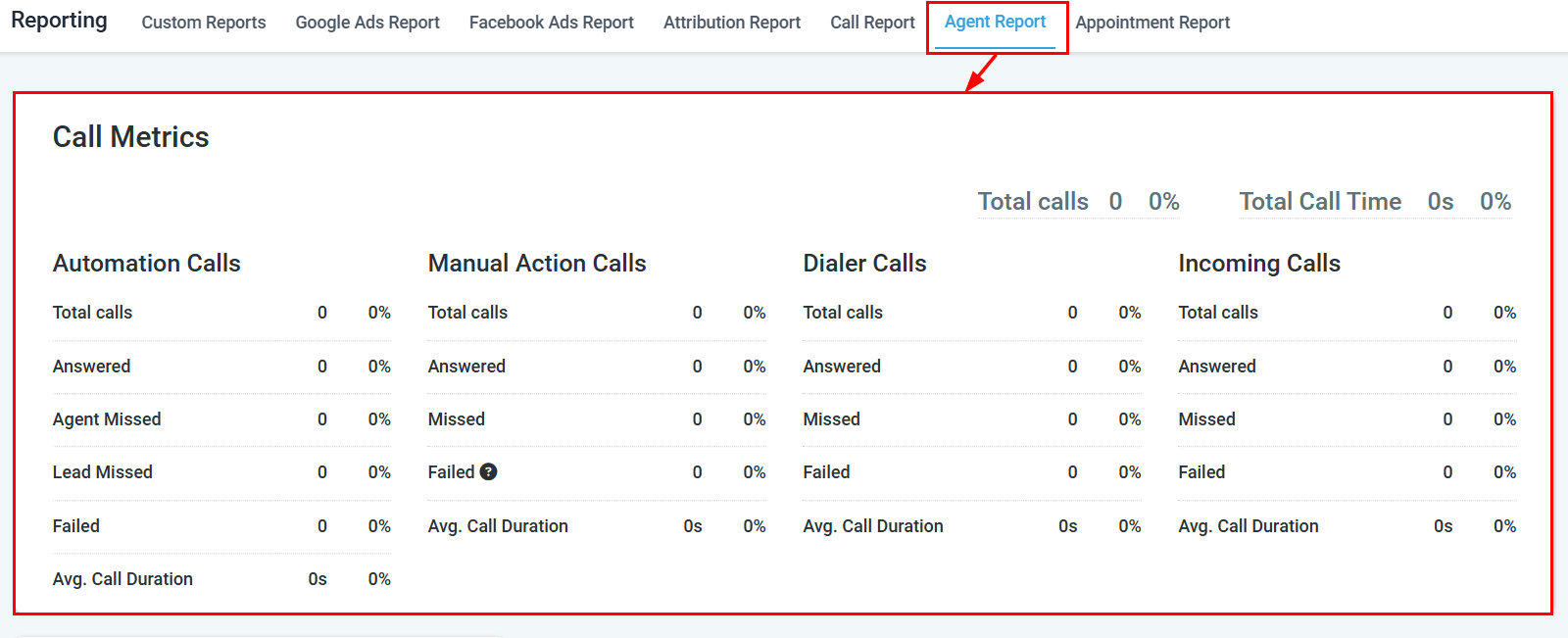
Agent Call Metrics provides a detailed breakdown of call performance for each agent, essential for improving productivity and the customer experience.Metrics include:
Total calls — all calls made and received
Automation calls — calls triggered via workflow automations
Manual action calls — calls initiated via manual actions
Power dialer calls — calls made through the power dialer
Incoming calls — inbound call volume
Call Metrics overview
Detailed call metrics table
Agent efficiency
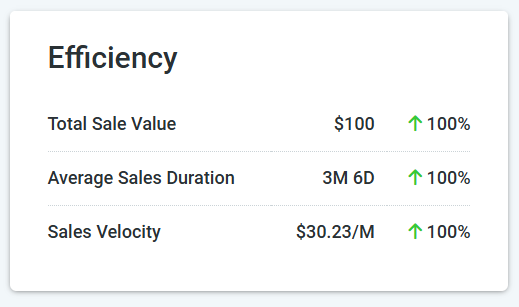
The Efficiency section highlights key metrics about the outcomes achieved by each agent:
Total sales value — total revenue generated
Average sales duration — how long deals take to close
Sales velocity measures how quickly your team generates revenue. It combines four factors into a single metric that tells you how much revenue you can expect per day from your pipeline.
To increase sales velocity, focus on the factor with the most room for improvement:
Increase deal volume — generate more qualified leads
Raise average deal value — upsell or target higher-value prospects
Improve win rate — refine your qualification process and sales scripts
Shorten the cycle — reduce delays between pipeline stages with automation and timely follow-ups
Track sales velocity monthly to measure the impact of process changes. Even small improvements in win rate or cycle length compound significantly over time.
Pull individual agent data before a 1:1 or team review. Identify patterns such as low answer rates or long call durations that may need attention.
Workload balancing
Compare call and conversation volume across agents to ensure tasks and leads are distributed fairly across your team.
Identifying top performers
Use the Leaderboard and Efficiency sections to spot which agents are converting the most opportunities or closing deals fastest so you can replicate their approach.
Agent Reporting visibility may be restricted based on your user role. Account users may only see their own data unless granted broader access by an administrator.
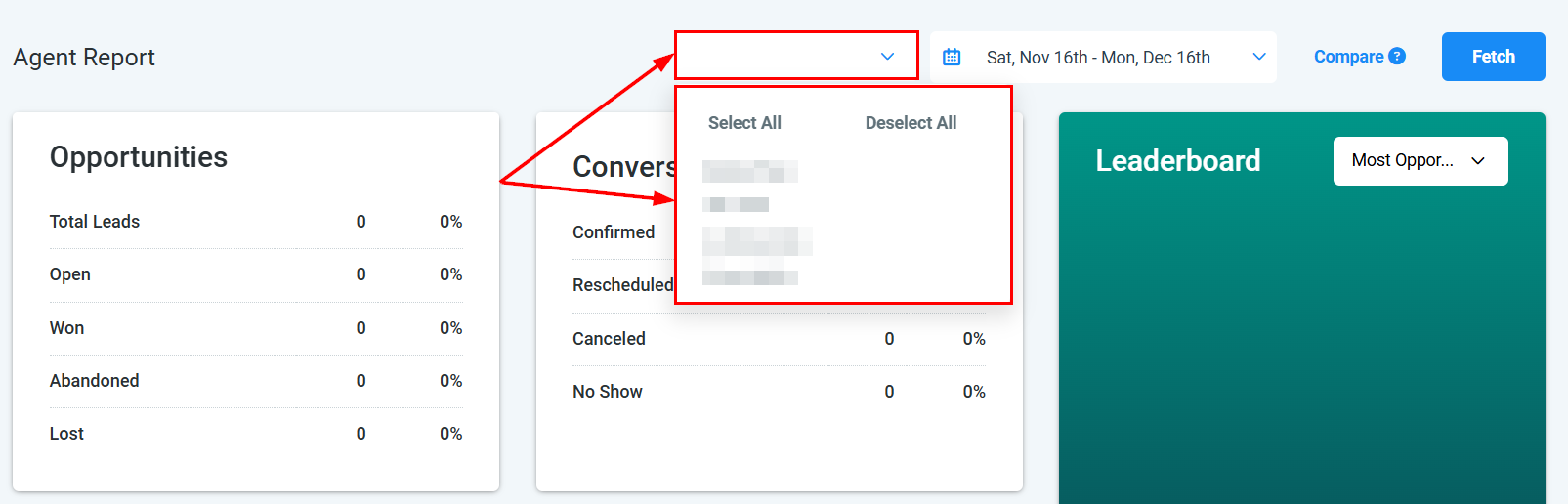
Yes. In the User dropdown at the top of Agent Reporting, select All Users to see aggregated data across your entire team.
How are leaderboard points calculated?
Points are based on opportunity outcomes and deal activity. Agents earn points for won deals, completed conversations, and other positive actions tracked by the platform. The exact formula depends on your account configuration.
Why can't I see another agent's data?
Account users are typically restricted to viewing their own data. An administrator must grant broader role permissions before you can view other team members’ reports.
What is the difference between total calls and automation calls?
Total calls includes all calls regardless of how they were initiated. Automation calls are calls triggered by workflow automations, while manual action calls are those the agent initiated directly, and power dialer calls are from the power dialer queue.
Can I export agent report data?
Individual sections within Agent Reporting do not have a dedicated export button, but you can build a Custom Report filtering by user to export agent data as a spreadsheet.
How do I change the date range in agent reporting?
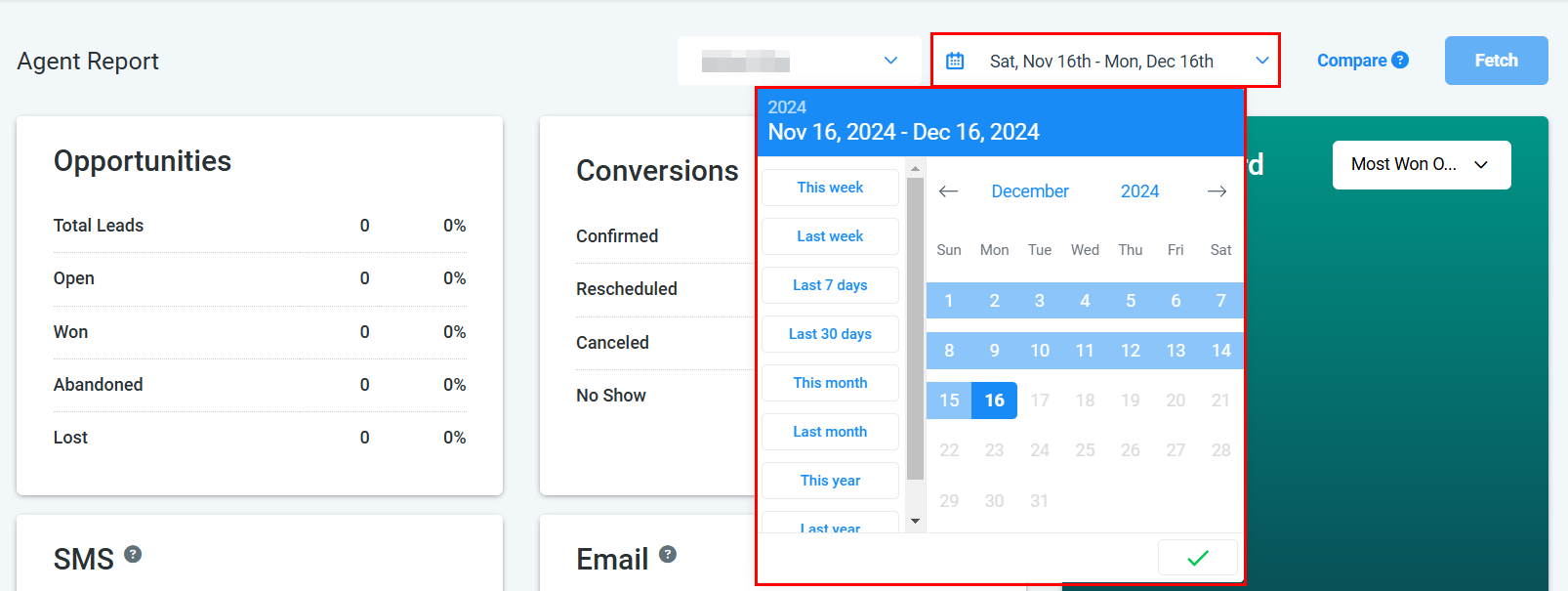
Use the Date Range selector near the top of the Agent Reporting page. Select your start and end dates to refresh all sections for that period.