

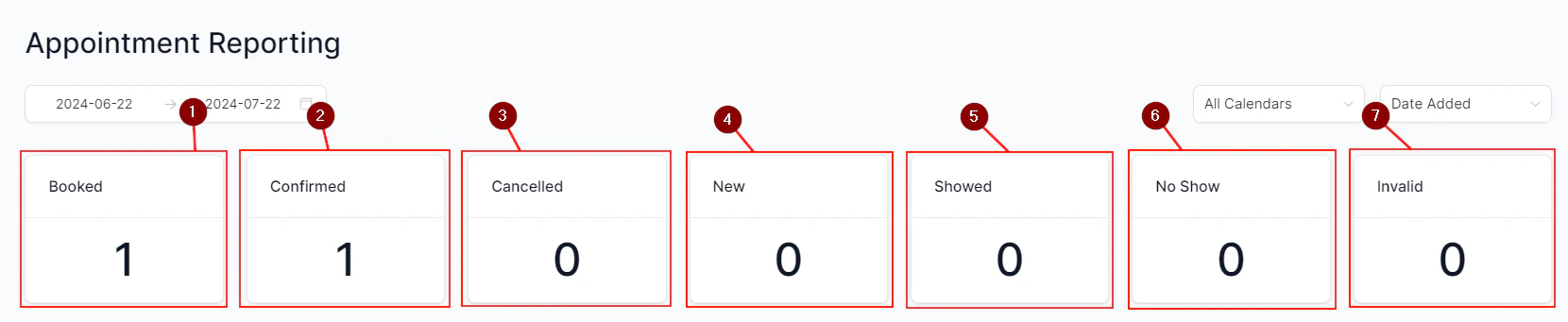
Contact growth dashboard showing acquisition trends over time
Accessing contact growth data
Contact growth data is available through custom dashboard widgets built on the Contacts data source. Because contact acquisition patterns vary significantly by business, HoopAI gives you the flexibility to build the exact growth view you need rather than locking you into a single preset report. To get started:- Open your dashboard and click Edit.
- Add a new widget and choose the Contacts category.
- Select a chart type — a Line chart works well for tracking growth trends over time; a Bar chart works well for comparing sources side by side.
- Apply a Date Created filter to scope the data to new contacts only.
- Group or filter by Source or Attribution fields to break down growth by channel.
Contact source types
Every contact in HoopAI is assigned a source label that describes how they entered the CRM:Attribution source (paid search, organic search, paid social, etc.) and contact source (how they entered the CRM) are two different fields. Attribution reflects the traffic channel; contact source reflects the HoopAI tool or method used to create the record.
Tracking new contacts over time
To visualize contact acquisition trends:- Build a Line widget on your dashboard using the Contacts data source.
- Set the x-axis to Date Created and group by Day, Week, or Month depending on the time period you are analyzing.
- Save the widget and adjust your dashboard date range filter to see the growth curve.
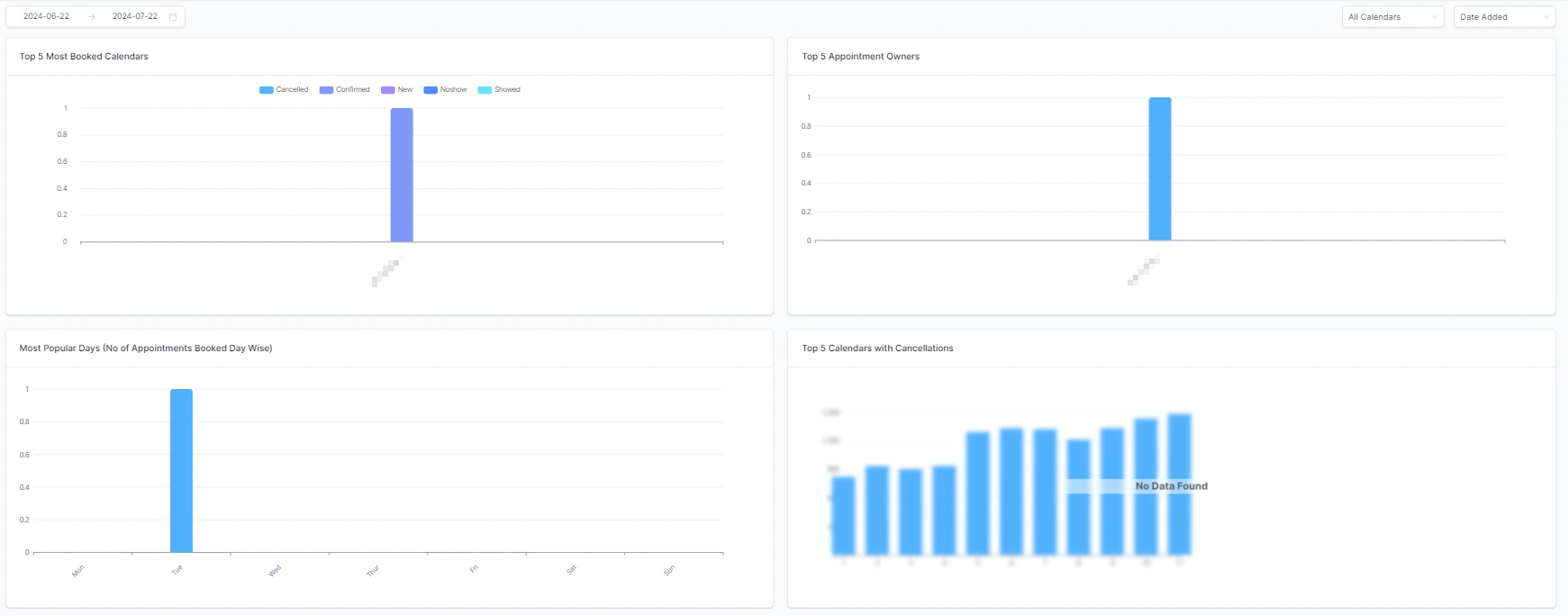
Line chart showing new contact acquisition trends over time
Source breakdown
Breaking down contact growth by source reveals which acquisition channels are generating the most volume:- Add a Donut or Bar widget using the Contacts data source.
- Group the data by Attribution Source or Contact Source.
- Apply a date range to limit the view to a specific campaign period.
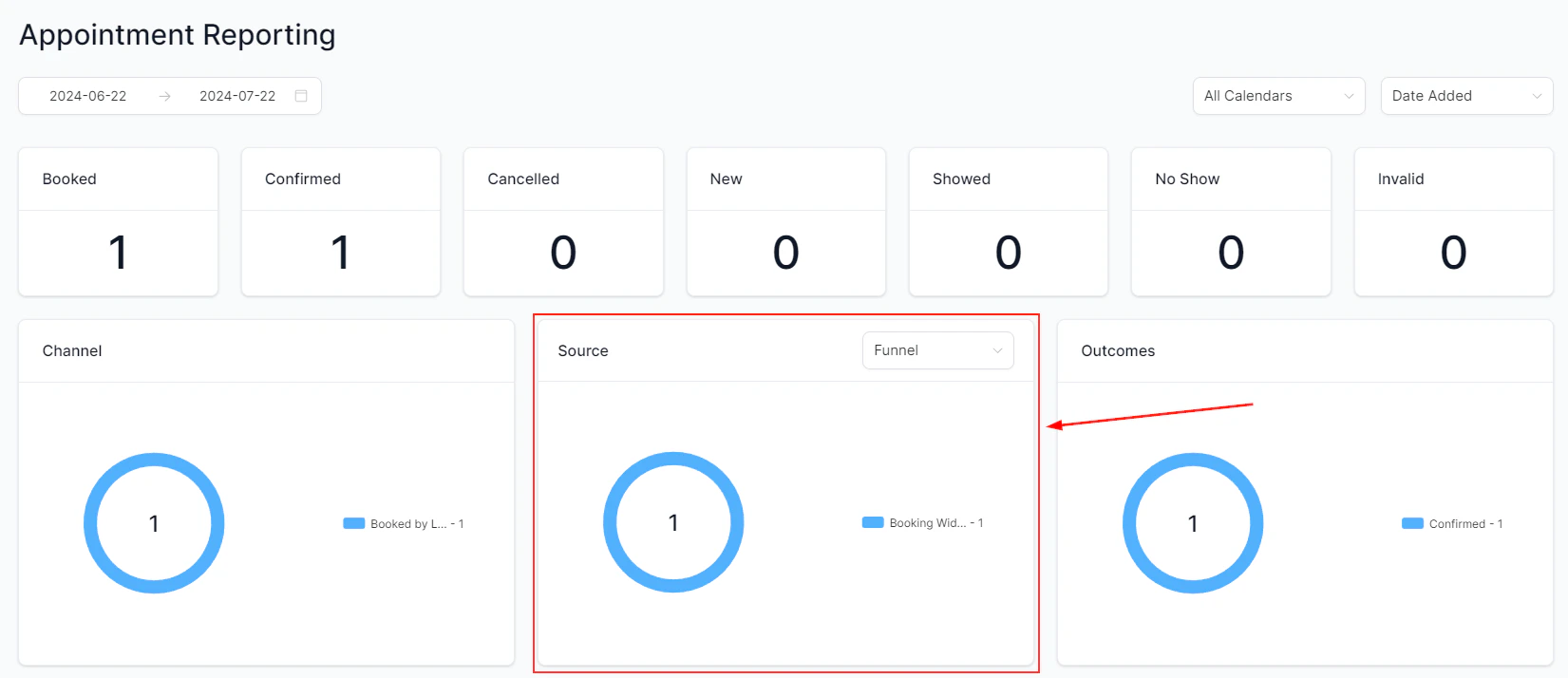
Source breakdown showing where new contacts are coming from
- Paid search driving high volume but low quality (contacts who never convert)
- Organic search producing fewer contacts but with higher booking rates
- Referral traffic representing a small share of volume but an outsized share of closed deals
Attribution-based growth analysis
For a more detailed picture, combine contact growth with attribution data:- Add a Table widget with the Contacts data source.
- Include columns for Date Created, First Attribution Source, First Attribution Campaign, and UTM Medium.
- Apply filters to scope to specific date ranges, campaigns, or traffic types.
- Export as CSV to analyze in a spreadsheet tool.
Monitoring list health
Contact growth is only meaningful if the new contacts are engaged and valid. Alongside raw growth metrics, track:- Unsubscribe and opt-out rates — a growing list with rising unsubscribes signals that the contact quality may be declining.
- Duplicate contacts — use the contact deduplication tools under Contacts → Tools to keep your database clean as it scales.
- Bounce rates in email campaigns — a high bounce rate on emails to recently imported contacts suggests the list source may not be high quality.
Frequently asked questions
Can I see contact growth broken down by team member?
Can I see contact growth broken down by team member?
Yes, if you filter by the Assigned User field on the Contacts widget, you can see which team members are adding the most new contacts — useful for tracking prospecting activity by salesperson.
Does the report include contacts that were deleted?
Does the report include contacts that were deleted?
No. Deleted contacts are removed from all reports. If contact records are routinely deleted and re-added, your growth numbers may undercount total acquisition volume.
How do I track contacts from a specific landing page?
How do I track contacts from a specific landing page?
Embed a native HoopAI form on the landing page and name it clearly. You can then filter your contact growth report by the form source field to see all contacts captured from that specific page.
Can I set a contact growth target and track progress against it?
Can I set a contact growth target and track progress against it?
Custom dashboard widgets support threshold indicators. Set a goal for the month and compare it against the actual new contact count using a metric widget. For more advanced goal tracking, use the custom reports feature with date-based filtering.