

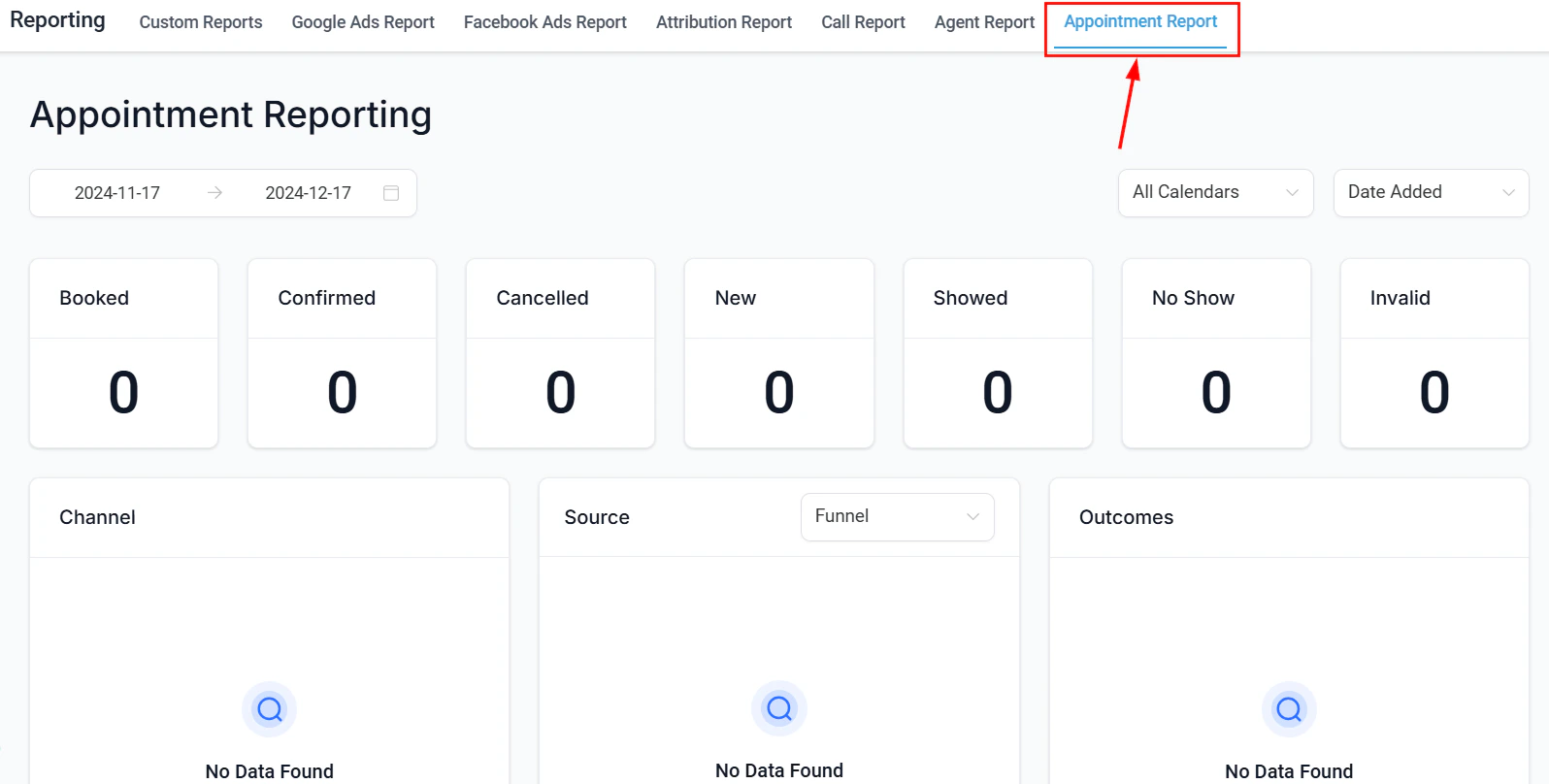
Report overview dashboard with export and scheduling options
Exporting report data
Most reports in HoopAI include an export option. The data is downloaded as an Excel (.xlsx) or CSV file depending on the report type.Export by report type
Call reporting export
Call reporting export
In Reporting → Call Reporting, click Download Call Reporting Data at the top of the call data table. All call records matching your current filters are exported to an Excel file.
Appointment report export
Appointment report export
In Reporting → Appointment Report, click the Export button above the data table. All appointments matching your active filters are downloaded as an Excel file.
Custom reports export
Custom reports export
Open any saved Custom Report and click Export. You can export as CSV or Excel. The export respects any active filters and date ranges applied to the report.
Agent reporting export
Agent reporting export
Agent reporting does not have a built-in export button. To export agent data, build a Custom Report with opportunities or conversations as the data source, filter by user, and export from there.
Ads reporting export
Ads reporting export
Google Ads and Facebook Ads data tables can be exported using the export options within those tabs. For full attribution data, use the Attribution Report export function.
Scheduling report delivery
Custom Reports support scheduled email delivery so your team receives reports automatically without logging in.Setting up a scheduled report
1
Open a saved custom report
Navigate to Reporting → Custom Reports and open the report you want to schedule.
2
Click Schedule
Click the Schedule button in the report toolbar.
3
Set the delivery frequency
Choose how often the report should be sent:
- Daily — delivered every day at the configured time
- Weekly — delivered on a specific day of the week
- Monthly — delivered on a specific date each month
4
Add recipients
Enter the email addresses of everyone who should receive the report. Recipients do not need a HoopAI account to receive scheduled reports.
5
Save the schedule
Confirm your settings and save. The report will be delivered automatically on the configured schedule.
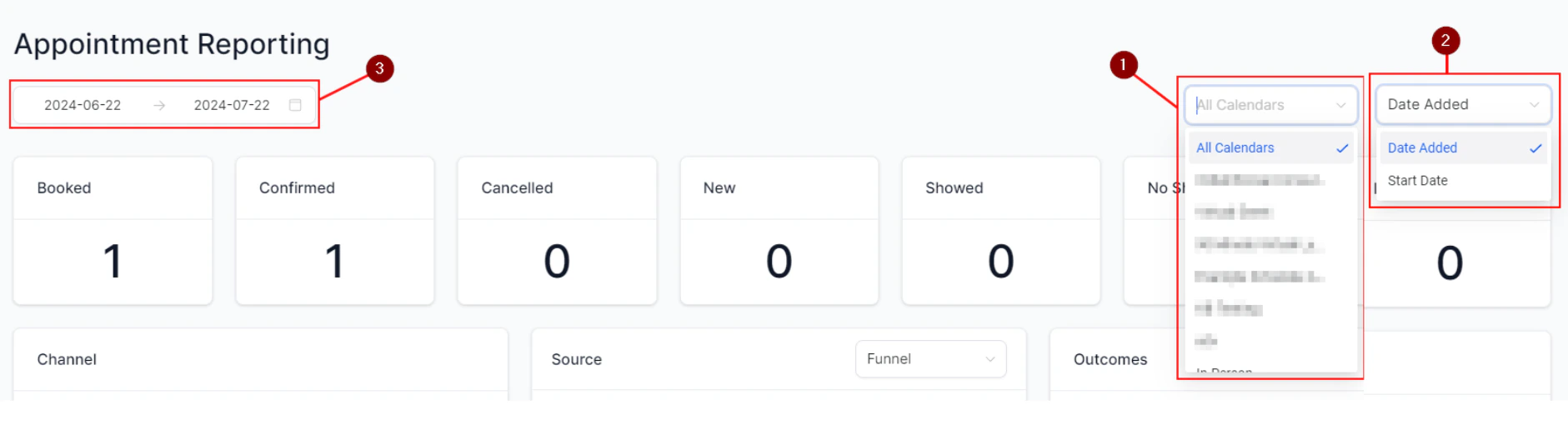
Report scheduling configuration with frequency and recipient settings
Scheduled reports are sent as email attachments in Excel or PDF format depending on your configuration. Ensure the recipient email addresses are accurate before saving the schedule.
Managing scheduled reports
To edit or delete an existing schedule, open the Custom Report and click Schedule to view current delivery settings. You can:- Change the frequency or delivery day
- Add or remove recipients
- Pause or delete the schedule entirely
Tips for effective report scheduling
Weekly team performance reports
Weekly team performance reports
Schedule a weekly Agent Reporting-style Custom Report to be delivered every Monday morning. Include columns for calls made, opportunities won, and revenue generated so the team starts the week with the previous week’s results.
Monthly pipeline health reports
Monthly pipeline health reports
Schedule a monthly pipeline opportunities report for your sales manager. Filter by open opportunities, include stage and value columns, and send on the first of each month.
Campaign performance summaries
Campaign performance summaries
After launching a marketing campaign, schedule a daily Custom Report filtered to contacts tagged with the campaign name. Monitor lead volume and conversion daily until the campaign ends.
Frequently asked questions
Can I schedule reports for users outside my HoopAI account?
Can I schedule reports for users outside my HoopAI account?
Yes. Scheduled reports are sent by email, so any valid email address can be a recipient. The recipient does not need a HoopAI account.
What format are scheduled reports delivered in?
What format are scheduled reports delivered in?
Scheduled Custom Reports are delivered as attachments in Excel or PDF format. The format can be configured in the Schedule settings.
Can I schedule non-custom reports like call reporting?
Can I schedule non-custom reports like call reporting?
Currently, scheduled delivery is available for Custom Reports. For other report types, use the manual export options and share the file as needed.
How do I stop a scheduled report?
How do I stop a scheduled report?
Open the Custom Report, click Schedule, and delete or disable the existing schedule. The report will stop being delivered immediately.
Is there a limit on how many reports I can schedule?
Is there a limit on how many reports I can schedule?
There is no fixed limit on the number of scheduled reports per account, but performance and delivery reliability are best when you keep the number of active schedules reasonable.