

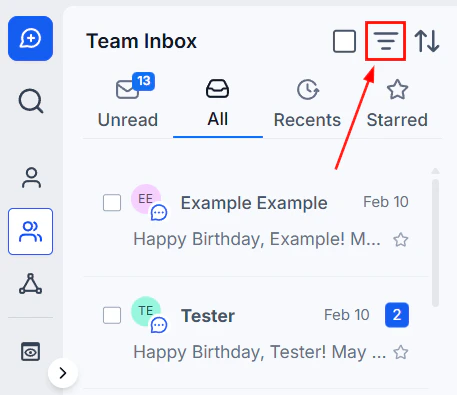
SMS activity metrics — sent, delivered, clicked, and failed counts with percentage breakdowns
SMS statuses explained
Sent
Sent
Definition: Total number of SMS messages dispatched within a specific time frame, plus the percentage of sent messages out of all SMS activity.Why it matters: Monitoring sent volume helps you gauge the scale of your outreach efforts.
Delivered
Delivered
Definition: Total count of messages successfully delivered to recipients, plus the delivery rate percentage.Why it matters: High delivery rates confirm messages are reaching your audience. Low rates may indicate issues with your contact list, number registration, or carrier filtering.
Clicked
Clicked
Definition: Number of recipients who clicked a link within the SMS, plus the click-through rate percentage.Why it matters: Click rates reveal how engaging your content is and whether your calls-to-action are effective.
Failed
Failed
Definition: Count of messages that did not reach the recipient’s inbox.Why it matters: Monitoring failures helps you identify and fix delivery problems — invalid numbers, carrier blocks, or spam filters — to improve reliability over time.
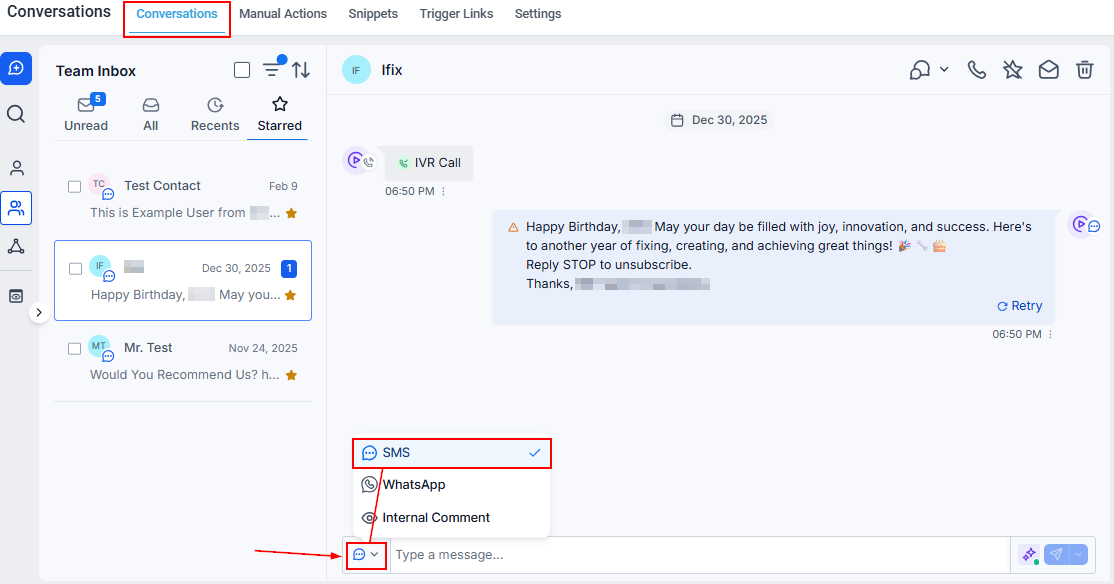
SMS window — compose messages with emoji, snippets, trigger links, and schedule for later delivery
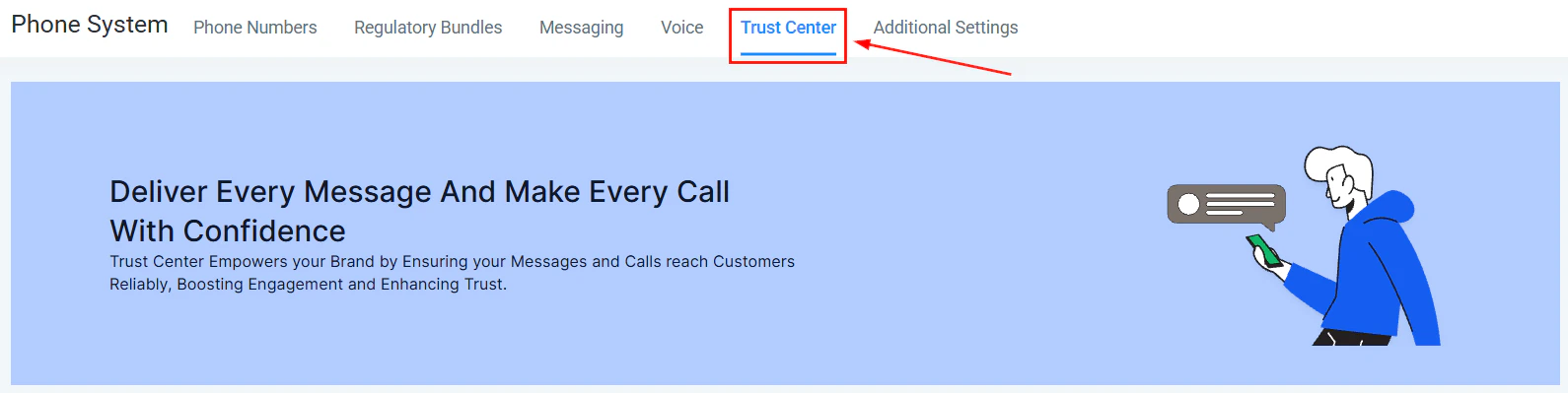
A2P 10DLC registration — required for US SMS delivery and carrier compliance
Troubleshooting and FAQs
Why are my SMS messages failing to deliver?
Why are my SMS messages failing to deliver?
Delivery failures can result from:
- Incorrect or inactive phone numbers
- Carrier filtering or spam blocks
- MMS capability not enabled on the sending number
- Attachment size exceeding carrier limits (aim for under 500 KB)
- Incomplete A2P 10DLC registration (required for US numbers)
How can I improve click-through rates?
How can I improve click-through rates?
- Write compelling, concise messages with a clear call to action.
- Personalize messages using custom values (e.g., contact first name).
- Segment your audience and tailor content to each group.
- Use trigger links so clicks automatically fire relevant automations.
What should I do if my delivered percentage is low?
What should I do if my delivered percentage is low?
- Review your contact list for formatting errors in phone numbers.
- Confirm MMS capability is enabled if you are sending attachments.
- Verify A2P 10DLC registration is complete for US numbers.
- Contact your SMS provider for deeper technical investigation.