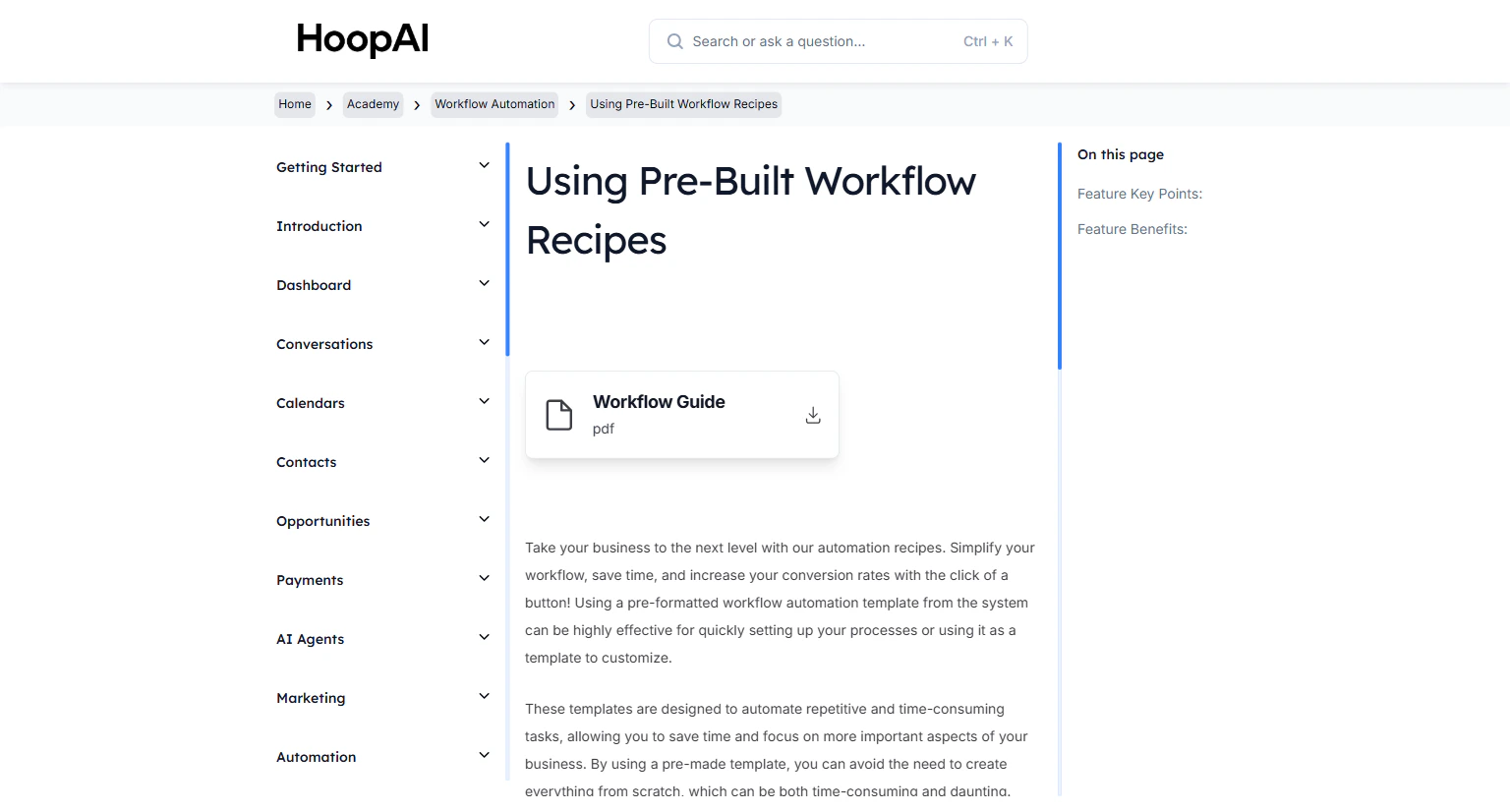
Launch automation in minutes using pre-built workflow templates in the HoopAI Platform — then customize them to fit your brand and business.
Workflow recipes are pre-built automation templates that cover the most common business automation scenarios. Instead of building a workflow from scratch, you start from a fully structured template and customize it to your brand in minutes. Pre-built recipes also ensure the automation is structured correctly from the start.
The Using Pre-Built Workflow Recipes lesson in the HoopAI Academy
Building a workflow from scratch requires knowing what trigger to use, what actions to sequence, how long to wait between follow-ups, and how to handle different scenarios. Recipes take all of that decision-making away. You get a battle-tested structure out of the box — and you only need to fill in your own content.
The Fast 5 Recipe is one of the most impactful automations you can deploy. It automatically engages new leads within 5 minutes of inquiry. Research shows that responding within 5 minutes vs. 30 minutes results in an 80% increase in lead conversion rates.
Go to Automation > Workflows in the HoopAI Platform.
The Workflow Automation section in the HoopAI Platform
2
Browse the recipe library
Click New Workflow and look for the Recipes tab or the Start From Recipe option. Browse the available recipe categories — common options include lead follow-up, appointment booking, review requests, missed call sequences, and more.
Browsing the recipe library when creating a new workflow
3
Select a recipe
Choose the recipe that best matches what you want to automate. Click on it to preview the trigger, actions, and sequence structure before importing it.
4
Import the recipe
Click Use This Recipe or Import. The workflow is copied into your account as a draft, ready for customization.
5
Customize the recipe
Review and update each action step with your specific content:
Replace placeholder message text with your brand voice
Update email sender names and from addresses to match your dedicated domain
Adjust wait step durations based on your follow-up timing preferences
Add or remove steps as needed for your specific use case
Focus your customization on the message content. The structure — trigger, wait steps, sequence logic — is already optimized. The most important change is making the messaging sound like your brand, not a generic template.
6
Configure the trigger
Confirm that the trigger is set correctly for your use case. Add any filters needed to ensure the workflow only fires for the right contacts.
7
Publish the workflow
Once customized, toggle the workflow to Published. Test it using a test contact to confirm everything fires as expected before going live.
Publishing a customized workflow recipe in the HoopAI Platform
The Fast 5 recipe fires a rapid sequence of follow-up messages within 5 minutes of a new lead submitting a form or making contact. Studies show businesses that respond within 5 minutes are 80% more likely to convert compared to those that respond 30 minutes later.
Customizing vs. building from scratch
Starting from a recipe is significantly faster than building from scratch. The structure — trigger, wait steps, message sequence, branching logic — is already in place. You only need to customize the content and settings.
Using recipes as base templates
Once you customize a recipe, you can save it as a template for future use. This is useful if you want to replicate a proven automation across different campaigns or if you manage multiple accounts.