

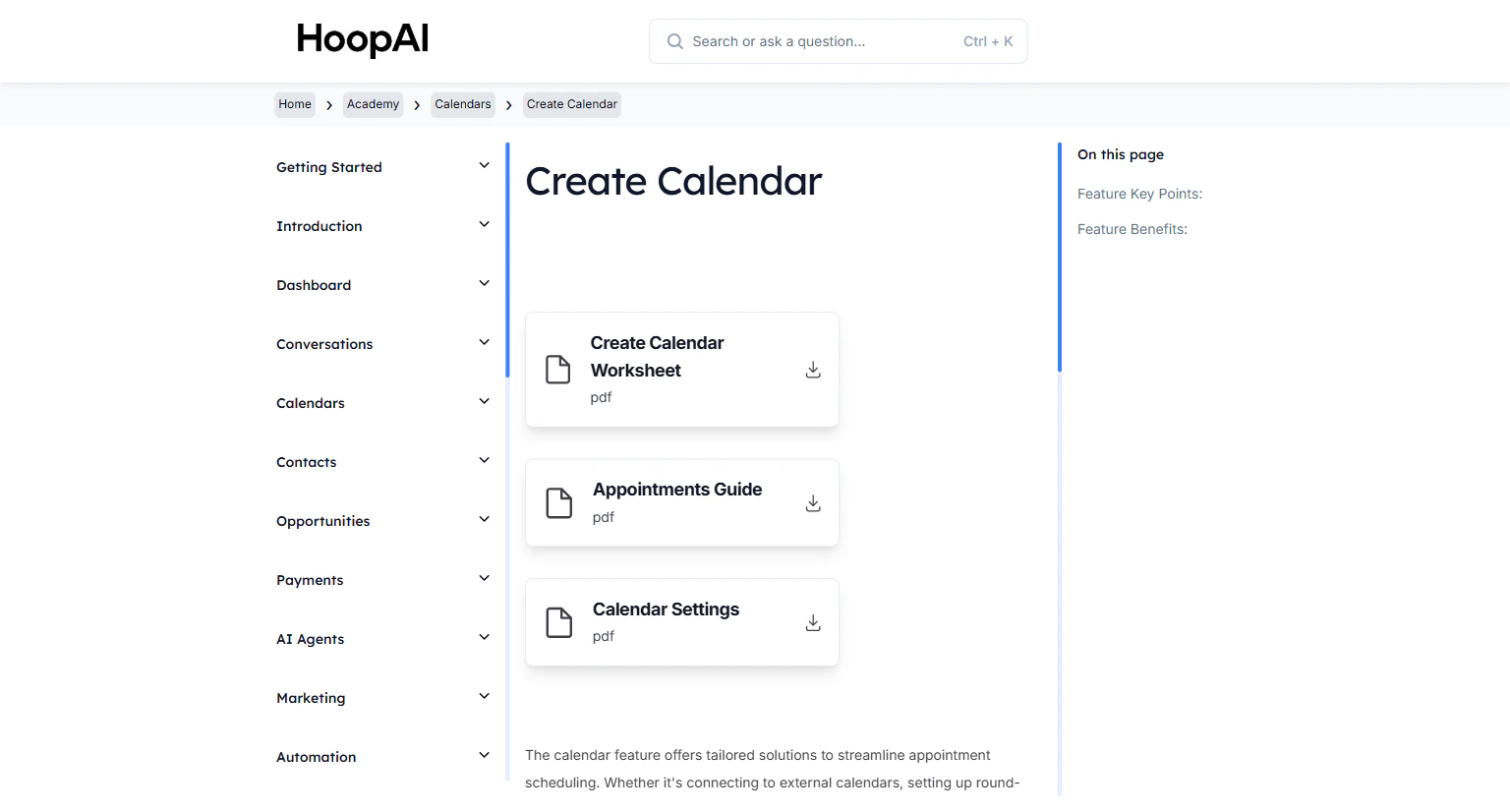
The Calendars module in the HoopAI Academy
What you will learn
Create a calendar
Choose your calendar type — Round Robin, Collective, Service, or Class Booking — and configure availability, slot duration, and buffer time.
Sync integrations
Connect Google Calendar, Outlook, and Zoom to prevent double-bookings and auto-generate video meeting links for every appointment.
Create your branded booking page
Design a booking page with your logo, colors, custom intake questions, and a confirmation redirect — published on your own domain.
Configure your appointment automation
Build workflows that send instant booking confirmations, 24-hour reminders, 1-hour reminders, and post-appointment follow-ups automatically.