Set up a dedicated email sending domain to improve deliverability and keep your marketing emails separate from personal communications.
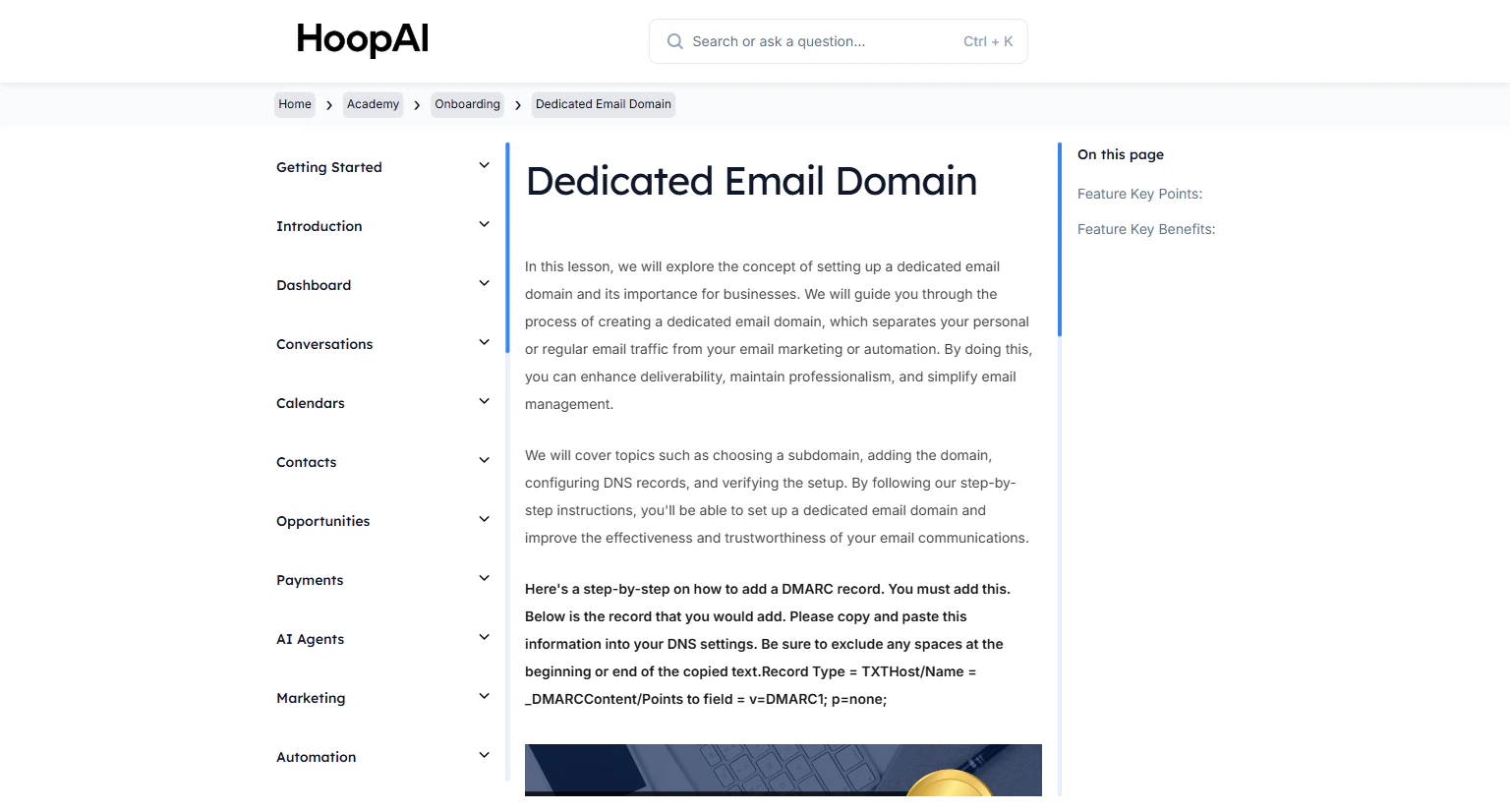
Setting up a dedicated email domain is critical for email marketing success. A dedicated subdomain separates your marketing and automation traffic from your regular email — protecting your main domain’s reputation and ensuring campaigns actually reach inboxes.
The Dedicated Email Domain lesson in the Email Messaging section
If you send marketing emails from your main business domain and one campaign generates high spam reports or bounces, your entire domain reputation can suffer — affecting even regular business email delivery. A dedicated sending subdomain isolates this risk completely.
You must add a DMARC record to your DNS settings. Copy and paste the following exactly, with no leading or trailing spaces:
Go to Settings > Email Services (or Email > Dedicated Sending Domain depending on your account view).
Accessing Email Services in the HoopAI Platform settings
2
Choose a subdomain
Decide on a subdomain for your marketing emails. Common examples:
mail.yourbusiness.com
send.yourbusiness.com
marketing.yourbusiness.com
Using a subdomain rather than your root domain protects your main domain’s reputation if a campaign has deliverability issues.
3
Add the domain in the platform
Enter your chosen subdomain and click Add Domain. The platform will generate the DNS records you need to add at your registrar.
Adding your subdomain to the HoopAI email system
4
Add DNS records at your registrar
Log in to your domain registrar (GoDaddy, Namecheap, Cloudflare, etc.) and add each DNS record the platform provides — typically CNAME and TXT records for DKIM verification.Add each record exactly as shown. Spacing and punctuation matter.
5
Add your DMARC record
In your registrar’s DNS management panel, add a new TXT record:
Host/Name:_DMARC
Value:v=DMARC1; p=none;
Adding the required DMARC TXT record at your domain registrar
6
Verify the domain
Return to the HoopAI Platform and click Verify. DNS propagation can take up to 24–48 hours. Once verified, your domain status shows as active and ready to use for email sending.
If verification fails immediately, wait a few hours before trying again. DNS propagation times vary by registrar and region.
Why use a dedicated domain instead of your main domain
If a marketing campaign generates high spam complaints or bounces, your sending subdomain takes the hit — not your main domain. Your regular business email remains unaffected.
What DNS records are required
Typically: DKIM CNAME records (generated by the platform), an SPF TXT record, and a DMARC TXT record. The platform generates your DKIM values automatically — you must manually add the DMARC record.
How long DNS propagation takes
DNS changes propagate globally within a few hours to 48 hours. If verification fails immediately, wait and check again before contacting support.