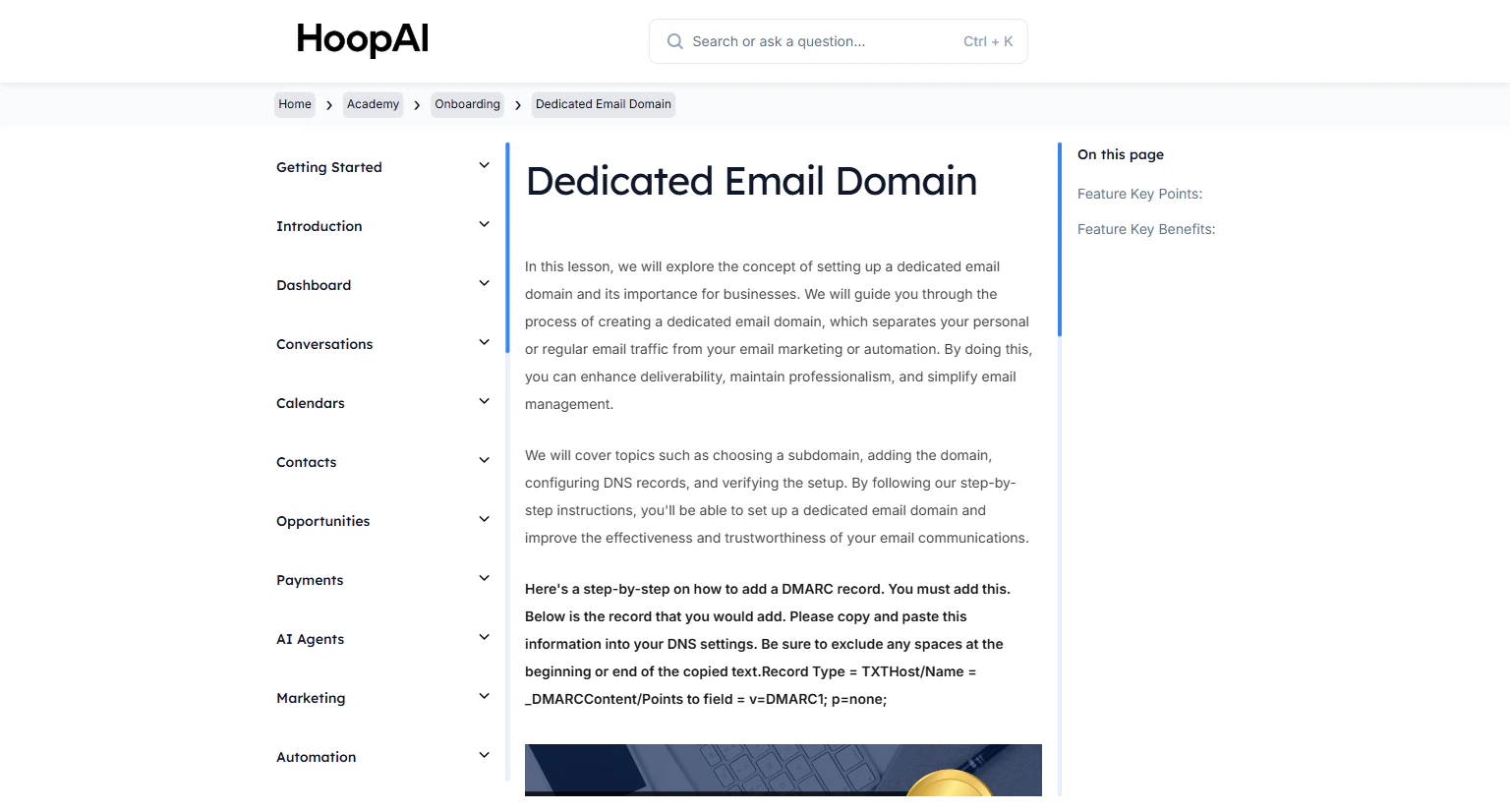
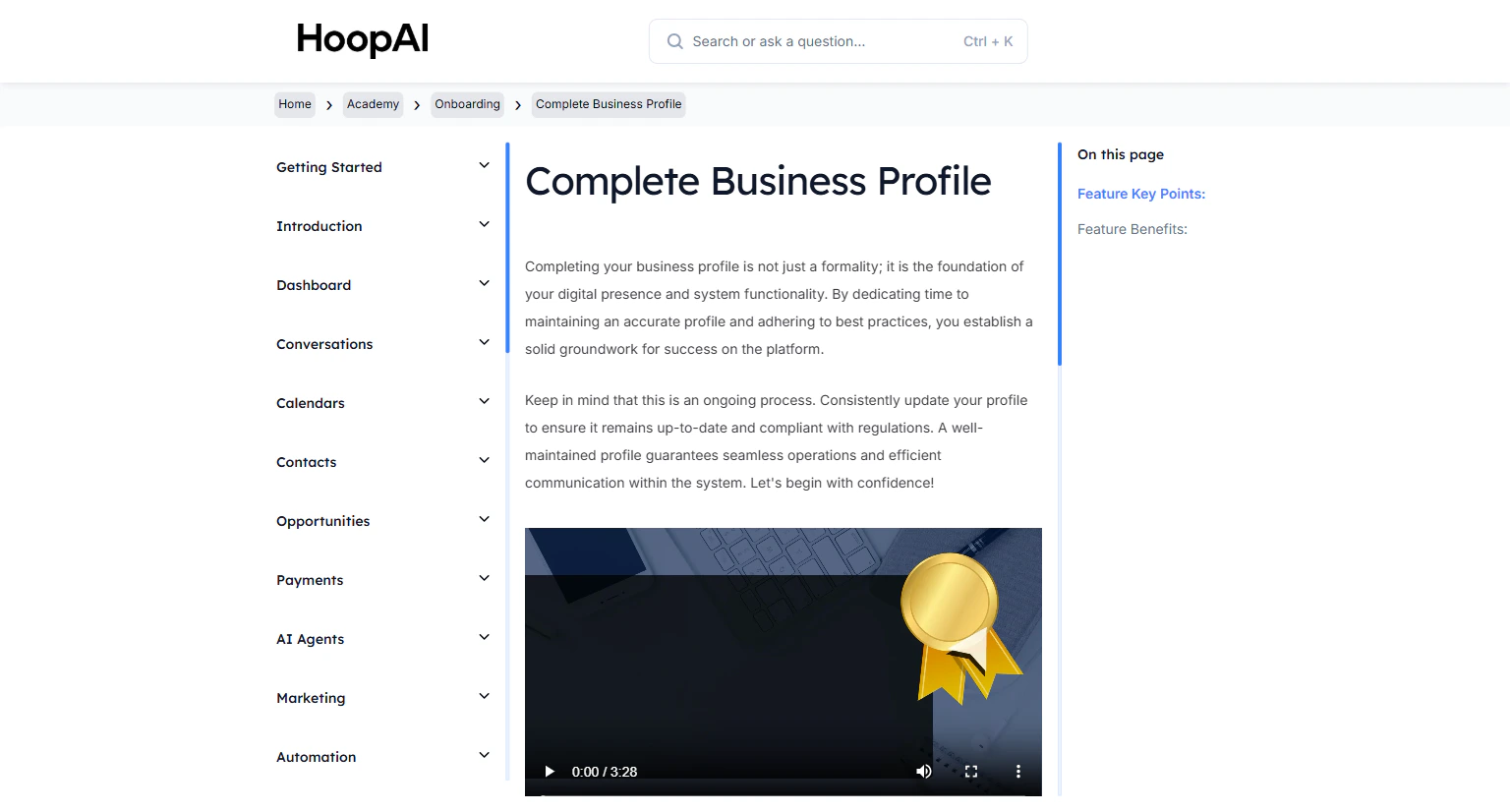
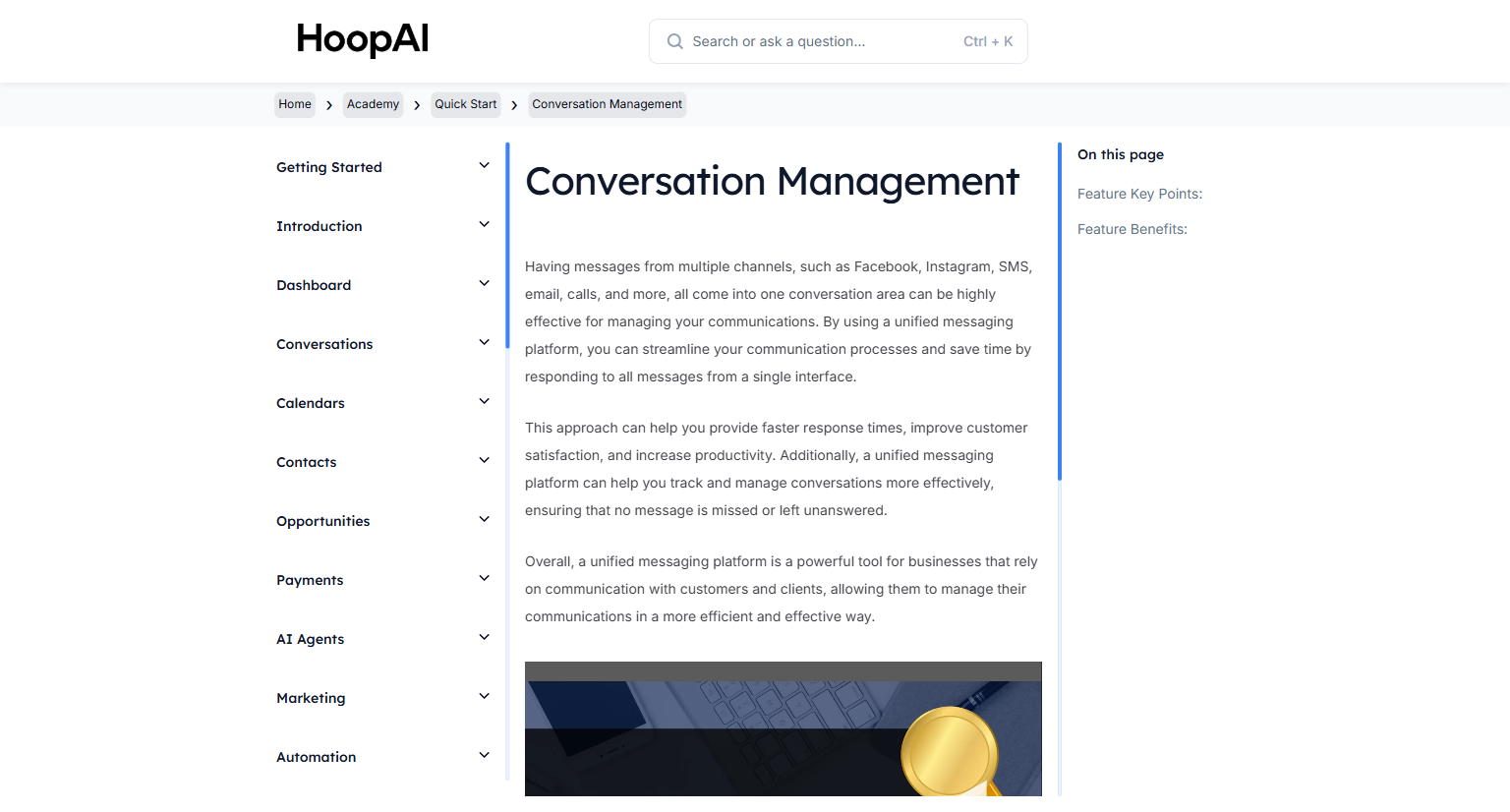
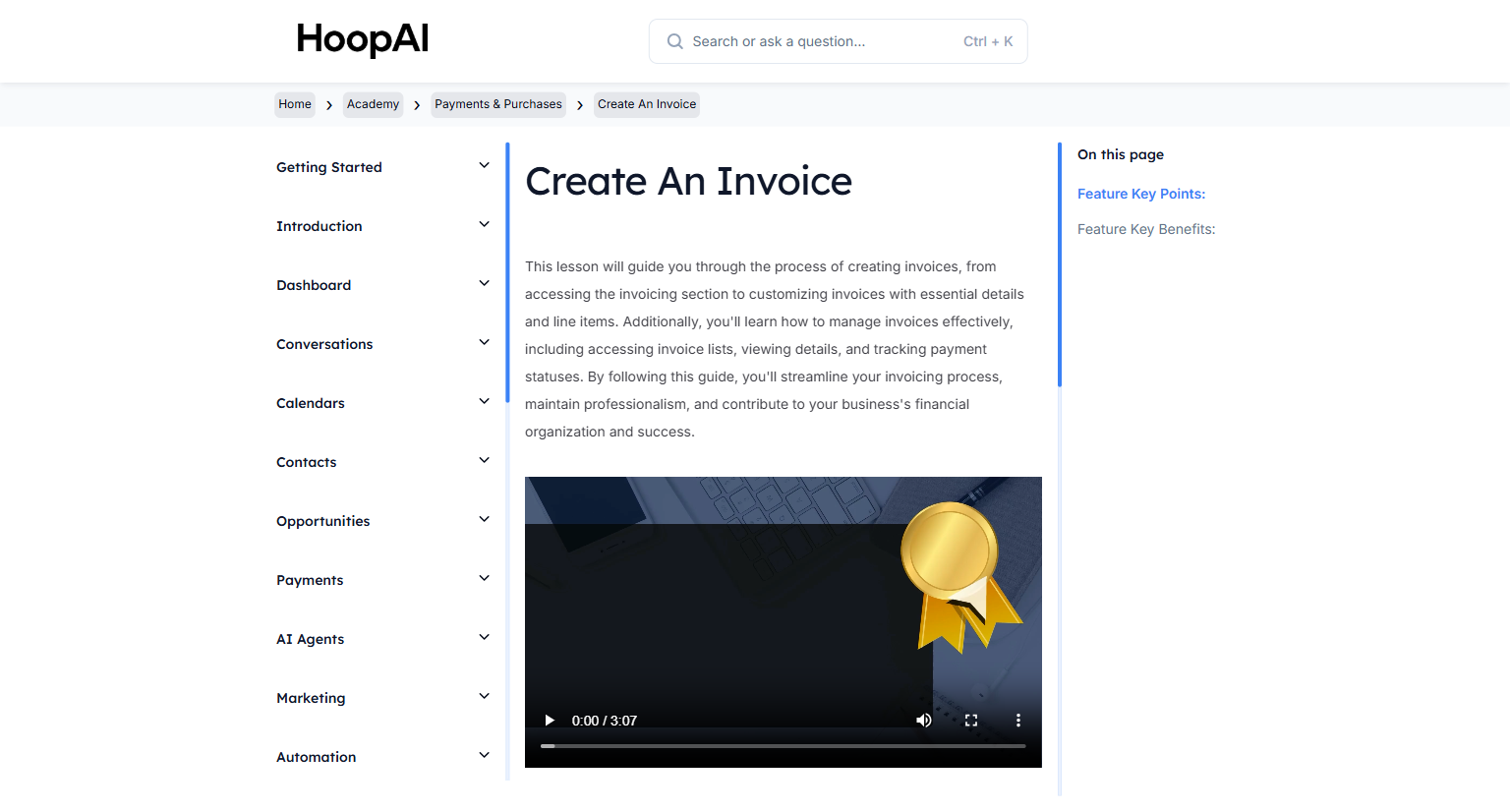
Your guide to getting started with the HoopAI Academy — a structured learning program to supercharge your platform success.
Welcome to the HoopAI Academy — your one-stop learning hub for expert-level knowledge of the HoopAI Platform. This program is designed to help you implement every feature faster, retain clients longer, and grow your business with confidence.
The HoopAI Academy Knowledge Base — structured lessons for every feature
The faster you implement the HoopAI Platform, the longer you retain your clients. The Academy goes beyond a simple course — it provides structured direction, step-by-step challenges, and a library of lesson videos to guide you through every feature.You will have access to:
High-quality video lessons for every major feature
College-level PDF workbooks and guides
Key feature points and benefit summaries
Hands-on challenges to apply what you learn immediately
Work through lessons in order. Each section builds on the last, so completing Onboarding first ensures you have the foundation needed for advanced modules like Workflow Automation and Funnels & Websites.
Watch each lesson video, then immediately apply what you learned in your HoopAI account before moving to the next lesson. Implementation is the key to retention.
Start at the top of the left navigation under Academy
Complete each lesson in sequence within each section
Download the PDF workbooks for offline reference
Pause each video and follow along inside the platform as you go
Walk through the most important initial steps to effectively set up your account.
Quick start
Hit the ground running with essential features you can implement today.
SMS & Phone numbers
Choose a number, send blasts, configure call settings, and set up auto follow-up.
Email messaging
Set up a custom domain, send email blasts, and manage threaded conversations.
Workflow automation
Build workflows with triggers, actions, and conditions to automate your business.
Funnels & websites
Create landing pages and websites with the built-in page builder.
Calendars
Set up appointment booking, calendar integrations, and automated reminders.
Media & social posting
Manage your media library and schedule social media posts.
Payments & purchases
Create invoices and integrate payment processing into your workflows.
If you notice any differences between the lessons and your account, that is normal — the HoopAI Platform is updated regularly with new features, and lesson content may reflect slightly older UI versions. The concepts always apply.