Opportunities overview — sales pipeline management in HoopAI
Track deals through custom pipelines, manage stages, view the kanban board or list view, capture lost reasons, measure opportunity value, and automate pipeline actions.
The Opportunities section lets you manage your entire sales pipeline from first contact to closed deal. Organize deals into pipelines and stages, view your board in kanban or list format, track value, and automate follow-up — all connected to contact records in the CRM.
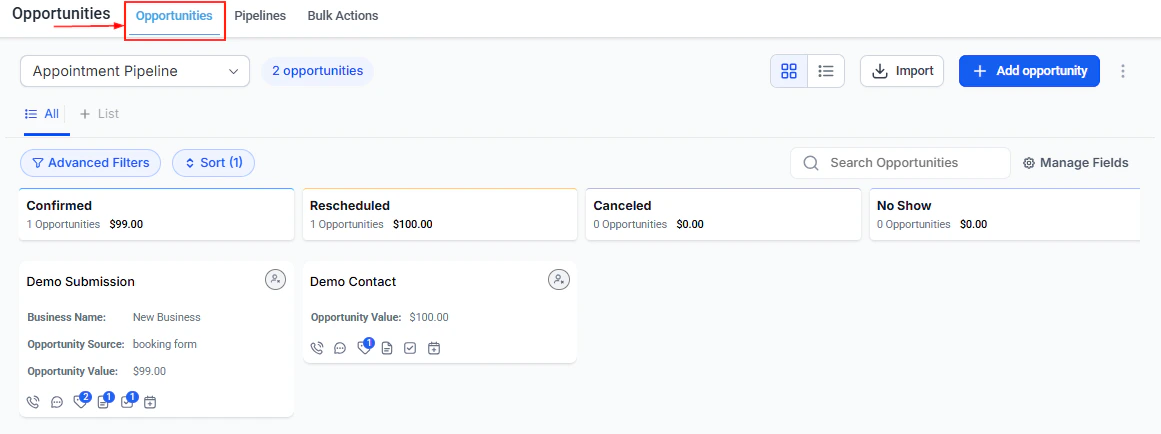
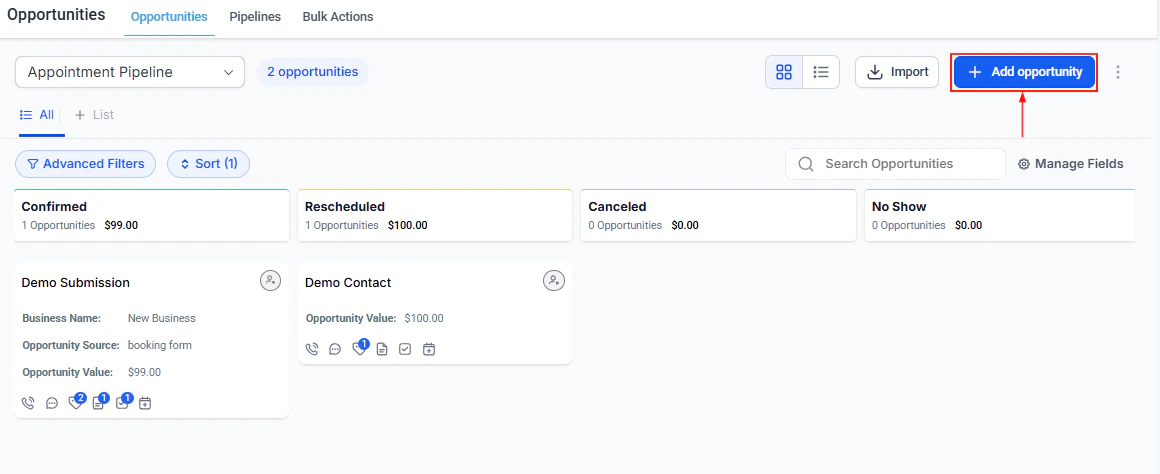
The Opportunities board view showing deals organized by pipeline stage
Pipelines
Create and configure custom pipelines with named stages, permissions, and smart tags.
Managing opportunities
Create, edit, sort, filter, and track opportunities through your sales process.
Bulk actions
Import, export, bulk edit, and delete multiple opportunities at once.
Custom fields
Add deal-specific data fields to opportunity records beyond the standard fields.
Kanban board
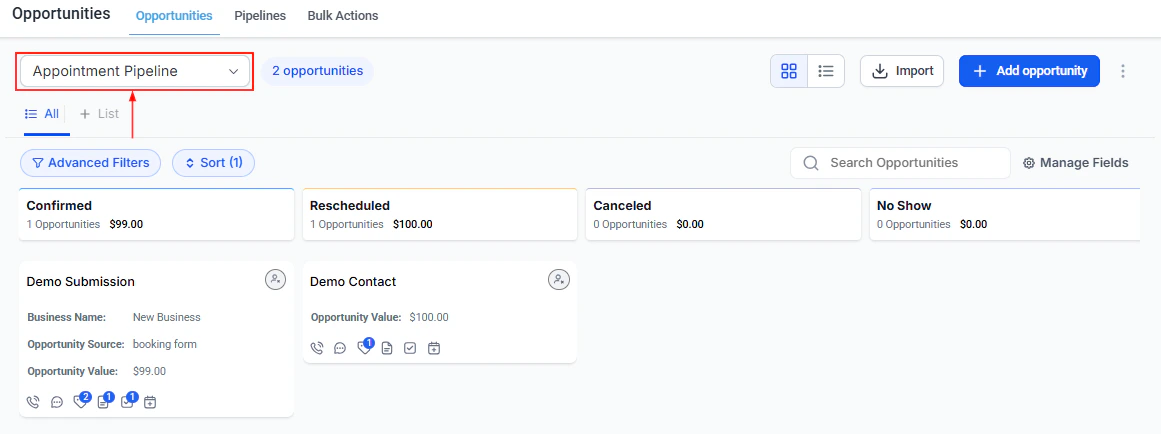
View and manage opportunities as draggable cards organized by pipeline stage.
List view
Switch to a tabular view for sorting, filtering, and bulk editing large deal volumes.
Pipeline stages
Define the stages in each pipeline and configure stage-specific settings and automation.
Opportunity details
View and edit the full detail record for any deal — contact, value, notes, tasks, and history.
Lost reasons
Configure a list of selectable lost reasons to capture why deals are not won.
Opportunity value
Set and track monetary value on each opportunity to measure pipeline revenue potential.
Followers
Follow an opportunity to receive notifications when it is updated or changes stage.
Opportunity reporting
Analyze pipeline performance, conversion rates, and stage-by-stage deal velocity.
Automation triggers
Trigger workflows when opportunities are created, move stages, or change status.
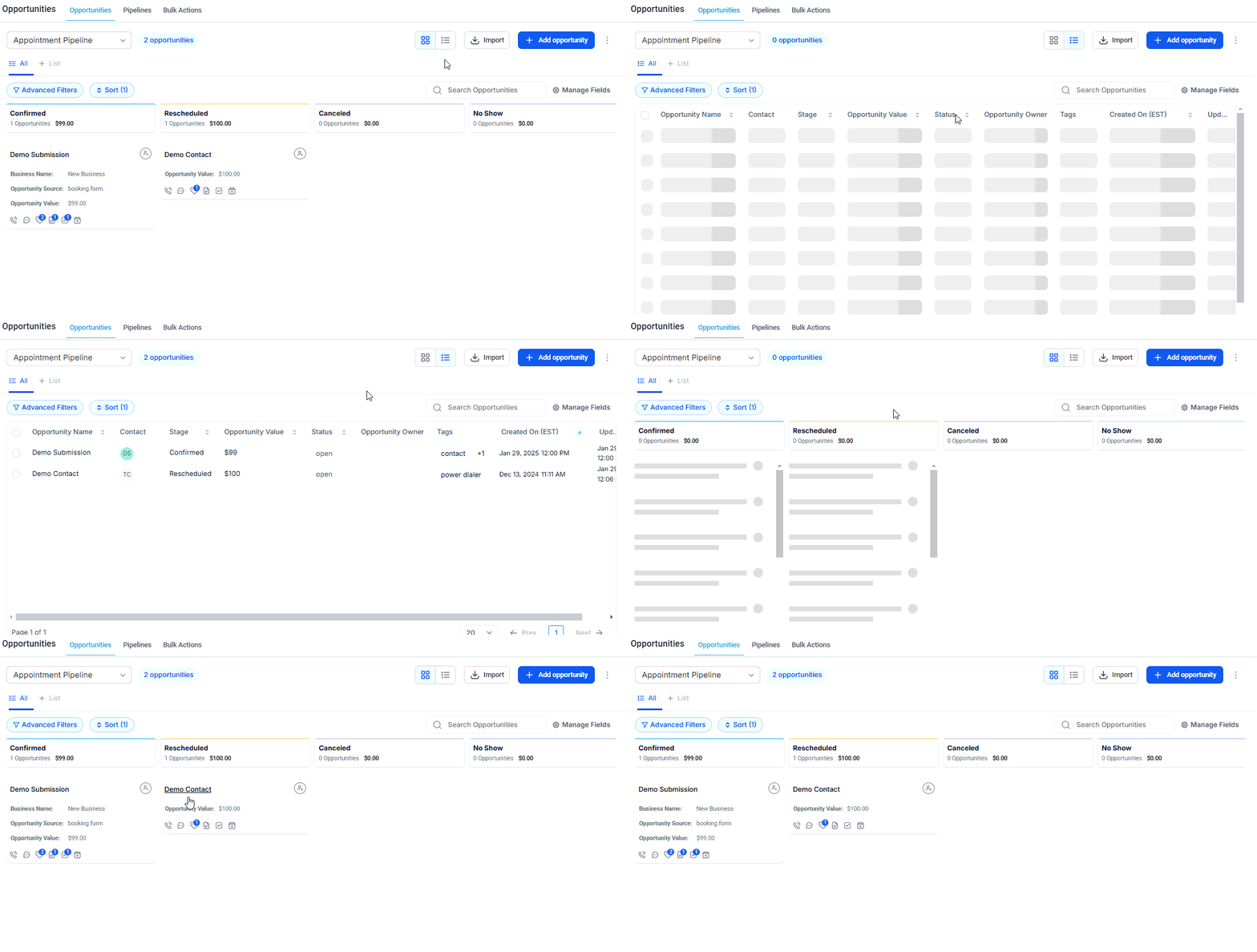
Switch between board view and list view using the view toggle
The Kanban board view shows deals as cards in each pipeline stage
Click + Add Opportunity to open the opportunity creation form
The opportunity creation form with all standard fields
Drag and drop cards between columns to advance deals through the pipeline
Go to Opportunities → Pipelines and click + Add Pipeline. Name the pipeline for your sales process (for example, “New Leads” or “Service Proposals”) and define the stages that deals move through.
2
Add your first opportunity
Click + Add Opportunity, link it to a contact record, assign it to a pipeline and stage, and enter the deal value. This creates the opportunity card on the kanban board.
3
Customize opportunity fields
Go to Opportunities → Custom Fields and add any deal-specific fields your team needs — such as source, service type, or close date — that are not in the standard form.
4
Set up lost reasons
Under Opportunities → Lost Reasons, create a list of reasons why deals are typically not won. When a deal is marked Lost, your team will be prompted to pick from this list, giving you clean data for reporting.
5
Configure automation triggers
In Automation → Workflows, create workflows that fire when an opportunity is created, moves to a specific stage, or is marked Won or Lost — for example, sending a follow-up email or assigning a task.
Every opportunity must be linked to a contact record. If the contact does not yet exist, create it first in the Contacts section before adding the opportunity.
What is the difference between a pipeline and a stage?
A pipeline is the overall sales process — for example, “New Client Sales” or “Renewals.” Stages are the individual steps within that pipeline — for example, “Contacted,” “Proposal Sent,” “Negotiation,” “Closed Won.” You can have multiple pipelines, each with their own stages, to represent different products, services, or sales teams.
What is the difference between the kanban board and the list view?
The kanban board shows opportunities as cards in columns, one column per stage. It is best for visualizing deal flow and dragging cards between stages. The list view shows the same opportunities in a table with sortable and filterable columns — it is better for bulk editing, searching, and managing large volumes of deals.
What are the four opportunity statuses?
Every opportunity is set to one of four statuses: Open (active deal in progress), Won (successfully closed), Lost (deal not won — a lost reason can be recorded), or Abandoned (deal discontinued without a formal outcome). Statuses are separate from pipeline stages — a deal can be in any stage and be marked Won or Lost.
Can I import opportunities in bulk?
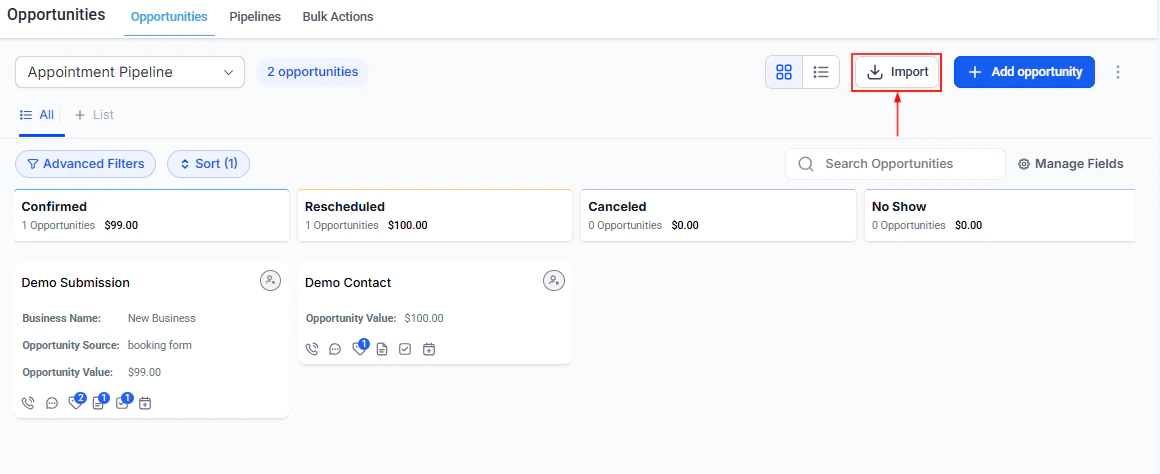
Yes. Click Import from the Opportunities view to upload a CSV file. The file must be a single sheet under 30 MB with a header row. Note that opportunity imports cannot be reversed, so review your data carefully before importing.
How do automation triggers connect to opportunities?
Workflows can be triggered by opportunity events — for example, when an opportunity is created, when it moves to a specific stage, or when it is marked Won. Use these triggers to automate follow-up tasks, send emails, update contact fields, or notify team members without any manual steps.
What is opportunity value and how is it used in reporting?
Opportunity value is the monetary amount you assign to a deal — typically the expected revenue if the deal is won. The platform uses these values to calculate total pipeline value, average deal size, and revenue forecasts in the Opportunity Reporting section.