

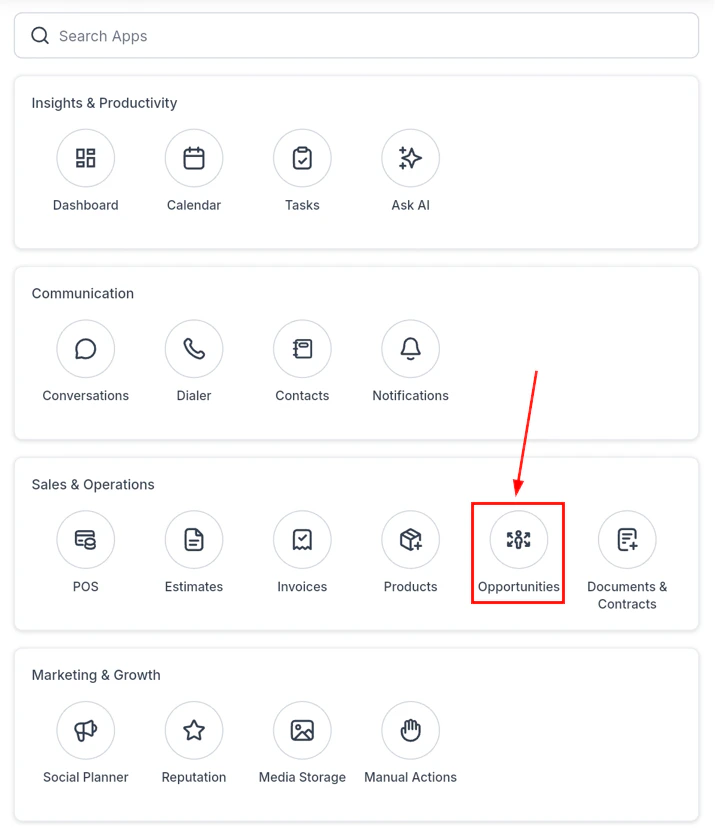
Opportunities pipeline view — all leads at a glance
Viewing your pipeline
The pipeline view shows all available pipelines with their opportunities. You can:- Switch pipelines — use the dropdown menu at the top to change which pipeline you are viewing
- Sort — tap the sort options to rearrange results by name, value, date created, or stage
- Filter — tap the funnel icon to filter opportunities by assignee, status, date range, tags, or custom field values
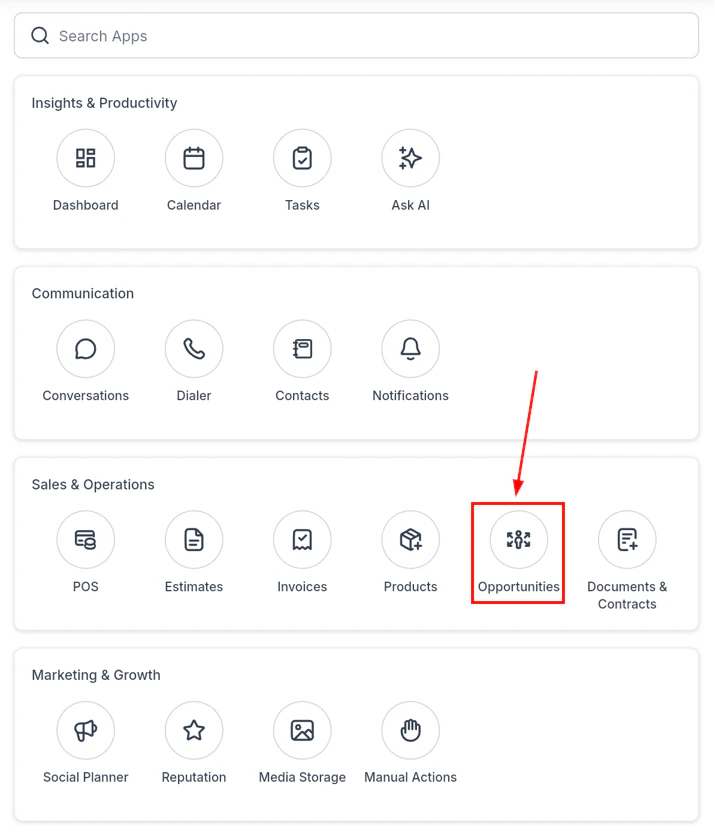
Pipeline list — all opportunities by stage
Opportunity cards
Each opportunity card in the pipeline shows the contact name, deal value, and current stage at a glance.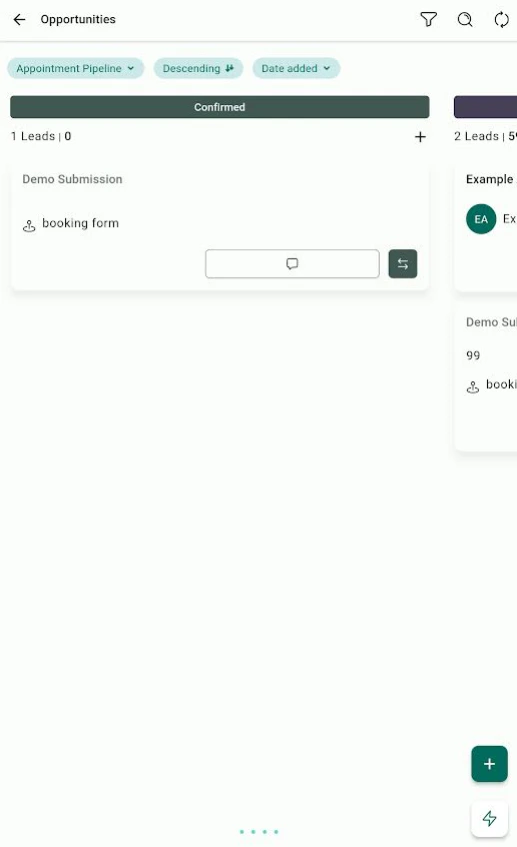
Opportunity card — contact, value, and stage
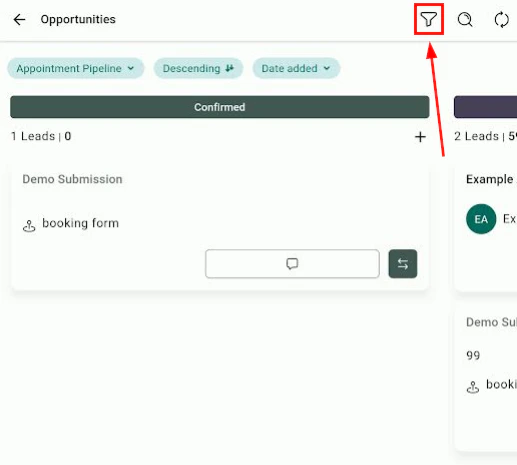
Opportunity card — additional details and actions
Searching for an opportunity
Tap the magnifying glass icon to open the search module. Type a contact name, company, or opportunity title to find specific records, or browse recently viewed opportunities.Updating an opportunity’s stage
Tap the two-arrow icon on an opportunity card to quickly move it to a different pipeline stage. Select the target stage from the list.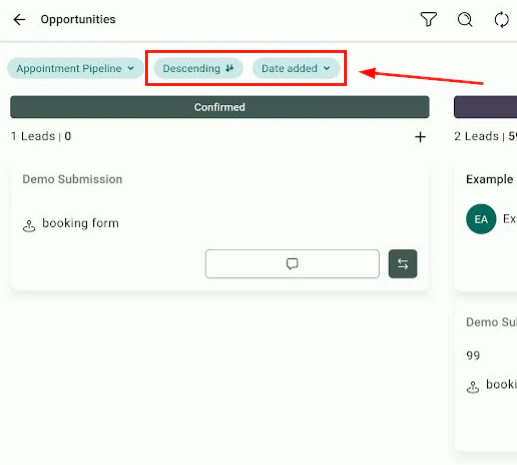
Move an opportunity to a different pipeline stage
Opening and editing an opportunity
Tap the opportunity’s name to open its full detail view.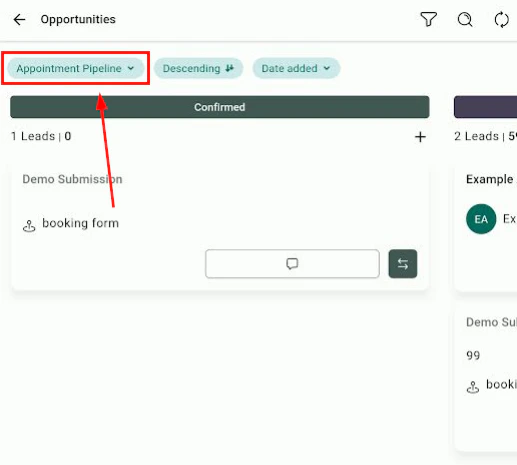
Opportunity detail view — edit title, value, stage, close date, and owner
- Edit the opportunity title, value, and pipeline stage
- Update the expected close date and assigned owner
- Add notes and view the activity timeline
- View the associated contact and initiate contact actions
Contacting a lead from the pipeline
Tap the message icon on an opportunity card to jump directly to that contact’s conversation thread — useful for quick follow-ups without leaving the pipeline view.Creating a new opportunity
From a contact
Open a contact, tap Quick Actions (lightning bolt), and select Opportunities to create a new deal linked to that contact.
From a conversation
Open any conversation, tap Actions, and select Create Opportunity to start a deal from within the conversation.
Key features at a glance
Pipeline switching
Quickly switch between multiple pipelines from a single dropdown
Stage movement
Drag or tap to update a lead’s stage without opening the full record
Instant follow-up
Message a lead directly from their opportunity card
Search and filter
Find any opportunity by name, value, date, or tag