

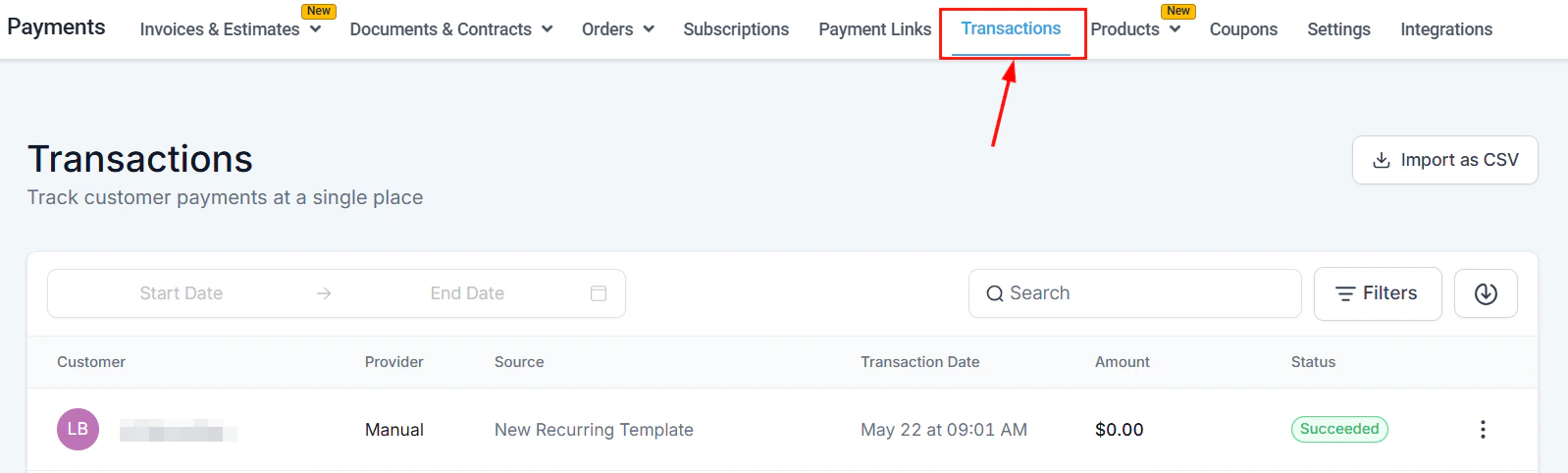
The Transactions tab showing all payment records with status and source details
Transactions overview
The Transactions tab consolidates all sales processed through the HoopAI Platform — including invoices, payment links, order forms, stores, Apple Pay, Google Pay, and Stripe integrations.Filters and tools
- Date range — filter by a custom date range
- Search — find a transaction by customer name or email
- Filters — filter by Status, Payment Mode (live or test), or Source Type
- Export — download a CSV of the current filtered list; the file link is emailed to you
- Import as CSV — record offline transactions by importing them
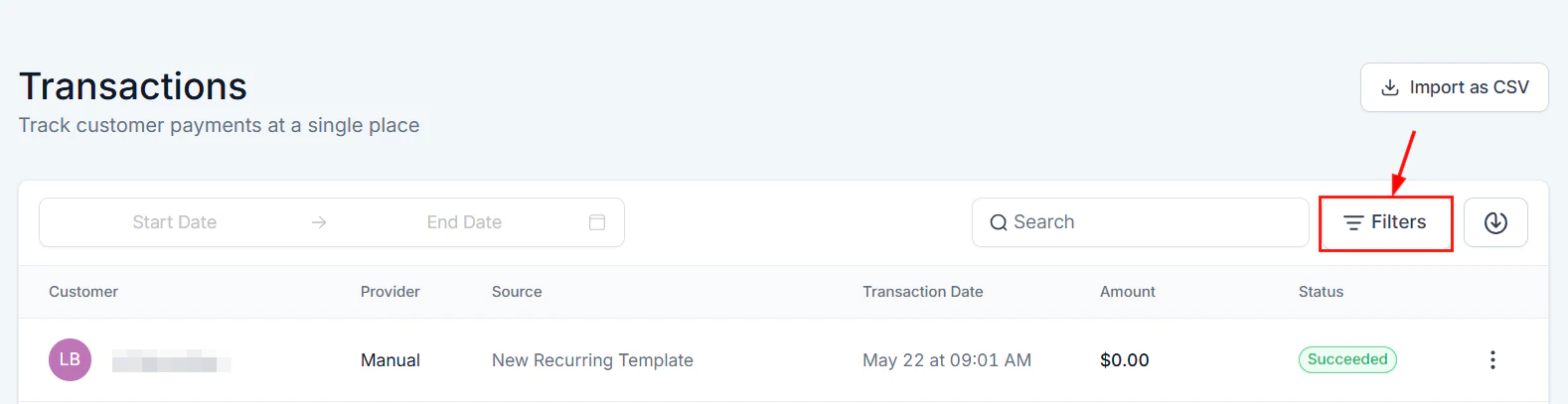
Date range and filter controls for narrowing transaction records
Actions menu
Click the three-dot icon on any transaction to:- View — open full transaction details
- Refund — issue a full or partial refund
Processing refunds
Find the transaction
Initiate a refund
Choose full or partial refund
- Full refund: Leave the amount as-is and click Refund.
- Partial refund: Edit the amount to the portion you want to refund.
Add a note (recommended)
Confirm
Refund FAQs
How long does it take for a refund to reach the customer?
How long does it take for a refund to reach the customer?
Can I process multiple partial refunds on one transaction?
Can I process multiple partial refunds on one transaction?
Are Apple Pay and Google Pay transactions refundable?
Are Apple Pay and Google Pay transactions refundable?
Is there a limit to daily refunds?
Is there a limit to daily refunds?
Tracking membership transactions
Membership and community payments are visible alongside all other transactions in the Transactions tab. You can filter by Type → Membership to isolate membership-related charges. This is useful for:- Auditing which contacts have active vs. lapsed membership payments
- Identifying failed membership renewal charges
- Cross-referencing with your membership roster in Memberships & Communities
Importing transactions
If you have historical transaction data from another payment system, import it to keep a complete financial record in the HoopAI Platform.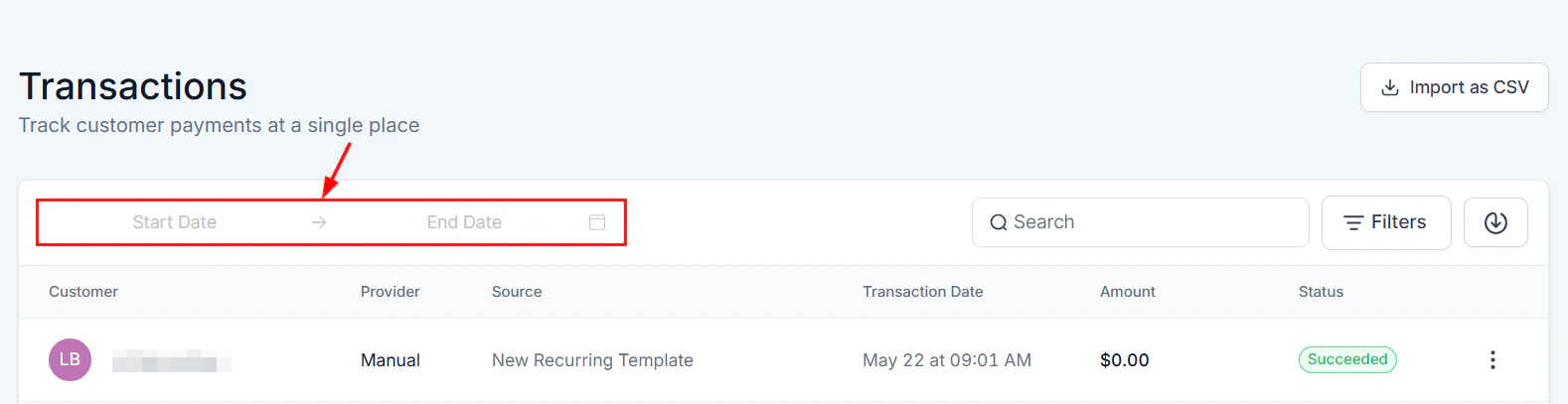
Custom date range picker for filtering transaction history
Prepare your CSV
Open the import tool
Upload and map
Review and confirm
Frequently asked questions
Can I refund a transaction made through PayPal?
Can I refund a transaction made through PayPal?
How do I find all transactions for a specific contact?
How do I find all transactions for a specific contact?
Can I export transactions to a CSV?
Can I export transactions to a CSV?
What does a 'failed' transaction mean?
What does a 'failed' transaction mean?
How do I see all subscription charges for a contact?
How do I see all subscription charges for a contact?
Can I import past transactions from another system?
Can I import past transactions from another system?
What does 'partially refunded' mean?
What does 'partially refunded' mean?