Connect and configure your WhatsApp Business account, create message templates, manage analytics, and set up appointment booking flows.
Connect your WhatsApp Business account to send and receive WhatsApp messages directly within your account. The WhatsApp settings section covers your business profile, message templates, analytics, and advanced features like appointment booking flows and countdown timers.Navigate to Settings > WhatsApp to get started.
WhatsApp settings
To use WhatsApp, you must first connect your WhatsApp Business account through the Integrations settings. See Integrations for the connection steps.
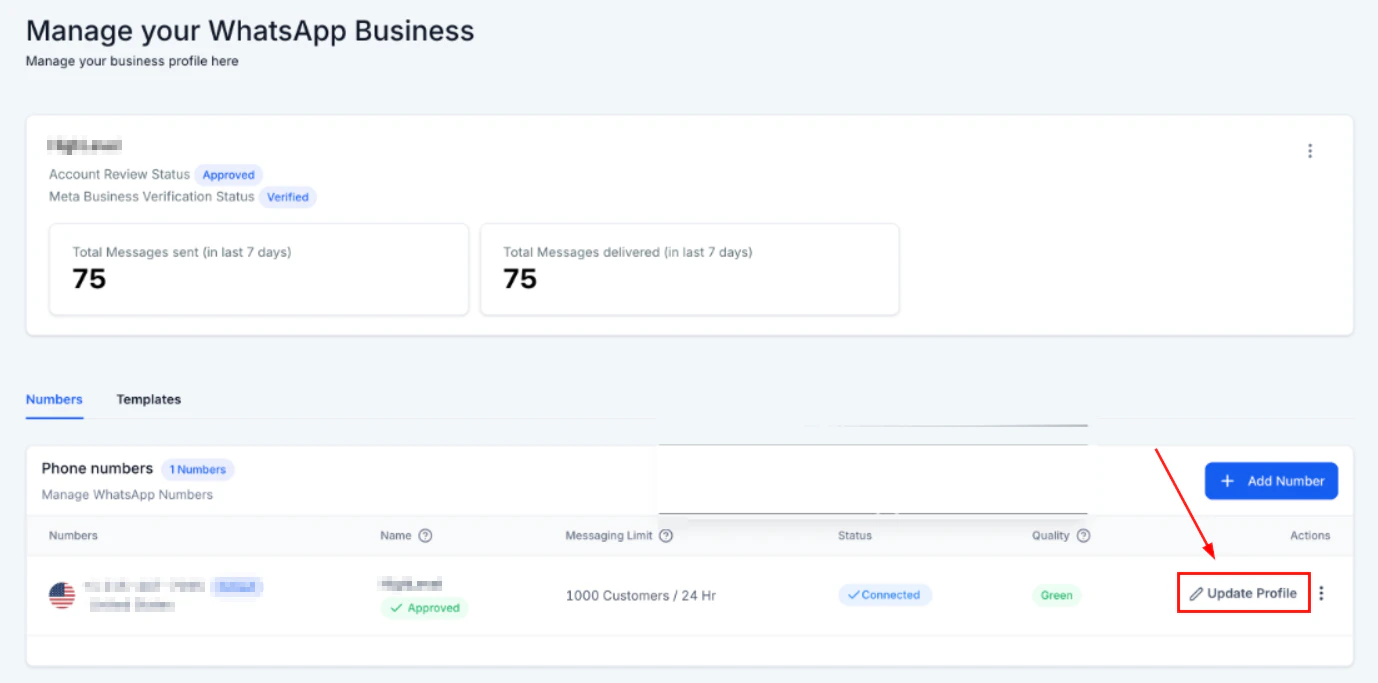
Your Business Profile is the face of your company for any contact interacting with you through WhatsApp. Contacts can see your business name, address, website, and description — helping to build trust and credibility.To update your WhatsApp Business profile:
Go to Settings > WhatsApp.
Click Business Profile.
Update your business name, category, description, address, website, and profile photo.
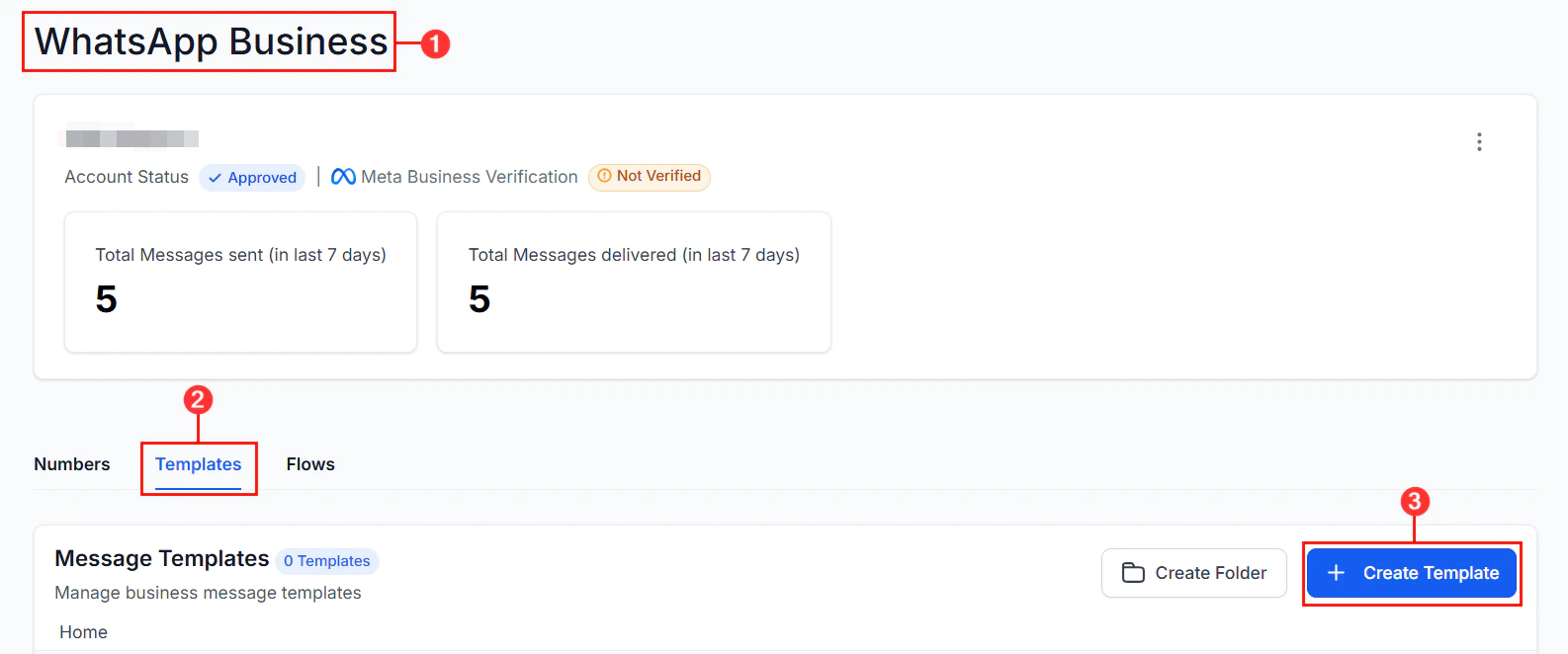
WhatsApp requires pre-approved message templates for proactive outbound messages (messages sent to contacts outside of an active conversation window). Templates are submitted to Meta for review and must comply with WhatsApp’s messaging policies.
Transactional messages — appointment reminders, order updates, account alerts
Authentication
One-time passwords and verification codes
Marketing templates can only be sent to contacts who have explicitly opted in to receive WhatsApp marketing messages. Sending to non-opted-in contacts risks your WhatsApp account being restricted.
WhatsApp enforces messaging limits based on your account’s Business Verification status and message quality rating:
Tier
Daily messages
Unverified
250 unique contacts/day
Tier 1
1,000 unique contacts/day
Tier 2
10,000 unique contacts/day
Tier 3
100,000 unique contacts/day
Limits increase automatically when you consistently send high-quality, low-spam-rate messages.WhatsApp message links — generate shareable wa.me links that open a WhatsApp conversation with your number. These are useful for website widgets, email signatures, and QR codes.
WhatsApp coexistence allows you to use the same WhatsApp Business number across both the WhatsApp Business App and your platform simultaneously. Configure this in Settings > WhatsApp > Coexistence.