

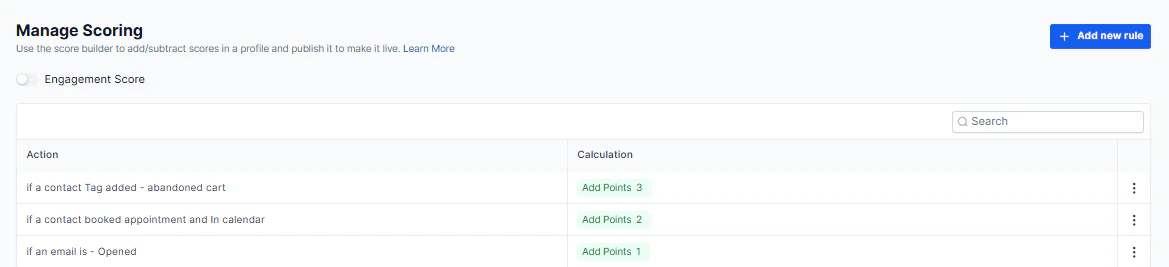
Manage Scoring — engagement score profile with configurable rules and point values
Accessing manage scoring
Go to Settings in the left sidebar, then select Manage Scoring.How engagement scoring works
Each contact accumulates a score based on actions they take — or actions your team takes with them. You define the rules: which events increase the score, how many points each event is worth, and whether scores decay over time. The resulting score appears on the contact record and can be used as a filter in contact lists, automations, and custom reports.Score types
The HoopAI Platform supports two types of scoring:Creating scoring rules
1
Open manage scoring
Go to Settings → Manage Scoring.
2
Click add rule
Click Add Rule or the + button to create a new scoring condition.
3
Select the trigger event
Choose the action that should affect the score — for example: email opened, link clicked, form submitted, appointment booked, or call answered.
4
Set the point value
Enter a positive number to increase the score (rewarding engagement) or a negative number to decrease it (for unsubscribes, no-shows, etc.).
5
Save the rule
Click Save. The rule takes effect for future events.
Common scoring rules
Positive signals (score increases)
Positive signals (score increases)
- Email opened: +2 points
- Email link clicked: +5 points
- Form submitted: +10 points
- Appointment booked: +15 points
- Appointment attended (showed): +20 points
- Replied to SMS: +5 points
Negative signals (score decreases)
Negative signals (score decreases)
- Unsubscribed from email: −20 points
- Appointment no-show: −10 points
- Email bounced: −5 points
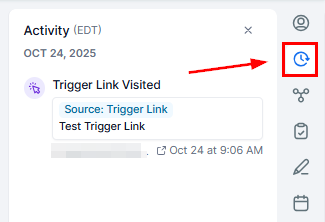
Contact record — engagement score displayed with interaction history and CRM data
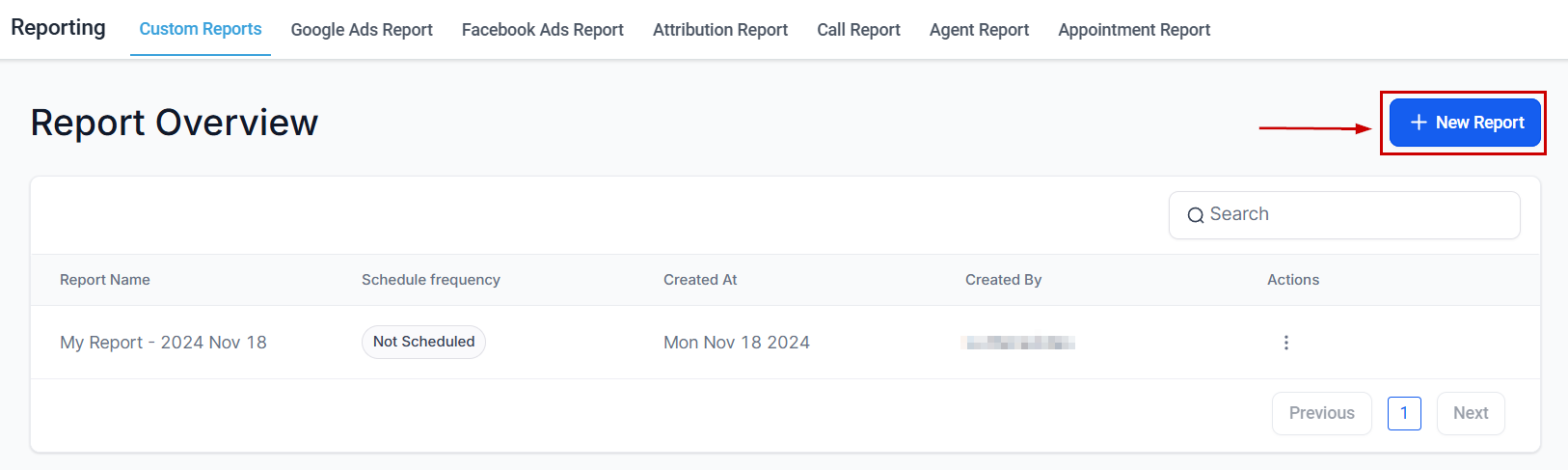
Custom reports — filter and segment contacts by score range to identify hot leads
Using scores in automations and filters
Once scoring is configured, you can:- Filter contacts by score range in the Contacts tab (e.g. show all contacts with score ≥ 50)
- Trigger automations when a contact reaches a score threshold (e.g. assign to sales rep when score reaches 75)
- Sort smart lists by score to surface the hottest leads