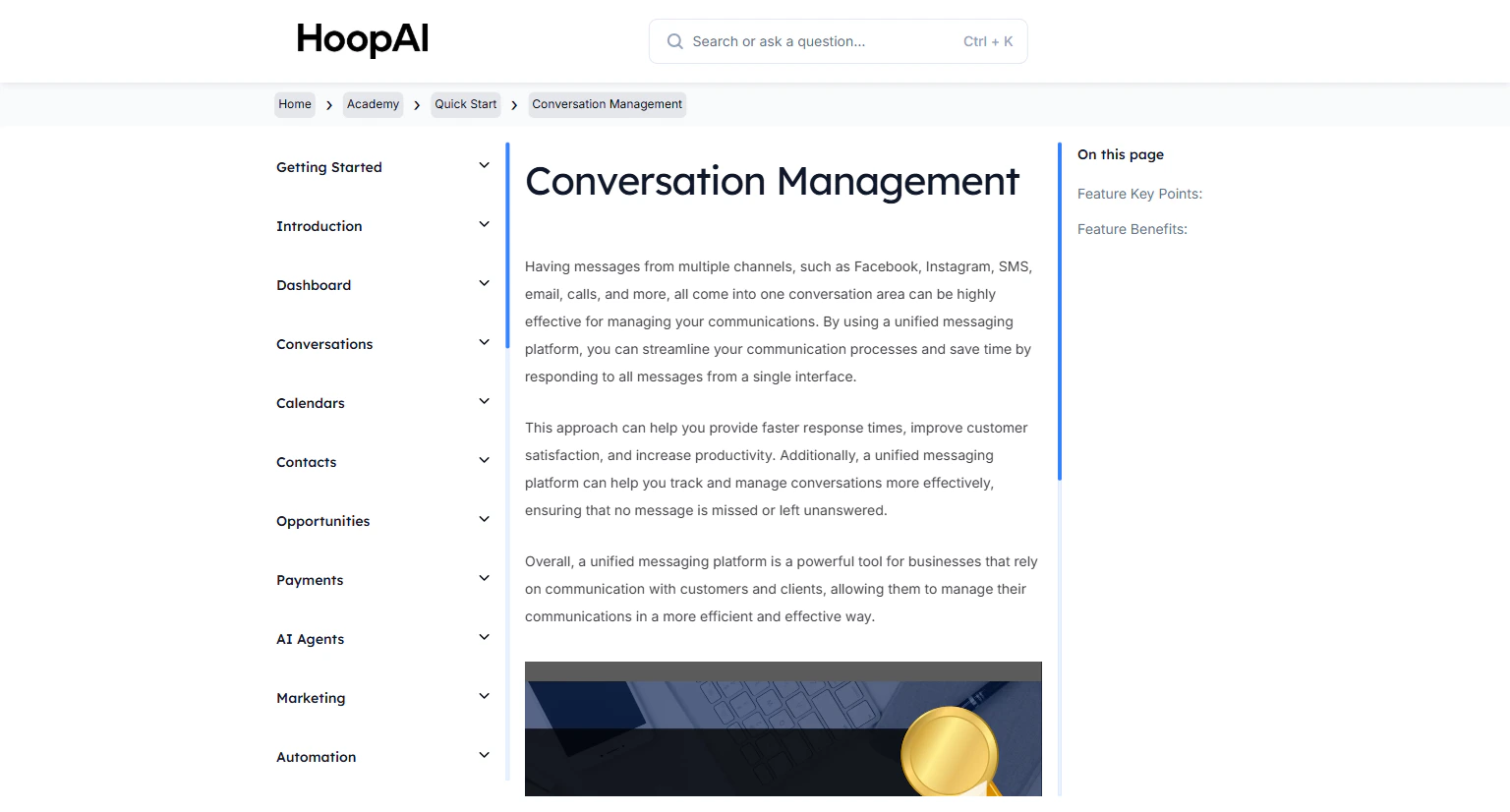
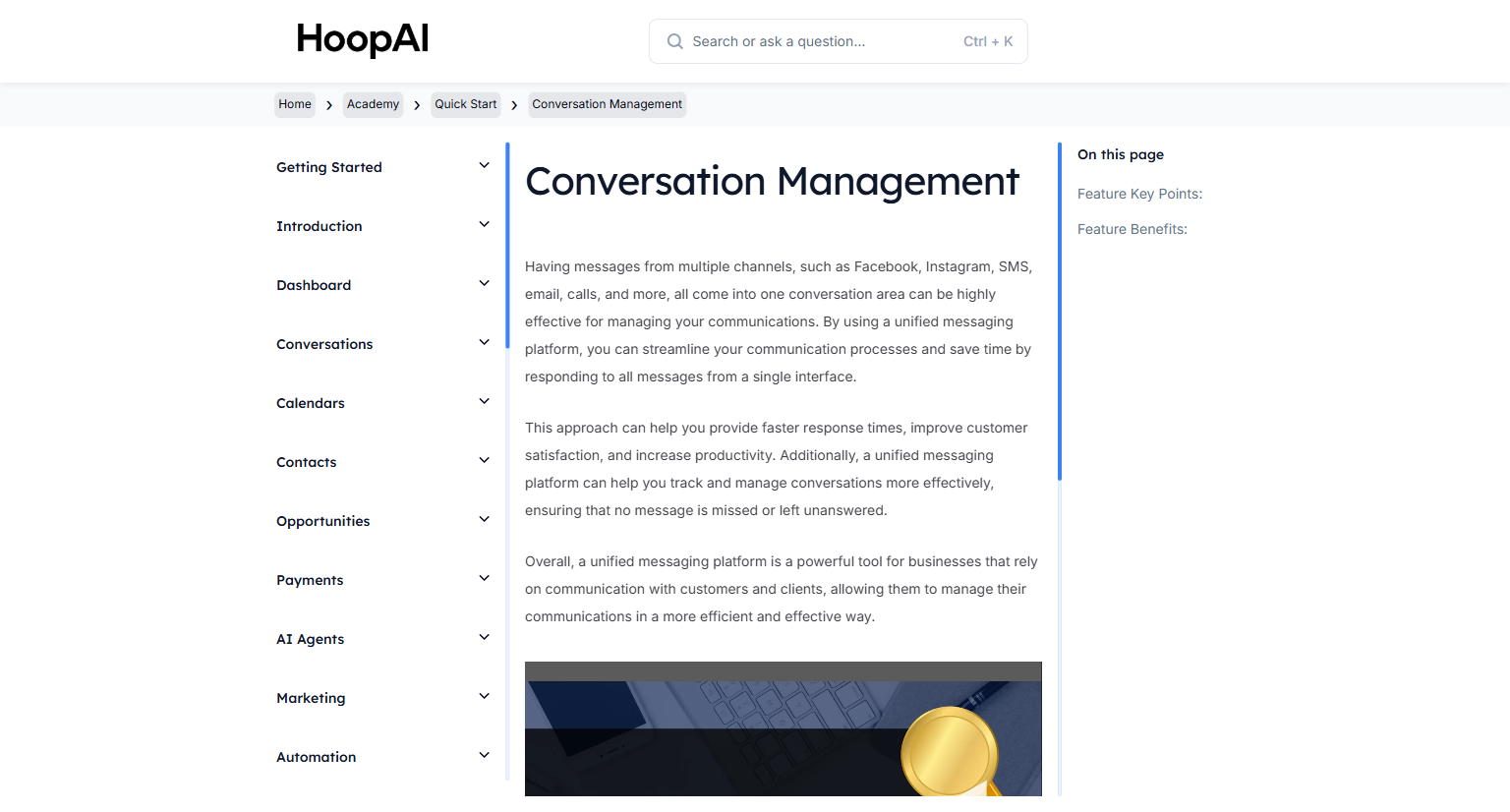
Manage messages from all channels — email, SMS, Facebook, Instagram, calls, and more — from a single unified inbox in the HoopAI Platform.
The Conversations area in the HoopAI Platform is your unified inbox for every communication channel. Instead of logging into multiple platforms to check messages, everything — SMS, email, Facebook Messenger, Instagram DMs, Google My Business chat, voicemails, and more — flows into one place.
The Conversation Management lesson in the HoopAI Academy Quick Start
Most businesses lose leads because they check too many inboxes. A contact sends an SMS, an email, and a Facebook message — all in different places — and none of them get answered in time. The Conversations inbox eliminates that problem entirely. Every message from every channel is in one thread per contact, organized and ready to respond to.
Click Conversations in the left sidebar. This is your unified messaging center for all incoming communications.
The Conversations unified inbox in the HoopAI Platform
2
Explore the inbox tabs
The Conversations area has several tabs to help you stay organized:
Unread: Shows only conversations with unread messages
Recent: Conversations sorted by most recent activity
All: Every conversation regardless of read status
Starred: Conversations you have flagged as important
Switch between tabs to focus on what needs your attention most.
3
Open a conversation
Click any conversation to open the full message thread. You will see the complete history of all messages with that contact across all channels in a single view.
A contact's full conversation history across all channels in one thread
4
Reply to a message
Select the channel you want to respond through — SMS, email, Facebook Messenger, and others — from the message composer dropdown. Write your reply and click Send.You can switch channels mid-conversation. For example, receive an SMS and follow up by email — all within the same conversation thread.
Responding within the first 5 minutes of an inbound message increases conversion rates by up to 80%. With everything in one inbox, fast responses become the default — not the exception.
5
Mark messages as read, starred, or done
Use the action buttons to stay organized:
Mark as read: Removes the unread indicator
Star: Flag important conversations for easy access later
Mark as done: Moves the conversation out of your active inbox when fully resolved
6
Track on mobile
Enable push notifications in the HoopAI mobile app to receive alerts the moment a new message arrives. Full Conversations functionality — including sending and receiving — is available on mobile.
Managing Conversations on mobile with the HoopAI app
The unified inbox receives messages from: SMS, email, Facebook Messenger, Instagram DMs, Google My Business Chat, live chat (webchat widget), voicemails, and calls. All channels appear in the same thread for each contact.
Switching channels in a conversation
You are not locked into responding on the same channel a contact used. Receive an SMS and reply by email, or receive an Instagram DM and follow up by text — all within the same conversation thread without any confusion.
Assigning conversations to team members
In multi-user accounts, you can assign conversations to specific team members. The assigned user sees the conversation in their queue and receives notifications for new messages in that thread.
Using Conversations on mobile
The HoopAI mobile app provides full Conversations functionality. Enable push notifications to get alerted the moment a new message arrives, ensuring fast response times from anywhere.