> ## Documentation Index
> Fetch the complete documentation index at: https://help.hoopai.com/llms.txt
> Use this file to discover all available pages before exploring further.
# Competitor tracking
> Monitor competitor review performance, sentiment, and ratings against your own business using the HoopAI platform's competitor analysis tools.
Understanding how your reputation compares to competitors in your local market is essential for setting realistic benchmarks and identifying strategic opportunities. The HoopAI platform includes a built-in competitor analysis tool within the Reputation dashboard that lets you track competitor review volume, star ratings, and customer sentiment side by side with your own data.
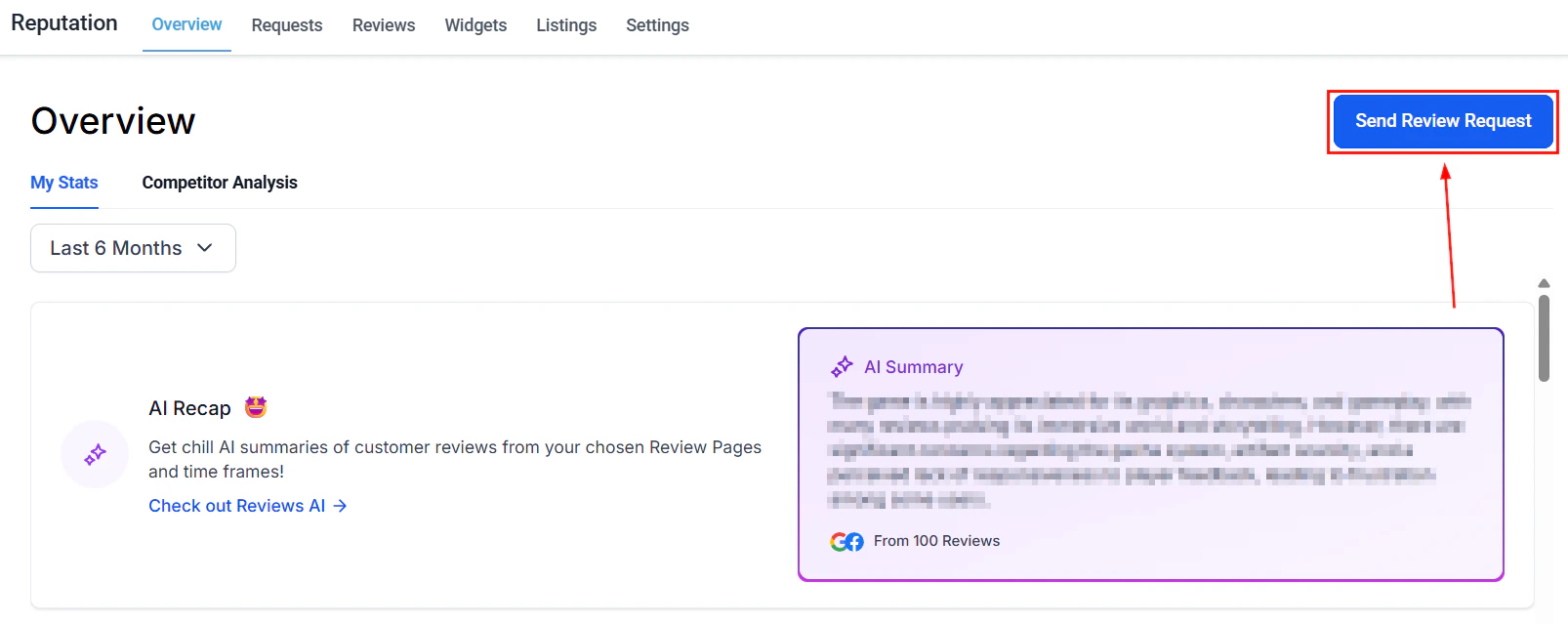
Access competitor analysis at **Reputation > Overview**, then scroll to the **Competitor Analysis** section.
 ***
## What competitor tracking shows you
The competitor analysis section of the Reputation dashboard provides several views that compare your review performance to the businesses you compete with:
| View | What it shows |
| -------------------------- | --------------------------------------------------------------------------------------------------- |
| Competitor list | The businesses you are tracking |
| Competitive landscape grid | Most commonly used words and themes in your reviews vs. theirs |
| Sentiment heatmap | The emotional tone of reviews — positive, neutral, and negative — for your business and competitors |
| Rating by source | Your average rating vs. competitors' ratings, broken down by platform |
These views update automatically as new reviews are collected for both your business and your tracked competitors.
***
## Adding competitors to track
Go to **Reputation > Overview** and scroll to the **Competitor Analysis** section.
Click the **Competitor List** area to open the competitor management panel.
Type the competitor's business name in the search field. The platform searches for matching businesses using publicly available review data.
Select the correct business from the search results and add it to your competitor list. Once added, their review data begins populating in the competitive analysis views.
Add as many competitors as needed by repeating the search and selection process.
Add your closest local competitors — the businesses that appear alongside you in Google's local "3-pack" search results — as your primary comparison set. You can also add aspirational competitors (market leaders in your category) to benchmark against a higher standard.
***
## Competitive landscape grid
The competitive landscape grid compares the most frequently used words and phrases in your reviews against those appearing in your competitors' reviews.
This reveals:
* **Your strengths** — words your customers use more often than competitor customers (e.g., "fast," "friendly," "reliable")
* **Competitor strengths** — words that appear disproportionately in their reviews, signaling a perceived advantage you may want to address
* **Shared themes** — words that appear equally in both, representing table-stakes expectations in your market
Use this data to:
* Sharpen your marketing messaging to emphasize proven strengths
* Identify service gaps — if a competitor consistently earns reviews mentioning "communication" and yours don't, that's a signal
* Build response templates that acknowledge and reinforce your key strengths
***
## Sentiment heatmap
The sentiment heatmap visualizes the emotional tone of reviews for your business and your tracked competitors.
***
## What competitor tracking shows you
The competitor analysis section of the Reputation dashboard provides several views that compare your review performance to the businesses you compete with:
| View | What it shows |
| -------------------------- | --------------------------------------------------------------------------------------------------- |
| Competitor list | The businesses you are tracking |
| Competitive landscape grid | Most commonly used words and themes in your reviews vs. theirs |
| Sentiment heatmap | The emotional tone of reviews — positive, neutral, and negative — for your business and competitors |
| Rating by source | Your average rating vs. competitors' ratings, broken down by platform |
These views update automatically as new reviews are collected for both your business and your tracked competitors.
***
## Adding competitors to track
Go to **Reputation > Overview** and scroll to the **Competitor Analysis** section.
Click the **Competitor List** area to open the competitor management panel.
Type the competitor's business name in the search field. The platform searches for matching businesses using publicly available review data.
Select the correct business from the search results and add it to your competitor list. Once added, their review data begins populating in the competitive analysis views.
Add as many competitors as needed by repeating the search and selection process.
Add your closest local competitors — the businesses that appear alongside you in Google's local "3-pack" search results — as your primary comparison set. You can also add aspirational competitors (market leaders in your category) to benchmark against a higher standard.
***
## Competitive landscape grid
The competitive landscape grid compares the most frequently used words and phrases in your reviews against those appearing in your competitors' reviews.
This reveals:
* **Your strengths** — words your customers use more often than competitor customers (e.g., "fast," "friendly," "reliable")
* **Competitor strengths** — words that appear disproportionately in their reviews, signaling a perceived advantage you may want to address
* **Shared themes** — words that appear equally in both, representing table-stakes expectations in your market
Use this data to:
* Sharpen your marketing messaging to emphasize proven strengths
* Identify service gaps — if a competitor consistently earns reviews mentioning "communication" and yours don't, that's a signal
* Build response templates that acknowledge and reinforce your key strengths
***
## Sentiment heatmap
The sentiment heatmap visualizes the emotional tone of reviews for your business and your tracked competitors.
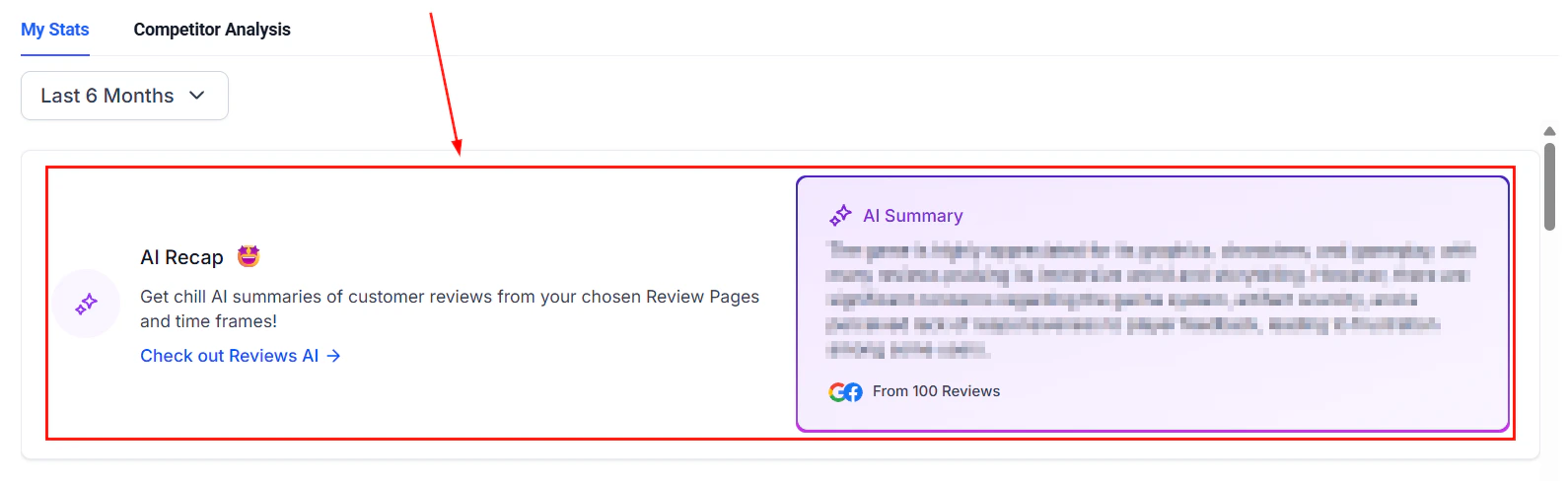 Positive, neutral, and negative sentiment are plotted across time periods, allowing you to:
* See at a glance whether a competitor is trending positively or negatively
* Identify periods when competitor sentiment dropped (and assess whether any external event caused it — a change in staff, service quality, or pricing)
* Spot when your own sentiment improves after an operational change and compare the timeline to competitors
The heatmap is particularly useful for businesses managing their online presence across multiple locations — it provides an instant visual summary of the competitive landscape without needing to read through individual reviews.
***
## Rating by source
The rating by source view shows average star ratings for your business and each tracked competitor, broken down by platform (Google and Facebook).
Positive, neutral, and negative sentiment are plotted across time periods, allowing you to:
* See at a glance whether a competitor is trending positively or negatively
* Identify periods when competitor sentiment dropped (and assess whether any external event caused it — a change in staff, service quality, or pricing)
* Spot when your own sentiment improves after an operational change and compare the timeline to competitors
The heatmap is particularly useful for businesses managing their online presence across multiple locations — it provides an instant visual summary of the competitive landscape without needing to read through individual reviews.
***
## Rating by source
The rating by source view shows average star ratings for your business and each tracked competitor, broken down by platform (Google and Facebook).
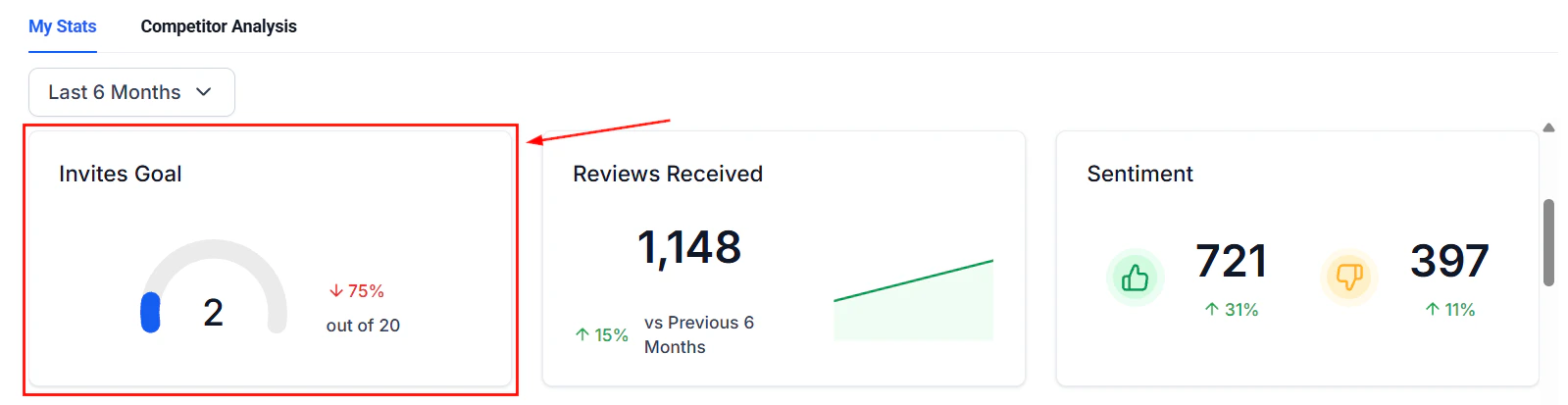 Use this view to:
* Identify if a competitor significantly outperforms you on a specific platform
* Understand whether your rating gap is platform-specific (suggesting you should drive more requests to that platform) or consistent across all platforms (suggesting a service quality issue)
* Set specific improvement targets — for example, closing the gap between your 4.3 average and a competitor's 4.7 average on Google
***
## Using competitor insights to improve your reputation strategy
Competitor tracking is most valuable when it drives specific actions:
**If a competitor has significantly more reviews than you** — increase your review request volume. Set up or optimize automated review request workflows in **Automation > Workflows** to generate a consistent stream of requests after every customer interaction.
**If a competitor's sentiment is improving while yours is flat** — investigate what has changed in their customer experience. Read a sample of their recent reviews to identify recurring positive themes and assess whether you can match or exceed those service elements.
**If your average rating is lower on one platform** — use the balance ratio in **Reputation > Settings > Review link management** to direct more of your review requests to that platform temporarily, building up your rating base there.
**If competitor reviews frequently mention a service you also offer** — consider creating specific review request messages or templates that prompt customers to mention that service specifically, reinforcing your own review content with relevant keywords.
***
## Competitor tracking limitations
The competitor analysis tool pulls publicly available review data. There are a few limitations to be aware of:
* Only businesses with publicly accessible Google or Facebook review data can be tracked
* Very new businesses or businesses with very few reviews may not have enough data for meaningful comparison
* The platform does not have access to competitor review request strategies, response rates, or internal data — only the publicly visible review outcomes
* Data is updated regularly but there may be a short lag between a competitor receiving a new review and that review appearing in the comparison views
***
## FAQs
You can add multiple competitors to your comparison list. There is no strict limit, though tracking 3–5 direct local competitors provides the most actionable insights. Tracking too many businesses at once can dilute the focus of the analysis.
No. Competitor tracking uses publicly available review data from Google and Facebook. The businesses you track have no visibility into who is monitoring their public review information.
Competitor review data refreshes regularly alongside your own review sync. There may be a short lag between a competitor receiving a new review and that review appearing in the competitive analysis views.
If a competitor does not appear in the search results, it may be because they have very few reviews, their business profile is not publicly accessible, or the business name search did not match their registered profile name. Try searching by a slightly different variation of the business name.
Yes. Open the Competitor List in the Competitor Analysis section and use the remove or delete option next to any competitor you no longer want to track.
Yes. Competitor tracking is based on publicly available review data and is not limited to specific industries. It works for any type of business that has a Google Business Profile or Facebook Page with publicly visible reviews.
Use this view to:
* Identify if a competitor significantly outperforms you on a specific platform
* Understand whether your rating gap is platform-specific (suggesting you should drive more requests to that platform) or consistent across all platforms (suggesting a service quality issue)
* Set specific improvement targets — for example, closing the gap between your 4.3 average and a competitor's 4.7 average on Google
***
## Using competitor insights to improve your reputation strategy
Competitor tracking is most valuable when it drives specific actions:
**If a competitor has significantly more reviews than you** — increase your review request volume. Set up or optimize automated review request workflows in **Automation > Workflows** to generate a consistent stream of requests after every customer interaction.
**If a competitor's sentiment is improving while yours is flat** — investigate what has changed in their customer experience. Read a sample of their recent reviews to identify recurring positive themes and assess whether you can match or exceed those service elements.
**If your average rating is lower on one platform** — use the balance ratio in **Reputation > Settings > Review link management** to direct more of your review requests to that platform temporarily, building up your rating base there.
**If competitor reviews frequently mention a service you also offer** — consider creating specific review request messages or templates that prompt customers to mention that service specifically, reinforcing your own review content with relevant keywords.
***
## Competitor tracking limitations
The competitor analysis tool pulls publicly available review data. There are a few limitations to be aware of:
* Only businesses with publicly accessible Google or Facebook review data can be tracked
* Very new businesses or businesses with very few reviews may not have enough data for meaningful comparison
* The platform does not have access to competitor review request strategies, response rates, or internal data — only the publicly visible review outcomes
* Data is updated regularly but there may be a short lag between a competitor receiving a new review and that review appearing in the comparison views
***
## FAQs
You can add multiple competitors to your comparison list. There is no strict limit, though tracking 3–5 direct local competitors provides the most actionable insights. Tracking too many businesses at once can dilute the focus of the analysis.
No. Competitor tracking uses publicly available review data from Google and Facebook. The businesses you track have no visibility into who is monitoring their public review information.
Competitor review data refreshes regularly alongside your own review sync. There may be a short lag between a competitor receiving a new review and that review appearing in the competitive analysis views.
If a competitor does not appear in the search results, it may be because they have very few reviews, their business profile is not publicly accessible, or the business name search did not match their registered profile name. Try searching by a slightly different variation of the business name.
Yes. Open the Competitor List in the Competitor Analysis section and use the remove or delete option next to any competitor you no longer want to track.
Yes. Competitor tracking is based on publicly available review data and is not limited to specific industries. It works for any type of business that has a Google Business Profile or Facebook Page with publicly visible reviews.