> ## Documentation Index
> Fetch the complete documentation index at: https://help.hoopai.com/llms.txt
> Use this file to discover all available pages before exploring further.
# Report Scheduling and Export
> Schedule automatic report delivery by email and export report data as CSV or Excel from the HoopAI Platform.
HoopAI lets you schedule reports for automatic email delivery and export data for offline analysis. This page covers how to configure scheduled delivery for Custom Reports and how to export data across all report types.
 ## Exporting report data
Most reports in HoopAI include an export option. The data is downloaded as an Excel (.xlsx) or CSV file depending on the report type.
### Export by report type
In **Reporting → Call Reporting**, click **Download Call Reporting Data** at the top of the call data table. All call records matching your current filters are exported to an Excel file.
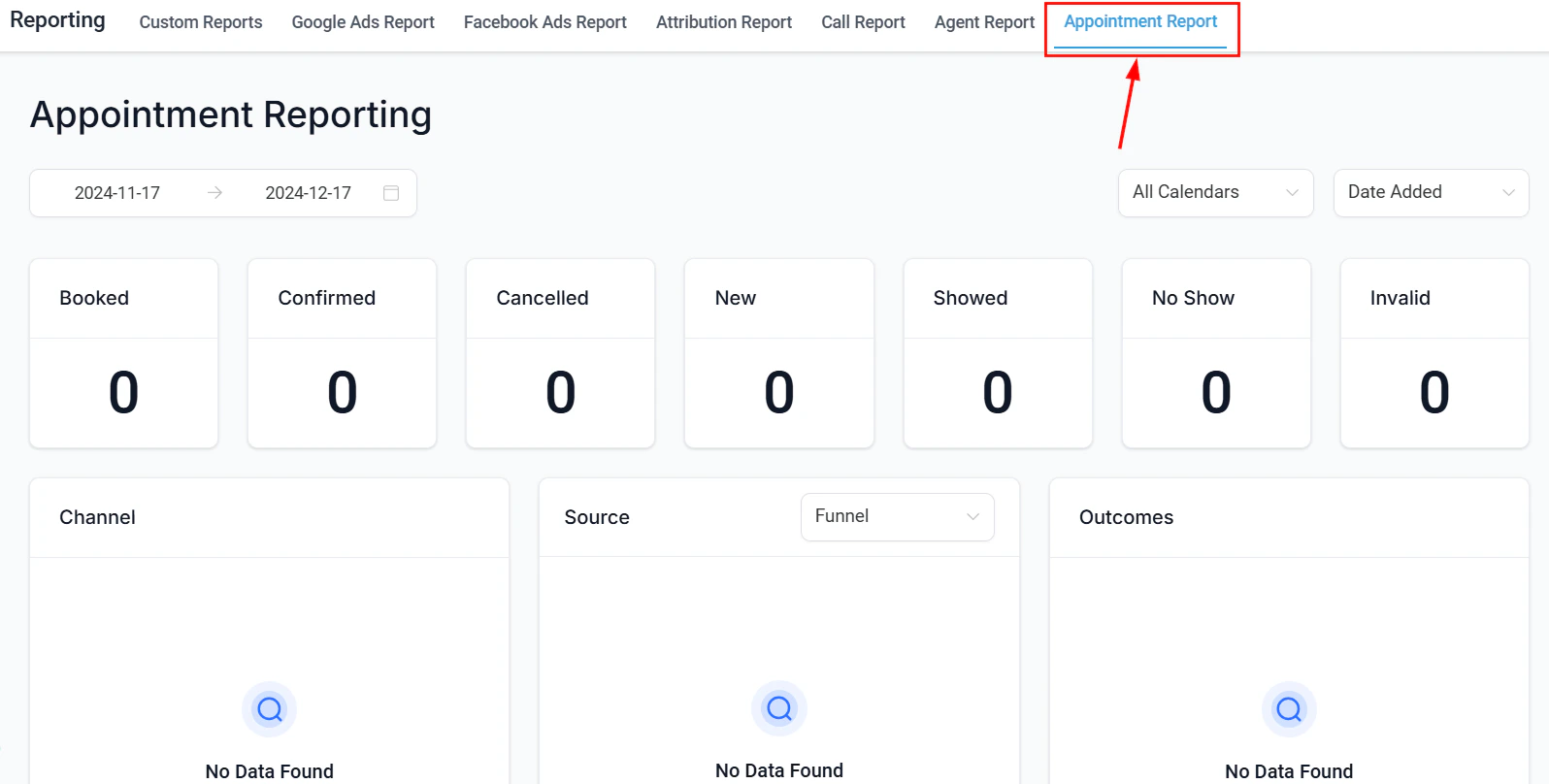
In **Reporting → Appointment Report**, click the **Export** button above the data table. All appointments matching your active filters are downloaded as an Excel file.
Open any saved Custom Report and click **Export**. You can export as CSV or Excel. The export respects any active filters and date ranges applied to the report.
Agent reporting does not have a built-in export button. To export agent data, build a Custom Report with opportunities or conversations as the data source, filter by user, and export from there.
Google Ads and Facebook Ads data tables can be exported using the export options within those tabs. For full attribution data, use the Attribution Report export function.
***
## Scheduling report delivery
Custom Reports support scheduled email delivery so your team receives reports automatically without logging in.
### Setting up a scheduled report
Navigate to **Reporting → Custom Reports** and open the report you want to schedule.
Click the **Schedule** button in the report toolbar.
Choose how often the report should be sent:
* **Daily** — delivered every day at the configured time
* **Weekly** — delivered on a specific day of the week
* **Monthly** — delivered on a specific date each month
Enter the email addresses of everyone who should receive the report. Recipients do not need a HoopAI account to receive scheduled reports.
Confirm your settings and save. The report will be delivered automatically on the configured schedule.
## Exporting report data
Most reports in HoopAI include an export option. The data is downloaded as an Excel (.xlsx) or CSV file depending on the report type.
### Export by report type
In **Reporting → Call Reporting**, click **Download Call Reporting Data** at the top of the call data table. All call records matching your current filters are exported to an Excel file.
In **Reporting → Appointment Report**, click the **Export** button above the data table. All appointments matching your active filters are downloaded as an Excel file.
Open any saved Custom Report and click **Export**. You can export as CSV or Excel. The export respects any active filters and date ranges applied to the report.
Agent reporting does not have a built-in export button. To export agent data, build a Custom Report with opportunities or conversations as the data source, filter by user, and export from there.
Google Ads and Facebook Ads data tables can be exported using the export options within those tabs. For full attribution data, use the Attribution Report export function.
***
## Scheduling report delivery
Custom Reports support scheduled email delivery so your team receives reports automatically without logging in.
### Setting up a scheduled report
Navigate to **Reporting → Custom Reports** and open the report you want to schedule.
Click the **Schedule** button in the report toolbar.
Choose how often the report should be sent:
* **Daily** — delivered every day at the configured time
* **Weekly** — delivered on a specific day of the week
* **Monthly** — delivered on a specific date each month
Enter the email addresses of everyone who should receive the report. Recipients do not need a HoopAI account to receive scheduled reports.
Confirm your settings and save. The report will be delivered automatically on the configured schedule.
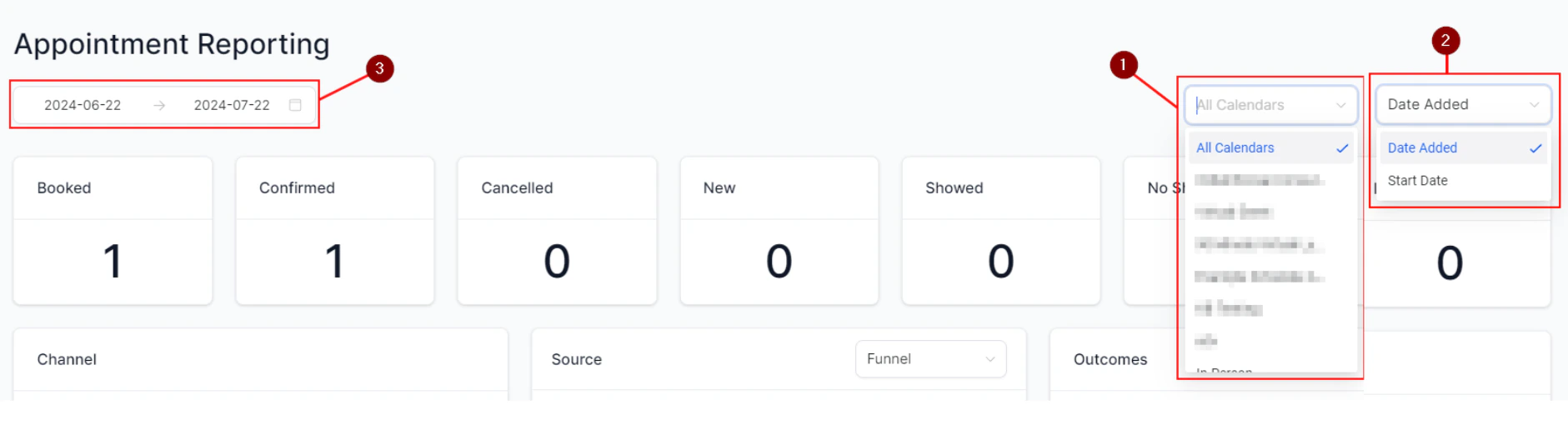 Scheduled reports are sent as email attachments in Excel or PDF format depending on your configuration. Ensure the recipient email addresses are accurate before saving the schedule.
***
## Managing scheduled reports
To edit or delete an existing schedule, open the Custom Report and click **Schedule** to view current delivery settings. You can:
* Change the frequency or delivery day
* Add or remove recipients
* Pause or delete the schedule entirely
***
## Tips for effective report scheduling
Schedule a weekly Agent Reporting-style Custom Report to be delivered every Monday morning. Include columns for calls made, opportunities won, and revenue generated so the team starts the week with the previous week's results.
Schedule a monthly pipeline opportunities report for your sales manager. Filter by open opportunities, include stage and value columns, and send on the first of each month.
After launching a marketing campaign, schedule a daily Custom Report filtered to contacts tagged with the campaign name. Monitor lead volume and conversion daily until the campaign ends.
***
## Frequently asked questions
Yes. Scheduled reports are sent by email, so any valid email address can be a recipient. The recipient does not need a HoopAI account.
Scheduled Custom Reports are delivered as attachments in Excel or PDF format. The format can be configured in the Schedule settings.
Currently, scheduled delivery is available for Custom Reports. For other report types, use the manual export options and share the file as needed.
Open the Custom Report, click **Schedule**, and delete or disable the existing schedule. The report will stop being delivered immediately.
There is no fixed limit on the number of scheduled reports per account, but performance and delivery reliability are best when you keep the number of active schedules reasonable.
***
## Related articles
* [Custom reports](/reporting/custom-reports)
* [Call reporting](/reporting/call-reporting)
* [Appointment report](/reporting/appointment-report)
Scheduled reports are sent as email attachments in Excel or PDF format depending on your configuration. Ensure the recipient email addresses are accurate before saving the schedule.
***
## Managing scheduled reports
To edit or delete an existing schedule, open the Custom Report and click **Schedule** to view current delivery settings. You can:
* Change the frequency or delivery day
* Add or remove recipients
* Pause or delete the schedule entirely
***
## Tips for effective report scheduling
Schedule a weekly Agent Reporting-style Custom Report to be delivered every Monday morning. Include columns for calls made, opportunities won, and revenue generated so the team starts the week with the previous week's results.
Schedule a monthly pipeline opportunities report for your sales manager. Filter by open opportunities, include stage and value columns, and send on the first of each month.
After launching a marketing campaign, schedule a daily Custom Report filtered to contacts tagged with the campaign name. Monitor lead volume and conversion daily until the campaign ends.
***
## Frequently asked questions
Yes. Scheduled reports are sent by email, so any valid email address can be a recipient. The recipient does not need a HoopAI account.
Scheduled Custom Reports are delivered as attachments in Excel or PDF format. The format can be configured in the Schedule settings.
Currently, scheduled delivery is available for Custom Reports. For other report types, use the manual export options and share the file as needed.
Open the Custom Report, click **Schedule**, and delete or disable the existing schedule. The report will stop being delivered immediately.
There is no fixed limit on the number of scheduled reports per account, but performance and delivery reliability are best when you keep the number of active schedules reasonable.
***
## Related articles
* [Custom reports](/reporting/custom-reports)
* [Call reporting](/reporting/call-reporting)
* [Appointment report](/reporting/appointment-report)