> ## Documentation Index
> Fetch the complete documentation index at: https://help.hoopai.com/llms.txt
> Use this file to discover all available pages before exploring further.
# Voice AI overview
> Build AI-powered phone agents that answer calls, book appointments, and handle customer inquiries 24/7.
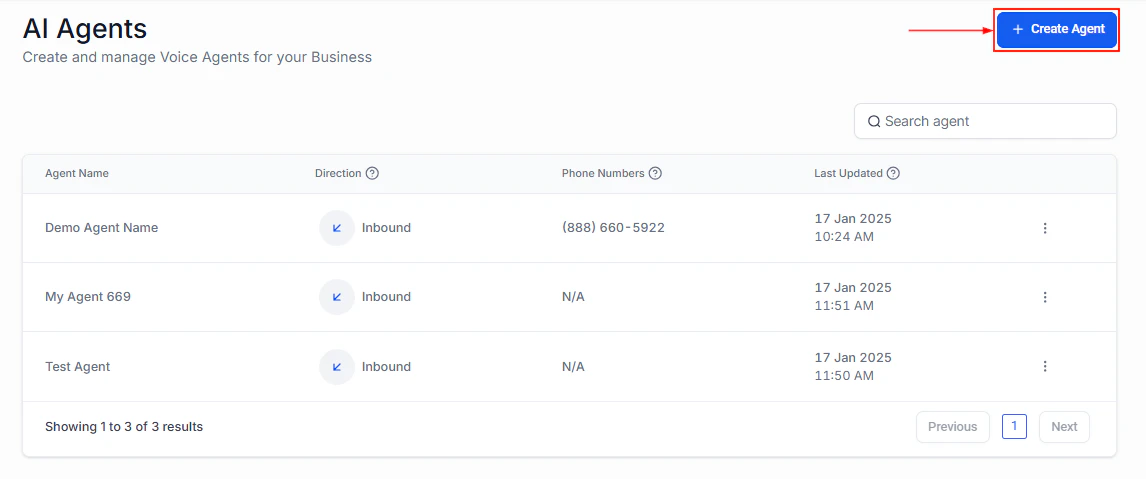
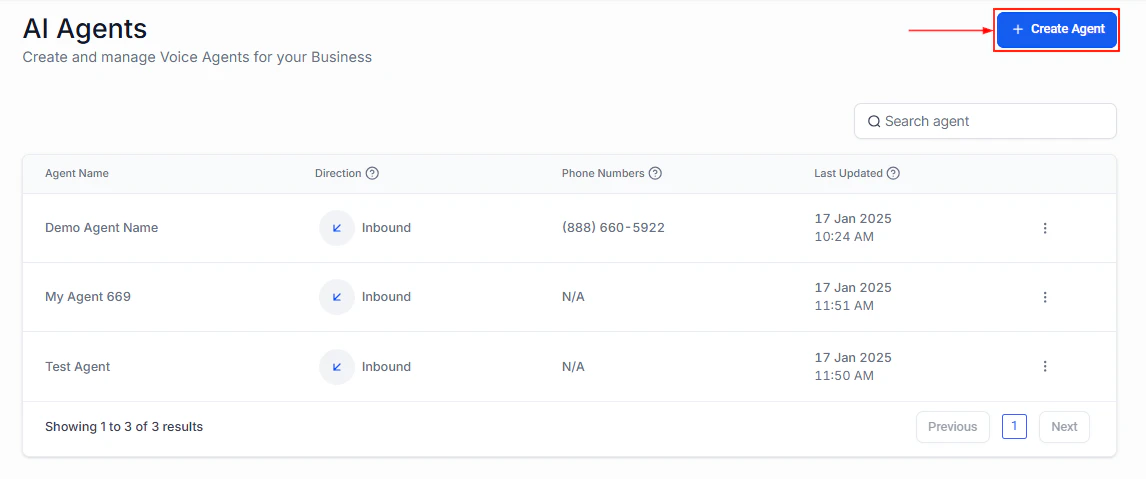
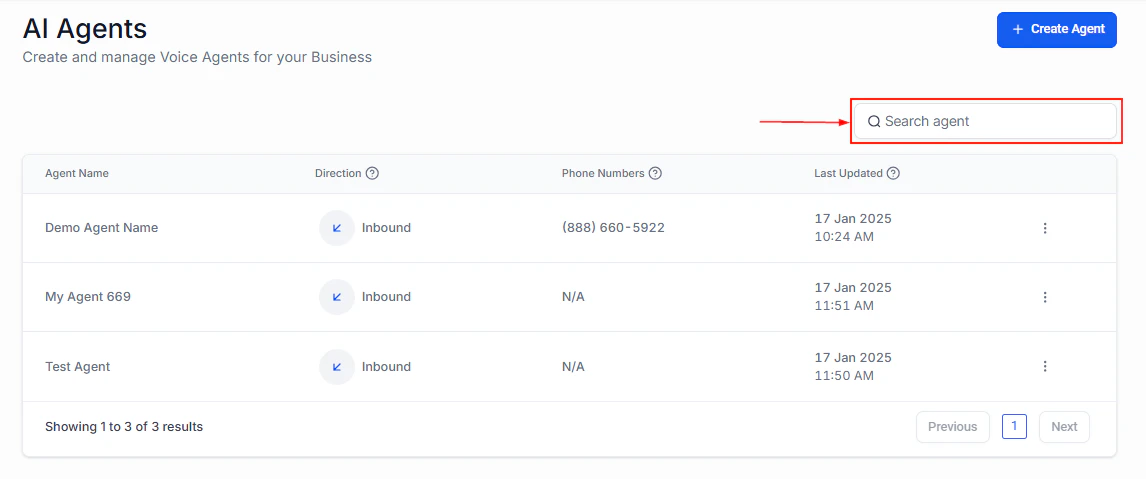
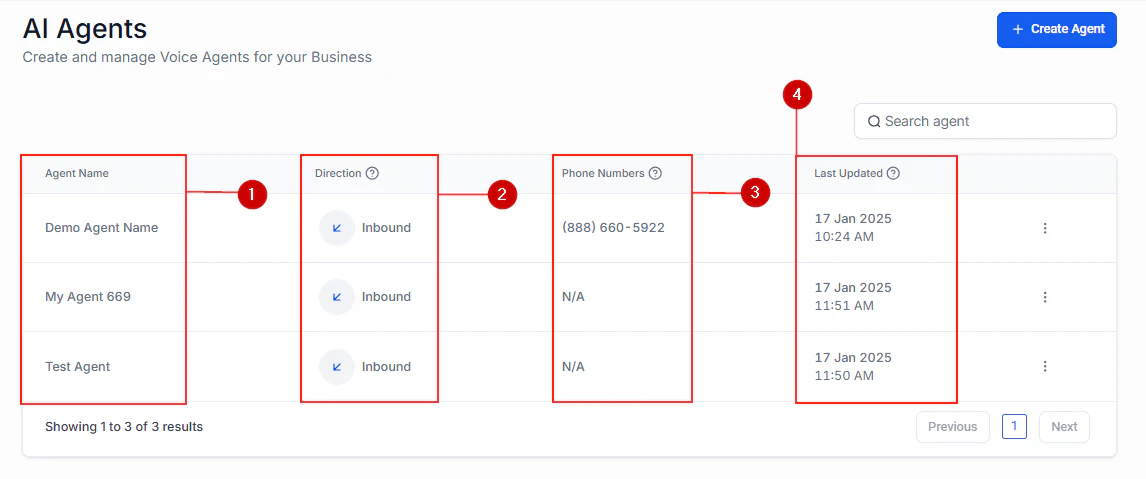
Voice AI lets you create intelligent phone agents that handle inbound and outbound calls for your business. These agents can answer customer questions, book appointments, qualify leads, and escalate to human team members when needed.
 ## Key capabilities
| Feature | Description |
| -------------------------- | ------------------------------------------------------------------ |
| **Inbound call handling** | Answer incoming calls with a natural-sounding AI agent |
| **Outbound calling** | Place automated calls for reminders, follow-ups, and surveys |
| **Appointment booking** | Check calendar availability and book appointments in real time |
| **Call escalation** | Transfer calls to human agents when the AI cannot resolve an issue |
| **Multi-language support** | Handle calls in multiple languages |
## Key capabilities
| Feature | Description |
| -------------------------- | ------------------------------------------------------------------ |
| **Inbound call handling** | Answer incoming calls with a natural-sounding AI agent |
| **Outbound calling** | Place automated calls for reminders, follow-ups, and surveys |
| **Appointment booking** | Check calendar availability and book appointments in real time |
| **Call escalation** | Transfer calls to human agents when the AI cannot resolve an issue |
| **Multi-language support** | Handle calls in multiple languages |
 ## How it works
Voice AI agents use large language models to understand caller intent and respond naturally. Each agent is configured with a system prompt that defines its personality, knowledge, and behavior rules. When a call comes in (or goes out), the agent:
1. Listens to the caller and converts speech to text
2. Processes the text through the AI model with your system prompt
3. Generates a response and converts it back to speech
4. Takes actions (booking appointments, updating contacts) as configured
## How it works
Voice AI agents use large language models to understand caller intent and respond naturally. Each agent is configured with a system prompt that defines its personality, knowledge, and behavior rules. When a call comes in (or goes out), the agent:
1. Listens to the caller and converts speech to text
2. Processes the text through the AI model with your system prompt
3. Generates a response and converts it back to speech
4. Takes actions (booking appointments, updating contacts) as configured
 ## Getting started
Step-by-step guide to building a Voice AI agent
Configure phone numbers for your Voice AI agents
Choose the right call direction for your use case
Set up real-time appointment booking during calls
## Getting started
Step-by-step guide to building a Voice AI agent
Configure phone numbers for your Voice AI agents
Choose the right call direction for your use case
Set up real-time appointment booking during calls