> ## Documentation Index
> Fetch the complete documentation index at: https://help.hoopai.com/llms.txt
> Use this file to discover all available pages before exploring further.
# Content AI best practices
> Proven strategies for getting the most from Content AI across emails, social posts, and web pages.
Content AI works best when you give it clear direction and refine the output to match your brand. These best practices apply across all Content AI tools including the [email builder](/ai/content-ai/email-builder), [social planner](/ai/content-ai/social-planner), and [page builder](/ai/content-ai/page-builder).
 ## Writing effective prompts
* **Be specific** about what you want: tone, length, audience, and purpose
* **Provide context** about your business, product, or campaign goal
* **Include examples** of the style or format you prefer
* **Specify constraints** like word count, call-to-action, or keywords to include
## Refining AI output
* **Always review and edit** generated content before publishing
* **Add your brand voice** by adjusting word choices and phrasing
* **Fact-check** any claims, statistics, or specific details
* **Test variations** by generating multiple options and comparing results
## Channel-specific tips
* Generate multiple subject lines and A/B test them
* Use AI for first drafts, then personalize with merge fields
* Keep AI-generated emails concise and focused on a single CTA
* Specify the platform (Instagram, Facebook, LinkedIn) for appropriate tone and length
* Generate hashtag suggestions alongside your post copy
* Create content batches for consistent posting schedules
* Provide your target keywords for SEO-optimized copy
* Generate section-by-section rather than entire pages at once
* Use AI for headline and CTA variations
## Writing effective prompts
* **Be specific** about what you want: tone, length, audience, and purpose
* **Provide context** about your business, product, or campaign goal
* **Include examples** of the style or format you prefer
* **Specify constraints** like word count, call-to-action, or keywords to include
## Refining AI output
* **Always review and edit** generated content before publishing
* **Add your brand voice** by adjusting word choices and phrasing
* **Fact-check** any claims, statistics, or specific details
* **Test variations** by generating multiple options and comparing results
## Channel-specific tips
* Generate multiple subject lines and A/B test them
* Use AI for first drafts, then personalize with merge fields
* Keep AI-generated emails concise and focused on a single CTA
* Specify the platform (Instagram, Facebook, LinkedIn) for appropriate tone and length
* Generate hashtag suggestions alongside your post copy
* Create content batches for consistent posting schedules
* Provide your target keywords for SEO-optimized copy
* Generate section-by-section rather than entire pages at once
* Use AI for headline and CTA variations
 ## Managing AI credits
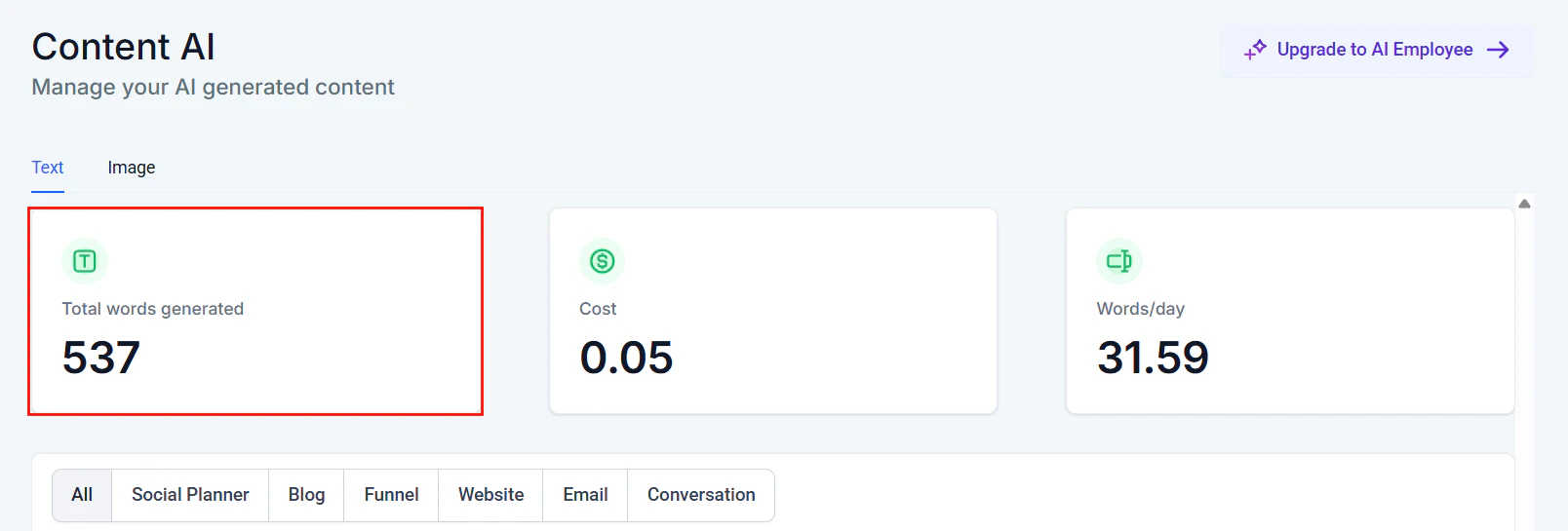
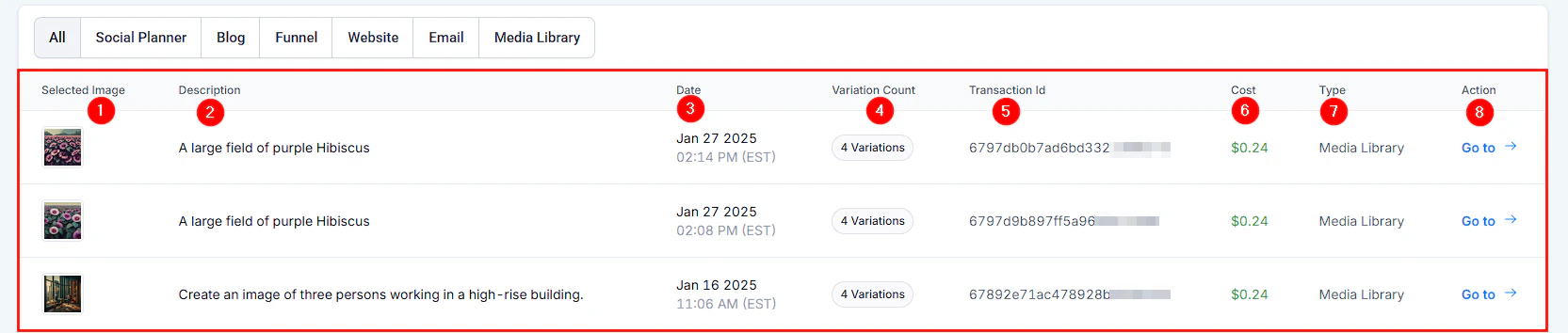
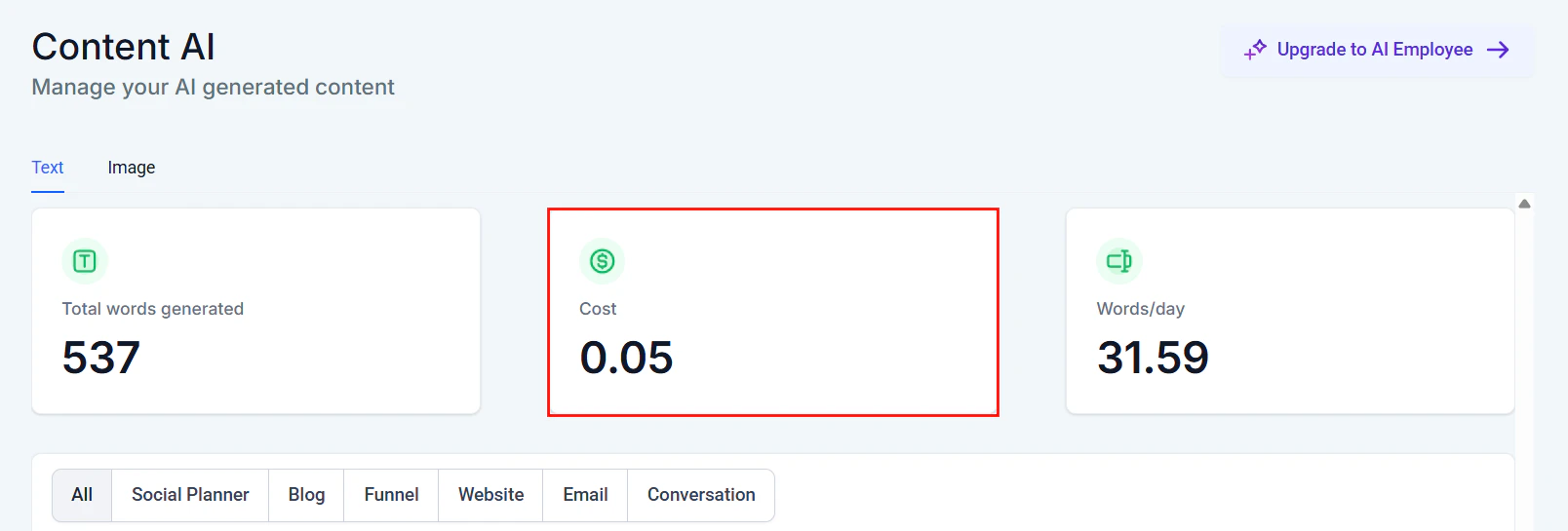
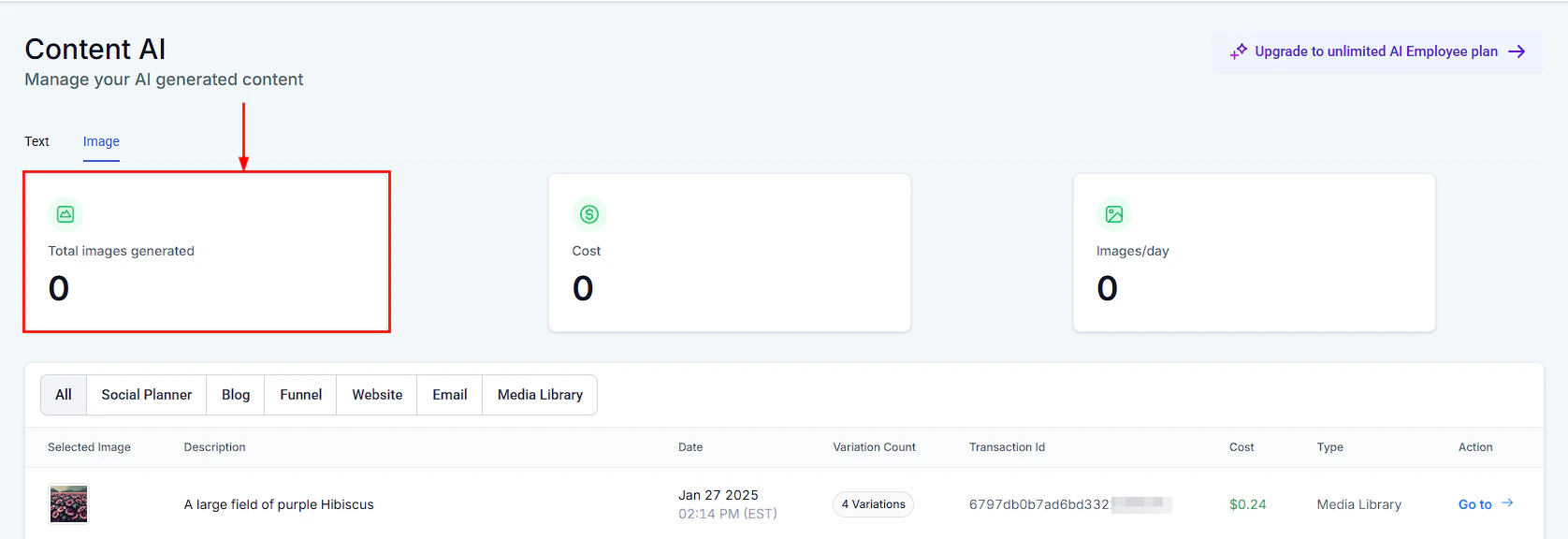
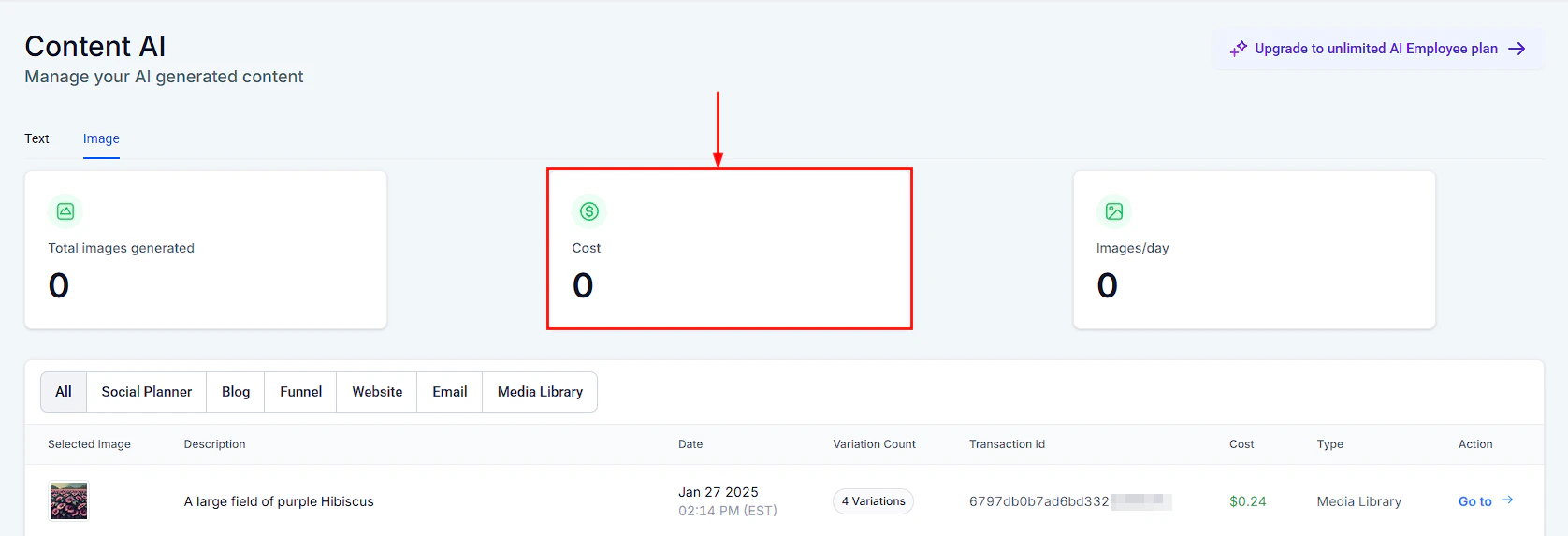 * Monitor your usage in **Settings > AI credits**
* Longer outputs consume more credits
* Refine your prompts to reduce regeneration and save credits
## Next steps
Generate email content with AI
Create social media content with AI
* Monitor your usage in **Settings > AI credits**
* Longer outputs consume more credits
* Refine your prompts to reduce regeneration and save credits
## Next steps
Generate email content with AI
Create social media content with AI