> ## Documentation Index
> Fetch the complete documentation index at: https://help.hoopai.com/llms.txt
> Use this file to discover all available pages before exploring further.

# Welcome & instructions

> Your guide to getting started with the HoopAI Academy — a structured learning program to supercharge your platform success.

export const CourseTracker = ({courseId, lessonId, videoId}) => {
  const [progress, setProgress] = useState({});
  const [expanded, setExpanded] = useState(false);
  useEffect(() => {
    setProgress(loadProgress());
    document.body.setAttribute("data-academy", "true");
    return () => document.body.removeAttribute("data-academy");
  }, []);
  const course = COURSES[courseId];
  if (!course) return null;
  const lessons = course.lessons;
  const currentIndex = lessons.findIndex(l => l.id === lessonId);
  const completedCount = lessons.filter(l => !!progress[courseId + "/" + l.id]).length;
  const percent = lessons.length > 0 ? Math.round(completedCount / lessons.length * 100) : 0;
  const isCurrentDone = !!progress[courseId + "/" + lessonId];
  const prev = currentIndex > 0 ? lessons[currentIndex - 1] : null;
  const next = currentIndex < lessons.length - 1 ? lessons[currentIndex + 1] : null;
  const totalDuration = formatTotalDuration(lessons);
  const handleToggle = () => {
    const key = courseId + "/" + lessonId;
    const updated = {
      ...progress
    };
    if (updated[key]) {
      delete updated[key];
    } else {
      updated[key] = Date.now();
    }
    setProgress(updated);
    persistProgress(updated);
  };
  const lessonPath = lesson => "/academy/" + course.dir + "/" + lesson.id;
  const videoEmbed = videoId ? <div style={{
    position: "relative",
    width: "100%",
    paddingBottom: "56.25%",
    borderRadius: "var(--ds-radius-lg)",
    overflow: "hidden",
    marginBottom: "24px",
    background: "#000"
  }}>
      <iframe src={"https://www.youtube-nocookie.com/embed/" + videoId + "?rel=0"} title="Lesson video" allow="accelerometer; autoplay; clipboard-write; encrypted-media; gyroscope; picture-in-picture" allowFullScreen style={{
    position: "absolute",
    top: 0,
    left: 0,
    width: "100%",
    height: "100%",
    border: "none"
  }} />
    </div> : null;
  const lessonList = lessons.map(lesson => {
    const isActive = lesson.id === lessonId;
    const isDone = !!progress[courseId + "/" + lesson.id];
    const itemStyle = {
      display: "flex",
      alignItems: "center",
      gap: "8px",
      padding: "10px 16px",
      borderTop: "1px solid var(--academy-border-subtle, #f3f4f6)",
      background: isActive ? "var(--academy-active-bg, #f9fafb)" : "transparent",
      textDecoration: "none",
      cursor: isActive ? "default" : "pointer",
      color: "inherit",
      transition: "background 0.15s"
    };
    const titleStyle = {
      flex: 1,
      fontSize: "13px",
      fontWeight: isActive ? 600 : 400,
      color: isActive ? "var(--academy-text, #111827)" : "var(--academy-text-secondary, #6b7280)",
      overflow: "hidden",
      textOverflow: "ellipsis",
      whiteSpace: "nowrap",
      lineHeight: "1.4"
    };
    const durationStyle = {
      fontSize: "12px",
      color: "var(--academy-text-muted, #9ca3af)",
      whiteSpace: "nowrap"
    };
    const inner = <>
        {isDone ? <CheckCircle /> : <VideoIcon />}
        <span style={titleStyle}>{lesson.title}</span>
        <span style={durationStyle}>{lesson.duration}</span>
      </>;
    if (isActive) {
      return <div key={lesson.id} style={itemStyle}>
          {inner}
        </div>;
    }
    return <a key={lesson.id} href={lessonPath(lesson)} style={itemStyle}>
        {inner}
      </a>;
  });
  return <div className="not-prose" id="academy-course-tracker">
      {videoEmbed}
      <div className="academy-tracker" style={{
    fontFamily: "Inter, -apple-system, BlinkMacSystemFont, sans-serif",
    borderRadius: "var(--ds-radius-lg)",
    border: "1px solid var(--academy-border, #e5e7eb)",
    background: "var(--academy-bg, #ffffff)",
    overflow: "hidden",
    marginBottom: "24px"
  }}>
        {}
        <div style={{
    padding: "16px 16px 0"
  }}>
          <h3 style={{
    margin: 0,
    fontSize: "16px",
    fontWeight: 600,
    lineHeight: "1.4",
    color: "var(--academy-text, #111827)"
  }}>
            {course.title}
          </h3>
          <div style={{
    display: "flex",
    gap: "12px",
    marginTop: "8px"
  }}>
            <span style={{
    display: "flex",
    alignItems: "center",
    gap: "5px",
    fontSize: "12px",
    color: "var(--academy-text-secondary, #6b7280)",
    padding: "3px 8px 3px 6px",
    borderRadius: "var(--ds-radius-sm)",
    border: "1px solid var(--academy-border, #e5e7eb)"
  }}>
              <BookIcon /> {lessons.length} lessons
            </span>
            <span style={{
    display: "flex",
    alignItems: "center",
    gap: "5px",
    fontSize: "12px",
    color: "var(--academy-text-secondary, #6b7280)",
    padding: "3px 8px 3px 6px",
    borderRadius: "var(--ds-radius-sm)",
    border: "1px solid var(--academy-border, #e5e7eb)"
  }}>
              <ClockIcon /> Approx. {totalDuration}
            </span>
          </div>
        </div>

        {}
        <div style={{
    padding: "14px 16px 16px"
  }}>
          <div style={{
    display: "flex",
    justifyContent: "space-between",
    fontSize: "12px",
    color: "var(--academy-text-secondary, #6b7280)"
  }}>
            <span>Your progress</span>
            <span style={{
    fontWeight: 500,
    color: "var(--academy-text, #111827)"
  }}>
              {percent}%
            </span>
          </div>
          <div style={{
    height: "6px",
    borderRadius: "var(--ds-radius-full)",
    background: "var(--academy-track, #f3f4f6)",
    marginTop: "8px",
    overflow: "hidden"
  }}>
            <div style={{
    height: "100%",
    borderRadius: "var(--ds-radius-full)",
    background: "var(--academy-progress, #3b82f6)",
    transition: "width 0.5s cubic-bezier(0.4, 0, 0.2, 1)",
    width: percent + "%"
  }} />
          </div>
        </div>

        {}
        <div className="academy-lessons-desktop">{lessonList}</div>

        {}
        <div className="academy-lessons-mobile">
          <button onClick={() => setExpanded(!expanded)} aria-expanded={expanded} style={{
    display: "flex",
    alignItems: "center",
    justifyContent: "space-between",
    padding: "12px 16px",
    cursor: "pointer",
    borderTop: "1px solid var(--academy-border-subtle, #f3f4f6)",
    background: "transparent",
    border: "none",
    borderTopStyle: "solid",
    borderTopWidth: "1px",
    borderTopColor: "var(--academy-border-subtle, #f3f4f6)",
    width: "100%",
    textAlign: "left",
    color: "var(--academy-text-secondary, #6b7280)",
    fontSize: "13px",
    fontWeight: 500,
    fontFamily: "inherit"
  }}>
            <span>
              {expanded ? "Hide lessons" : "Show all " + lessons.length + " lessons"}
            </span>
            <ChevronDown open={expanded} />
          </button>
          {expanded && lessonList}
        </div>

        {}
        <div style={{
    display: "flex",
    alignItems: "center",
    justifyContent: "space-between",
    borderTop: "1px solid var(--academy-border, #e5e7eb)",
    padding: "10px 16px"
  }}>
          {prev ? <a href={lessonPath(prev)} style={{
    fontSize: "13px",
    color: "var(--academy-text-secondary, #6b7280)",
    textDecoration: "none",
    display: "flex",
    alignItems: "center",
    gap: "4px"
  }}>
              ‹ Previous
            </a> : <div />}
          <button onClick={handleToggle} style={{
    fontSize: "13px",
    fontWeight: 500,
    cursor: "pointer",
    padding: "6px 14px",
    borderRadius: "var(--ds-radius-md)",
    border: isCurrentDone ? "1px solid var(--academy-border, #e5e7eb)" : "none",
    background: isCurrentDone ? "var(--academy-bg, #ffffff)" : "var(--academy-btn-bg, #111827)",
    color: isCurrentDone ? "var(--academy-complete, #10b981)" : "var(--academy-btn-text, #ffffff)",
    display: "flex",
    alignItems: "center",
    gap: "6px",
    transition: "all 0.2s",
    lineHeight: "1.4",
    fontFamily: "inherit"
  }}>
            {isCurrentDone ? <>
                <CheckCircle /> Completed
              </> : "Mark as completed"}
          </button>
          {next ? <a href={lessonPath(next)} style={{
    fontSize: "13px",
    color: "var(--academy-text-secondary, #6b7280)",
    textDecoration: "none",
    display: "flex",
    alignItems: "center",
    gap: "4px"
  }}>
              Next ›
            </a> : <div />}
        </div>
      </div>
    </div>;
};

<CourseTracker courseId="welcome" lessonId="welcome-instructions" />

Welcome to the HoopAI Academy — your one-stop learning hub for expert-level knowledge of the HoopAI Platform. This program is designed to help you implement every feature faster, retain clients longer, and grow your business with confidence.

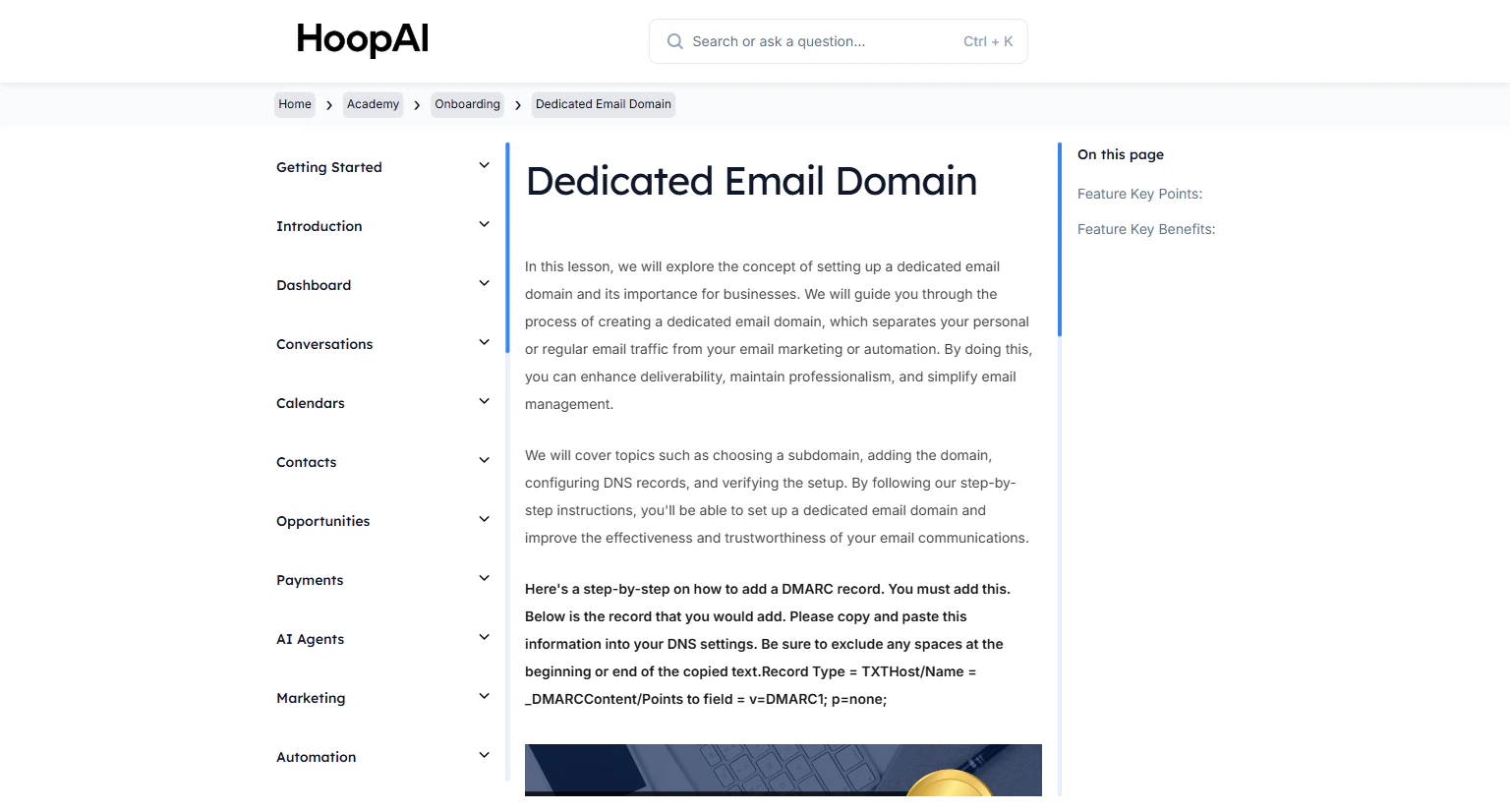
<Frame caption="The HoopAI Academy Knowledge Base — structured lessons for every feature">
  <img src="https://mintcdn.com/hoopai-84ec0cdc/gyU98wGhFXcTdqFf/images/academy-onboarding-dedicated-email-domain.png?fit=max&auto=format&n=gyU98wGhFXcTdqFf&q=85&s=86c5278f7c3ea103a8a1d4123ba136e5" alt="Academy welcome overview" width="1536" height="826" data-path="images/academy-onboarding-dedicated-email-domain.png" />
</Frame>

## Why the Academy exists

The faster you implement the HoopAI Platform, the longer you retain your clients. The Academy goes beyond a simple course — it provides structured direction, step-by-step challenges, and a library of lesson videos to guide you through every feature.

You will have access to:

* High-quality video lessons for every major feature
* College-level PDF workbooks and guides
* Key feature points and benefit summaries
* Hands-on challenges to apply what you learn immediately

<Note>
  Work through lessons in order. Each section builds on the last, so completing Onboarding first ensures you have the foundation needed for advanced modules like Workflow Automation and Funnels & Websites.
</Note>

## Academy sections

<Steps>
  <Step title="Onboarding">
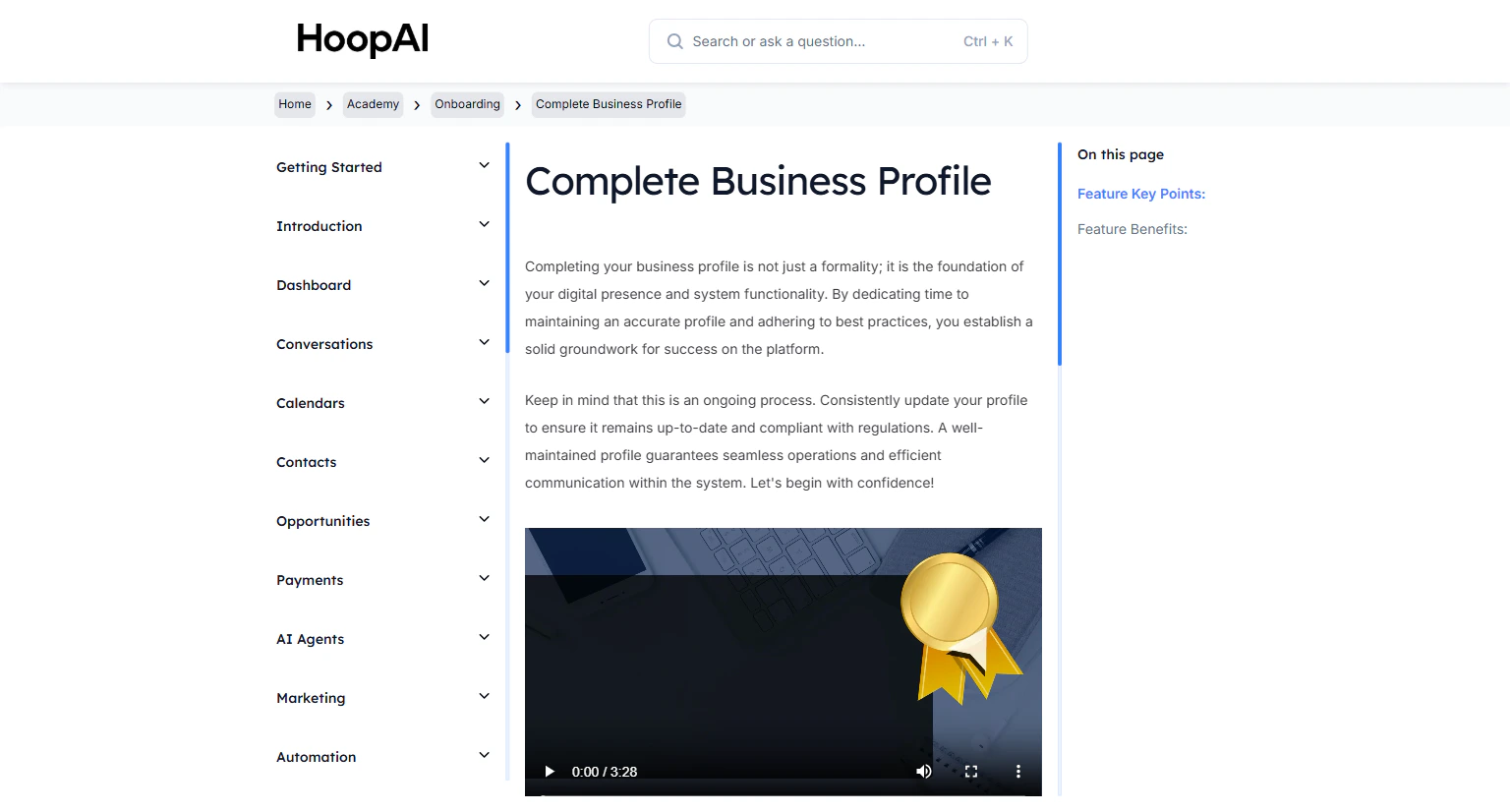
    Start here. Set up your dedicated email domain, buy a phone number, complete your business profile, and connect your integrations.

    <Frame caption="The Onboarding section covers all essential account setup steps">
      <img src="https://mintcdn.com/hoopai-84ec0cdc/gyU98wGhFXcTdqFf/images/academy-onboarding-business-profile.png?fit=max&auto=format&n=gyU98wGhFXcTdqFf&q=85&s=16ee3d4747e0c5b5fdffec7483279cae" alt="Onboarding overview" width="1536" height="826" data-path="images/academy-onboarding-business-profile.png" />
    </Frame>
  </Step>

  <Step title="SMS & Phone numbers">
    Learn call tracking, SMS blasts, missed call text-back, A2P 10DLC registration, and Text 2 Pay invoicing.

    <Frame caption="SMS & Phone Numbers — direct communication tools for your business">
      <img src="https://mintlify.s3.us-west-1.amazonaws.com/hoopai-84ec0cdc/images/academy-sms-call-tracking.png" alt="SMS and phone numbers" />
    </Frame>
  </Step>

  <Step title="Quick start">
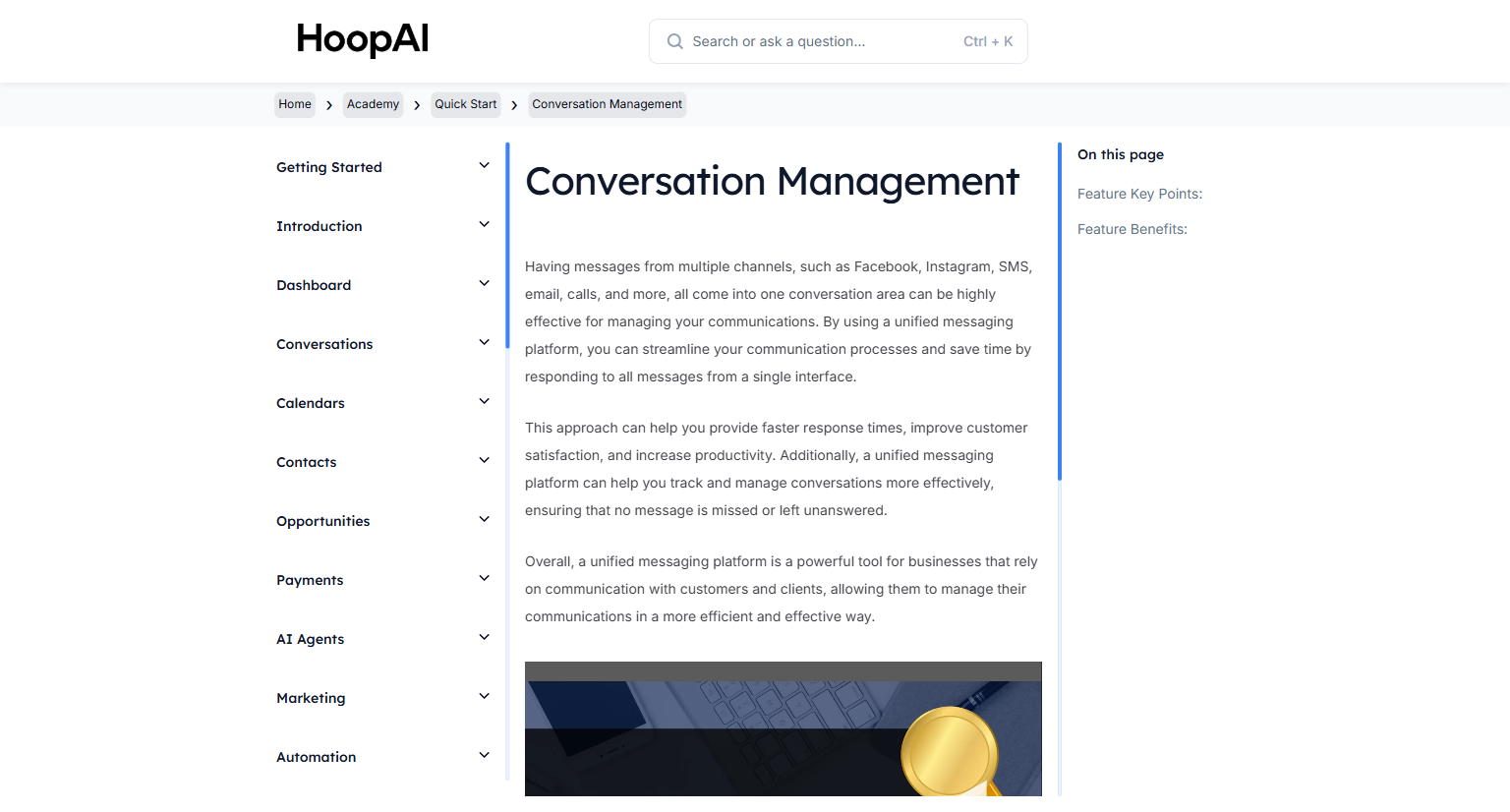
    Fast wins: send your first email and SMS blasts, set up reputation management, manage conversations, and install the mobile app.

    <Frame caption="Quick Start lessons get you generating results immediately">
      <img src="https://mintcdn.com/hoopai-84ec0cdc/gyU98wGhFXcTdqFf/images/academy-quick-start-conversations.png?fit=max&auto=format&n=gyU98wGhFXcTdqFf&q=85&s=b35ece2a2ead2ac8c92820a62c044b70" alt="Quick start lessons" width="1536" height="826" data-path="images/academy-quick-start-conversations.png" />
    </Frame>
  </Step>

  <Step title="Workflow automation">
    Build automations with triggers, actions, and pre-built recipes. Automate follow-ups, lead nurturing, and appointment reminders.
  </Step>

  <Step title="Funnels & websites">
    Create landing pages, full websites, and chat widgets. Design with branded templates and the drag-and-drop builder.
  </Step>

  <Step title="Calendars">
    Sync Google, Outlook, and Zoom. Create calendars, build branded booking pages, and configure appointment automation.
  </Step>

  <Step title="Payments & purchases">
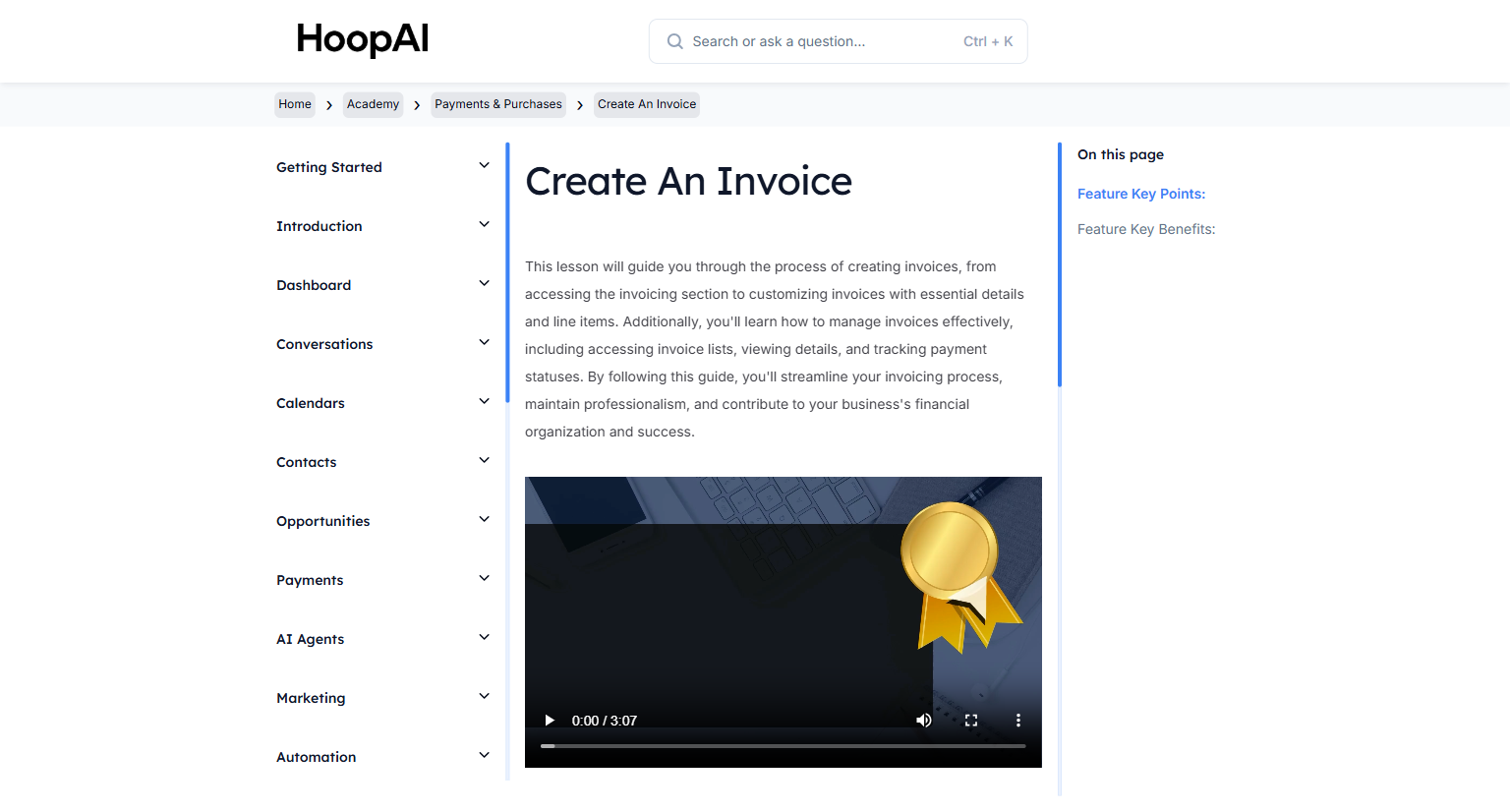
    Create professional invoices, collect payments, and use Text 2 Pay to get paid instantly from any conversation.

    <Frame caption="The Payments & Purchases section covers invoicing and payment collection">
      <img src="https://mintcdn.com/hoopai-84ec0cdc/gyU98wGhFXcTdqFf/images/academy-payments-create-invoice.png?fit=max&auto=format&n=gyU98wGhFXcTdqFf&q=85&s=3d668491cf93b50382e3be8cbcfcb5a5" alt="Payments overview" width="1536" height="826" data-path="images/academy-payments-create-invoice.png" />
    </Frame>
  </Step>
</Steps>

## How to use the Academy

<Tip>
  Watch each lesson video, then immediately apply what you learned in your HoopAI account before moving to the next lesson. Implementation is the key to retention.
</Tip>

1. Start at the top of the left navigation under **Academy**
2. Complete each lesson in sequence within each section
3. Download the PDF workbooks for offline reference
4. Pause each video and follow along inside the platform as you go

## How the Academy is organized

<CardGroup cols={2}>
  <Card title="Onboarding" icon="rocket" href="/academy/onboarding/overview">
    Walk through the most important initial steps to effectively set up your account.
  </Card>

  <Card title="Quick start" icon="bolt" href="/academy/quick-start/overview">
    Hit the ground running with essential features you can implement today.
  </Card>

  <Card title="SMS & Phone numbers" icon="phone" href="/academy/sms-phone-numbers/overview">
    Choose a number, send blasts, configure call settings, and set up auto follow-up.
  </Card>

  <Card title="Email messaging" icon="envelope" href="/academy/email-messaging/overview">
    Set up a custom domain, send email blasts, and manage threaded conversations.
  </Card>

  <Card title="Workflow automation" icon="diagram-project" href="/academy/workflow-automation/overview">
    Build workflows with triggers, actions, and conditions to automate your business.
  </Card>

  <Card title="Funnels & websites" icon="window-maximize" href="/academy/funnels-websites/overview">
    Create landing pages and websites with the built-in page builder.
  </Card>

  <Card title="Calendars" icon="calendar" href="/academy/calendars/overview">
    Set up appointment booking, calendar integrations, and automated reminders.
  </Card>

  <Card title="Media & social posting" icon="image" href="/academy/media-social-posting/overview">
    Manage your media library and schedule social media posts.
  </Card>

  <Card title="Payments & purchases" icon="credit-card" href="/academy/payments-purchases/overview">
    Create invoices and integrate payment processing into your workflows.
  </Card>
</CardGroup>

<Note>
  If you notice any differences between the lessons and your account, that is normal — the HoopAI Platform is updated regularly with new features, and lesson content may reflect slightly older UI versions. The concepts always apply.
</Note>