> ## Documentation Index
> Fetch the complete documentation index at: https://help.hoopai.com/llms.txt
> Use this file to discover all available pages before exploring further.

# A2P 10DLC registration

> Complete guide to registering your brand and campaign for A2P 10DLC compliance so you can send SMS messages to your contacts.

export const CourseTracker = ({courseId, lessonId, videoId}) => {
  const [progress, setProgress] = useState({});
  const [expanded, setExpanded] = useState(false);
  useEffect(() => {
    setProgress(loadProgress());
    document.body.setAttribute("data-academy", "true");
    return () => document.body.removeAttribute("data-academy");
  }, []);
  const course = COURSES[courseId];
  if (!course) return null;
  const lessons = course.lessons;
  const currentIndex = lessons.findIndex(l => l.id === lessonId);
  const completedCount = lessons.filter(l => !!progress[courseId + "/" + l.id]).length;
  const percent = lessons.length > 0 ? Math.round(completedCount / lessons.length * 100) : 0;
  const isCurrentDone = !!progress[courseId + "/" + lessonId];
  const prev = currentIndex > 0 ? lessons[currentIndex - 1] : null;
  const next = currentIndex < lessons.length - 1 ? lessons[currentIndex + 1] : null;
  const totalDuration = formatTotalDuration(lessons);
  const handleToggle = () => {
    const key = courseId + "/" + lessonId;
    const updated = {
      ...progress
    };
    if (updated[key]) {
      delete updated[key];
    } else {
      updated[key] = Date.now();
    }
    setProgress(updated);
    persistProgress(updated);
  };
  const lessonPath = lesson => "/academy/" + course.dir + "/" + lesson.id;
  const videoEmbed = videoId ? <div style={{
    position: "relative",
    width: "100%",
    paddingBottom: "56.25%",
    borderRadius: "var(--ds-radius-lg)",
    overflow: "hidden",
    marginBottom: "24px",
    background: "#000"
  }}>
      <iframe src={"https://www.youtube-nocookie.com/embed/" + videoId + "?rel=0"} title="Lesson video" allow="accelerometer; autoplay; clipboard-write; encrypted-media; gyroscope; picture-in-picture" allowFullScreen style={{
    position: "absolute",
    top: 0,
    left: 0,
    width: "100%",
    height: "100%",
    border: "none"
  }} />
    </div> : null;
  const lessonList = lessons.map(lesson => {
    const isActive = lesson.id === lessonId;
    const isDone = !!progress[courseId + "/" + lesson.id];
    const itemStyle = {
      display: "flex",
      alignItems: "center",
      gap: "8px",
      padding: "10px 16px",
      borderTop: "1px solid var(--academy-border-subtle, #f3f4f6)",
      background: isActive ? "var(--academy-active-bg, #f9fafb)" : "transparent",
      textDecoration: "none",
      cursor: isActive ? "default" : "pointer",
      color: "inherit",
      transition: "background 0.15s"
    };
    const titleStyle = {
      flex: 1,
      fontSize: "13px",
      fontWeight: isActive ? 600 : 400,
      color: isActive ? "var(--academy-text, #111827)" : "var(--academy-text-secondary, #6b7280)",
      overflow: "hidden",
      textOverflow: "ellipsis",
      whiteSpace: "nowrap",
      lineHeight: "1.4"
    };
    const durationStyle = {
      fontSize: "12px",
      color: "var(--academy-text-muted, #9ca3af)",
      whiteSpace: "nowrap"
    };
    const inner = <>
        {isDone ? <CheckCircle /> : <VideoIcon />}
        <span style={titleStyle}>{lesson.title}</span>
        <span style={durationStyle}>{lesson.duration}</span>
      </>;
    if (isActive) {
      return <div key={lesson.id} style={itemStyle}>
          {inner}
        </div>;
    }
    return <a key={lesson.id} href={lessonPath(lesson)} style={itemStyle}>
        {inner}
      </a>;
  });
  return <div className="not-prose" id="academy-course-tracker">
      {videoEmbed}
      <div className="academy-tracker" style={{
    fontFamily: "Inter, -apple-system, BlinkMacSystemFont, sans-serif",
    borderRadius: "var(--ds-radius-lg)",
    border: "1px solid var(--academy-border, #e5e7eb)",
    background: "var(--academy-bg, #ffffff)",
    overflow: "hidden",
    marginBottom: "24px"
  }}>
        {}
        <div style={{
    padding: "16px 16px 0"
  }}>
          <h3 style={{
    margin: 0,
    fontSize: "16px",
    fontWeight: 600,
    lineHeight: "1.4",
    color: "var(--academy-text, #111827)"
  }}>
            {course.title}
          </h3>
          <div style={{
    display: "flex",
    gap: "12px",
    marginTop: "8px"
  }}>
            <span style={{
    display: "flex",
    alignItems: "center",
    gap: "5px",
    fontSize: "12px",
    color: "var(--academy-text-secondary, #6b7280)",
    padding: "3px 8px 3px 6px",
    borderRadius: "var(--ds-radius-sm)",
    border: "1px solid var(--academy-border, #e5e7eb)"
  }}>
              <BookIcon /> {lessons.length} lessons
            </span>
            <span style={{
    display: "flex",
    alignItems: "center",
    gap: "5px",
    fontSize: "12px",
    color: "var(--academy-text-secondary, #6b7280)",
    padding: "3px 8px 3px 6px",
    borderRadius: "var(--ds-radius-sm)",
    border: "1px solid var(--academy-border, #e5e7eb)"
  }}>
              <ClockIcon /> Approx. {totalDuration}
            </span>
          </div>
        </div>

        {}
        <div style={{
    padding: "14px 16px 16px"
  }}>
          <div style={{
    display: "flex",
    justifyContent: "space-between",
    fontSize: "12px",
    color: "var(--academy-text-secondary, #6b7280)"
  }}>
            <span>Your progress</span>
            <span style={{
    fontWeight: 500,
    color: "var(--academy-text, #111827)"
  }}>
              {percent}%
            </span>
          </div>
          <div style={{
    height: "6px",
    borderRadius: "var(--ds-radius-full)",
    background: "var(--academy-track, #f3f4f6)",
    marginTop: "8px",
    overflow: "hidden"
  }}>
            <div style={{
    height: "100%",
    borderRadius: "var(--ds-radius-full)",
    background: "var(--academy-progress, #3b82f6)",
    transition: "width 0.5s cubic-bezier(0.4, 0, 0.2, 1)",
    width: percent + "%"
  }} />
          </div>
        </div>

        {}
        <div className="academy-lessons-desktop">{lessonList}</div>

        {}
        <div className="academy-lessons-mobile">
          <button onClick={() => setExpanded(!expanded)} aria-expanded={expanded} style={{
    display: "flex",
    alignItems: "center",
    justifyContent: "space-between",
    padding: "12px 16px",
    cursor: "pointer",
    borderTop: "1px solid var(--academy-border-subtle, #f3f4f6)",
    background: "transparent",
    border: "none",
    borderTopStyle: "solid",
    borderTopWidth: "1px",
    borderTopColor: "var(--academy-border-subtle, #f3f4f6)",
    width: "100%",
    textAlign: "left",
    color: "var(--academy-text-secondary, #6b7280)",
    fontSize: "13px",
    fontWeight: 500,
    fontFamily: "inherit"
  }}>
            <span>
              {expanded ? "Hide lessons" : "Show all " + lessons.length + " lessons"}
            </span>
            <ChevronDown open={expanded} />
          </button>
          {expanded && lessonList}
        </div>

        {}
        <div style={{
    display: "flex",
    alignItems: "center",
    justifyContent: "space-between",
    borderTop: "1px solid var(--academy-border, #e5e7eb)",
    padding: "10px 16px"
  }}>
          {prev ? <a href={lessonPath(prev)} style={{
    fontSize: "13px",
    color: "var(--academy-text-secondary, #6b7280)",
    textDecoration: "none",
    display: "flex",
    alignItems: "center",
    gap: "4px"
  }}>
              ‹ Previous
            </a> : <div />}
          <button onClick={handleToggle} style={{
    fontSize: "13px",
    fontWeight: 500,
    cursor: "pointer",
    padding: "6px 14px",
    borderRadius: "var(--ds-radius-md)",
    border: isCurrentDone ? "1px solid var(--academy-border, #e5e7eb)" : "none",
    background: isCurrentDone ? "var(--academy-bg, #ffffff)" : "var(--academy-btn-bg, #111827)",
    color: isCurrentDone ? "var(--academy-complete, #10b981)" : "var(--academy-btn-text, #ffffff)",
    display: "flex",
    alignItems: "center",
    gap: "6px",
    transition: "all 0.2s",
    lineHeight: "1.4",
    fontFamily: "inherit"
  }}>
            {isCurrentDone ? <>
                <CheckCircle /> Completed
              </> : "Mark as completed"}
          </button>
          {next ? <a href={lessonPath(next)} style={{
    fontSize: "13px",
    color: "var(--academy-text-secondary, #6b7280)",
    textDecoration: "none",
    display: "flex",
    alignItems: "center",
    gap: "4px"
  }}>
              Next ›
            </a> : <div />}
        </div>
      </div>
    </div>;
};

<CourseTracker courseId="onboarding" lessonId="a2p-10dlc-registration" />

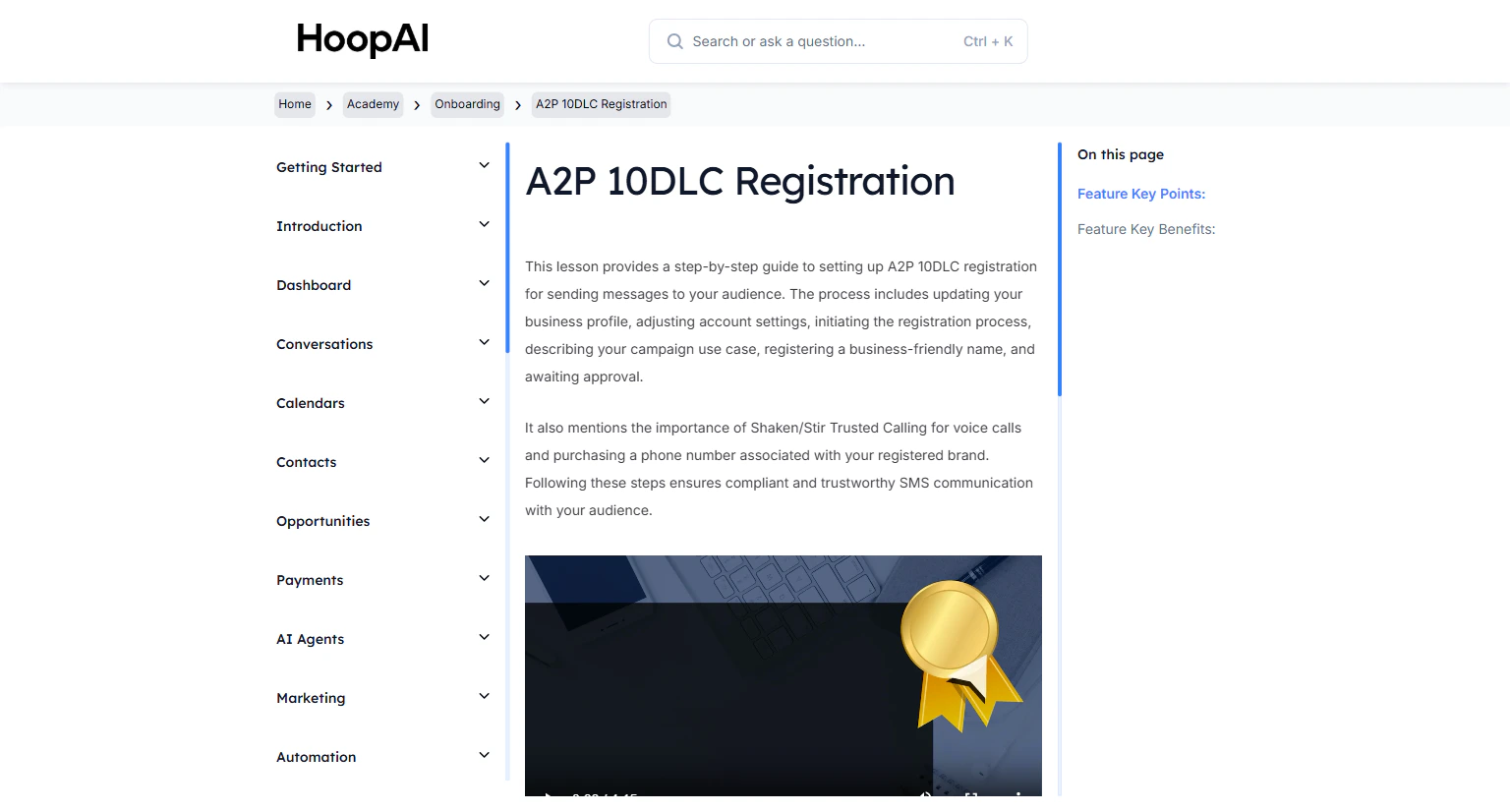
A2P (Application-to-Person) 10DLC registration is required for businesses that send text messages to contacts in the United States. Without registration, your SMS messages may be blocked or filtered as spam by carriers.

<Frame caption="The A2P 10DLC Registration lesson in the HoopAI Academy">
  <img src="https://mintcdn.com/hoopai-84ec0cdc/gyU98wGhFXcTdqFf/images/academy-onboarding-a2p-10dlc.png?fit=max&auto=format&n=gyU98wGhFXcTdqFf&q=85&s=e9d800110fd3b96107b165c4468d9298" alt="A2P 10DLC registration article" width="1536" height="826" data-path="images/academy-onboarding-a2p-10dlc.png" />
</Frame>

## Why this matters

US carriers require businesses to register their brand and campaign before sending SMS at scale. Registration improves deliverability, prevents your messages from being filtered as spam, and establishes a compliant communication channel with your audience.

<Warning>
  All contacts must have opted in to receive texts or calls from your business before you send messages to them. This is a legal requirement for A2P messaging compliance and cannot be skipped.
</Warning>

***

## Prerequisites

<Note>
  Before starting, make sure your Business Profile is fully complete — especially your legal business name, EIN (Employer Identification Number), business address, and authorized representative details.
</Note>

***

## How to complete A2P 10DLC registration

<Steps>
  <Step title="Verify your business profile">
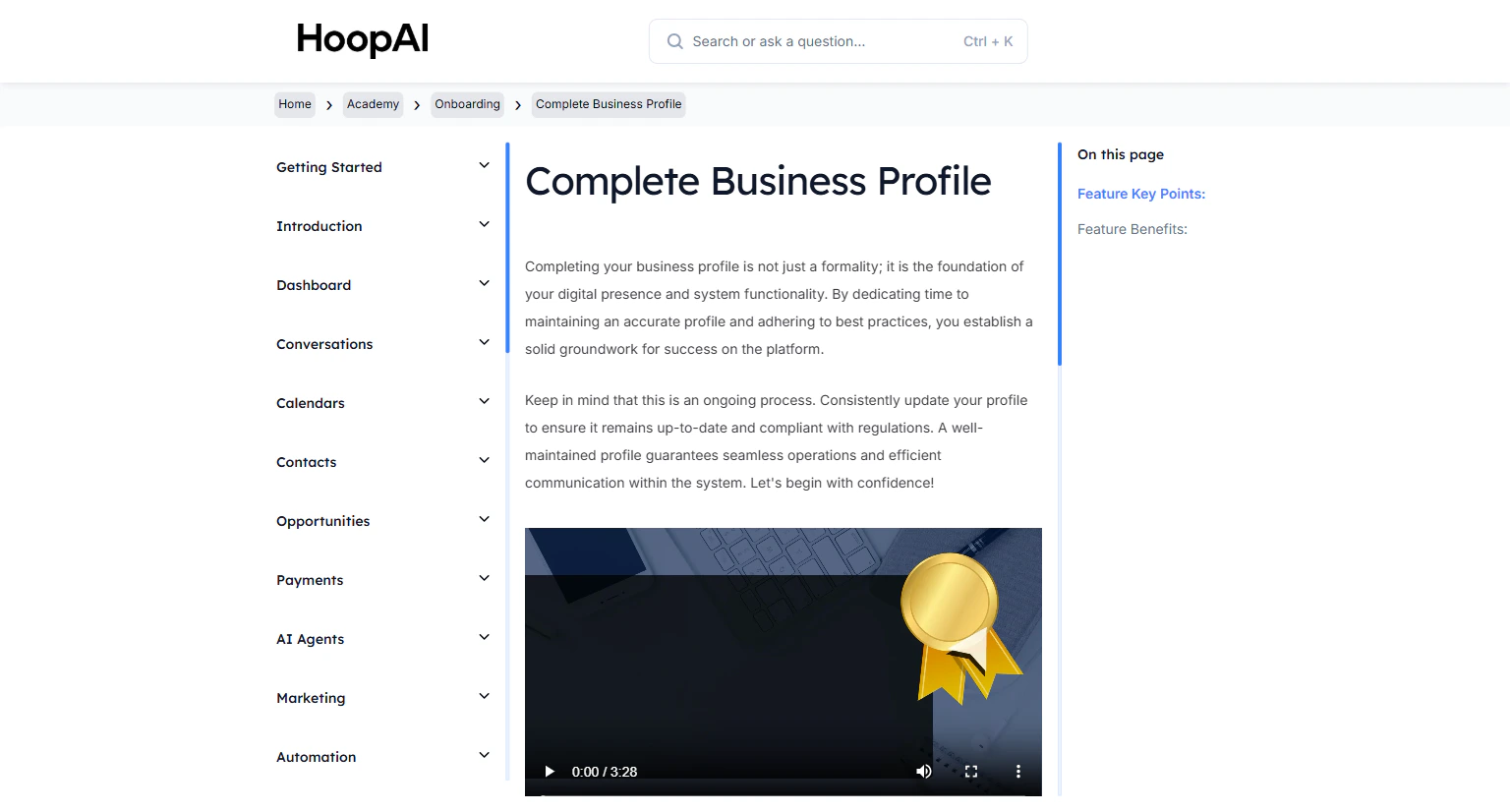
    Go to **Settings** > **Business Profile** and confirm your legal business name, EIN, business type, address, and authorized representative are all filled in accurately.

    <Frame caption="Your Business Profile must be complete before starting A2P registration">
      <img src="https://mintcdn.com/hoopai-84ec0cdc/gyU98wGhFXcTdqFf/images/academy-onboarding-business-profile.png?fit=max&auto=format&n=gyU98wGhFXcTdqFf&q=85&s=16ee3d4747e0c5b5fdffec7483279cae" alt="Business profile for A2P" width="1536" height="826" data-path="images/academy-onboarding-business-profile.png" />
    </Frame>
  </Step>

  <Step title="Navigate to the Trust Center">
    In the left sidebar, go to **Settings** > **Phone Numbers** > **Trust Center** (sometimes located under **Compliance**).

    <Frame caption="The Trust Center is where A2P 10DLC registration is managed">
      <img src="https://mintcdn.com/hoopai-84ec0cdc/gyU98wGhFXcTdqFf/images/academy-onboarding-a2p-10dlc.png?fit=max&auto=format&n=gyU98wGhFXcTdqFf&q=85&s=e9d800110fd3b96107b165c4468d9298" alt="Trust Center navigation" width="1536" height="826" data-path="images/academy-onboarding-a2p-10dlc.png" />
    </Frame>
  </Step>

  <Step title="Register your brand">
    Click **Register Brand**. Enter your business information:

    * Legal business name
    * Business EIN or tax ID
    * Business type and industry
    * Website URL
    * Business address

    Submit the brand registration. Brand approval typically takes a few minutes to a few hours.
  </Step>

  <Step title="Create a campaign use case">
    Once your brand is approved, click **Add Campaign**. Describe how you will use SMS:

    * Select the appropriate use case (Marketing, Customer Care, Mixed, etc.)
    * Write a clear, detailed description of the messages you send
    * Add at least 2 sample messages that represent typical outgoing SMS content

    <Tip>
      Be specific and accurate in your description. Vague campaign descriptions are the most common cause of registration delays or rejections.
    </Tip>
  </Step>

  <Step title="Wait for campaign approval">
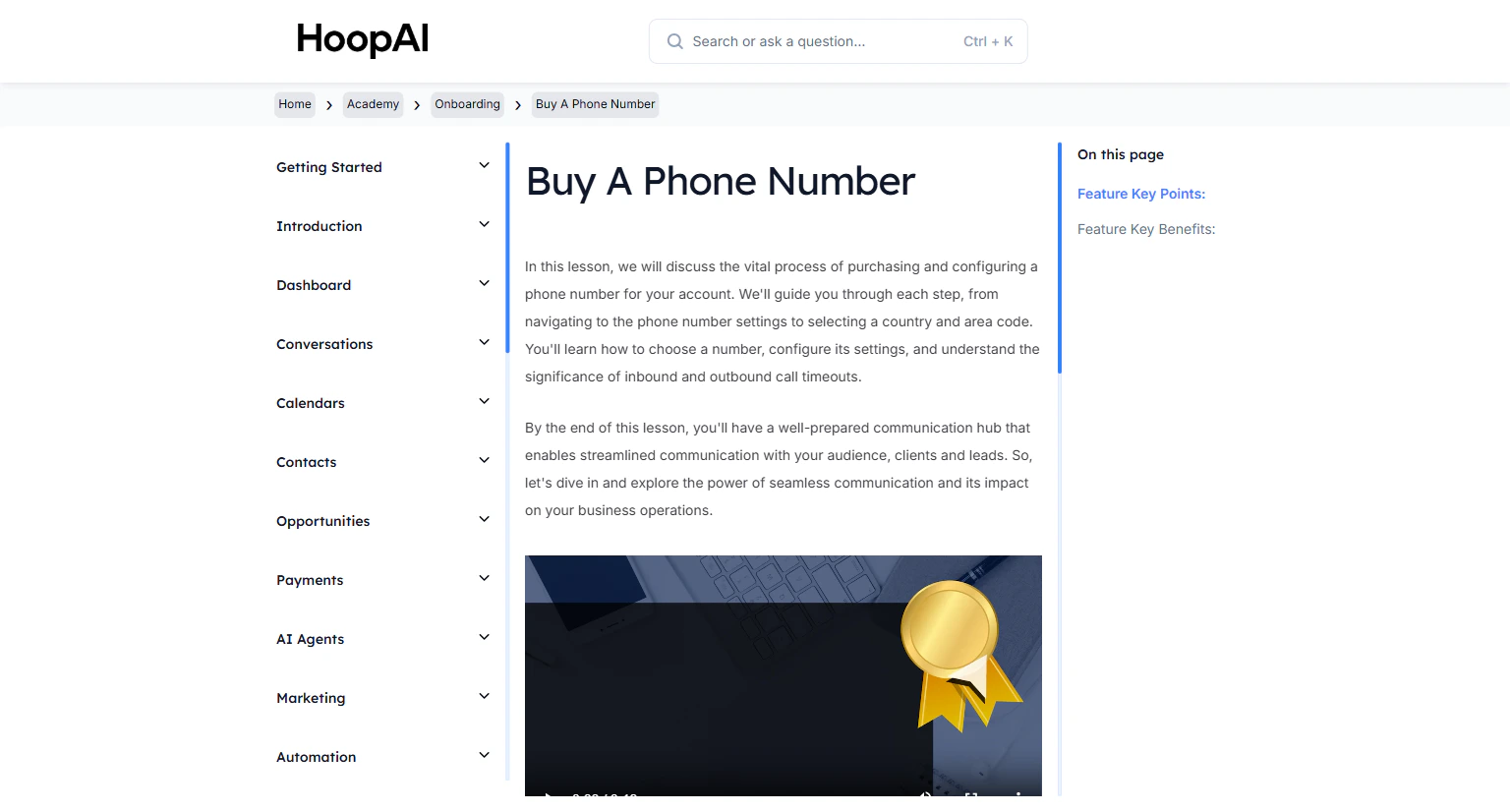
    Campaign approval takes anywhere from a few hours to several business days depending on the use case. You will be notified when the campaign is approved.

    <Frame caption="Completing the campaign details for A2P compliance">
      <img src="https://mintcdn.com/hoopai-84ec0cdc/gyU98wGhFXcTdqFf/images/academy-onboarding-buy-phone-number.png?fit=max&auto=format&n=gyU98wGhFXcTdqFf&q=85&s=ef2b18bc4019dd33e411f28c4cf5e1c5" alt="Campaign registration form" width="1536" height="826" data-path="images/academy-onboarding-buy-phone-number.png" />
    </Frame>
  </Step>

  <Step title="Link your phone number to your brand">
    After approval, ensure your purchased phone number is associated with your registered brand and campaign. This links your number to your approved registration for compliant sending.
  </Step>

  <Step title="Enable Shaken/STIR for voice calls (optional)">
    For voice calls, enable **Shaken/STIR Trusted Calling** to validate your caller ID and reduce the chance of calls being labeled as spam. This is configured in the phone number settings.
  </Step>
</Steps>

***

## Key points

<AccordionGroup>
  <Accordion title="What is A2P 10DLC?">
    A2P 10DLC (Application-to-Person 10-Digit Long Code) is a US carrier framework that requires businesses to register their brand and campaign before sending text messages. It improves deliverability and reduces filtering of legitimate business messages.
  </Accordion>

  <Accordion title="What information is needed for registration">
    You need your legal business name, EIN, business type (LLC, sole proprietor, etc.), website URL, authorized representative contact information, and sample SMS message content.
  </Accordion>

  <Accordion title="How long does approval take">
    Brand registration is typically approved within minutes to a few hours. Campaign approval takes longer — usually 1 to 5 business days. Complete this process before launching any SMS campaigns.
  </Accordion>

  <Accordion title="What happens without registration">
    Without A2P registration, SMS messages sent through 10-digit long codes may be filtered or blocked by carriers, resulting in failed deliveries and potential compliance violations.
  </Accordion>
</AccordionGroup>

***

## Key benefits

<AccordionGroup>
  <Accordion title="Improved delivery rates">
    Registered campaigns experience significantly fewer carrier filters and blocks.
  </Accordion>

  <Accordion title="Reliable communication">
    Establishes a legitimate, compliant communication channel with your contacts.
  </Accordion>

  <Accordion title="Regulatory compliance">
    Ensures your business meets all US requirements for A2P messaging.
  </Accordion>

  <Accordion title="Audience trust">
    Compliant, registered messages build credibility with your contacts.
  </Accordion>

  <Accordion title="Call protection">
    Shaken/STIR validation for voice calls prevents your number from appearing as spam to recipients.
  </Accordion>
</AccordionGroup>